Vertical image with red and black colour gradient
Horizontal image with red and black colour gradient
Banner with collage showing different styles of AI generated cartoon characters from 3D to illustrated

https://main--cc--adobecom.aem.page/cc-shared/assets/img/firefly.svg Adobe Firefly

Go from concept to comic with an AI cartoon generator.

Turn your ideas into vibrant illustrations and videos with Adobe Firefly.

con-block-row-supplemental (xxs-spacing)
#F8F8F8

Bring your concept to life with an AI cartoon generator.

Explore what’s possible with AI cartoon art. From bold cartoon characters and expressive styles to fully illustrated scenes, the examples below show how creators turn simple prompts and photos into cartoons.

Cartoon illustration of a person running outdoors, with a prompt label reading, “A cheerful cartoon of a man running outdoors.”
Nighttime cartoon scene of a stilt house over swamp water under a full moon, with a prompt label reading “Stilt house in a swamp with a boat at dusk.”
Bright chibi-style cartoon sea turtle at sunset, with a prompt label reading “An adorable sea turtle in chibi form.”

Create customised AI cartoons in just a few steps.

From anime-style artworks and bold comics to expressive 3D cartoon looks, it’s easy to use Firefly as an AI cartoon generator for free. All you need is a simple prompt or a reference photo to begin transforming ideas into eye-catching AI cartoons.

Cartoon robot standing indoors with flowers, with a Generate button and a prompt label reading “A cute female-like robot in fantasy style.”

Get to know the AI cartoon tools in Firefly.

There are many ways you can use Firefly to turn your ideas into cartoons. You can use Generate Image to describe and generate cartoon-style images and characters and you can use Generate Video to generate animated cartoons. You can also start with a preexisting image, which you can transform into either static artwork or video.

Describe your design.

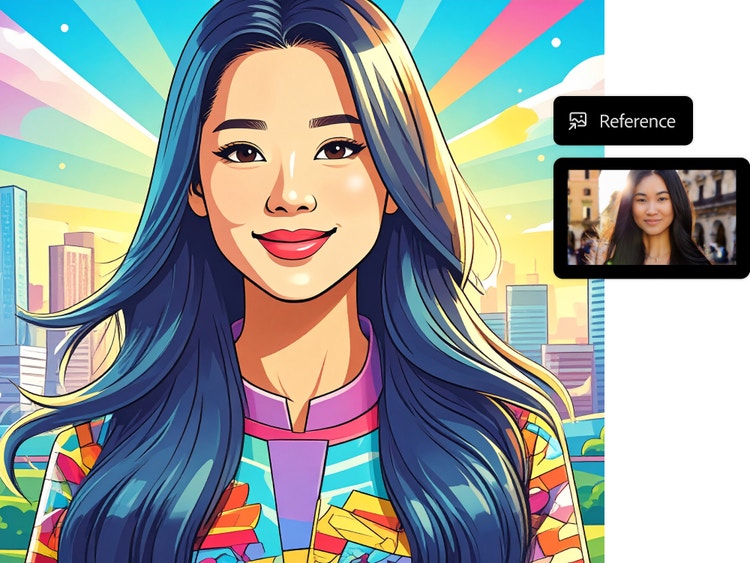
The first step in AI cartoon generation is writing a detailed prompt. Use adjectives, like “bright colours” or describe the cartoon style you’re going for, like “the style of a 1950s comic book.” You can also turn photos into cartoons by uploading a reference image, such as a photograph or a sketch. Try turning a selfie into a playful cartoon character.

Stlylised cartoon portrait of a woman with long hair against a cityscape background, shown with a reference image panel used to guide the illustration.
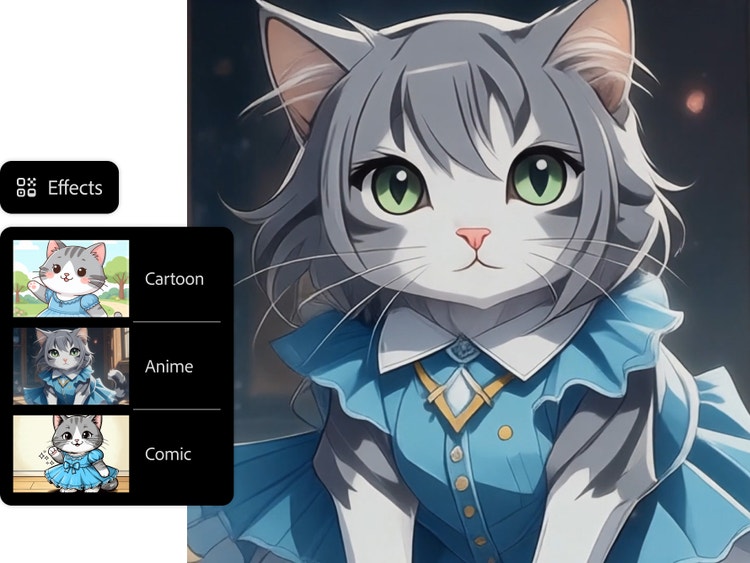
Cartoon fox with large eyes in a pastel outdoor scene, shown with an Effects panel with Cartoon, Anime and Comic style options.

Customise your AI cartoons.

Whether you’re envisioning a flat illustration or a more dimensional 3D cartoon, the advanced customisation options in the Firefly web app make it possible to get the exact look you want. Choose from Effects such as Cartoon, Anime and Comic and further customise the appearance by choosing options from the Colour and Tone, Lighting and Camera Angle menus.

Use your cartoons anywhere.

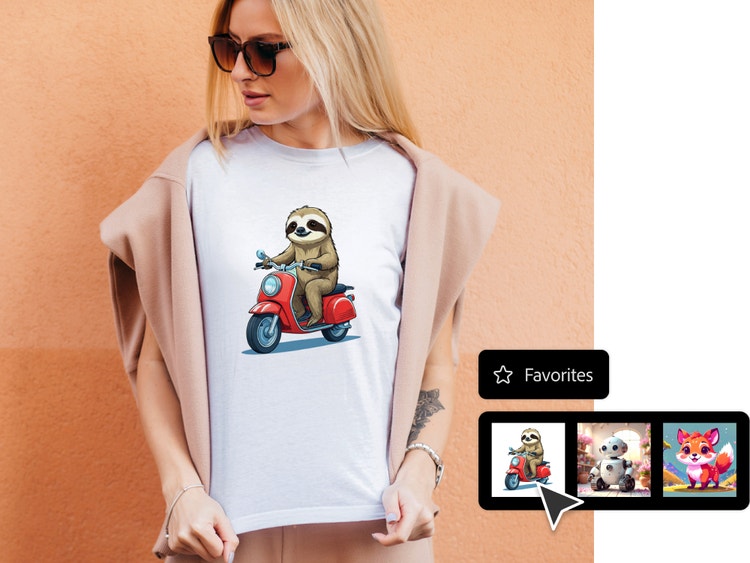
Your AI-generated cartoon artwork can have many applications. You could turn your cartoon images into social media avatars, branding assets or customised designs for print and digital.

Person wearing a T-shirt with a cartoon sloth riding a scooter, shown with a Favourites panel displaying saved generated images.
3D cartoon farmer standing in a field holding a pitchfork, shown with a model selection panel with toggles for Firefly Image 5, Gemini 2.5 and FLUX.1 Kontext.

Create cartoons with your favourite partner models.

Firefly makes it possible to create cartoon art using a range of leading image models — all in one place. Choose from partner models like Midjourney, FLUX, Gemini and more to experiment with different cartoon styles, levels of detail and creative approaches — from simple hand-drawn cartoon styles to complex 3D cartoon aesthetics.

How to generate cartoons with Adobe Firefly.

Learn how to create fun cartoon illustrations and videos in just a few steps using the Firefly web app as an AI cartoon generator.

  • Log in to Firefly.
    Go to the Image section of the web app and select Generate Image or Generate Video.
  • Write a detailed prompt.
    Craft a description of the image or video you want to generate. Include lots of details and adjectives to get the most specific results.
  • Adjust your settings.
    Choose an Effect or a combination of effects, upload a reference image to generate similar content and select options from the Colour and Tone, Lighting and Camera Angle menus to refine your results even more.
  • Download, share and keep editing your image.
    Click the downward arrow button to download your image or video, click the upward arrow to share your portrait to the Firefly gallery and click the pencil icon to continue editing your image with tools such as Generative Fill.

Why Firefly for cartoon generation?

  • Precise creative control: Firefly gives you full creative control over cartoon styles, poses, facial expressions and lighting.
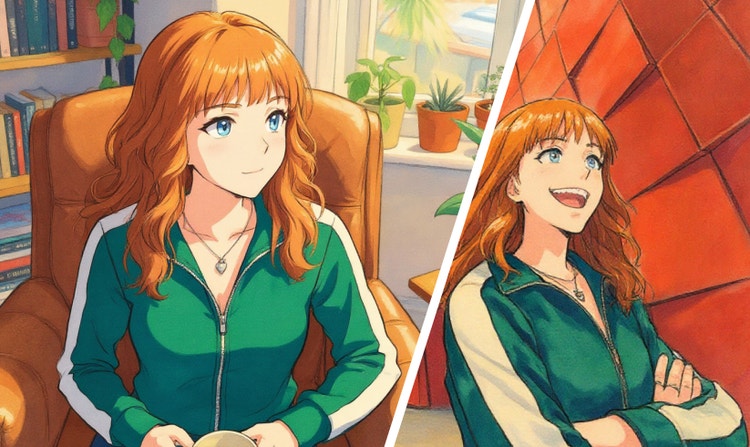
  • Consistent characters, project after project: Firefly keeps your characters recognisable across comics, animations and storyboards — even as your ideas grow and evolve.

The Firefly AI cartoon generator makes professional cartoon creation fast and accessible, all within a platform designed to work seamlessly with Adobe tools. Built on commercially safe, ethically sourced training data, the Firefly model is the best AI for creating cartoon characters, cartoon images, cartoon styles and even 3D cartoons.

Start generating cartoon art.

Create your own bold, fun artwork with an AI cartoon generator.

Try now

Remix content from the community.

Discover Firefly prompts to remix and submit your own images to the gallery.

Questions? We have answers.

How does the AI cartoon generator work?

The Firefly Generate Image and Generate Video features transform detailed text prompts into images or videos by interpreting the words and phrases included in a description such as, “a cartoon dog riding a skateboard.” It identifies the subject, action, style and object or setting within the phrase. Including descriptive words such as “cartoon” helps to inform the outcome, producing results such as exaggerated proportions and bold lines. Additional inputs, such as adjusting the settings or uploading a reference image, further inform the generated artwork.

What types of images can I turn into cartoons?

While Firefly does not transform pre-existing images into cartoons like a filter, you can use a reference image to guide the outcome of your generated image, creating cartoon versions of selfies and other photos. You can use a prompt to create cartoon images of scenes and environments, characters, objects and more.

Can I create a cartoon using text only?

Yes, you can create a cartoon from text only using the Generate Image or Generate Video feature. These features allow you to generate cartoon-style images or videos entirely from written descriptions; you do not need to upload an image. Simply write a description of the image you want to create and the Firefly web app will generate cartoon-style images based on that prompt.

Can I use the cartoons I generate for commercial purposes?

Yes, you can use the Generate Image and Generate Video features to create cartoons for commercial use, provided you adhere to Adobe guidelines and the content is produced using the commercially released version of Firefly. All Firefly tools are designed to be safe for commercial use, as they are trained on Adobe Stock, licensed content and public domain materials. Check out Adobe AI ethics principles to learn more.

What formats and resolutions are available for download?

Adobe Firefly currently supports downloading generated images in JPEG and PNG formats. These formats are available when using the Generate Image feature and the maximum resolution for downloaded images is 2000 x 2000 pixels. Currently, videos created by Generate Video are five seconds in duration at 1080 p resolution and can be downloaded as an mp4 file.

Is Adobe Firefly AI cartoon generator free to use?

Yes, Adobe Firefly includes a free tier that lets you generate cartoon-style art using core Generate Image and Generate Video features — all while staying compliant with Adobe usage policies. To learn more about available plans, credit usage and premium features, visit the pricing page.

What image models are integrated into Firefly?

Adobe Firefly includes several AI models to help you to create clean, expressive cartoon characters and scenes. Models like Gemini 2.5 Flash, Gemini 3, GPT Image, FLUX, Ideogram and Imagen support text-to-image and vector work, giving you strong control over shapes, outlines and overall cartoon style. For simple animated previews, models like Veo, Ray3, Sora 2, Runway and Pika can generate short motion clips from text or image prompts. All of these models sit inside Firefly, so you can choose the one that matches the cartoon look you want.

How to enhance prompts for AI cartoon generation?

You can improve prompts by adding clear style cues, colours, mood and character details. Including animation-style terms or artistic references helps Firefly understand your intent and generate more polished cartoon visuals.

When using Firefly Image 4 or Firefly Image 4 Ultra to generate images, you can turn on the Enhance Prompt feature to improve your prompts automatically. This feature refines your prompt in the background by making it more detailed and descriptive, which contributes to generating richer and more diverse images.

Are there any limitations when generating images?

Yes, there are a few practical constraints to keep in mind:

  • Image resolution: You can download generated images at up to 2000×2000 pixels, as noted in Firefly technical requirements.
  • Style options: Styles are controlled through built-in effects, reference images and adjustable sliders such as Visual Intensity and Strength. However, the final look will vary depending on the model you choose and how you structure your prompt.
  • Processing time: Generation speed can also vary based on the complexity of your prompt and the model you select. For example, Fast Mode versus higher-detail models.

How can I use the AI cartoon generator for creative projects?

Firefly gives you unlimited creative power to turn ideas into stlylised cartoon visuals for a wide range of projects. Designers can quickly explore character concepts, storyboards and brand-mascot ideas. Marketers can produce eye-catching campaign assets, social content and customised characters for brand storytelling. Educators and students can create classroom visuals, presentation graphics and engaging 3D cartoons for lessons or assignments.

What is the best AI cartoon generator?

The best AI cartoon generator provides high-level customisation and strong character consistency for complex projects. Adobe Firefly provides these professional benefits on a fast, secure and commercially safe platform that integrates seamlessly with Adobe tools.
#F8F8F8

Learn more about generative AI.

What is AI art and how is it made?

Generative AI is quickly becoming a vital tool for artists. Read on to learn about what generative AI art is, how to create it and how you can use it in your practice.


Learn more | Learn more - What is AI art and how is it made

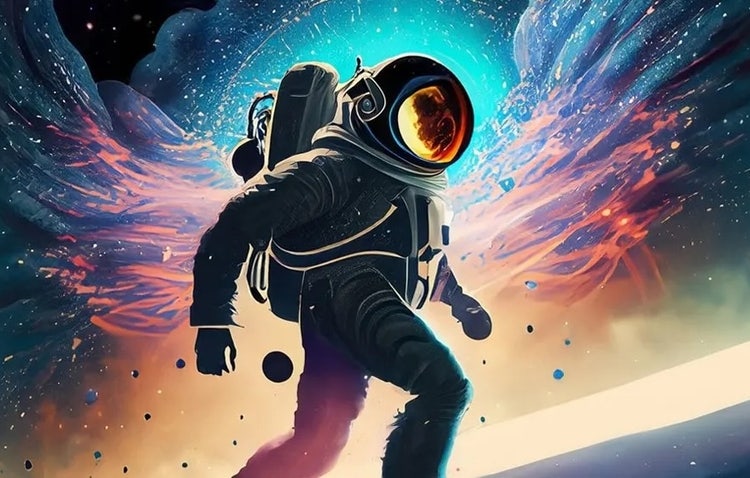
Firefly generated astronaut with multicolored space background as example of AI changing creative work for artists

How AI Changes Creative Work

Generative AI can mimic — but not replace — human intelligence. Learn how it can help you to take your creativity to new places.


Learn how | Learn how - Generative AI is changing creative work

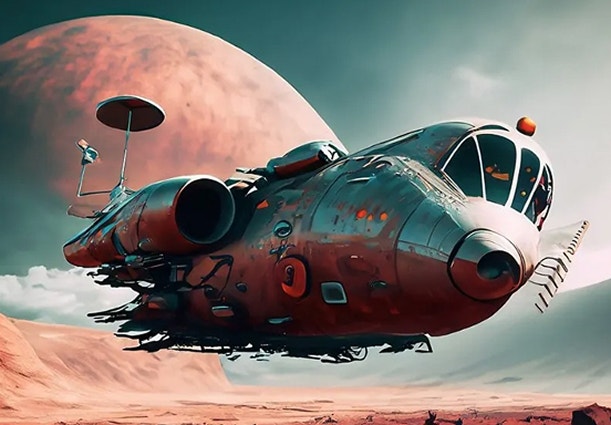
Image generated from AI prompt showing retro-futuristic airship hovering over red desert landscape beneath large pink moon

How to write AI art prompts that get results.

The best prompts for AI aren't always obvious. These tips get you to your destination in record time.


Learn more | Learn more - How to write AI art prompts that get results.

AI for graphic designers.

Learn about the AI tools available to graphic designers and how they can help you be more productive and take your work in surprising directions.


Learn more | Learn more - AI for graphic designers