Create TikTok Ads with Adobe Express.
Adobe Express gives you everything you need to produce high-performing TikTok video ads in minutes. Turn static product images into scroll-stopping TikTok-first video clips, access over one million pre-cleared tracks from TikTok's Commercial Music Library via the TikTok Symphony Assistant , and use ready-to-use video ad templates paired with TikTok Symphony Assistant to tap into fresh campaign ideas. Launch faster, stay relevant, and drive results—all without leaving Adobe Express.
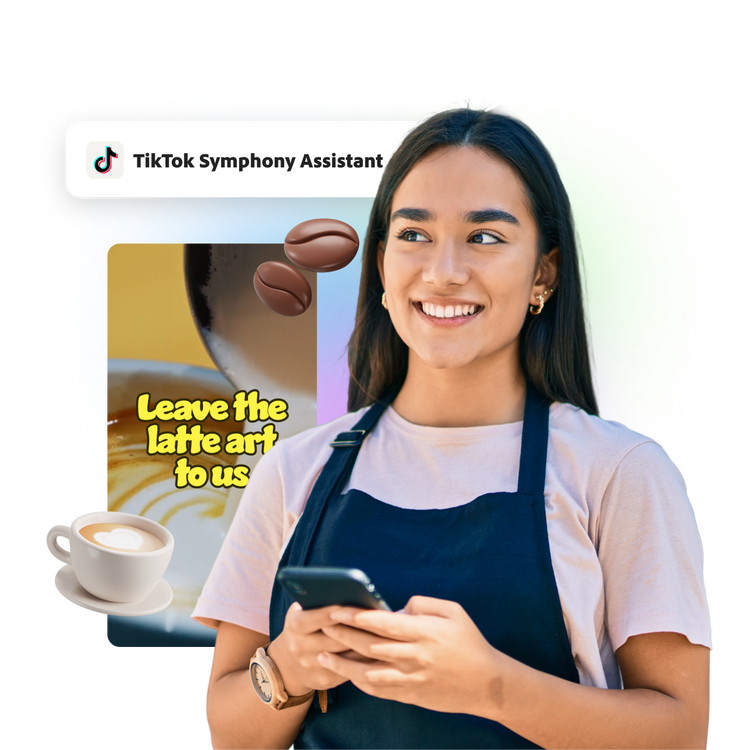
How to create TikTok Ads.
1. Choose your template.
Select from professionally designed templates optimized for TikTok video ad campaigns and objectives.
2. Add the TikTok Symphony Assistant Add-On.
Use the TikTok Symphony Assistant add-on in Adobe Express to spot the latest trends, pick licensed music, and turn your static images into dynamic videos with a simple prompt . Design new, compelling creative assets with easy-to-use design tools in Adobe Express.
3. Create and export directly to TikTok Ads Manager.
Finally, export directly to your TikTok Ads Manager when you’re done.
TikTok Symphony Assistant gets creative juices flowing.
Analyze top-performing TikTok ads, get inspired with content ideas based on your audience, and even generate an entire video script with the TikTok Symphony Assistant. This powerful AI assistant tool helps guide your design, remix templates with your own photos and videos, and create stunning videos to grab your audience’s attention.
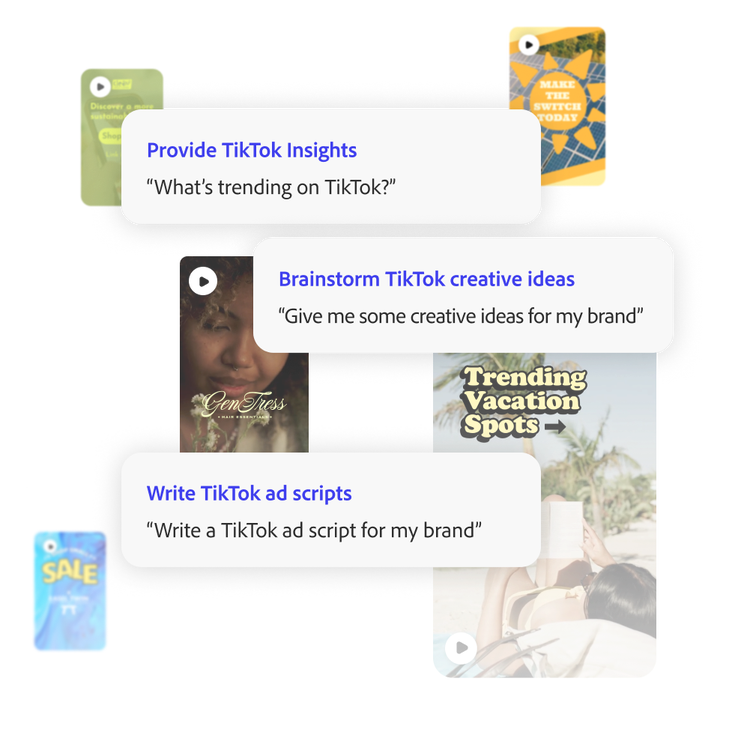
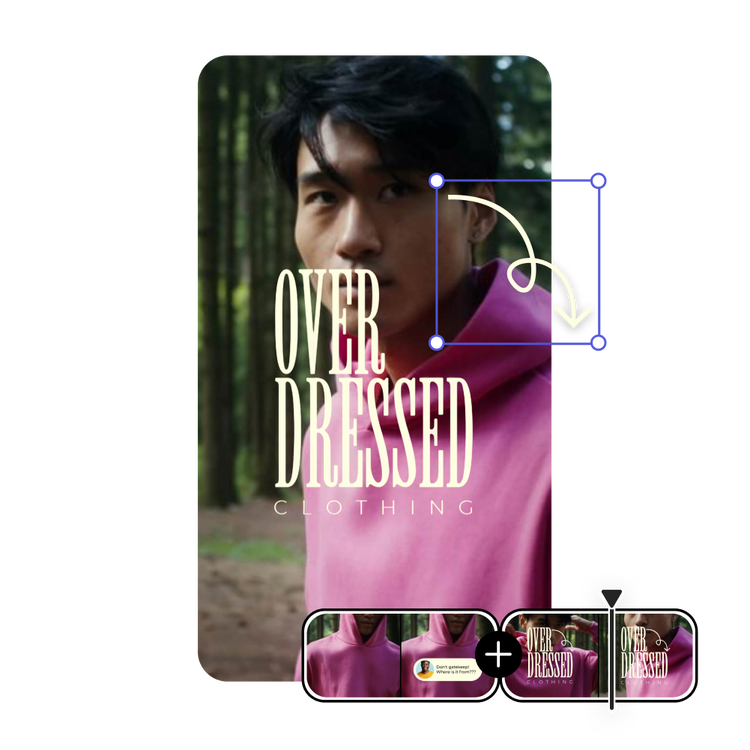
Make TikTok -first ads in the Adobe Express editor.
Choose from eye-catching TikTok templates designed to match trending styles and formats. With drag-and-drop editing in Adobe Express, you can easily customize your video layout, swap images, or adjust text in seconds. The TikTok Symphony Assistant add-on in Adobe Express makes it simple to design, edit, and post videos that stand out on your feed.
Do you have images but need video? Try Symphony Image to Video.
Now, still images can move using the Symphony Image to Video generative AI tool. Enter your static photo, write up a short prompt about what you want your video to look like, and let the Image to Video tool create five second clips that can be stitched together to build the perfect, motion-packed TikTok ad.
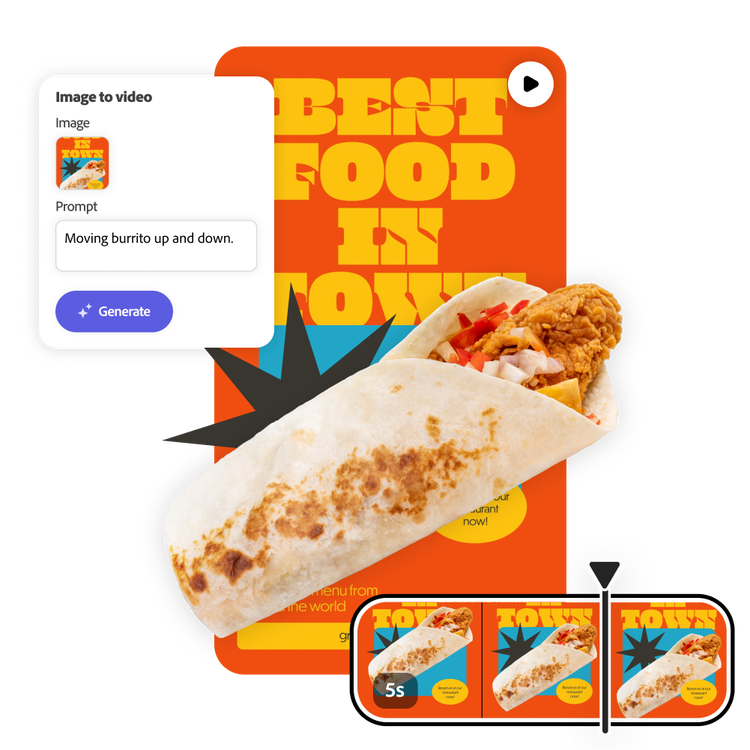
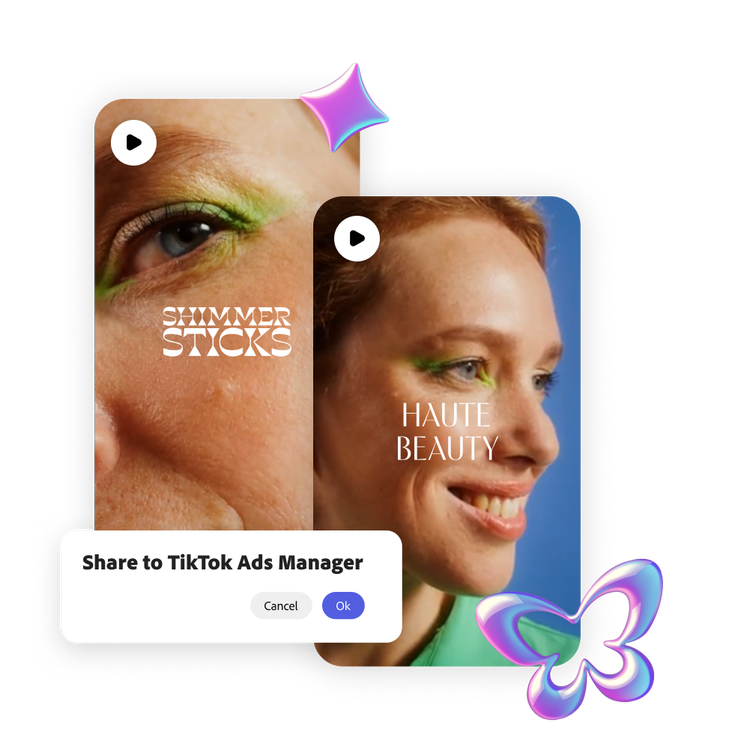
Direct connection to your designs.
When you’re done creating your TikTok videos in Adobe Express, you can export as a shareable link and use the link to sync your videos to TikTok’s Ads Manager.
Browse advertisement templates for any platform with Adobe Express.
Unique and creative advertisements help promote your business, keep customers engaged, and grow your brand. With Adobe Express templates, you can create attention-grabbing ads that help you get noticed across TikTok. Resize your ad to use it across all your channels, including Instagram, Facebook, X, YouTube, your website, and any printed materials.

Collection ID
(To pull in manually curated templates if needed)
Orientation
(Horizontal/Vertical)
Width
(Full, Std, sixcols)
Limit
(number of templates to load each pagination. Min. 5)
Behaviors
(still/multiple-pages/video/animated)
Sort
Most Viewed
Rare & Original
Newest to Oldest
Oldest to Newest
Premium
(true, false, all) true or false will limit to premium only or free only.
Creating TikTok Ads in Adobe Express.
Adobe Express is the quick and easy create-anything app, enabling anyone to create standout content.
Our professionally designed templates (video and more) help you create stunning, on-brand creative for your TikTok ad campaigns.
Creating multiple versions of your design helps you capture attention across the TikTok platform with visually striking and responsive ads that adapt to available ad spaces and drive engagement.