



Free online cover maker.
Create your very own book cover with professionally designed cover templates on your side. No experience required.




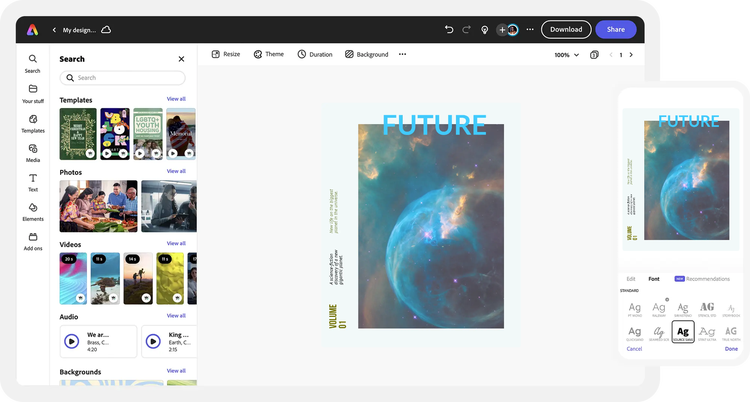
Easy all-in-one editor

One-click edits from any device

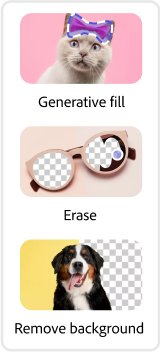
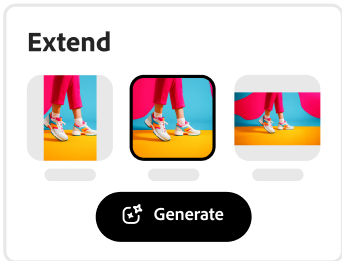
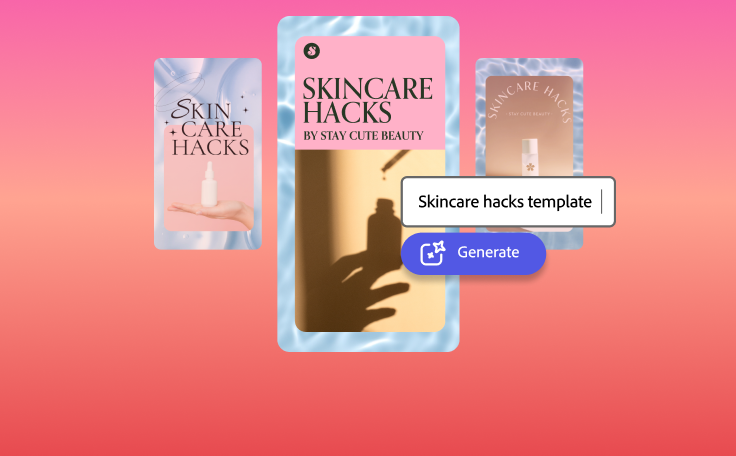
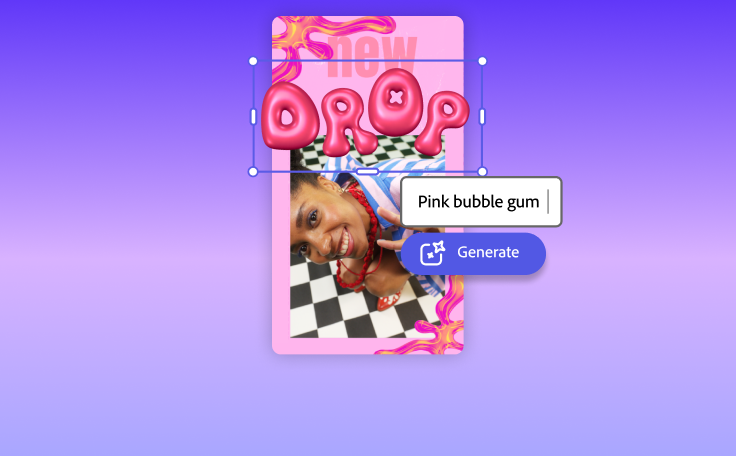
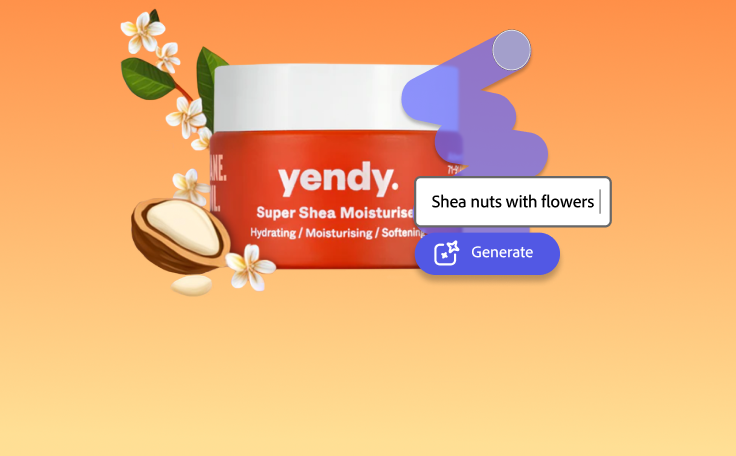
Fast creation with generative AI

Thousands of professionally-designed templates
Easily get started in Adobe Express.
Make professional covers for any medium in Adobe Express.
A well-designed cover can help put the spotlight on your e-book, magazine, or portfolio. Pique your audience’s interest with a visually enticing cover made using professionally designed free cover templates fit for any genre or niche in Adobe Express. No need to be tech-savvy to make one-of-a-kind covers. Upload your media, drag and drop thousands of free Adobe Stock icons, images, fonts, and so much more to make something that’s as unique as your book in minutes. Then, promote it to the world in print or digital formats. No design know-how needed.
 New templates
- Popular
- New templates





Open Adobe Express.
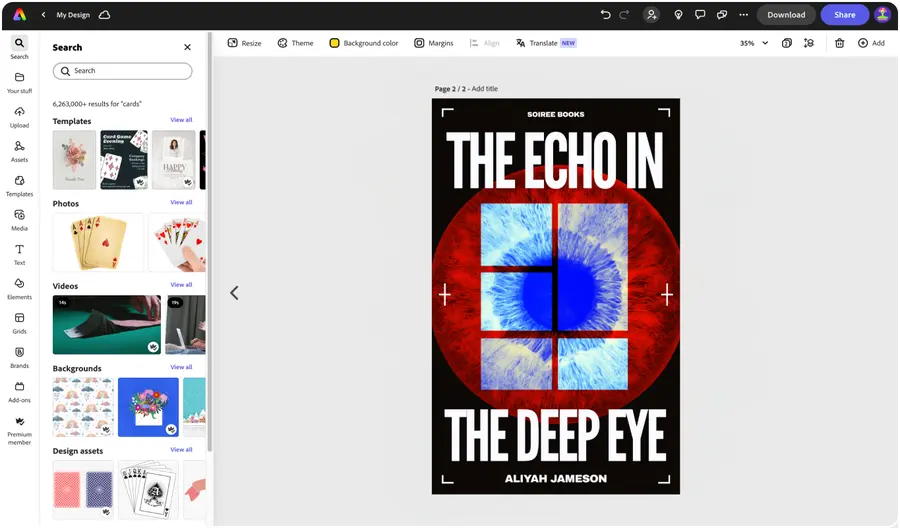
Launch Adobe Express in your browser and search “book cover” to get started.Pick a free cover template.
Browse our wide collection of book cover designs and find one that best fits your self-publishing needs. You can also search “magazine,” or “e-book” to narrow down your choices by niche, theme, or hobby.Customize your cover.
Add your own personal flair to your cover design using our simple drag-and-drop style editor. Sub out text, fonts, and color schemes in just a few taps. You can even apply your own branded assets such as your logo and brand colors with the Brand Kit.Explore new features.
Play around with Adobe Express tools and features, including endless font and color scheme recommendations. You’ll also have access to thousands of free Adobe Stock images and graphics to add to your book cover design.Publish and share.
Once you’re happy with your cover design, download and save it as a JPG, PNG, or PDF file. Print it out on high-quality paper for a professional look and feel or resize and share online to generate buzz on socials for your new cookbook, magazine, or e-book.
See what people are saying about Adobe Express.

Abs Ahlijah
Marketing & Content Coordinator @ Soul Session
"As a marketer who is always on the move. Adobe Express helps me to create fast, high quality content. Absolute endless features to enhance my creativity!"

Liz Mosley
Owner, Liz Mosley Design
"I use Adobe Express to create and schedule a lot of my own content, and by creating templates for my own brand I have saved my self hours marketing my business!”

Penuel Stanley-Zebulon
Student @ Pennsylvania State University
"The remove background image tool in Adobe Express saved me hours of tedious editing, effortlessly removing backgrounds and refining my images with just a few clicks."

Attabeira German de Turowski
Owner, Attabeira Oneline
"I use Express Premium for my social media efforts and Content Scheduler has helped me grow my following through consistent posting."

Mike Nappi
Owner, NappiMusic
"I'm all in on Adobe Express. Premium makes it easy for me to maintain a cohesive look and feel for my brand."
Discover even more features for easy content creation.
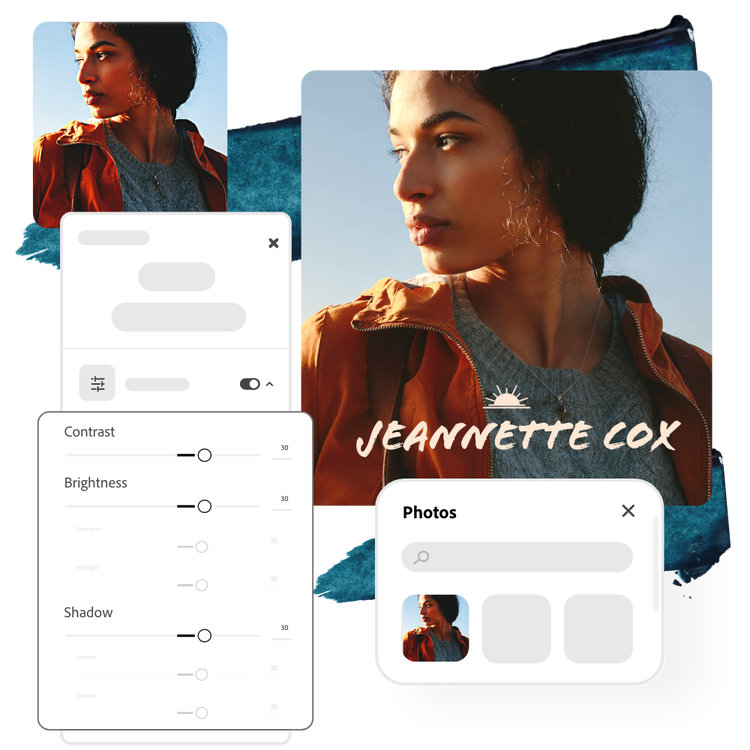
Edit cover images with ease.

Using a professional headshot for your cover page? Get full control over the look and feel of your cover images with powerful Adobe Express photo editing tools on your side. Use the Adjustments menu to lighten dark photos by using brightness and shadow sliders. Increase contrast to make colors pop. Include your title and author details with over 18,000 gorgeous Adobe Fonts to choose from.

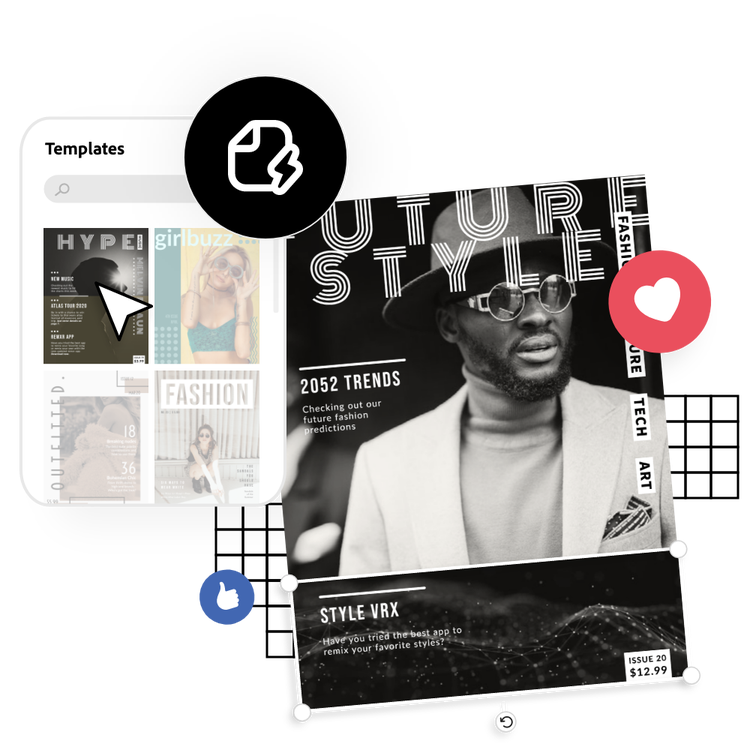
Promote your work digitally and in print.
Use the Resize tool to turn your cover design into a social media ad, post, flyer, or poster in just a few taps. Turn your cover design into a trendy ad when you apply animated effects to any element in your cover to liven up visuals and capture your online audience’s attention.
The world's leading businesses use Adobe Express.





Discover even more.

More reasons why Adobe Express is the right tool for your next project.
Self-publishing made easy.

A captivating cover allows helps you grab the attention of online customers or pique the interest of browsing passerby in a bookstore. From magazines and books to notebooks and portfolios, the Adobe Express cover maker lets you make stunning covers your way. Use our free cover maker to create a cover design for any genre of literature you write and give your audience a sneak peak of what to expect in your story’s plot. Or, design a notebook cover that best matches your aesthetic in minutes.
Make captivating cover designs with ease.

Create easier with the Adobe Express cover maker.
Self-publishing made easy. opened

Frequently asked questions.
Is it free to use the cover maker in Adobe Express?
Yes, Adobe Express is free for everyone. Launch the online editor in your browser to get started on creating your very own cover for any book, magazine, and so much more with tons of free templates on your side.
Can I add my brand to my cover design?
How do I make an e-book cover for free?
How do I choose the best font for my cover?
Do I need design experience to use Adobe Express?
Is it free to use the cover maker in Adobe Express? opened
illustrator



