Free email signature generator.
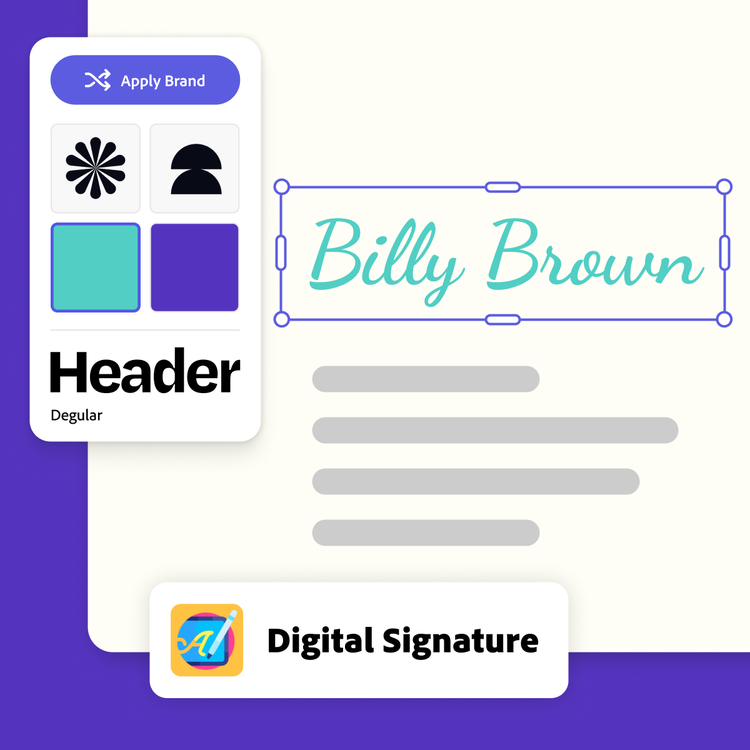
Create a professional email signature with ease using the HARMAN Digital Signature add-on in Adobe Express. Keep it consistent with your branding thanks to this simple tool.
*Note: this is not a generative AI feature.
How to generate an email signature.
1. Launch Adobe Express.
Open Adobe Express for free on your desktop. Select the add-ons panel in the left menu and install the Signature Generator add-on.
2. Generate your email signature.
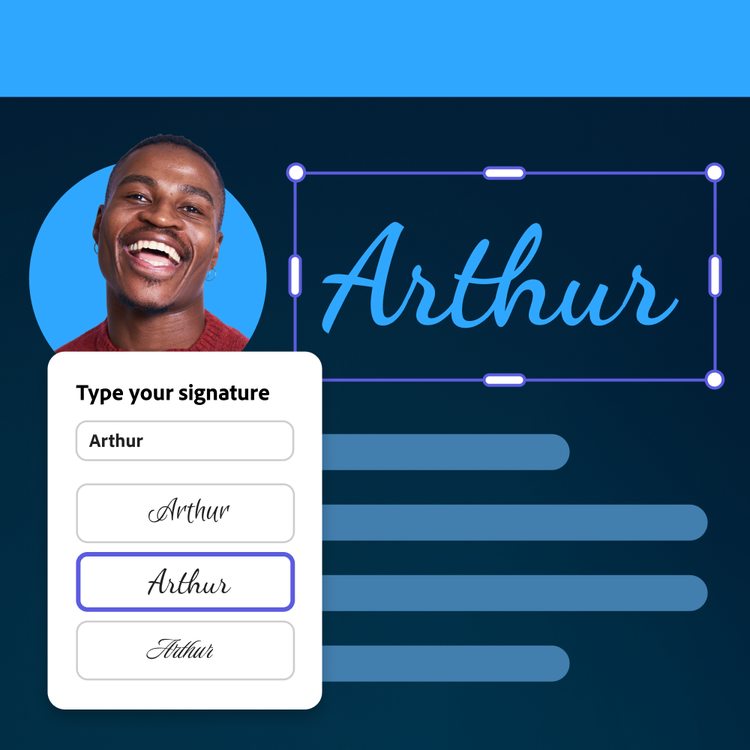
Select your preferred signature style (freehand drawn or typed) and the font color. Draw your signature using your cursor or type it in the text box. If you’ve typed your signature, click through font options until you’ve found the best one.
3. Edit and share.
Add your signature to the page to build your ideal email signature in Adobe Express. Upload your logo and add any pertinent contact info. Then download your signature to add to the email platform of your choice.
Sign off with a professional touch.
When your main mode of communication is digital, it’s important to have an email signature that represents you best. With the email signature add-on in Adobe Express, you can use your cursor to draw a signature that is all your own and easy to use for all your correspondence. Or use the add-on to find a typed font that looks like your best cursive.
Create a branded email signature.
Use Adobe Express to make an email signature featuring your hand-drawn script. Add your company logo, social media handles, website, and other important contact info to complete it. With an Adobe Express paid plan, you can add your branding in one click.

Update your email signature anywhere.
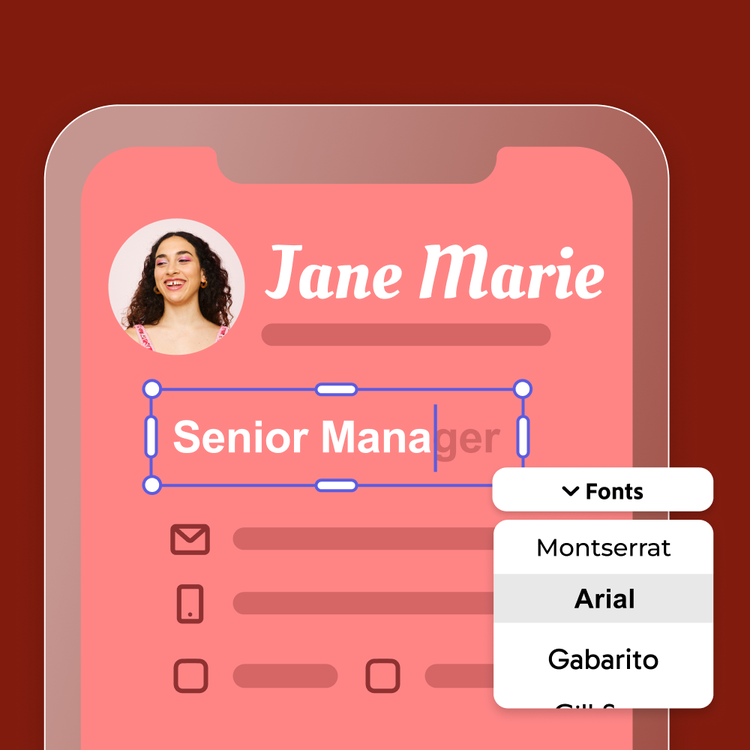
If you work in a fast-paced industry, it’s important to be able to make updates wherever you are. Access your email signature design via the Adobe Express mobile or web app anytime you need to update pertinent details like your title, working hours, or portfolio links. (Note: the signature itself must be generated from the desktop app, initially.)