



Create free animated images in minutes.
Transform your favorite photos into animated images quickly using the free Adobe Express app. Just choose a photo, upload it to the animated image maker, and start customizing with your own colors and personality.
1. Select image.
Upload images from your device or browse thousands of free Adobe Stock images to find the perfect photo for your project.

2. Animate.
Select your photo, add icons, text, and graphics, then play around with Animation options to add movement to your design.

3. Continue editing.
Keep editing or instantly download your newly animated images to share online across your digital channels and social platforms.
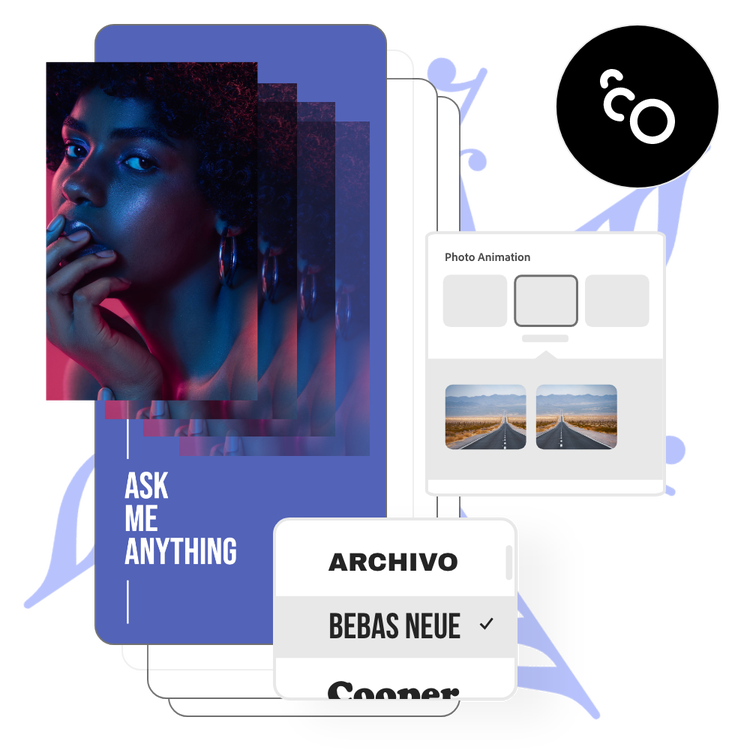
Add style instantly to your animated images.
Make your animated images Spin, Pop, Jitter, or Slide. Experiment with our variety of image animation effects to bring your creative vision to life. Choose Zoom or Pan to give your animated images movement, then customize the direction of the animation. Plus, add physics-based effects like Wobble and Wind to create realistic movement in your image.
Add impact with photo effects for your animated images.
Select Grey, Color, or Fade for a color-based animation that draws the eye and holds it. Focus in on your image using the Blur animation, and personalize with advanced settings like Duration and Intensity.
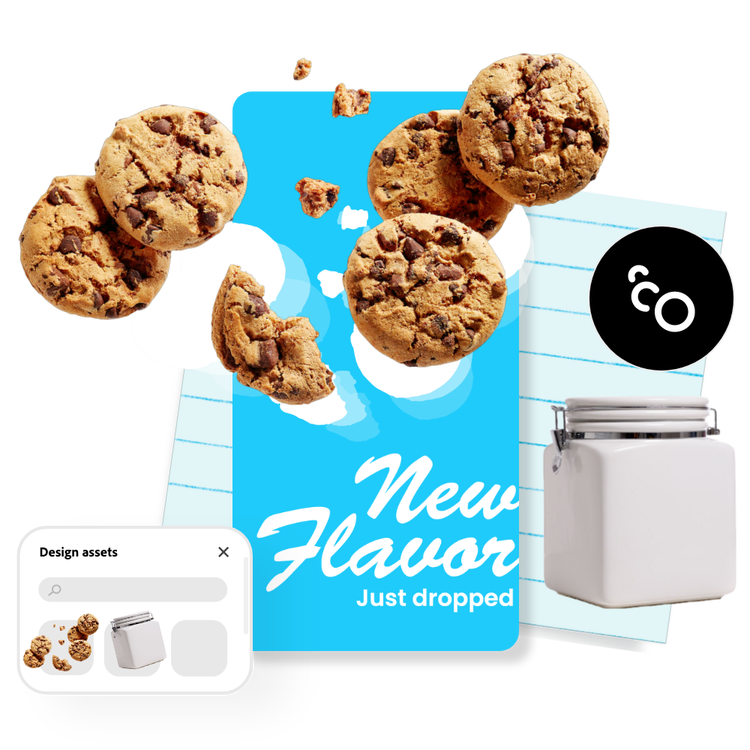
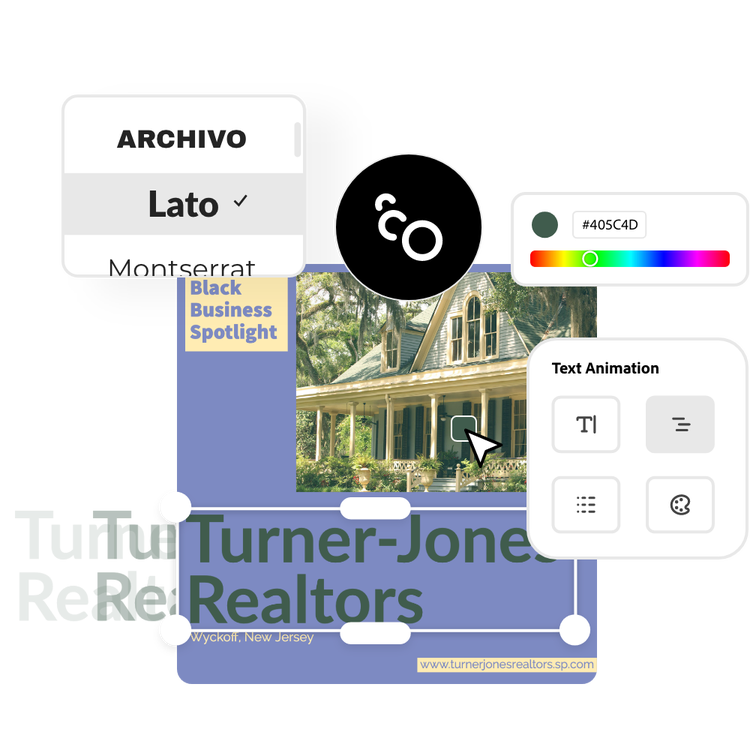
Add text to animated images for maximum messaging impact.
You can even animate your text to draw your viewer’s eye and ensure they absorb your message. You can drift, drop, or slide your text into your animation—and control exactly when it enters or exits the design. Or, select other elements in your project like shapes or icons to animate each one individually.
Tons of free templates, video, and audio assets to start from.
Get inspired and save time with expertly designed animated images templates to get you started. Adobe Express has an ever-growing collection of portrait, landscape, square, and vertical templates to create designs that stand out on any channel, any device.

Frequently asked questions.
Can I make image animations on my phone?
Absolutely. Download and launch the free Adobe Express app on your mobile device and instantly animate photos so you can make standout content wherever you go.
Does the size or quality change after making animated images?
The size or quality won’t change, but the type of file will. If you start with an image and add image animation to it, you will need to download your final design as an MP4 video file in order to preserve the animation. If you want to then share your animated images as a GIF, you can use our free MP4 to GIF converter to switch file types in seconds.
Can I create animated images for social media?
Easily animate photos to create content for all your social media channels, including Instagram, Twitter, TikTok, Pinterest, and more. Share your animated images across all your accounts by animating your original photo, duplicating it, and using the Resize feature to make your content into the optimized size for all your destinations.
Can I brighten a photo with Adobe Express?
Adobe Express offers many different types of image enhancements, including the brighten feature. Easily brighten up dark images in seconds.
Can I get Adobe Express for free? If so, what’s included?
Yes, Adobe Express has a free plan that includes core features like photo editing tools and effects and thousands of free templates. Learn more about our plans and pricing.

