



Free WebP to JPG converter.
Make your WebP file more versatile by changing it to a JPG. Adobe Express offers a free, fast, and easy-to-use converter to transform your image into high-quality JPGs, ready for sharing anywhere.
Drag and drop an image
or browse to upload.
File must be PNG or WebP and up to 40MB
 Free to useNo credit card required
By uploading your image or video, you agree to the Adobe Terms of Use and Privacy Policy
1. Select.
Choose a WebP image from your photo library no more than 40MB in size.
2. Convert.
Upload your image to automatically convert it to JPG (also written as JPEG) format in an instant.

3. Continue editing.
Your new image will download as a JPG file. Save it, share it, or keep editing it to make it your own.
Easily turn WebP to JPG, fast.
Though JPEG images are a larger file size than a WebP, they are immensely versatile. With a JPG, you can use your web file for social media, printed cards, digital flyers, and so much more. Easily convert your images from WebP to JPG to meet upload requirements for any destination with our converter tool. Save time formatting your photos and get them out into the world faster.
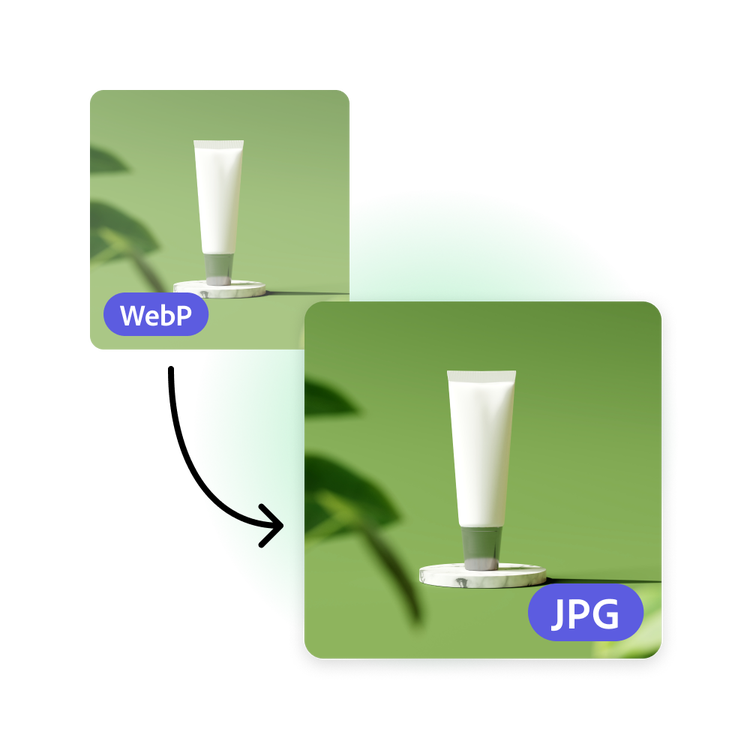

Share your WebP to JPEG images.
Instantly download your newly converted JPG image right to your device. Share it with your friends, family, and followers across all your digital and printed destinations.
Go further with your image.
Converting your image to use as part of another project? Unleash your creativity with photo editing capabilities and design tools from Adobe Express. Customize with fonts, add filter effects to photos, GIFs, and animation for a dynamic design.


Hundreds of thousands of templates and assets to start customizing today.
Turn your newly converted image into a stunning profile picture, social post, or flyer, among other designs. Explore our template library to get started. Then, add other pre-loaded design assets, fonts, icons, or GIFs to personalize your image. There are endless creative opportunities to elevate your designs.
Frequently asked questions.
What are JPG files?
JPG (also written as JPEG) files are raster images that are arguably the most universally recognized image format—compatible with just about any platform. JPGs can offer small file sizes that allow for quick transfer and fast access for viewing online.
How can I convert a WebP to a JPG file for free?
The Adobe Express WebP to JPG converter is fast, free, and easy to use. Simply launch the converter, upload your WebP file, and then instantly download your new JPG image.
What other file formats are supported for converting to JPG?
In Adobe Express you can convert PNG and WebP files to JPG instantly, depending on your project needs.
Can I convert JPG files on my phone?
Absolutely. This WebP to JPG converter works on Adobe Express web and mobile apps, so you can convert your images anytime, anywhere.
Can I use Adobe Express for free? If so, what’s included?
Yes, we have a free plan available for anyone. Enjoy everything you need to stand out, including dozens of quick action tools, thousands of templates, photo editing and effects, and much more. Explore our plans and pricing for details.

