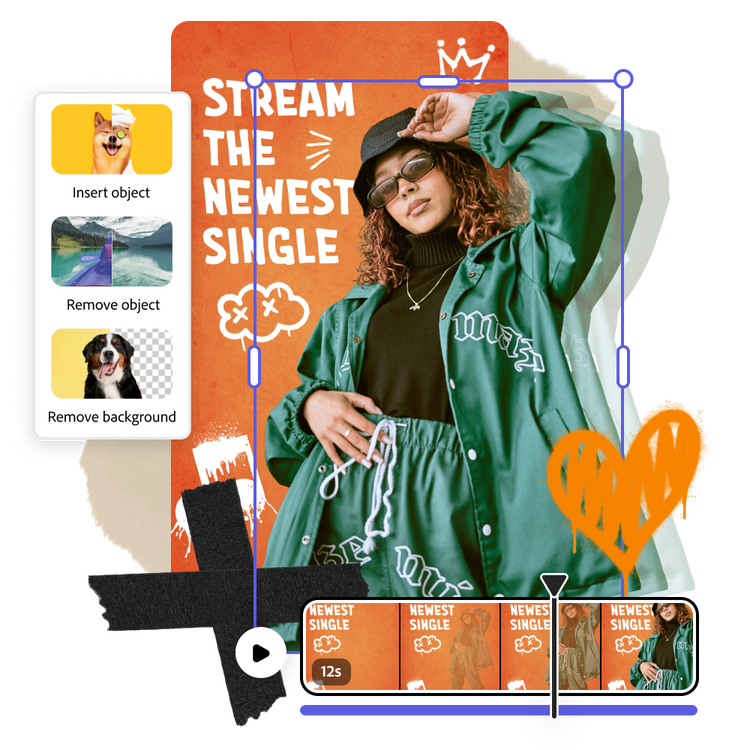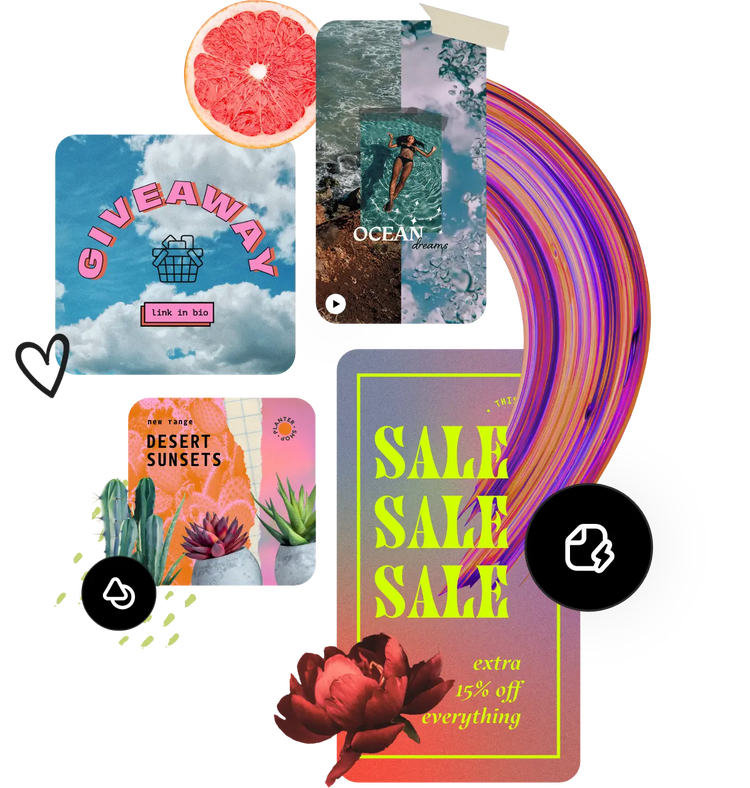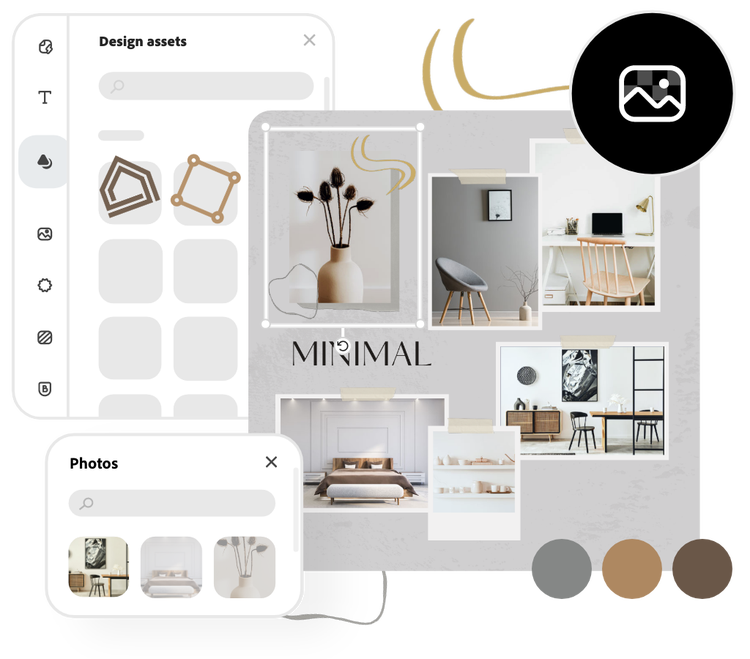
Can I use the photo editor to make content for social media?
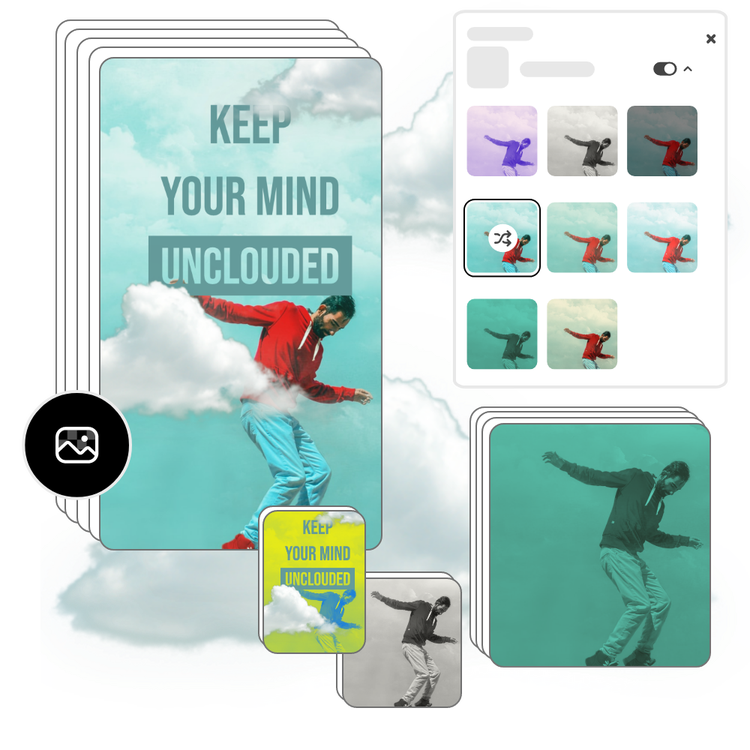
The free Adobe Express photo editor is the perfect tool to make standout social media content in minutes. Add filters, brighten and enhance your image, make a collage, and resize all your projects to be the perfect size for each of your social media channels.
Can I add frames or text to photos with Adobe Express?
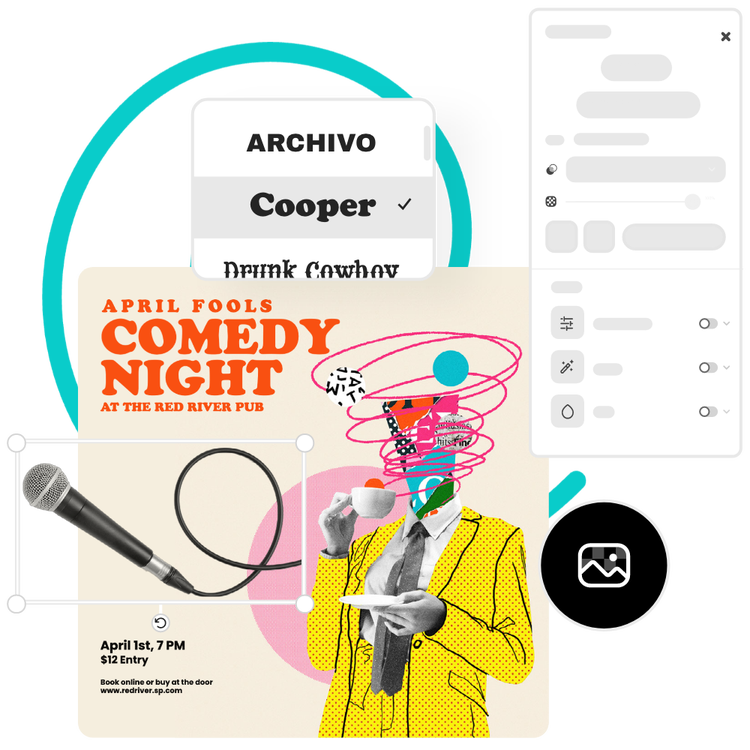
Easily add both frames and text to your photos using Adobe Express. Explore the many ways to add frames and customize text when making your next project. When you use the Adobe Express mobile app, you can apply edits, frames, and text to your videos as well.
Does the size or quality change after editing photos?
The size and quality should remain the same, unless you resize your image while editing it, or choose a canvas size that is larger or smaller than your original image. If you wish to maintain the same size of your image from the start, select the option to start from your photo.
Is there any limitation on the number of photos I can upload?
For now, you can add up to 32 images to any one project in Adobe Express. Use the Libraries feature to upload even more images that you can easily access when working on your next project.
Can I get Adobe Express for free? If so, what’s included?
Yes, Adobe Express has a free plan that includes core features like photo editing tools and effects and thousands of free templates. Learn more about our
plans and pricing.
Does Adobe Express photo editor allow me to change photo size?
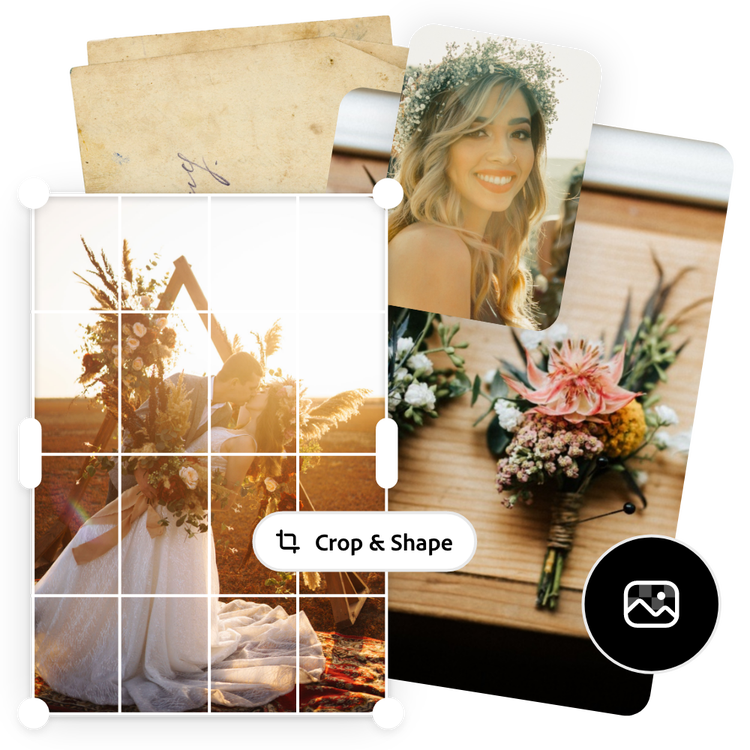
Yes. Adobe Express makes it easy to resize your photos for any platform or project. Choose from preset dimensions for social media, print, and web, or enter custom measurements for full control. The photo resizer automatically maintains image quality, so your photos stay sharp and professional at any size.
Can I edit photos on my phone with Adobe Express?
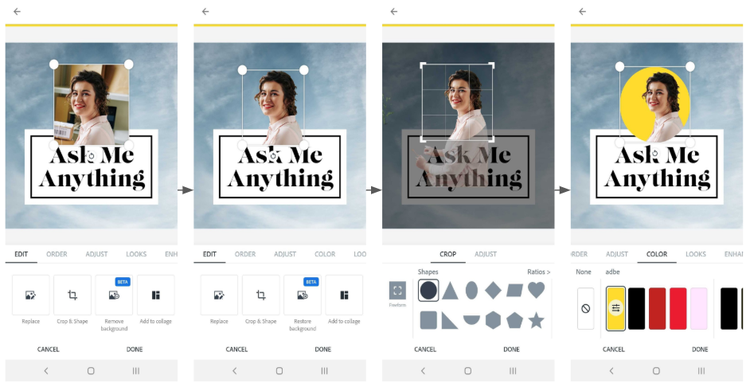
Yes. The Adobe Express mobile app lets you edit photos anytime, anywhere. You can crop, resize, adjust lighting, apply filters, remove backgrounds, and add text or effects all from your phone. Your edits sync automatically across devices, so you can continue creating seamlessly on desktop or mobile.