



Design birthday cards for free.
Make unique and custom birthday card designs in a flash. With professionally designed templates at your fingertips, you can celebrate in style. Quickly customize the text and images, then print.
* Available for print in US, UK, Australia, and Canada
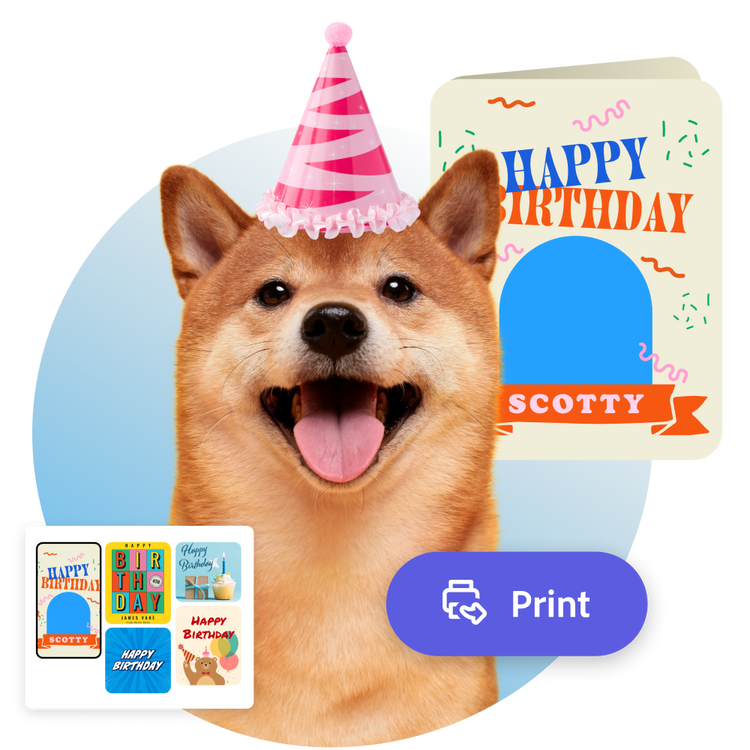
Start making a card by searching for an event
Create custom cards fast with Adobe Express. Easy to use, endlessly customizable, and perfect for any occasion.


 Free to use
Or start with these popular templates


1. Pick a birthday card template.
Explore templates in styles ranging from whimsical and spunky to vintage and sentimental, to match the recipient’s taste. Adobe Express has a wide selection of templates, for the perfect starting point.
2. Customize it.
Easily edit your birthday card for a unique, personalized design. Click any text box to replace it with your message and customize fonts. Upload photos or access free Adobe Stock images through the full Adobe Express editor.
3. Save or print.
Finish by downloading your birthday card as a PDF, JPG, or PNG to share anywhere digitally. Order high-quality prints from Adobe Express and have them delivered to you if you’re a desktop or mobile user in the US, UK, Australia, or Canada.
Personalize your birthday cards with Adobe Express.
The birthday card maker is easy for anyone to use. From template to personalization, your birthday card will be ready in no time. Upload your favorite photos of the birthday honoree, then swap out the font and color scheme to perfectly match their personality. Thinking about making it an e-card? Add one-click animated effects with ease to deliver a touch of fun and excitement to your recipient’s inbox.
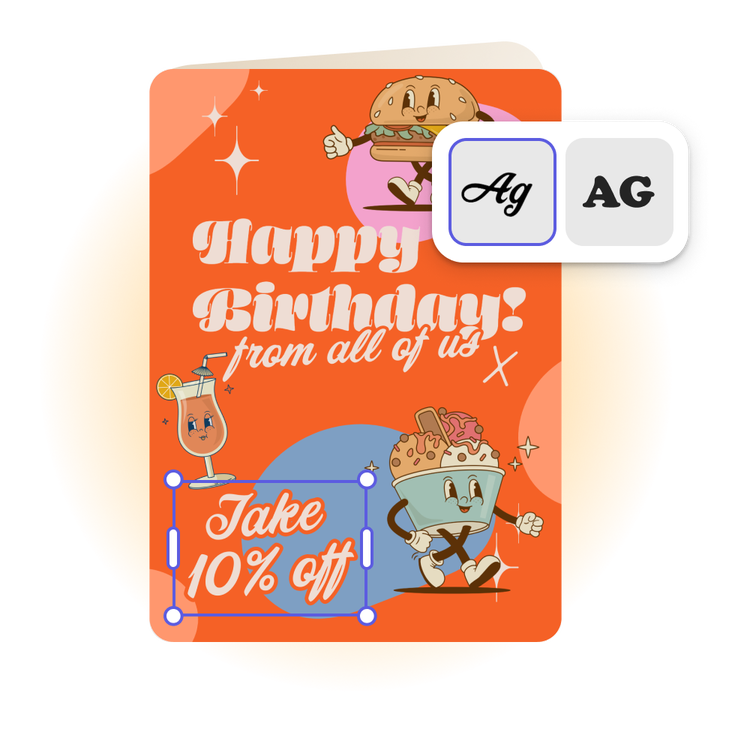
Show your customers how much you care.
Custom birthday cards are not only for your personal relationships. As a small business owner, you can cement your place in a customer’s memory by sending them a card on their special day. Want to include a discount card as a present? Easily add an additional page to your custom birthday card by accessing the full Adobe Express editor.
Let Adobe Express be your custom birthday card design expert.
Explore professionally designed templates to get your wheels spinning or create your birthday card from scratch. Establish a theme for your designs using photos, icons, logos, personalized fonts, and other customizable elements to make them feel entirely authentic. With Adobe Express, it’s free and easy to make, save, and share your designs within minutes.
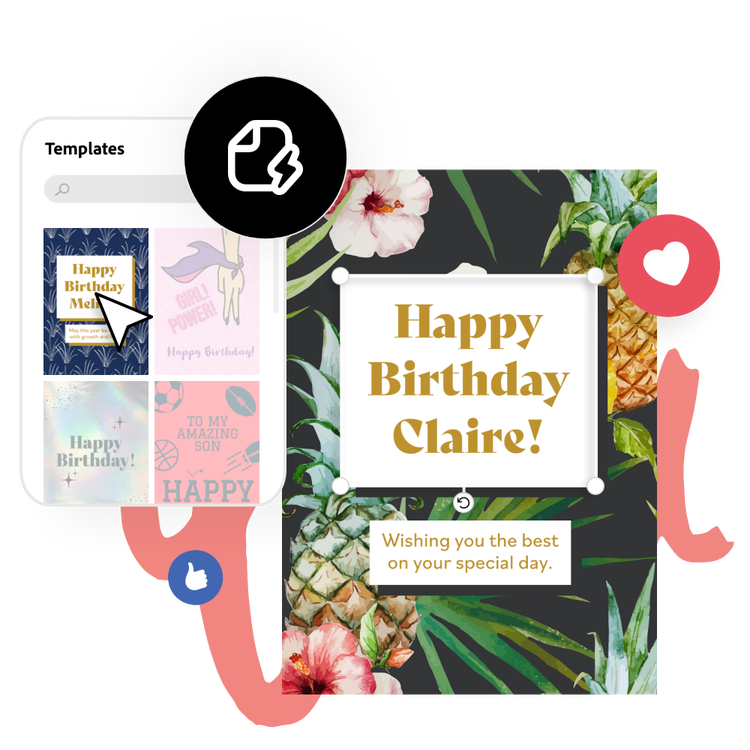
Discover stunning, customizable birthday card templates from Adobe Express.
Create personalized birthday cards for anyone in minutes with Adobe Express. Following a simple design process, every card comes out flawless. Open the full Adobe Express editor for even more customization options, like animation or video. Whether you’re new to design or experienced, all you need is the birthday card creator from Adobe Express to make a printed or digital card to remember.
Frequently asked questions.
What is the standard birthday card size?
Most cards are 5x7 inches, but you can make your birthday card any size you’d like. If you’re an Adobe Express Premium user, you can open your existing design in the full editor and use the Resize tool to swap to a custom dimension.
How do I design multiple sides to a birthday card?
Some of our birthday card templates are two sided already, so feel free to pick one and begin customizing with ease. You can also add additional sides or pages to your card by opening your design in the full Adobe Express editor, then selecting the + icon in the top navigation bar to add another page.
How can I print my birthday card with colors all the way to the edge of the paper?
To add a bleed to your birthday card, open in the Adobe Express full editor and use the Resize tool to increase your card by that size (a 5” x 7” card would be 5.25” x 7.25” with the bleed).
How do I share my new birthday card as an e-card?
With Adobe Express, it's fast and simple to share your new design as an e-card. Once you've finished your design, download the birthday card and send it via email or post it on your go-to social networks.
Can I get Adobe Express for free? If so, what’s included?
Yes, Adobe Express has a free plan that includes core features like photo editing tools and effects and thousands of free templates. Learn more about our plans and pricing.
illustrator



