Free retirement card maker.
Say thank you in a meaningful way with custom retirement cards made with the help of Adobe Express. With free, professionally designed templates, you can get started personalizing and printing your card right away.
* Available for print in US, UK, Australia, and Canada
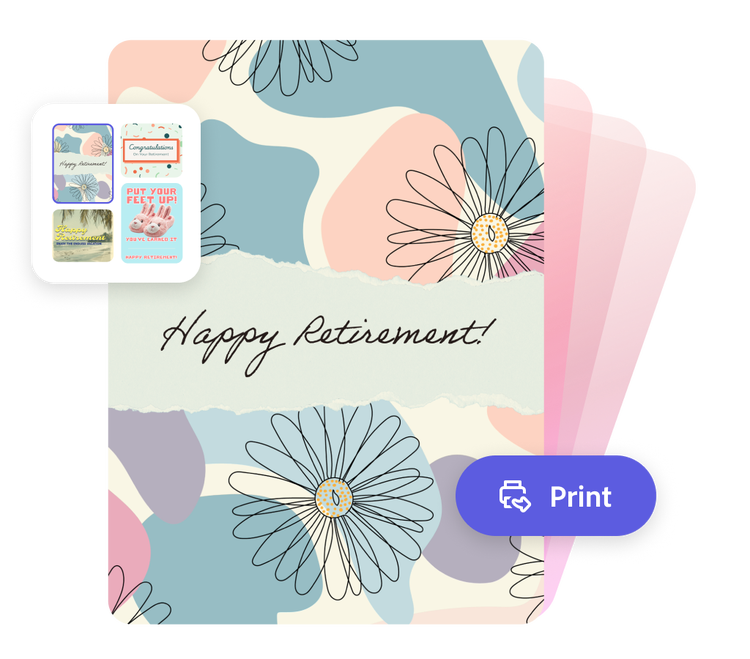
Or start with these popular templates
How to make your own retirement card.
1. Pick a retirement card template.
Explore retirement card templates in a wide range of styles to reflect the retiree. From rustic and woodsy to corporate and minimal, Adobe Express has a template to help you get started.
2. Customize it.
Click any text box to replace it with your personal bon voyage message. Customize fonts, color schemes, and upload photos. For more design options, like access to free Adobe Stock images, access the full Adobe Express editor.
3. Order your printed cards.
Download your new retirement card as a PDF, JPG, or PNG file to share digitally. If you’re creating your card using the US, UK, Australia or Canada desktop or mobile version of Adobe Express, you can order a high-quality print in the full online editor to give to the retiree.
Make heartfelt retirement cards with Adobe Express.
Expressing gratitude is an important daily practice. It’s a great way to show appreciation and make others feel good. Sometimes we don’t always find the time or words to say thanks at a given moment, so sending a personalized retirement card offers something your recipient can hold on to forever. With Adobe Express, you can create and send off retirement cards any way you’d like.

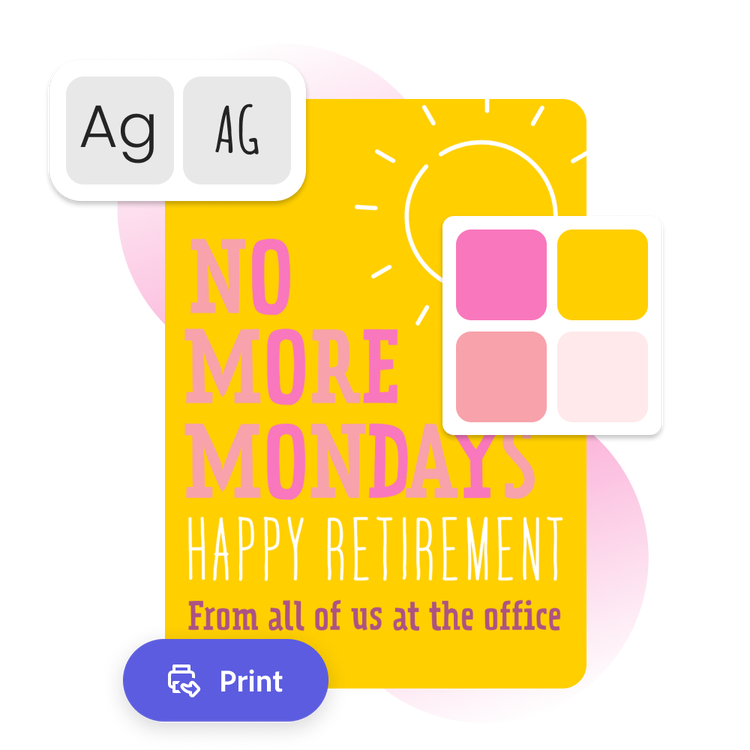
Bring your retirement card design to life.
With the help of the Adobe Express retirement card maker, your employee or colleague will feel respected and appreciated upon their departure. After customizing your selected template with a personal message, color scheme, and photos, your design is ready to print. You can either download and print in the office or order high-quality prints right from Adobe Express if you’re a US, UK, Australia or Canada desktop or mobile user. Designing a special retirement card easier than ever now.
Let Adobe Express be your retirement card design expert.
Explore professionally designed templates to get your wheels spinning or create your retirement card from scratch. Establish a theme for your designs using photos, icons, logos, personalized fonts, and other customizable elements to make them feel entirely authentic. With Adobe Express, it’s free and easy to make, save, and share your designs within minutes.
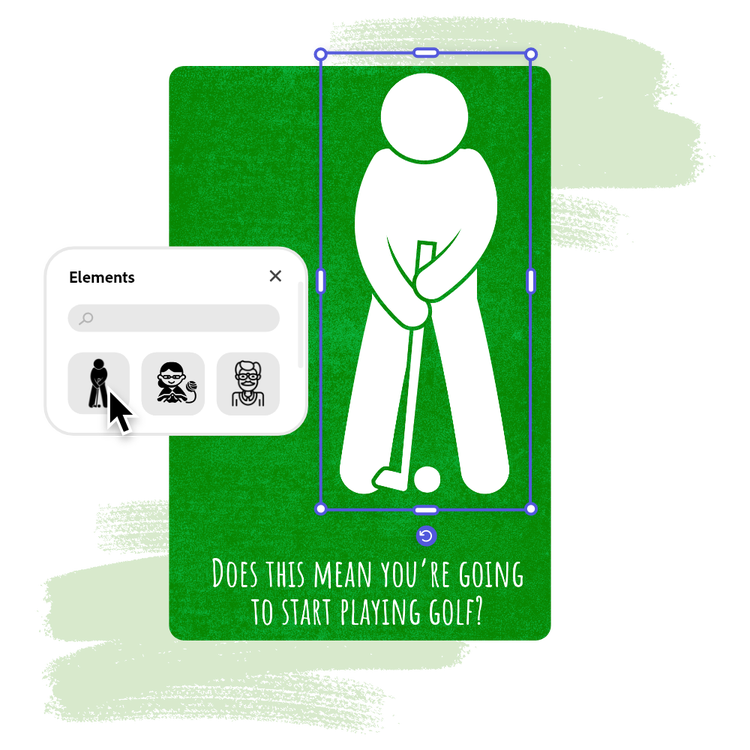
Easily get started with retirement card templates from Adobe Express.
Create a retirement card that perfectly reflects the retiree in a manner of minutes. The retirement card maker has an easy-to-follow design process that starts with selecting a professional template and customizing. In the full Adobe Express editor, you have access to even more design options, like adding music or video for an e-card. Adobe Express has everything you need to create a thoughtful card. No experience necessary.

Collection ID
(To pull in manually curated templates if needed)
Orientation
(Horizontal/Vertical)
Width
(Full, Std, sixcols)
Limit
(number of templates to load each pagination. Min. 5)
Sort
Most Viewed
Rare & Original
Newest to Oldest
Oldest to Newest
Behaviors
(still/multiple-pages/video/animated)
Premium
(true, false, all) true or false will limit to premium only or free only.