



Design party invitations for free in minutes.
Adobe Express makes it easy to create the perfect party invitation for any occasion. Begin with free, professionally designed templates you can personalize and print in a matter of minutes.
* Available for print in US, UK, Australia, and Canada
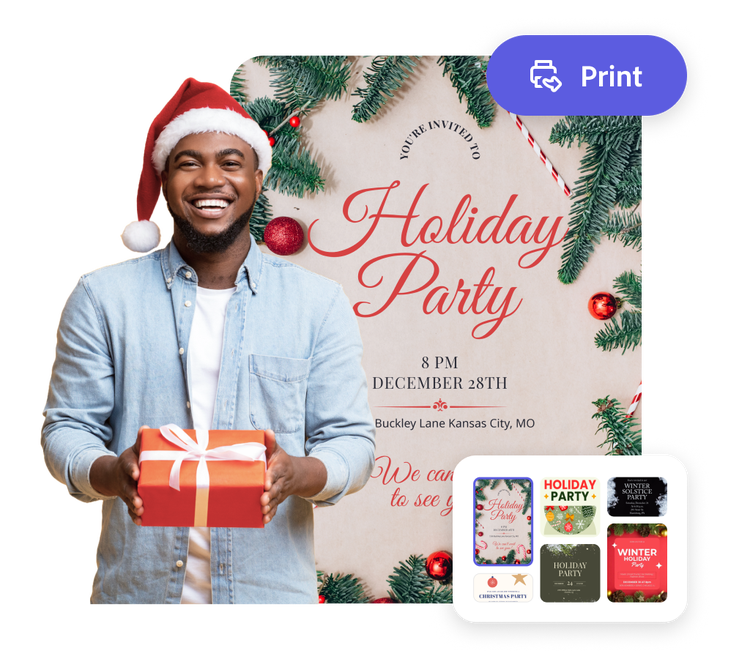
Start making an invitation or by searching for an event
Create custom invitations fast with Adobe Express. Easy to use, endlessly customizable, and perfect for any occasion.


 Free to use
Or start with these popular templates


How to make your own party invitation.
1. Pick an invitation template.
Explore templates in various styles, from loud and exciting to classic and elegant, to get started on creating the perfect party invitation for your event.
2. Customize it.
Click any text box to replace it with the information people need to get to the party and customize fonts. Personalize your invitation further by uploading photos or access free Adobe Stock images through the full Adobe Express editor. Swap out color schemes, add icons, and more.
3. Print your party invitations.
Download your party invitations as a PDF, JPG, or PNG file to share anywhere. If you’re creating your card using the US, UK, Australia, or Canada desktop or mobile version of Adobe Express, you can order high-quality prints in the full online editor and get them delivered to your door.
Create party invitations that rise to the occasion.
The invitation is your event’s first impression. No design skills are needed to make a party invitation that reflects the theme and ambiance of the party. Whether it’s a black-tie non-profit fundraiser or a child’s birthday party, Adobe Express has an invitation template that suits the occasion. That’s where you’ll start in the party invitation creator before moving on to the quick, stress-free customization steps.
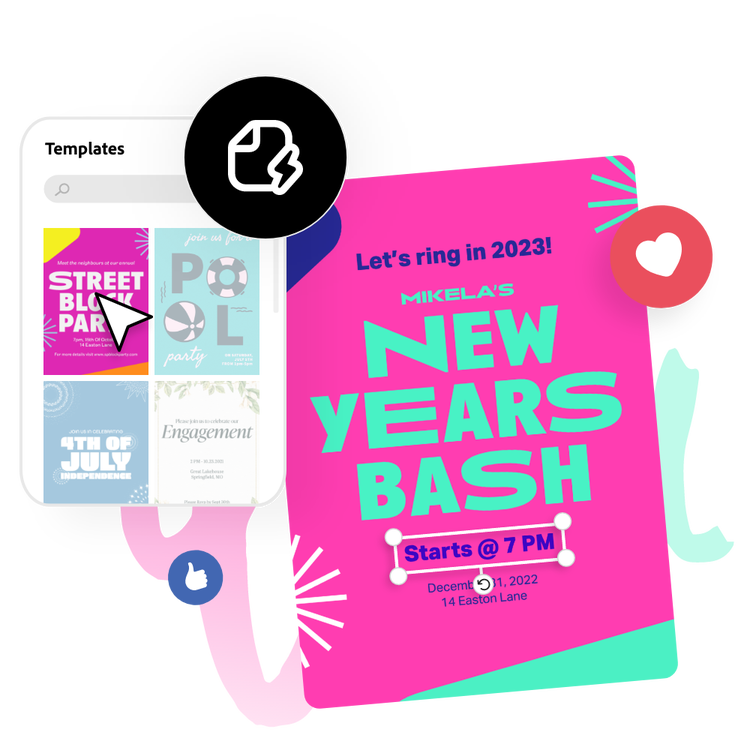
Stay prepared for any occasion.
Go beyond the generic for your big bash by creating a party invitation that wows your guests. No design skills are needed to make your design pop with unique fonts and color schemes. You can even upload your own photos. All that’s left to do is type in the all-important party details, download, and print. Next thing you know, the RSVPs will be rolling in.
Deliver professional party invitations.
The Adobe Express party invitation maker walks you through every step of the process. Whether you’re planning your family reunion or an event planner working with multiple clients, you want a final product that reflects the hard work you’ve put into planning the event. After your design is set, you can either download to print from your computer or mobile device, or order your printed invitations directly from Adobe Express and get them delivered to you if you’re a US, UK, Australia, or Canada user. Do more, in less time.
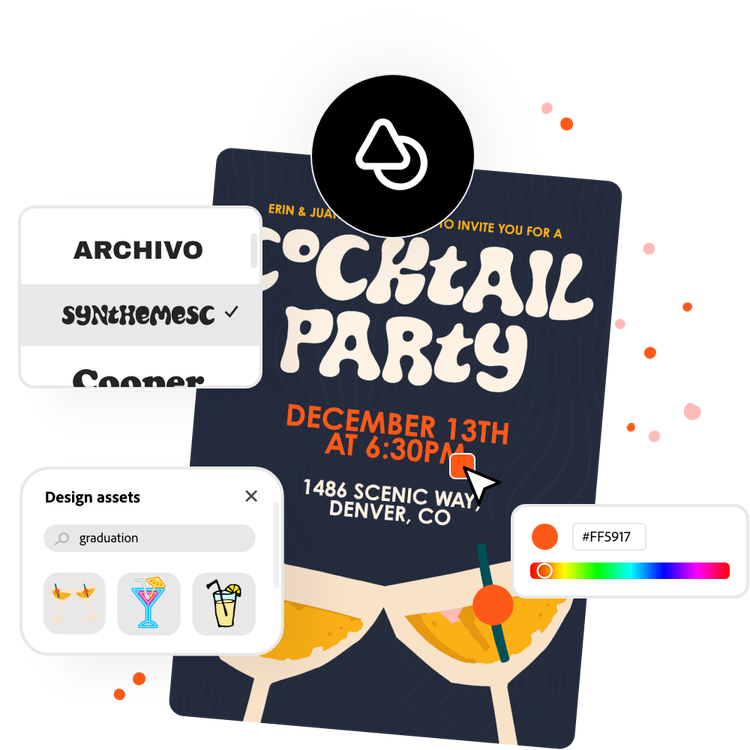
Discover stunning party invitation templates.
Whether you're celebrating a birthday, wedding anniversary, or Christmas, creating printable party invitations is quick and easy. Kick off your celebrations in style by sending personalized invitations created with Adobe Express. With simple design tools, you can customize your invitations and create something truly meaningful, regardless of skill level. All you need is your imagination.

