



Add audio to video online for free.
Adobe Express lets you add sound effects, songs, and audio files to your videos in minutes. No experience necessary.
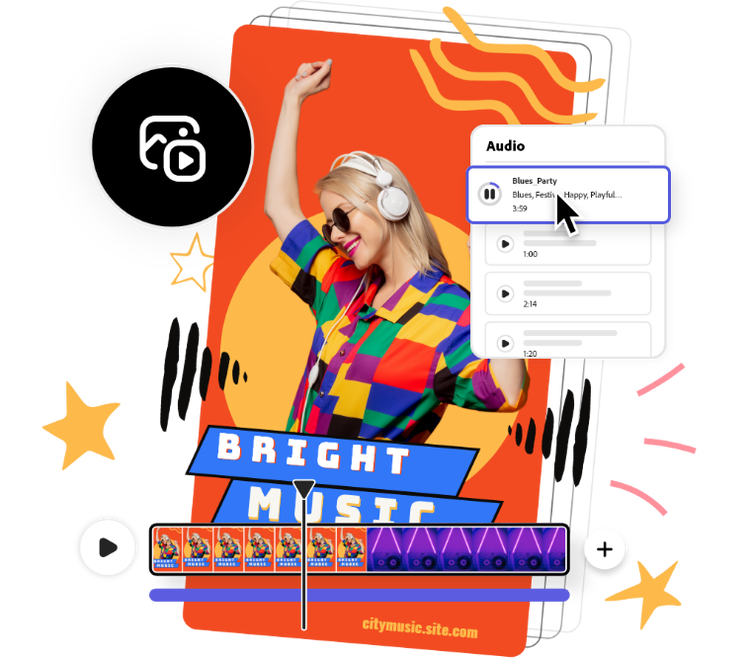
Upload or pick a soundtrack.
Search for free Adobe Stock soundtracks in Adobe Express or upload your own audio.Drag and drop.
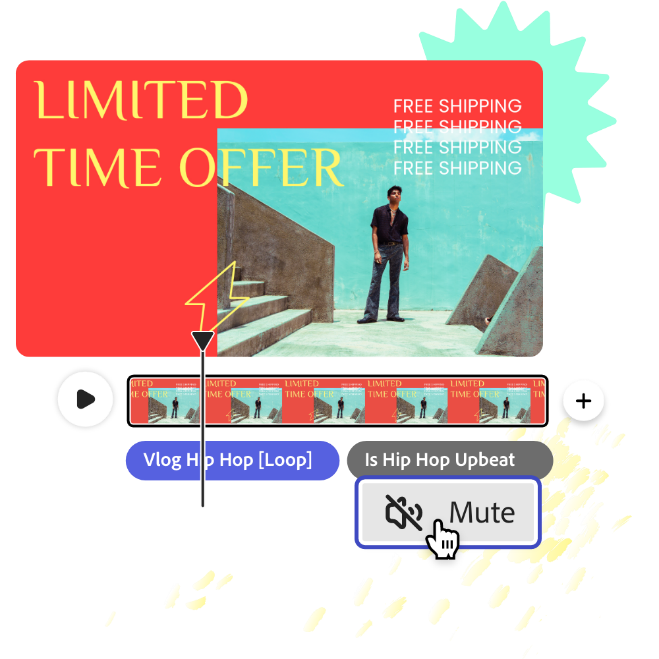
Drag and drop your soundtrack to any frame. Adjust the duration and start time of each song directly on your timeline.Continue editing.
Adjust volume, add additional soundtracks, or keep editing. Download your new video with music as an MP4 file and share it online.
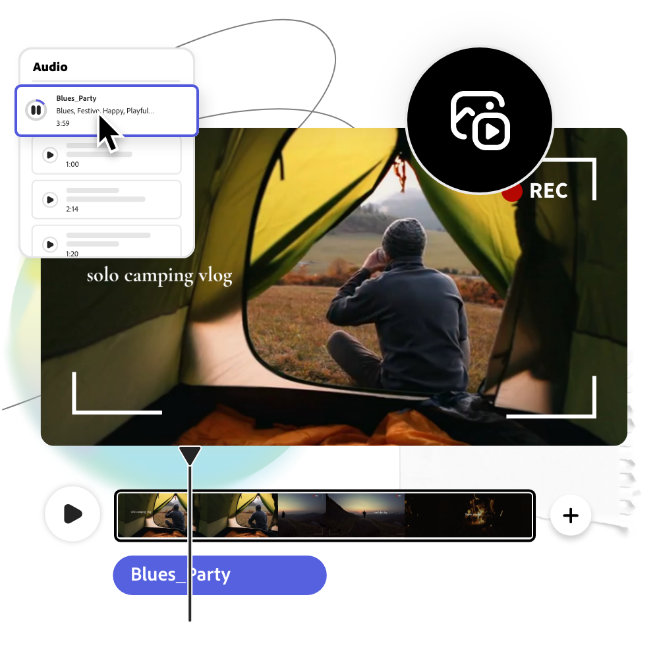
Browse through a diverse selection of free music.
Find the right soundtrack for your video in seconds with royalty-free music from Adobe Stock to add to your visual project. Play around with genres such as jazz, folk, reggae, and electronica to match the vibe you want to achieve in your videos. Simply drag and drop audio clips to your timeline, then split or trim.
Add sound to video at any moment.
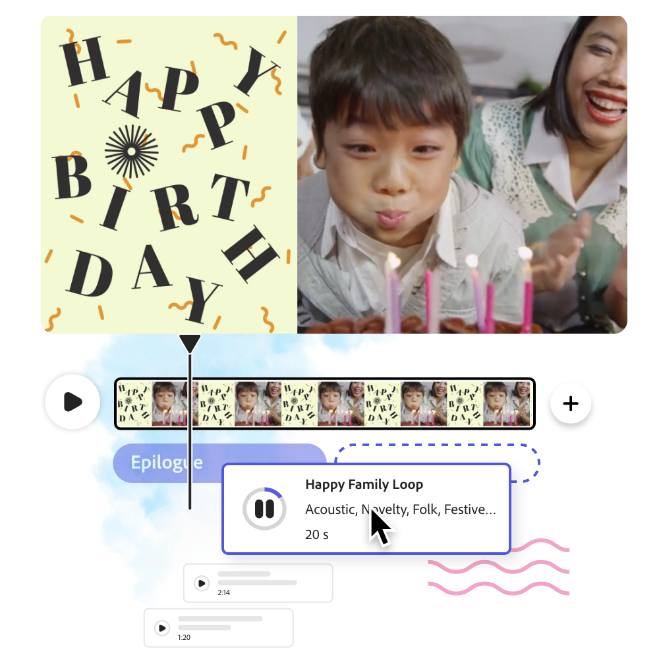
Put music over video instantly and add as many tracks as you’d like. Switch them up to match the mood or to emphasize special highlights in your video. Drag and drop audio clips to the beginning or end of a scene or rearrange them in your timeline.
Instantly drop in your own music or audio files.
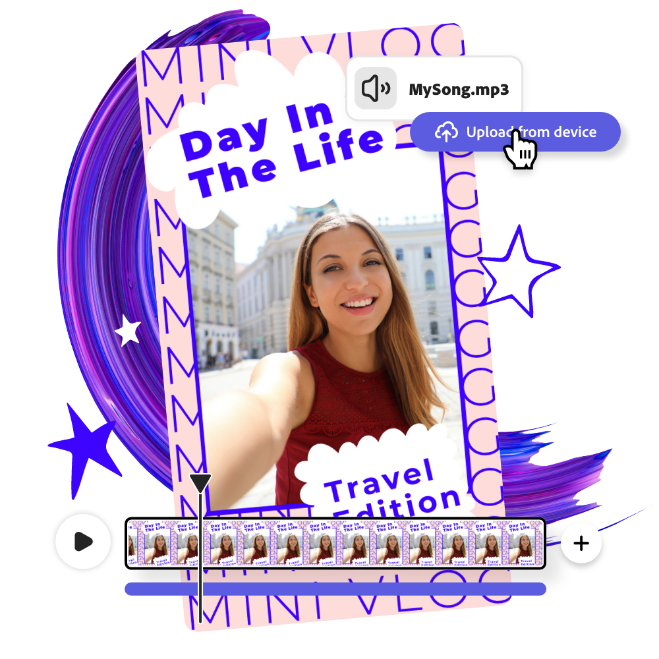
Keep your videos entertaining when you add your own music to an Instagram story or make a music video in just a few taps with Adobe Express. Import your own audio tracks directly to your project. Drop it into the video editor, then click and drag it to a specific scene to get the perfect timing, every single time.
Replace background noise in your videos.
Remove background noise with ease from your own videos. Right-click your video clip and select “Mute” to instantly cut out unnecessary noise. With tons of free audio tracks available for use in Adobe Express, you can add music to your promo videos, real estate videos, and more to get that professional touch.
Frequently asked questions.
Can I edit a video online for free?
Yes, anyone can use Adobe Express to add music to videos for free. With our drag and drop editor, you can quickly create and edit videos, then export them to your device. No experience required.
What’s the best app to add music to videos?
Our online editor is great for desktop video editing since it doesn’t need to be downloaded onto your device unlike other video editing software. All skills are welcome to start using Adobe Express today.
How do I add music to videos online?
Our in-browser editor has all the video editing tools to add music to your videos. Adding sound to your video content is a great way to make your visual message pop. Search by mood or genre to get expertly curated, royalty-free song recommendations from Adobe Stock, or upload your own audio. Drop your audio track to different scenes in your timeline or play around with adding several songs to one video. The options are endless with Adobe Express.
Do I need prior video editing experience to use Adobe Express?
No prior video editing or creating skills are necessary. When making videos in Adobe Express, all skill levels are welcome and encouraged to kickstart their creativity with ready-made video templates, graphics, stock music, photos, and videos to choose from.
Can I get Adobe Express for free? If so, what’s included?
Yes, we have a free plan available for anyone. Enjoy everything you need to stand out, including thousands of templates, hundreds of Adobe Stock images, photo editing and effects, and much more. Visit our plans and pricing for details.

