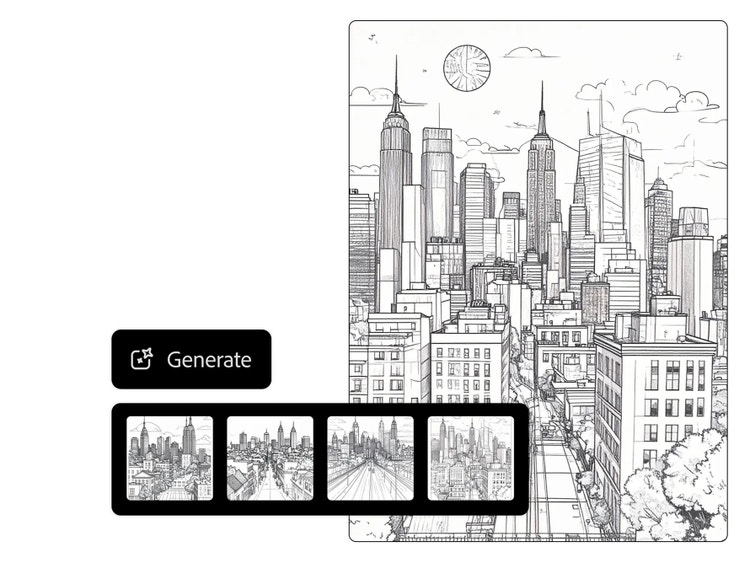
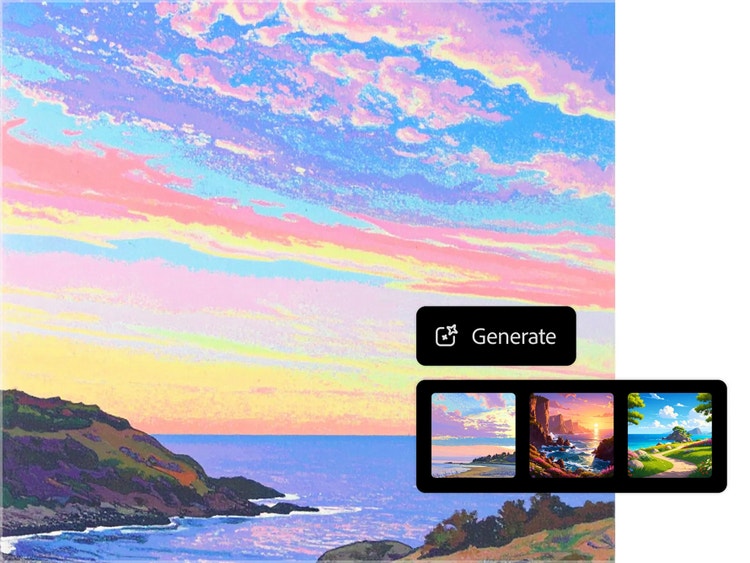
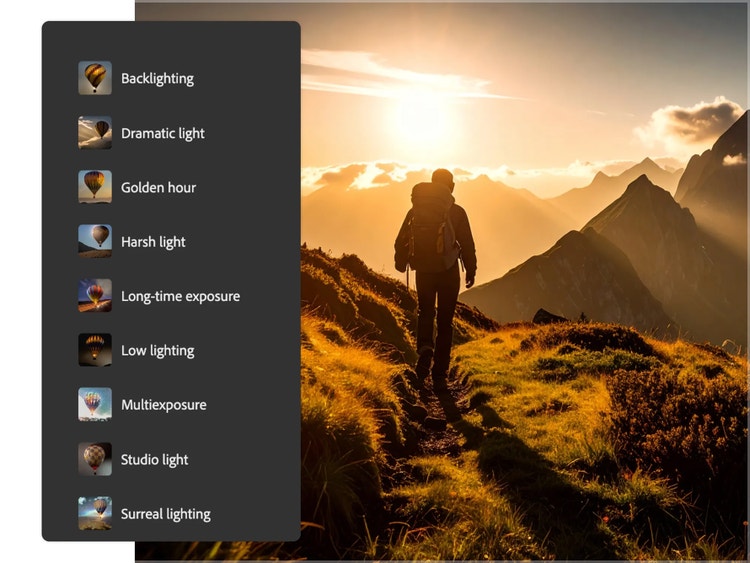
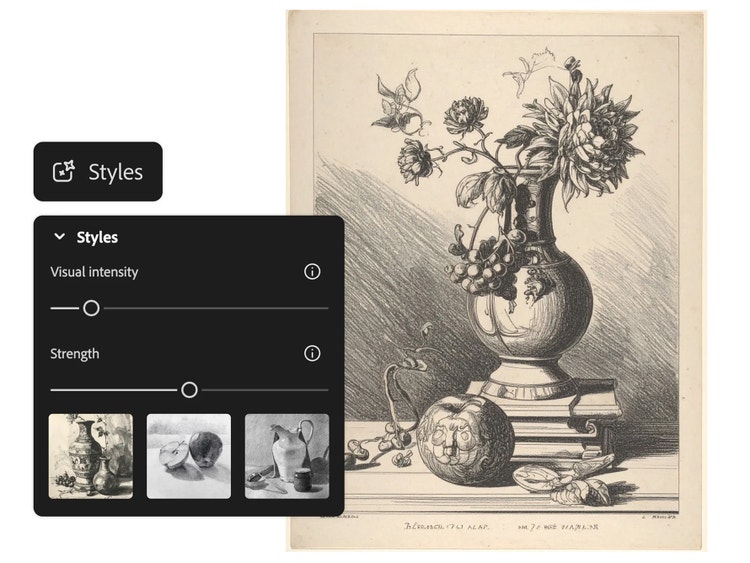
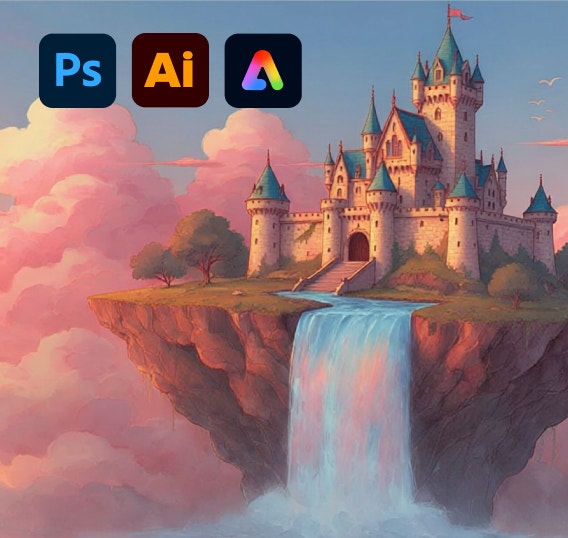
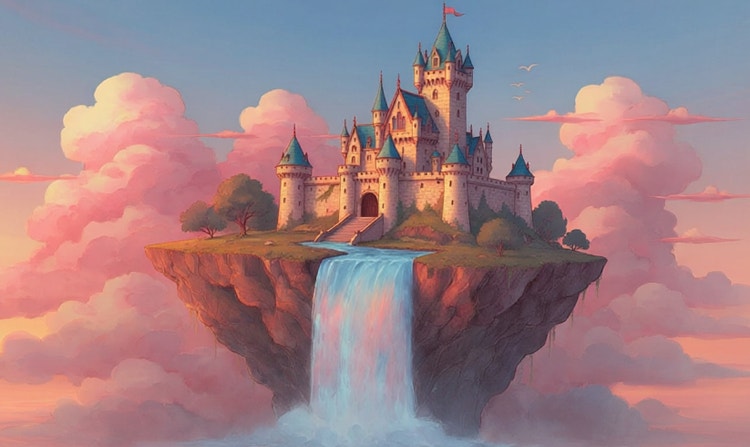
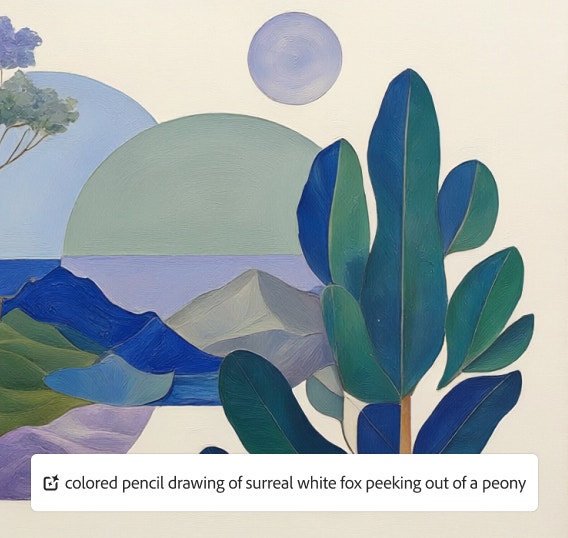
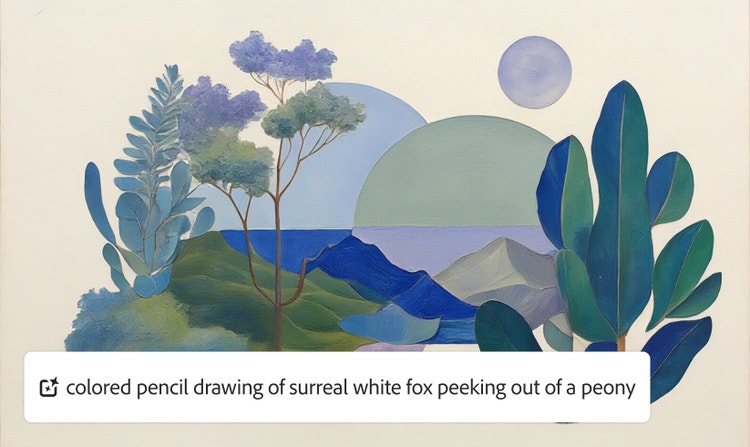
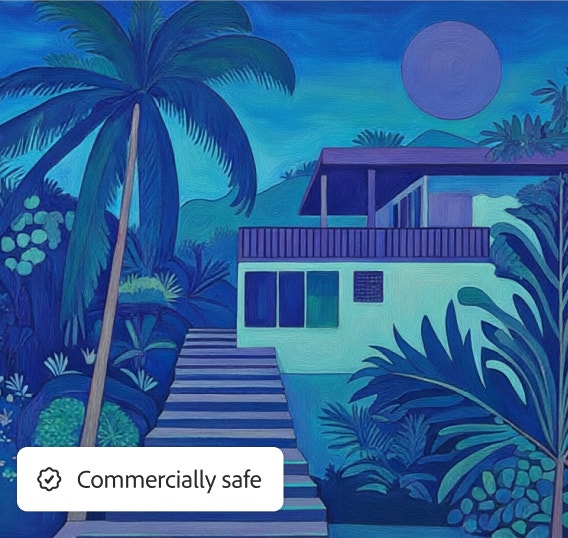
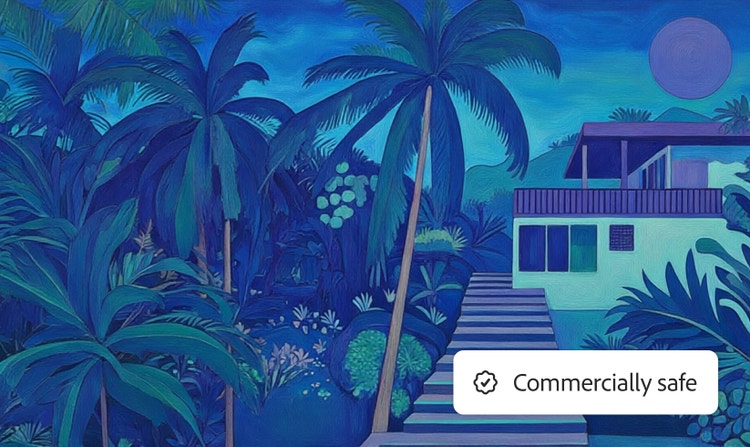
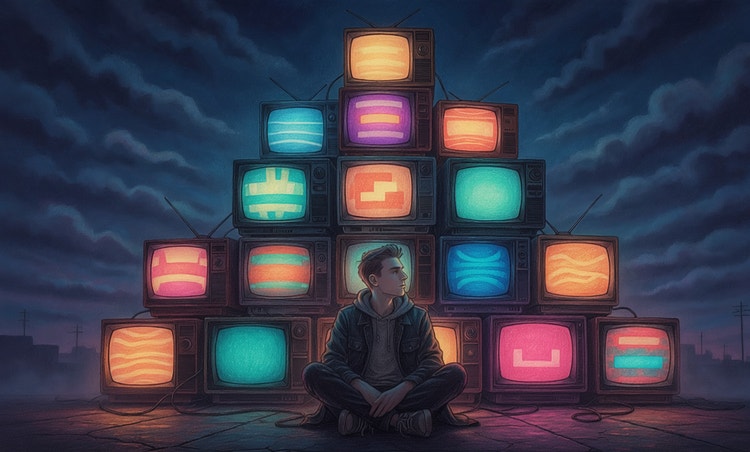
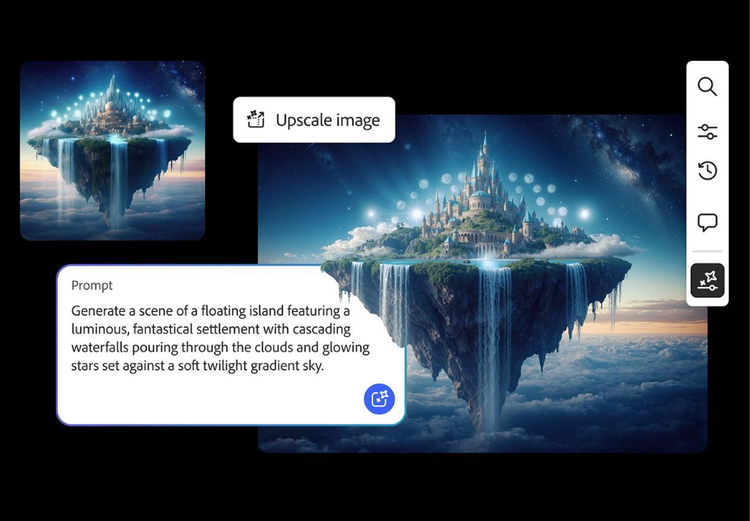
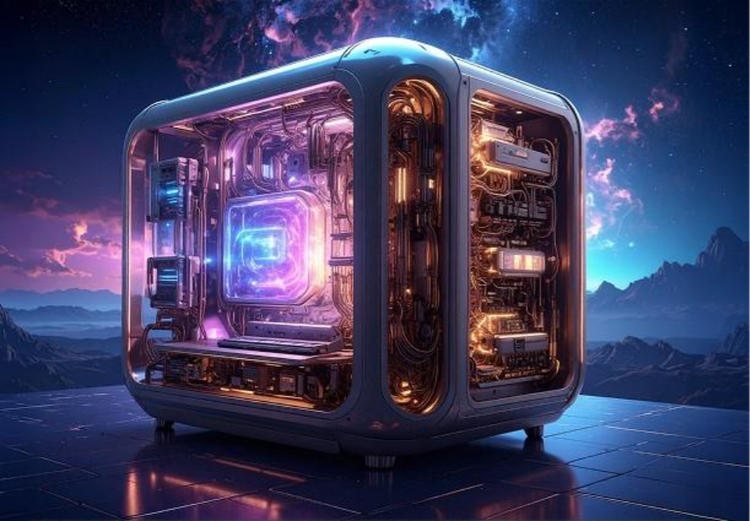
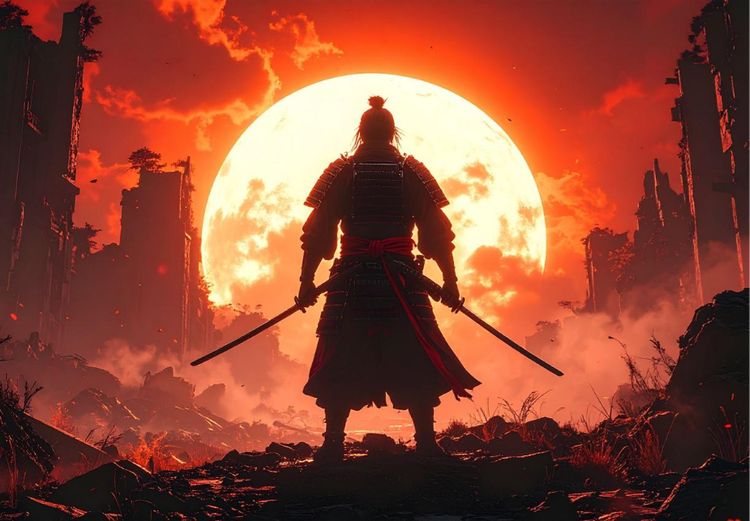
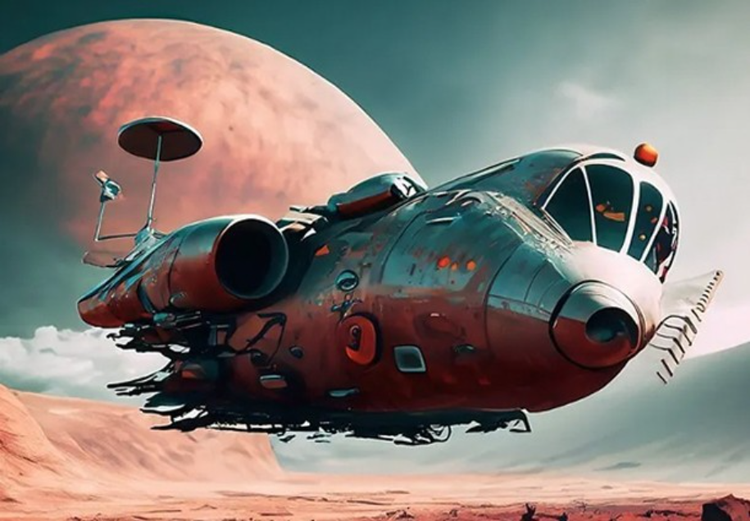
An AI art generator is a type of technology that can create digital images with generative artificial intelligence. Adobe Firefly uses text prompts to generate artwork, which can then be customized into a variety of styles. Images can look like pop art, marble sculptures, clay ceramics, or watercolor paintings, just to name a few.
An AI art generator is a tool that uses generative artificial intelligence to produce artistic content from prompts. Like other types of artificial intelligence, generative AI relies on large datasets to produce the desired result, such as digital artwork, creating something totally new with a single text prompt. Adobe Firefly generative AI models are trained on a dataset from Adobe Stock, openly licensed content, and public domain content where the copyright has expired.
Adobe Firefly is a fast, intuitive way to create AI generated art in a variety of styles. It lets creators produce detailed, stylish images with a text prompt. You can quickly customize your images with other Adobe Firefly tools, or fine-tune it even further in Creative Cloud apps like Adobe Photoshop.
Yes, you own the rights to images you create in Adobe Firefly, including those generated with generative credits, as outlined in the Adobe terms of use.
No, you don't need an Adobe Firefly subscription to generate AI art. Free users receive free daily generations, so you can try the AI art generator. Additional access is available when you purchase an
Adobe Firefly subscription.
To get better results with AI-generated artwork, use clear text prompts, add reference images, and refine your results through iteration. Start with a simple description of your subject, style, and mood, then adjust keywords to improve composition or detail. You can also click the Prompt Features button in the toolbar and turn on Prompt Enhancement, which automatically expands your text into a more detailed prompt.
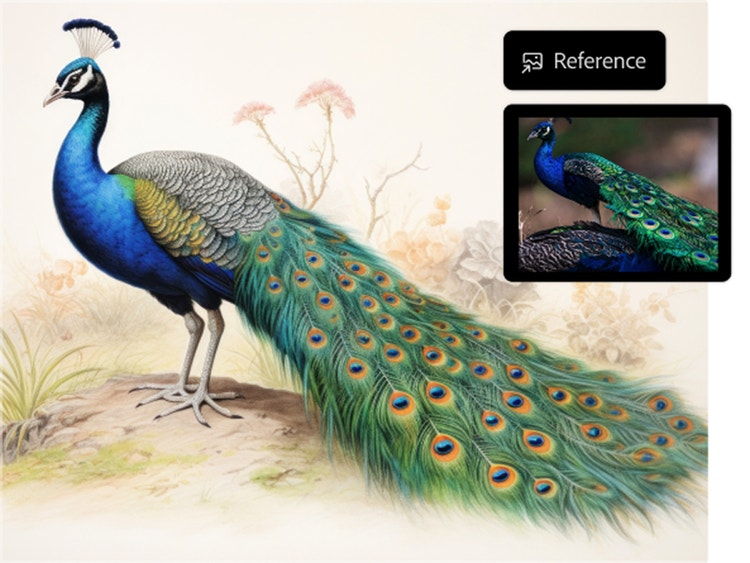
Uploading a sketch or photo can help guide structure and color, leading to more accurate outputs. With Adobe Firefly’s AI art generator, you can combine prompts and references, generate multiple variations, and fine-tune your artwork until it matches your creative vision.
Yes. Google Gemini’s Nano Banana is available as a partner model for image generation in Adobe Firefly. You can access it through the Generate Image module by selecting a Google Gemini model from the model dropdown menu.
Yes. Free users can start creating AI generated images and artwork in Adobe Firefly using free daily generations. This lets you explore what Adobe Firefly can do without committing to a plan. When you're ready for more, you can upgrade to a
paid subscription for additional access.
Adobe Firefly is a multi-model workspace designed for creators and artists to generate and edit images, video, and audio and quickly go from initial idea to final product. Adobe Firefly integrates seamlessly with Adobe Creative Cloud and offers powerful customization options that fit any creative workflow. Adobe Firefly models are safe for commercial use, and you can access other top AI models, like GPT Image by OpenAI, FLUX, and Google Gemini’s Nano Banana, directly from Adobe Firefly, so you never have to leave your workspace.
While Adobe Firefly is a powerful AI tool for professional creators, there are a few limitations to keep in mind. Some outputs have maximum resolution limits, and only specific file formats are supported. Highly specific or experimental artistic styles may not be fully achievable. Adobe Firefly is constantly evolving, with ongoing improvements to resolution, formats, and style options.
The best AI art generators accurately interpret prompts, offer diverse artistic styles, produce high-resolution images, and support commercial use. Adobe Firefly meets these standards by allowing users to generate detailed artwork from text, refine styles, and download professional-quality images. Adobe Firefly models are commercially safe, making your AI art suitable for business and creative production use.
The Adobe Firefly AI art generator is for visual artists, graphic designers, educators, illustrators, or anyone looking to create art quickly from simple prompts and edits. The AI art generator is great for ideating, experimenting with new styles, bringing an existing vision to life, reimagining sketches, or simply creating an art image quickly for a last-minute project.
Adobe Firefly Image models are safe for commercial use, and any outputs using Firefly Image models can be used for commercial purposes. Partner models are not developed by Adobe and you're responsible for determining whether a model is appropriate for your project.
Learn more about models from Adobe and our partners.
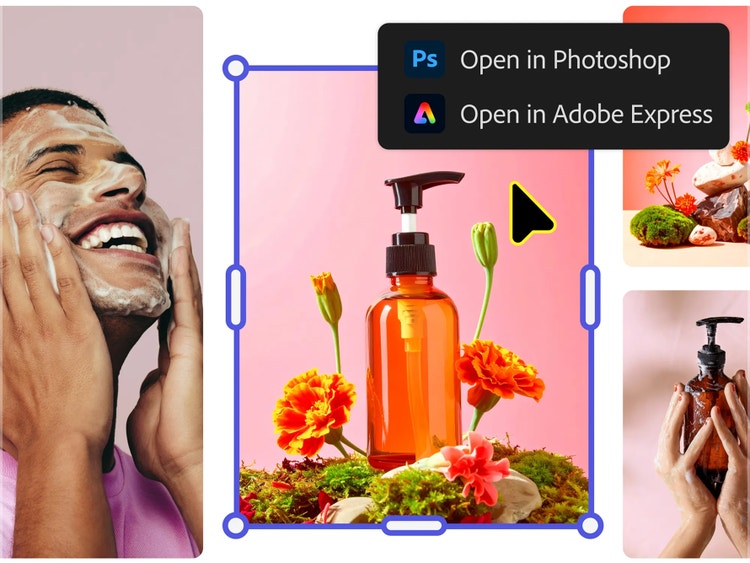
While many tools generate AI art from only prompts, Adobe Firefly provides users with styles, effects, and composition settings in addition to prompts to guide the generation of quality outputs. Beyond the first generation, users can take their creations and fine-tune them further with the AI image editor in Adobe Firefly, providing users with precision and control over their AI art. And because Adobe Firefly is integrated with the Adobe ecosystem, users can take their creations even further by exporting to Photoshop on the web or Adobe Express.
Adobe Firefly accepts JPG, PNG, and WebP for image uploads, with HEIC also supported for Generate Image in Safari on desktop or laptop. Downloaded images export as JPG or PNG at a maximum resolution of 2000x2000 pixels. For the full list of supported formats by feature, visit the
Adobe Firefly Help page.



 image
image video
video