
Design across mediums.
Stay on one canvas.
Firefly Design lets you create across vector, raster, motion, and print on one canvas, with precision where it matters and AI where it helps.



Generate graphic designs for web, social media, and other digital projects.
Alert Text



The AI design generator uses artificial intelligence to turn simple prompts into graphic designs, allowing creators to go from concept to finished visuals quickly. With Adobe Firefly as your free AI art generator, you can spend less time on tedious tasks and more time exploring endless high-quality design options.
Firefly Design lets you create across vector, raster, motion, and print on one canvas, with precision where it matters and AI where it helps.
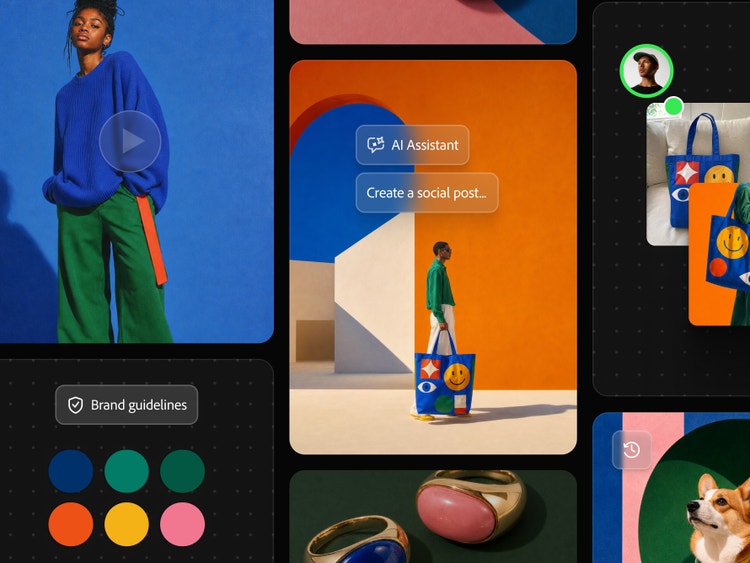
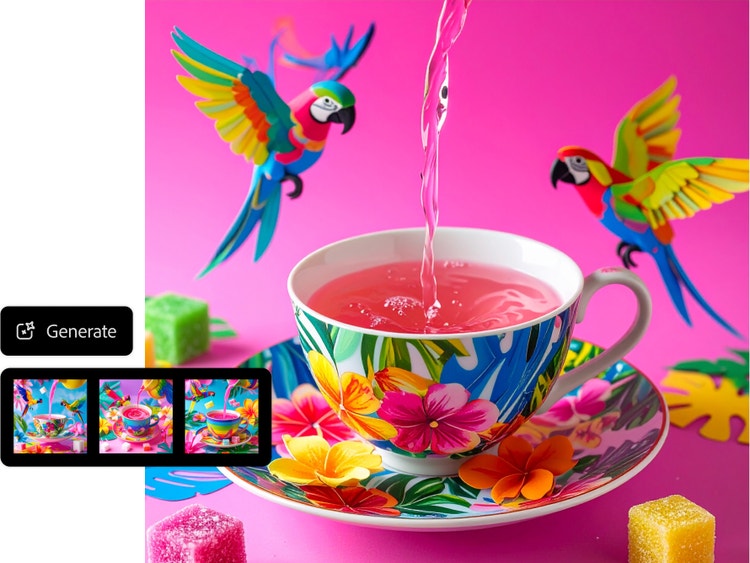
With Firefly image generation, you can generate images in different styles, like anime or sketch drawing, with nothing but a text description. If you like the result, you can see more like it by clicking the Generate More button. If your results aren’t quite what you’re looking for, you can quickly revise your prompt and generate new results.
With built-in controls for style, color, composition, and effects, you can refine AI-generated designs without starting a new prompt. You can also use the AI photo editor to add or remove design elements until your image matches your vision.
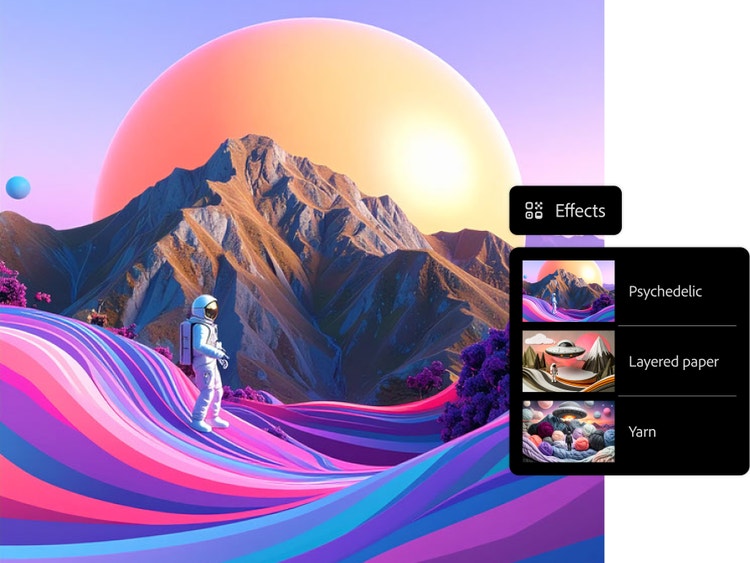
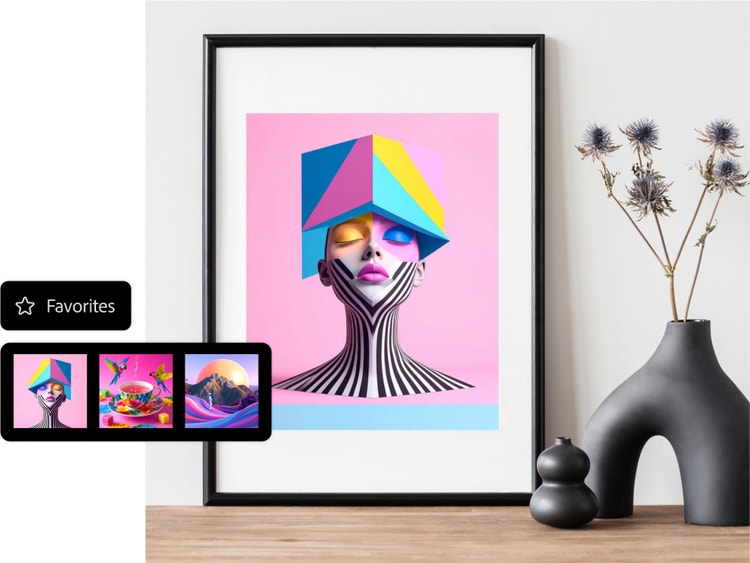
Because Firefly is integrated directly into Creative Cloud apps, you can quickly adapt a single AI-generated image for different destinations. You can use the same images for social media, website design, presentations, or print without having to re‑generate or start over.
Turn the images and graphics you create in Firefly into videos with Firefly Generate Video. Or take your designs into Firefly Boards for further ideation. With Firefly as your multi-model creative AI generator, you can design, edit, and experiment with top generative AI models all in one place. Access Gemini 3 (with Nano Banana Pro), GPT Image, FLUX models, and more.
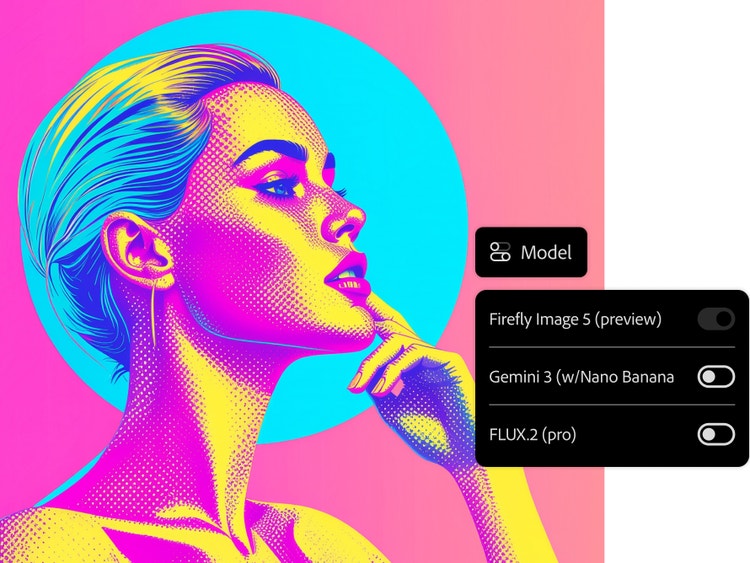
To get started, log in to Adobe Firefly with your Adobe ID or create a free account if you don’t have one. Go to the Image section of the web app and select Generate Image.
Type a description of what you want to see in the prompt field. Start with five words or more, such as “Distant galaxy teeming with colorful nebulae, twinkling stars.” Add more descriptive words for better results.
Click Generate and watch as the Firefly-powered results appear in a few seconds. If you're going for a specific style or composition, upload reference images and generate your image again.
Edit your newly generated images further in Adobe Express and turn them into stunning social posts, images, videos, flyers, and more.
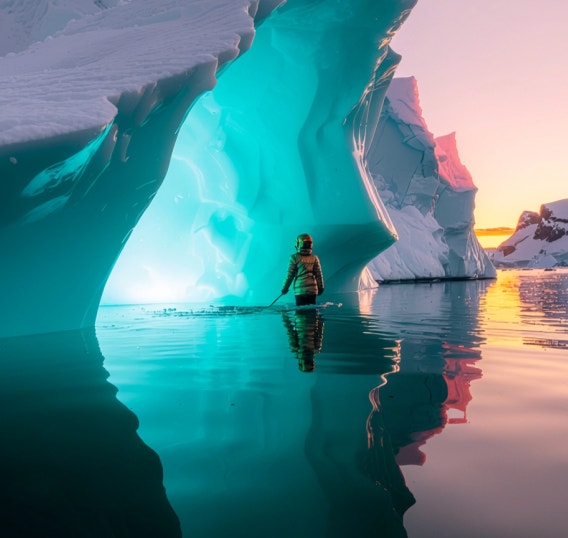
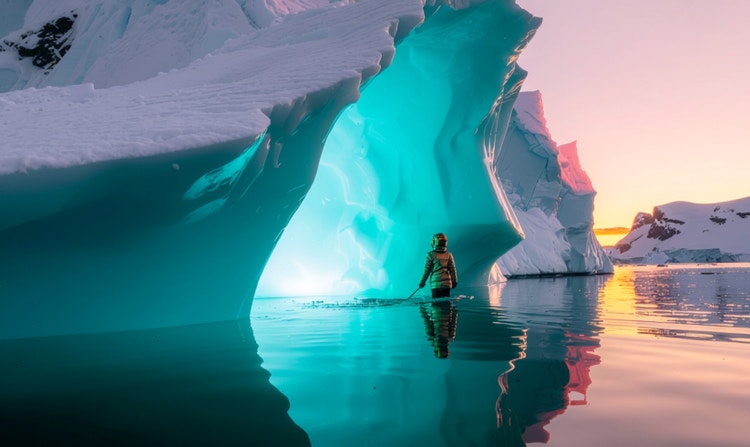
Generate images, vectors, and text effects with options to iterate and customize while maintaining visual consistency across assets.
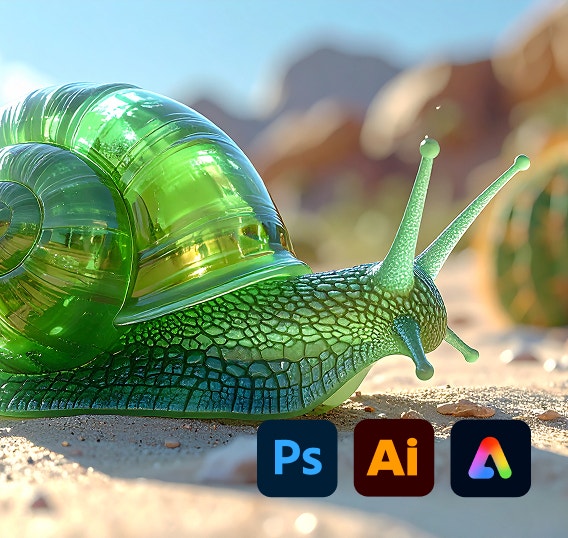
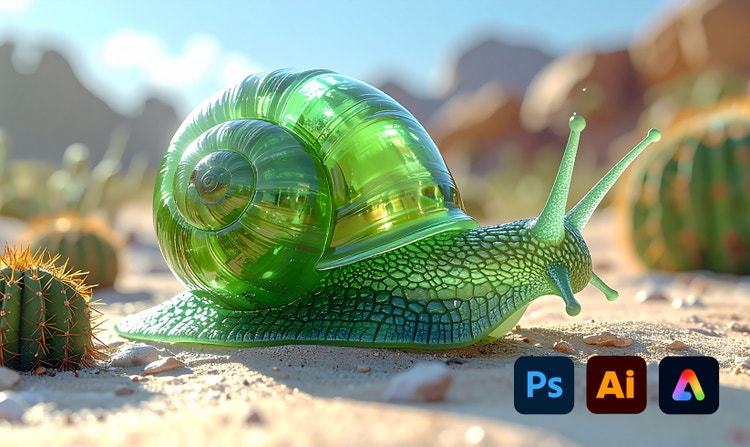
Firefly is embedded directly in Adobe Creative Cloud apps like Photoshop, Illustrator, and Express, so creators can ideate, generate, and refine designs without switching tools or workflows.
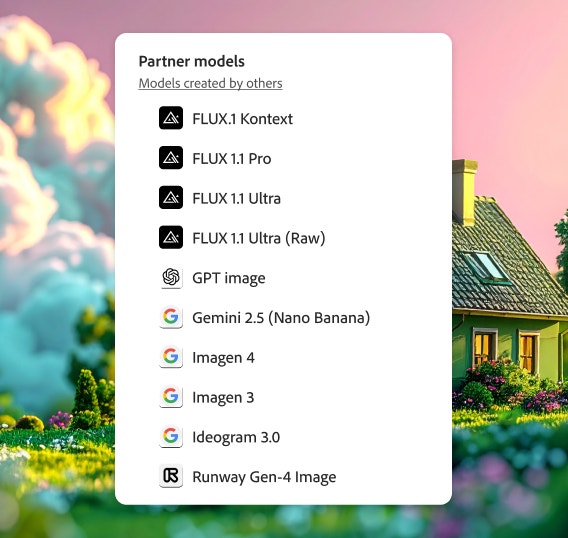
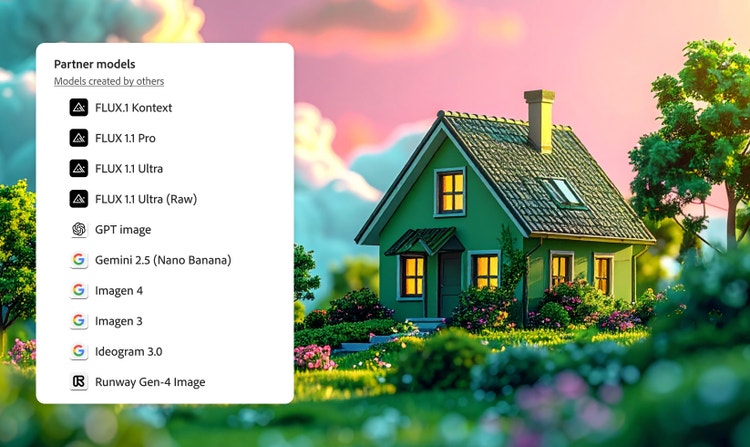
Choose partner models from Adobe, Google, OpenAI, Runway, and more to expand your creative range with a single login.
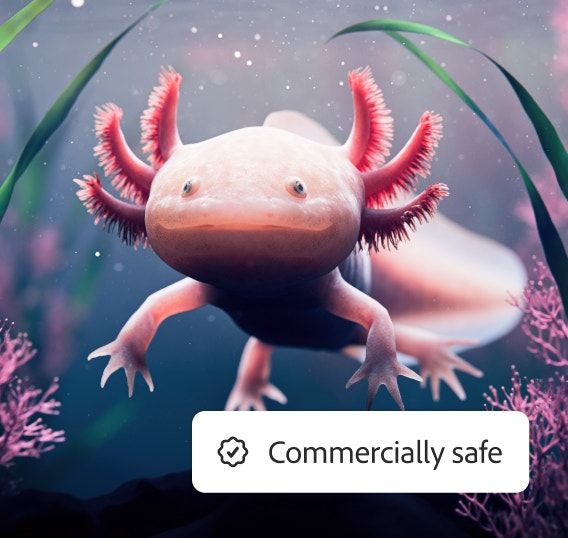
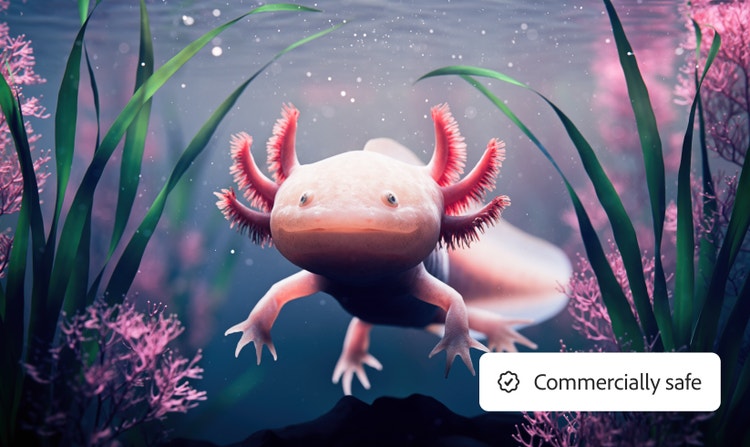
Create with Firefly models trained on licensed and public‑domain content so you can confidently use your generated graphics in professional and client work.
AI can significantly assist graphic designers by helping them save time, boost creativity, and streamline their workflows. Here are some key ways AI supports graphic designers:
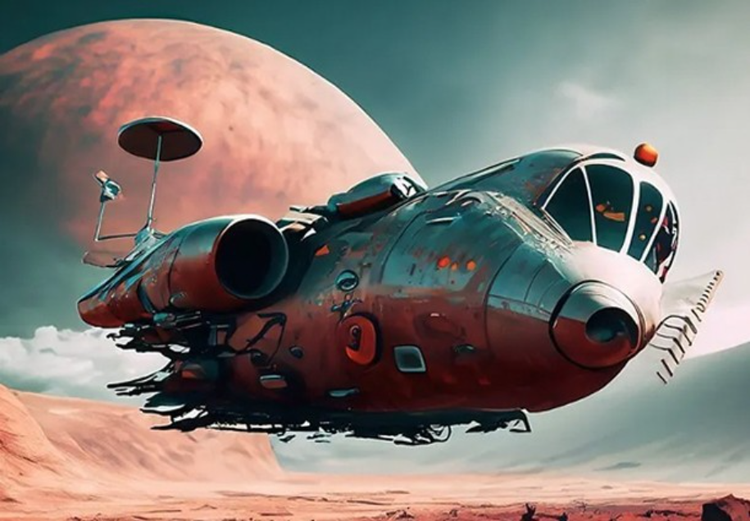
The best prompts for AI aren't always obvious. These tips get you to your destination in record time.
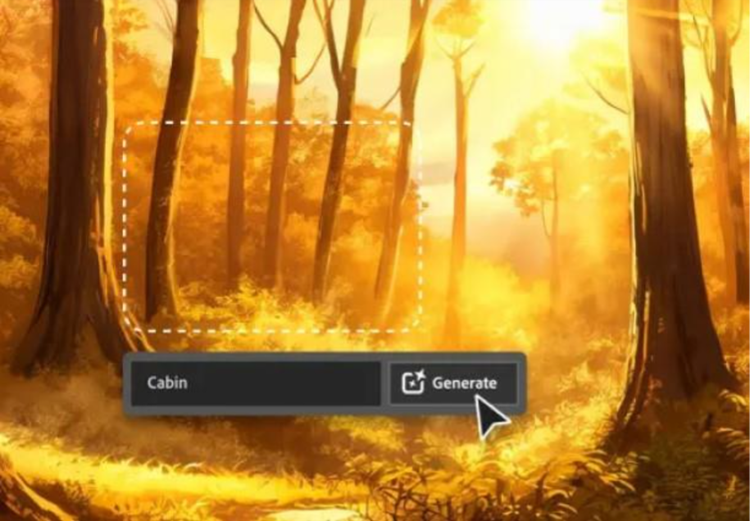
Learn about the AI tools available to graphic designers and how they can help you be more productive and take your work in surprising directions.
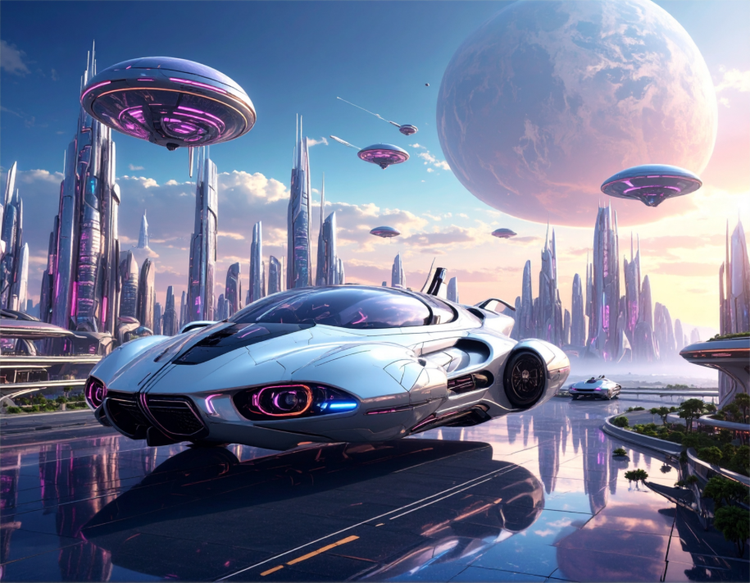
Generative AI includes technologies like large language models (LLMs) and multimodal models that blend text, images, and more that let users creatively transform everything from design to video.

Generative AI is quickly becoming a vital tool for artists. Read on to learn about what generative AI art is, how to create it, and how you can use it in your practice.


