


Match your image to the screen.
Pick 2K for laptops, tablets, and web graphics, or 4K for large monitors, TVs, and presentations. Firefly will enlarge your image to fit, adding detail instead of stretching pixels.


Upload a photo and Adobe Firefly will enlarge it to 2K or 4K resolution, adding fine detail instead of stretching pixels.
By uploading your image or video, you agree to the Adobe Terms of Use and Privacy Policy.
By uploading your image or video, you agree to the Adobe Terms of Use and Privacy Policy.
By uploading your image or video, you agree to the Adobe Terms of Use and Privacy Policy.

Sizing a photo for a 2K monitor, a 4K display, or print? Adobe Firefly adds detail as it increases the pixel count, so edges and textures stay clear at the new size for free.
Pick 2K for laptops, tablets, and web graphics, or 4K for large monitors, TVs, and presentations. Firefly will enlarge your image to fit, adding detail instead of stretching pixels.


A higher pixel count gives posters, canvas prints, and wall displays more detail to work with. You don't have to worry about soft edges with the image upscaler.
Widen your canvas with Generative Expand, then upscale the finished image so the whole scene stays sharp at 2K or 4K.

Sign in to Adobe Firefly with your Adobe ID or create a free account, then select Upscale Image from the Image category in the left hand menu.
Choose a photo from your device or Adobe cloud storage. Adobe Firefly accepts JPEG, PNG, or WEBP files up to 100MB.
Pick a model from the model dropdown menu in the prompt bar, then choose 2x or 4x based on the size you start with.
Select Upscale and review the result. Download your image as a PNG and use it anywhere you need the extra detail.
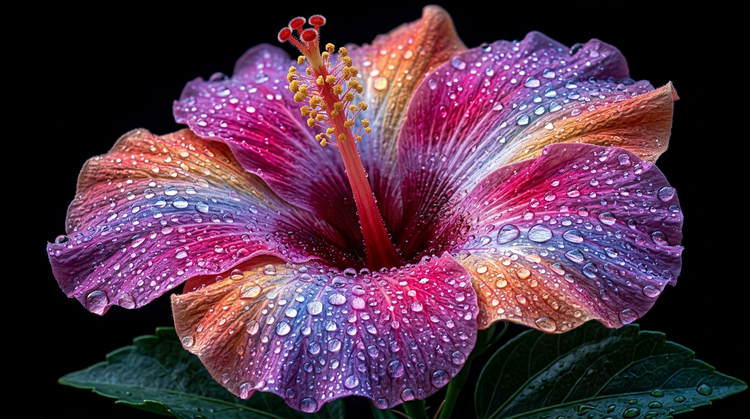
Choose the resolution and model you want and generate results to fit your needs. You can also precisely remove backgrounds, adjust lighting and more, without switching workspaces.

Firefly pairs its own models with partner models like Topaz in a single creative studio. Switch models from the model dropdown menu and compare results side by side.

Upload once, then upscale, expand, and refine your image without leaving the studio. Firefly keeps every step in one place.

Firefly moves fast you need results now. Firefly gives you the quality, speed, and flexibility to create what you need to expand brand awareness, without the complexity.




Learn how to use generative AI to boost productivity and discover new possibilities while maintaining creative control.
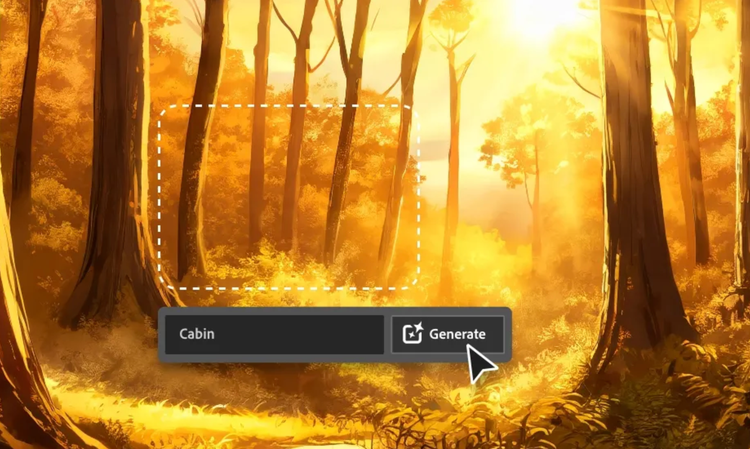
Generative AI is all over the headlines, and that’s not empty hype. This new technology is likely to be part of your life soon. Learn how generative AI works and start streamlining your workflow.

Learn about the AI tools available to graphic designers and how they can help you be more productive and take your work in surprising directions.

The best prompts for AI aren't always obvious. These tips get you to your destination in record time.

