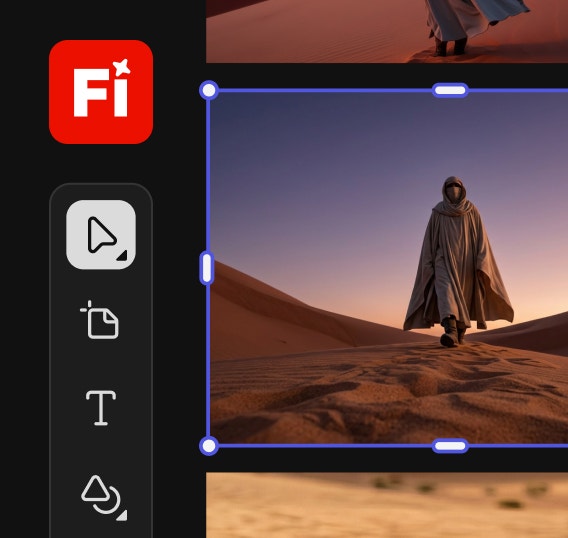
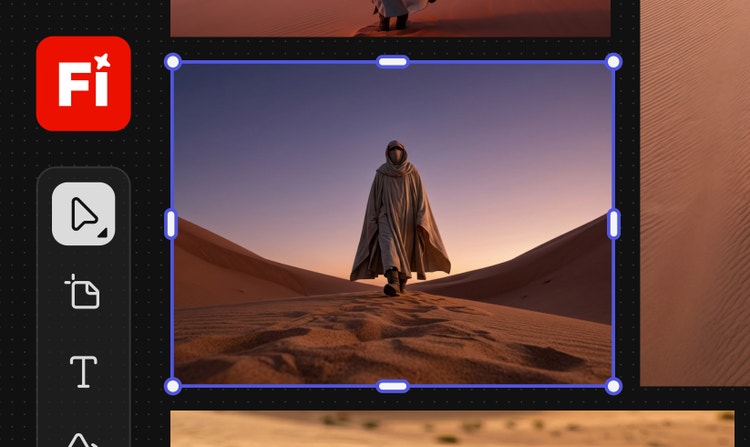
Free AI storyboard generator: Plan and visualize faster with Firefly Boards.
Plan scenes, design characters, and create shot sequences with consistency for pre-production using the AI storyboard generator powered by Firefly. Turn text and images into visual shots even with no art experience.
Learn the basics of digital storytelling and generating frame-ready, visually consistent storyboards using Adobe Firefly.
Guom, a senior director at Promise, discusses the creative process behind his short film, "Legori," which draws inspiration from his experiences as a father balancing creativity and family life. He primarily utilized Firefly boards to create a visual map where ideas, visuals, and motion converged. Guom aimed for a minimal yet evocative style that combined the grace of ancient art with a fresh, hand-drawn modernity. He embraced AI hallucinations to bring the black ink style to life in a poetic and surreal manner, testing various video models and prompts to select the best shots for the final cut. Additionally, he praised the new soundtrack generator for its ease of use and expressive response to prompts, which allowed him to express something deeply personal with creative freedom.
# Behind the Scenes of Guillaume Hurbault’s Generative AI Short Film, “Nagori” | Adobe Firefly
# https://www.youtube.com/watch/ukClIqocEUA
Hi, my name is Guillaume I'm a senior Gen AI director at promise the inspiration for my short film Nagori came from my own experience as a father trying to balance creativity and family and wondering if I'm doing it right I worked mostly inside Firefly boards it became my creative map a place where ideas visuals and motion all came together what I love most is how flexible it feels you can stay in that creative flow experiment freely and never lose momentum by using and testing a variety of image models I was able to quickly explore different visual directions and once the look felt right boards helped me turn all that chaos into a clean structured storyboard adding motion to steals was just as intuitive a super efficient way to test video models explore movement and pick the strongest shots for the final cut I was also really impressed by the new soundtrack generator easy to use but surprisingly expressive it responds to prompts beautifully for me Nagari was a chance to create with complete freedom to express something deeply personal using tools that simply kept up with my imagination when art technology and human creativity move together the only thing that matters is the story you're trying to tell
Go from idea to screen with the AI storyboard generator.
A storyboard is a visual outline that maps out key scenes and sequences before production begins. It’s a vital part of the process for creatives like filmmakers, marketers, and content creators, but it can be time-consuming. Available on Firefly Boards, the free AI storyboard generator makes it easy to turn text and images into professional-looking storyboards in minutes. Whether you're planning a full production or a quick concept, you can organize ideas, design shots, and share your vision even with no prior storyboarding experience.
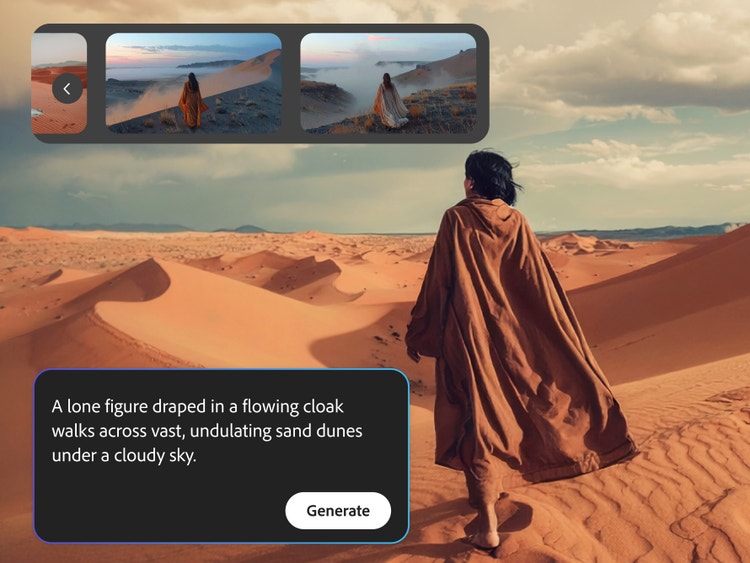
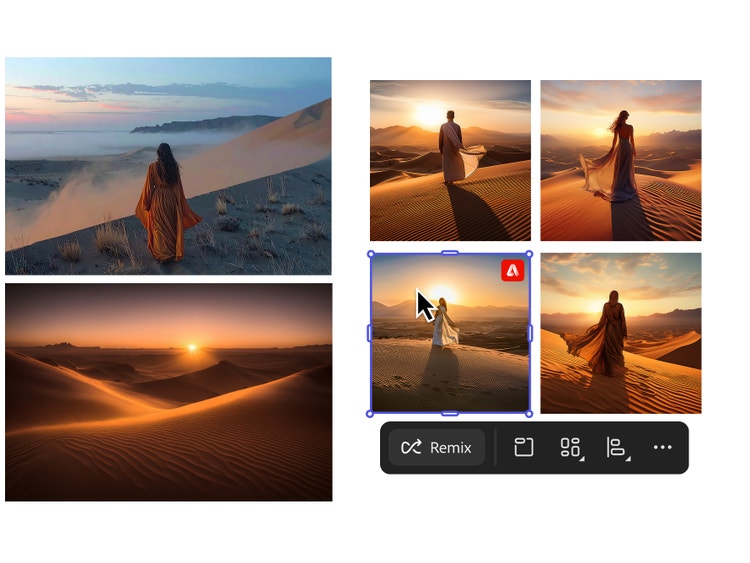
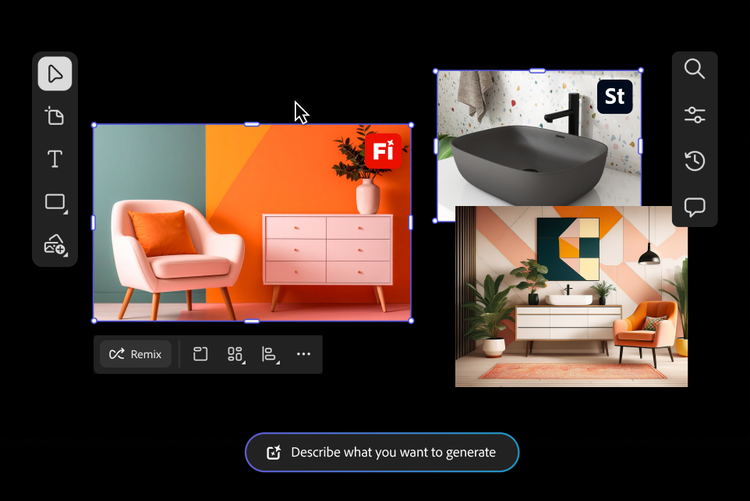
The Firefly Boards storyboard generator AI streamlines the pre-production process so you can spend more time creating. Easily generate scenes from text prompts, make quick edits, and refine your visuals. Built-in tools for image remixing and collaboration make it simple to adjust layouts, explore new creative directions, and share with collaborators for feedback.
Generate a storyboard with AI from a script.
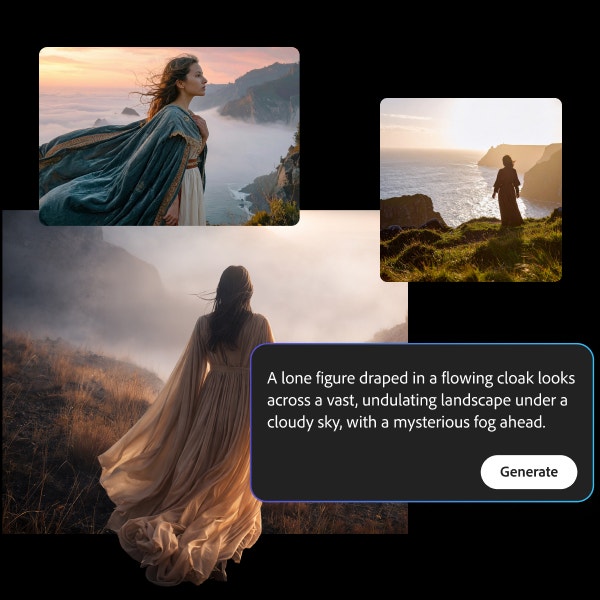
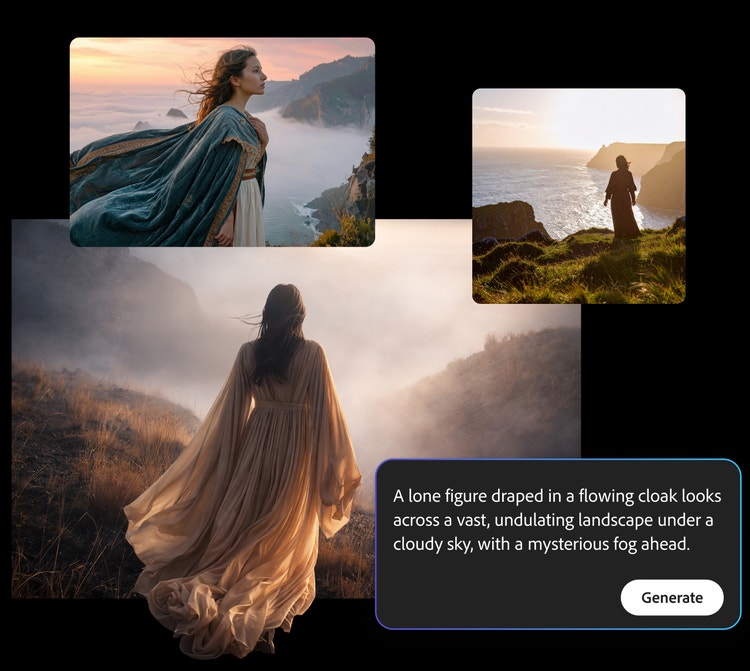
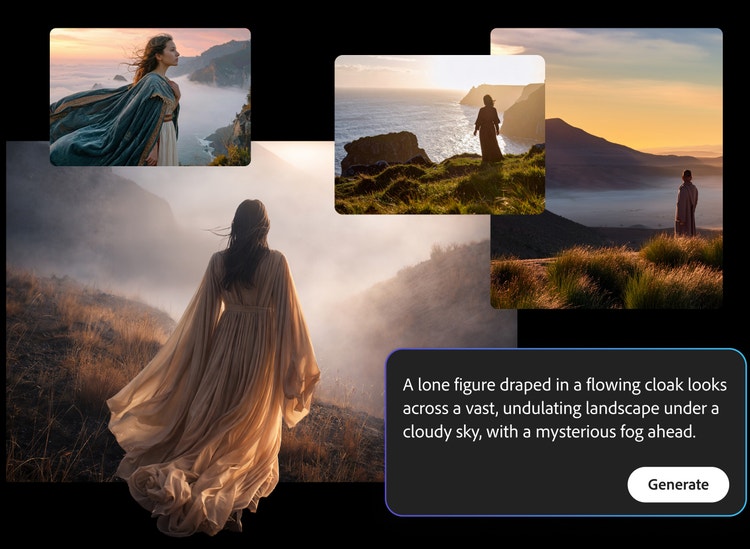
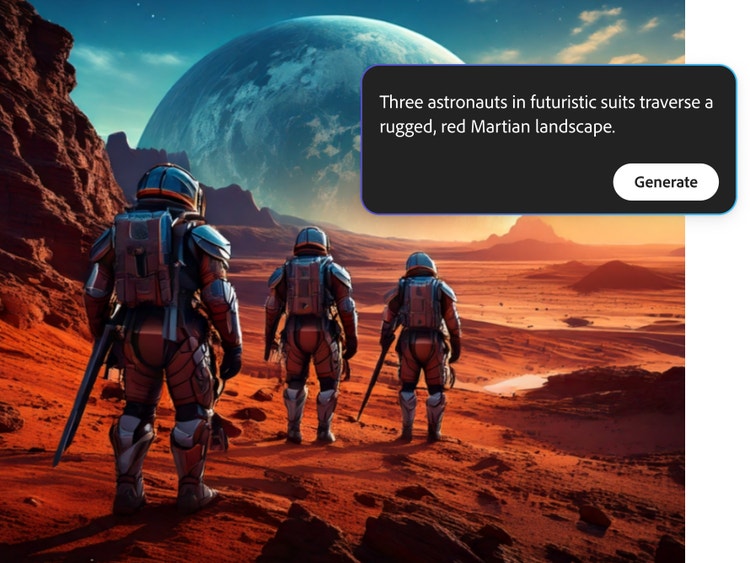
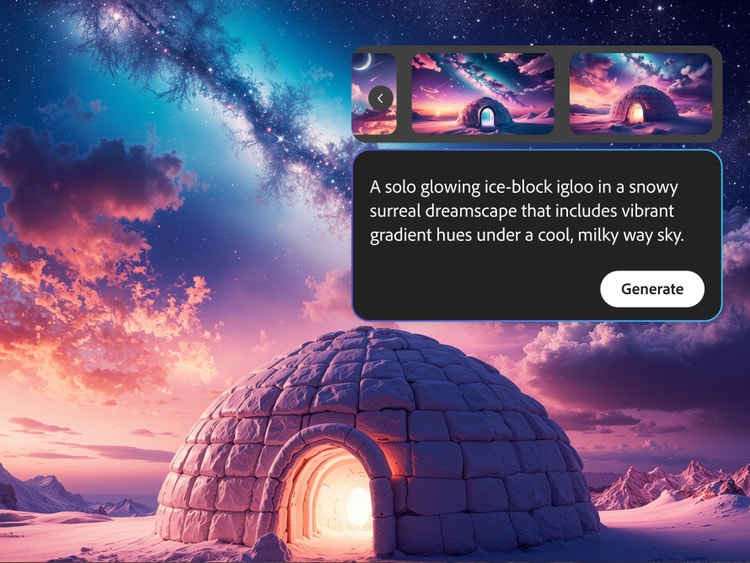
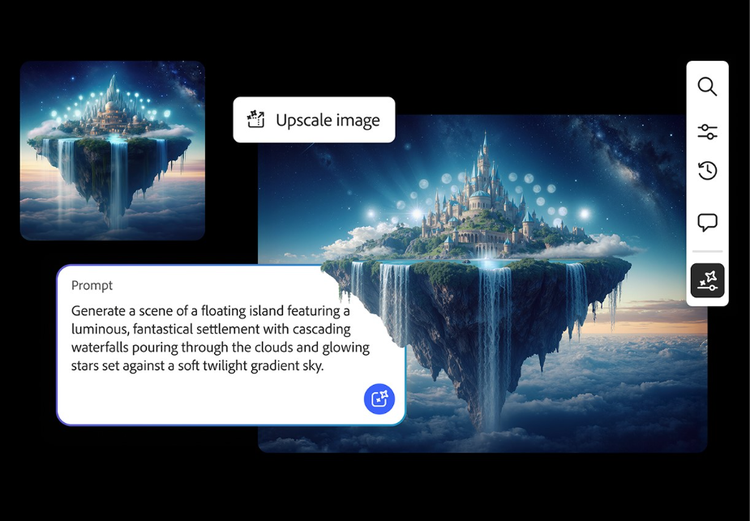
You don’t need art experience to create outstanding visuals for your storyboard. The Firefly storyboard generator converts simple descriptions into dynamic storyboard images and videos in minutes. Just enter your scene and let Firefly AI create artwork that captures the tone, setting, and pacing of your story. Using Generate Image is a simple way to visualize your script, even if you’ve never storyboarded before.
Maintain a consistent look and feel.
The storyboard generator AI can help you keep visual continuity across every frame so your project feels cohesive from start to finish. Whether you’re planning a dialogue scene, product walkthrough, or animated short, Firefly AI can maintain consistent lighting, character style, background elements, and overall tone across multiple panels. This makes it easy to build sequences with recurring shots or scenes in Firefly Boards without manually recreating each frame.
Get instant feedback with collaborative storyboarding.
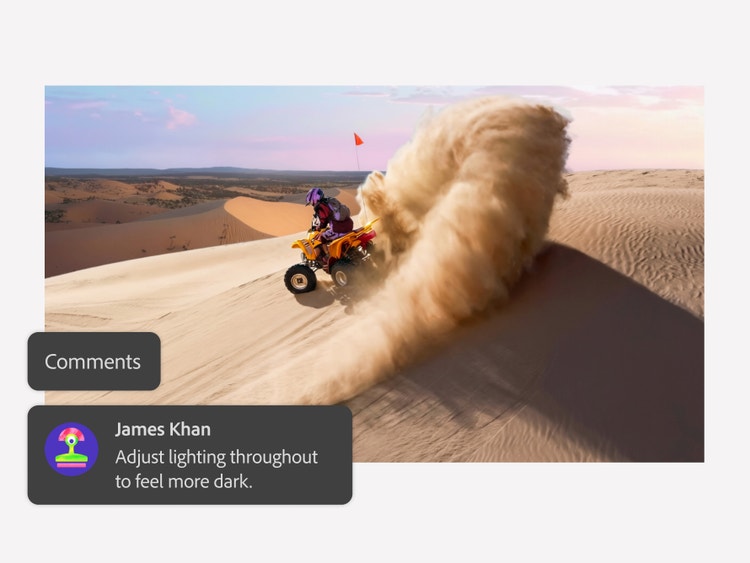
Collaborative features in Firefly Boards make it easy to share your storyboard, get feedback, and refine your work without redoing a panel. You can preview scenes, export individual frames or full sequences, and make quick shot adjustments with storyboard generator AI.
An online storyboard generator for everyone.
Whether you’re mapping out a film, animatic, social media skit, or creative pitch, the Firefly storyboard generator helps you quickly visualize and refine your ideas. With Firefly Boards, you can generate scenes from text or script-based prompts while maintaining consistent characters, products, and environments across frames. As your story evolves, you can adjust pacing and composition, then export individual frames or full storyboard sequences. Firefly integrates seamlessly with Creative Cloud and supported partner models, making it easy to move from storyboards to production within one connected workflow.
style
xl-bottom-rounded-corners
How to create a storyboard with an AI storyboard generator.
Open Firefly Boards and click “Create new” to start building your storyboard with the AI generator. Use the flexible canvas to lay out scenes one frame at a time or structure full sequences as you go.
Use text or script-based AI art prompts to generate custom visuals that match your scene. If you have reference shots, upload them to Firefly directly or search Adobe Stock for more high-quality images to complete your creative vision.
The AI storyboard generator makes it easy to adjust your visuals as your story evolves. Refine the style, mood, composition, or structure without redrawing each panel from scratch.
Rearrange scenes to perfect your narrative flow, then export individual frames or the full storyboard as JPEG, PNG, or MP4 files. Share storyboards with your team or drop them directly into your pre-production deck.
Adobe Firefly combines creative speed with production-ready reliability, making it a powerful choice for filmmakers, animators, and emerging creators. Whether you’re storyboarding a film, developing an animatic, planning animation sequences, or creating social content, Firefly helps you move from script to screen with confidence.
Firefly makes AI storyboard generation simple with prompt-based creation that quickly turns ideas into detailed visuals that maintain continuity across panels.
Effortless collaboration.
Share, review, and refine storyboard frames within Firefly Boards to align teams and iterate faster.
Seamless integration.
Move from storyboard to production with smooth connections across Creative Cloud apps and supported third-party models, keeping your workflow unified from concept to final output.
style
Three up, s spacing top, xxl spacing bottom, show-2-desktop
background
#FFF
Commercially safe.
Firefly models are trained on licensed content and public domain data, so your AI-generated storyboards are suitable for professional and commercial projects.
style
two up, s spacing top, l spacing bottom, show-2-desktop
Yes, you can use Adobe Firefly to create storyboards from text prompts, image references, and rough sketches in Firefly Boards. Firefly supports multiple generative models, including partner models, so you can design, edit, and experiment with different visual styles and storyboard templates all in one place. With built-in editing and collaboration tools, plus seamless integration across the Adobe ecosystem, it’s easy to generate, refine, and share production-ready storyboards efficiently.
An AI storyboard generator turns text prompts, reference images, or scripts into visual storyboards. With Adobe Firefly you can easily generate consistent, scene-by-scene artwork.
The best AI storyboard generator should let you quickly turn written ideas into visual sequences that clearly communicate scenes, shots, and pacing without manual drawing. The Adobe Firefly AI storyboard generator does exactly that, using simple prompts to produce high-quality, editable frames that fit a wide range of creative projects.
You can start with Adobe Firefly Boards for free. Adobe Firefly stands out from other storyboard tools with an easy-to-use experience, built-in editing and collaboration features, and seamless integration across Adobe apps. It also provides access to multiple generative and partner models in one place, making it simple to create, refine, and move storyboards into production-ready workflows.
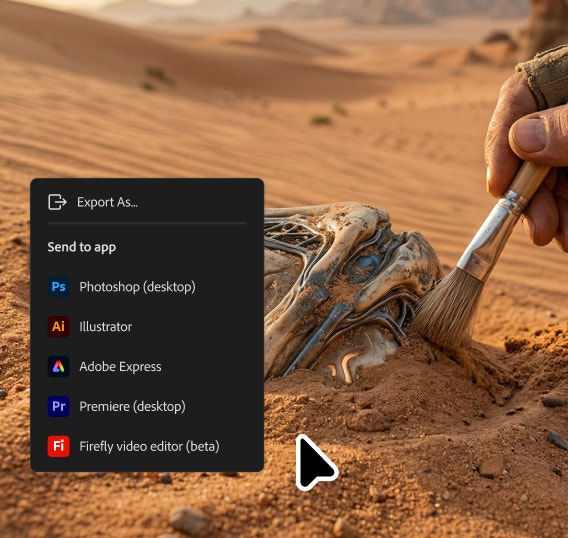
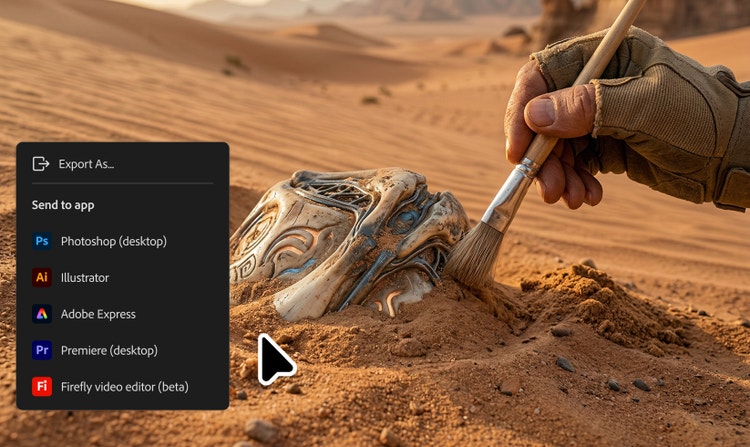
Yes, you can integrate your Firefly storyboards with other Adobe products like Photoshop, Illustrator, and Premiere Pro. Firefly Boards support rapid AI-driven ideation, then let you move into production-ready tools for full creative control. Easy exports help keep visuals consistent across projects, making it simple to refine artwork, polish designs, or bring storyboard frames directly into video timelines for final production.
Adobe Firefly generates visually consistent storyboard frames based on your prompts, with built-in tools to refine composition, framing, and style. To get the most accurate and consistent results, use clear scene descriptions, reuse the same character and style references across panels, and specify camera angles or shot types in your prompts. These simple techniques help ensure your storyboards closely match your creative intent.
All you need is an internet connection, a script, text, or image prompt, and access to Adobe Firefly.
Content generated with Firefly AI is safe for commercial use. You are responsible for determining if content generated by partner models not created by Adobe are appropriate for your project.
Yes, you can use the Adobe Firefly storyboard maker for free with a free Adobe account. Start with existing templates or use free daily generations to create AI content from text prompts and reference images. Learn more about using Adobe Firefly for free. Upgrade to a paid plan for higher-volume generations and access to additional creative features.
Share this page
style
l spacing bottom
Explore more Firefly tools.
style
Show-4-desktop, s spacing top, xxl spacing bottom
background
#F0F0F7
Adobe Firefly
The next evolution of creative AI is here for all your ideas, with image, video, audio, and vector tools.
You can control how Adobe websites use cookies and similar technologies by making choices below. But note that if you disable cookies and similar technologies entirely, Adobe websites may not function properly.
Cookies are small text files stored by your web browser when you use websites. There are also other technologies that can be used for similar purposes like HTML5 Local Storage and local shared objects, web beacons, and embedded scripts. These technologies help us do things like remembering you and your preferences when you return to our sites, measure how you use the website, conduct market research, and gather information about the ads you see and interact with.
You can make choices in the menu below about what cookies and other technologies you want us to use on Adobe sites when you visit them from this browser. You can always change those choices later by clicking on the Cookie Preferences link at the bottom of the page.
If enabled:
We can improve your experience by tailoring the site and the content to things we think might be of interest
We can better keep track of your preferences — like what language you prefer to use
We will better understand your likely interests so we can provide you more relevant Adobe ads and content on non-Adobe websites and in non-Adobe apps
It will help us improve the performance of our website and those of our partners who use the Adobe Experience Cloud
If disabled:
We won’t be able to remember you from session to session so the experience may not be tailored to your interests
You’ll still have access to the content of the site but certain features that depend on cookies may not function
You’ll still see ads, they just may not be as relevant to you
General information
You can control how Adobe websites use cookies and similar technologies by making choices below. But note that if you disable cookies and similar technologies entirely, Adobe websites may not function properly.
Cookies are small text files stored by your web browser when you use websites. There are also other technologies that can be used for similar purposes like HTML5 Local Storage, web beacons, and embedded scripts. These technologies help us do things like remembering you and your preferences when you return to our sites, measure how you use the website, conduct market research, and gather information about the ads you see and interact with.
You can make choices in the menu below about what cookies and other technologies you want us to use on Adobe sites when you visit them from this browser. You can always change those choices later by clicking on the Cookie Preferences link at the bottom of the page.
If enabled:
We can improve your experience by tailoring the site and the content to things we think might be of interest
We can better keep track of your preferences — like what language you prefer to use
We will better understand your likely interests so we can provide you more relevant Adobe ads and content on non-Adobe websites and in non-Adobe apps
It will help us improve the performance of our website and those of our partners who use the Adobe Experience Cloud
If disabled:
We won’t be able to remember you from session to session so the experience may not be tailored to your interests
We’ll still count your use of our site and services
You’ll still have access to the content of the site but certain features that depend on cookies may not function
You’ll still see ads, they just may not be as relevant to you
Operate the site and core servicesOperate site and measure engagement
Always active
These cookies are required, and they are used to enable the site and related services core functionality. Without them the site could not operate, so they cannot be disabled.
These cookies enable the site and related services’ core functionality and collect statistics about user engagement, such as counting active use to help us understand trends. These cookies cannot be disabled.
Measure performance
These cookies are used to analyze site usage to measure and improve performance. Without them Adobe cannot know what content is most valued and how often unique visitors return to the site, making it hard to improve information we offer to you.
These cookies are used to analyze site usage to measure and improve performance. Without them Adobe cannot know what content is most valued, making it hard to improve information we offer to you.
Extend functionality
These cookies are used to enhance the functionality of Adobe sites such as remembering your settings and preferences to deliver a personalized experience; for example, your username, your repeated visits, preferred language, your country, or any other saved preference.
Personalize advertising
These cookies are used to enable Adobe and our partners to serve ads more relevant to your interests. Without them you will still see ads, but they might not be as relevant to you.