



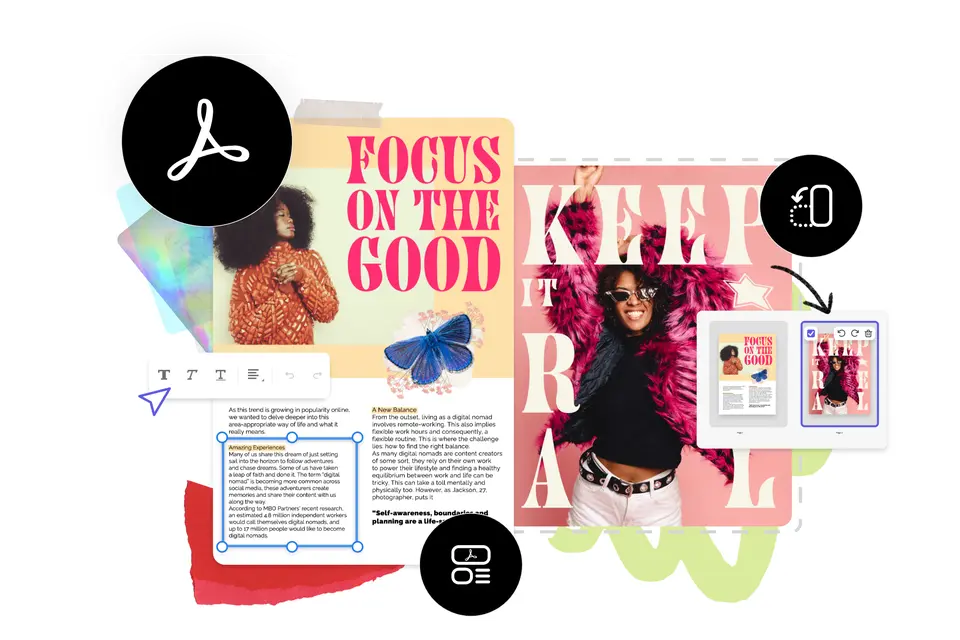
When we launched Adobe Express a couple of months ago, I shared my excitement over our mission to put content creation within reach for everyone. And as Scott Belsky wrote in his blog post, a big part of this commitment means listening to your feedback and continuously updating the app with new features, templates, and capabilities. We’re here to empower everyone to quickly and easily make standout content from thousands of beautiful templates. You can expect continued improvements that’ll help you express your ideas in fresh, new ways, and this is all just the beginning.
Creativity is at our core, but we also want to help you work more efficiently with your documents. This is where our PDF quick actions come in. I’m proud to say that Adobe Express PDF quick actions are powered by Adobe Acrobat which is the world standard in PDFs, so you know you’re getting industry-class tools built right into the app. Your new PDF will keep the format and design of your original document including tables, bullet points, and more.
The Adobe Express launch included two PDF quick actions: the ability to convert documents to and from PDFs. Today, we are adding more PDF quick actions. You can now combine files into one PDF and organize pages. This will make it easier to update or repurpose files without ever leaving the app.
I also know that it’s important to our creators to have the ability to edit the entirety of a PDF directly in the Adobe Express editor. This makes a lot of sense. After all, a central part of our app’s promise is to make working with content quicker and easier. We’ve heard our creators’ feedback and are working hard on these direct PDF editing features, so stay tuned for more updates soon. In the meantime as we develop these capabilities, we’re introducing a new edit text & images PDF quick action so you can add or change text or resize images of existing PDFs.


