Boost your brand with the Amazon Ads integration in Adobe Express.
Elevate your advertising game with the seamless integration of Amazon Ads into Adobe Express via the Amazon Ads add-on. Create, customize, and publish stunning ads directly from Adobe Express to your Amazon Ads creative asset library for use in your advertising campaigns. With real-time policy checks and a vast library of Amazon Ads templates, you can streamline your workflow and get your ads to market faster.

How to create Amazon Ads.
1. Get inspired.
Create from customizable Amazon Ads templates to jumpstart creativity.
2. Connect your Amazon Ads account.
Access your library of creative assets.
3. Continue editing and publish.
Personalize your ad using Adobe Express, automatically run compliance checks, and publish your ad directly to Amazon.
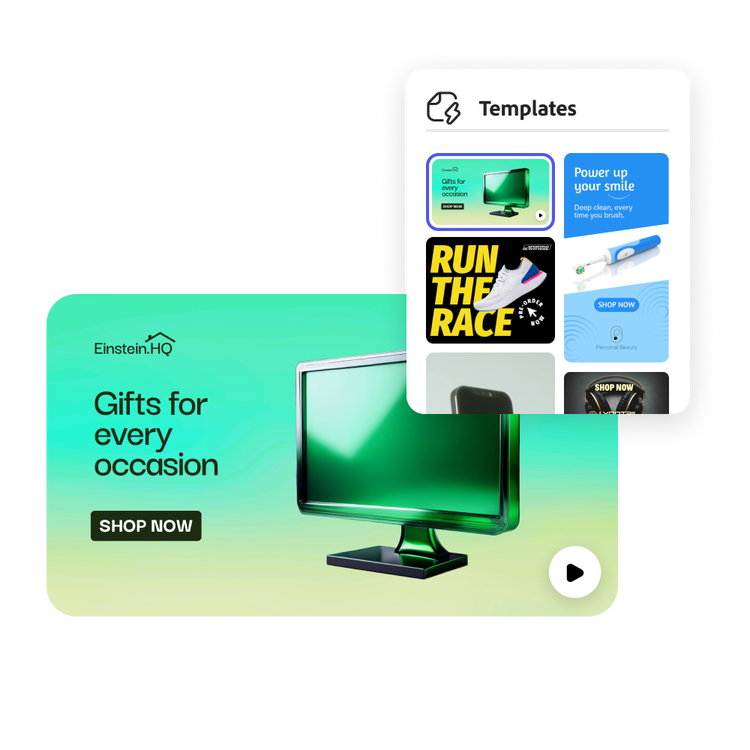
Templates that follow creative best practices.
Streamline your Amazon Ads creative workflow with ready-to-use templates optimized for Amazon Ads solutions – reducing revision cycles and speeding up time to market.
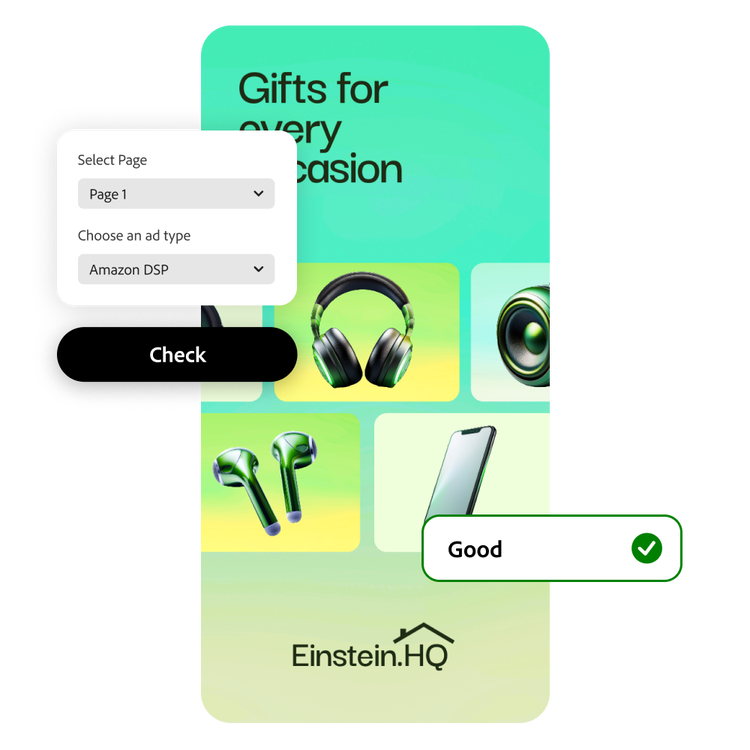
Real-time ad policy guidance.
Confidently design ads that pass Amazon compliance checks and simplify your path to launch with clear, real-time feedback provided right within Adobe Express.
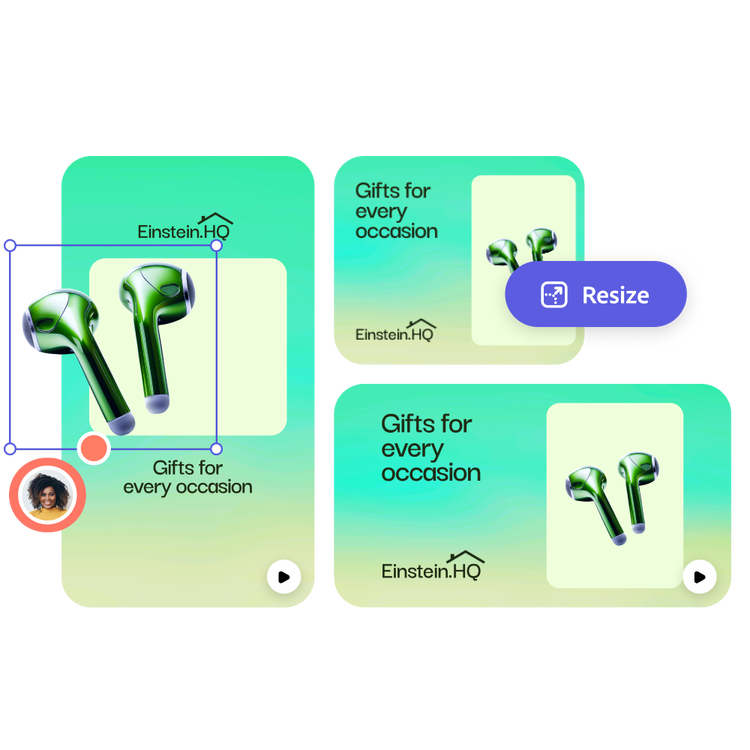
Amazon Ads ready content at export.
Design launch-ready content that follows Amazon Ads best practices, offers drag-and-drop functionality, and allows you to resize your ads in a single click.
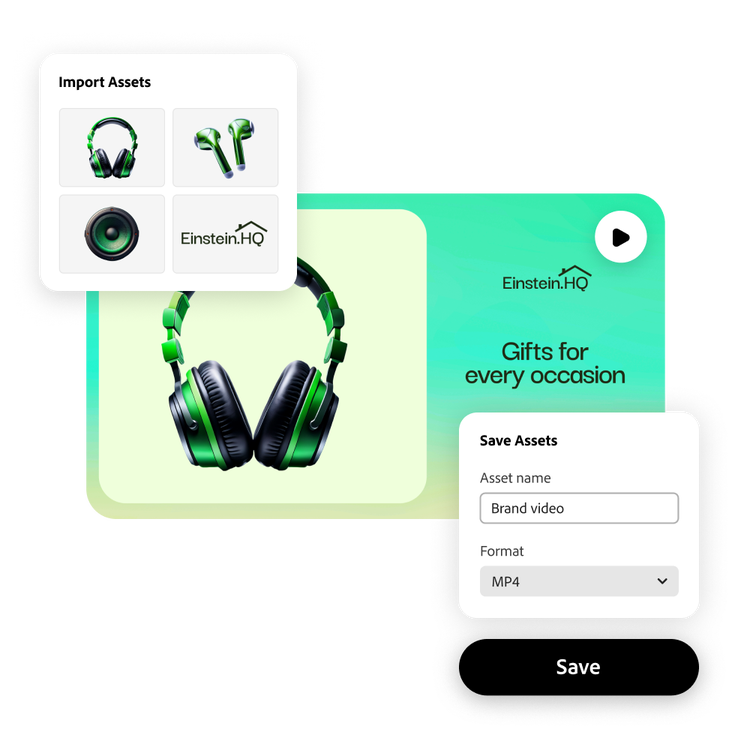
Direct connection to your designs.
Use on-brand images and videos to start new Adobe Express designs then easily save finished designs back to your creative asset library for use in all future Amazon Ads campaigns.
Browse advertisement templates for any platform with Adobe Express.
Unique and creative advertisements help promote your business, keep customers engaged, and grow your clientele. With the Adobe Express professional templates, you can create attention-grabbing ads with your logo, branding, and fonts. Resize your ad to use it across all your channels, including Instagram, Facebook, X, YouTube, your website, and any printed destination.

Collection ID
(To pull in manually curated templates if needed)
Orientation
(Horizontal/Vertical)
Width
(Full, Std, sixcols)
Limit
(number of templates to load each pagination. Min. 5)
Behaviors
(still/multiple-pages/video/animated)
Sort
Most Viewed
Rare & Original
Newest to Oldest
Oldest to Newest
Premium
(true, false, all) true or false will limit to premium only or free only.
Browse advertisement templates for any platform with Adobe Express.
Unique and creative advertisements help promote your business, keep customers engaged, and grow your clientele. With the Adobe Express professional templates, you can create attention-grabbing ads with your logo, branding, and fonts. Resize your ad to use it across all your channels, including Instagram, Facebook, X, YouTube, your website, and any printed destination.
Collection ID
(To pull in manually curated templates if needed)
Orientation
(Horizontal/Vertical)
Width
(Full, Std, sixcols)
Limit
(number of templates to load each pagination. Min. 5)
Behaviors
(still/multiple-pages/video/animated)
Sort
Most Viewed
Rare & Original
Newest to Oldest
Oldest to Newest
Premium
(true, false, all) true or false will limit to premium only or free only.