



Make custom holiday cards for free.
Effortlessly design beautiful custom cards this holiday season with Adobe Express, perfect for your online stationery business or your loved ones. Begin with free, professionally crafted templates that you can customize in just a few simple steps.
* Available for print in US, UK, Australia, and Canada
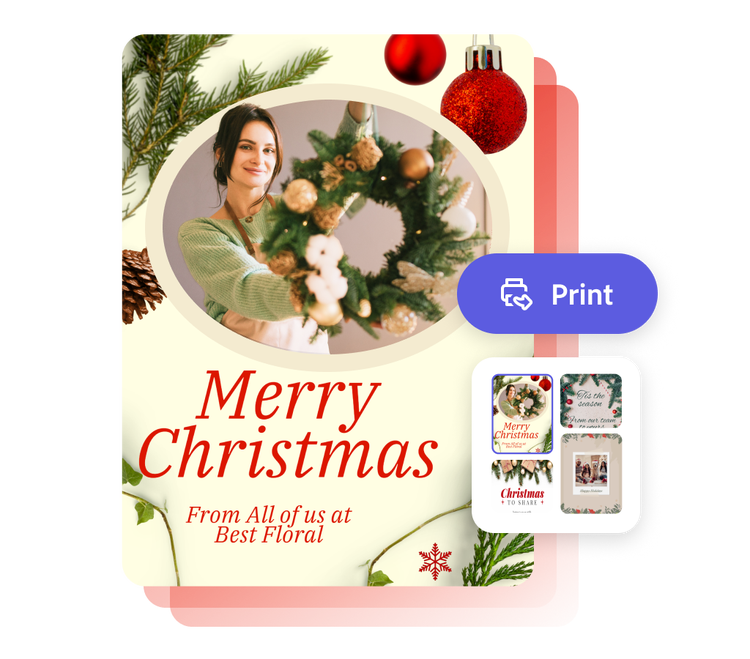
Start making a card by searching for an event
Create custom cards fast with Adobe Express. Easy to use, endlessly customizable, and perfect for any occasion.


 Free to use
Or start with these popular templates


1. Pick a holiday card template.
Find the ideal holiday card template in a style that matches your taste, whether it’s minimalist, retro, or modern. Choose from a diverse collection for friends, family, or colleagues.
2. Customize it.
Personalize your holiday card by clicking a text box to add your message or select new fonts. You can also upload photos and change the color theme. Use the full Adobe Express editor to customize with graphics, animations, borders, and more.
3. Order your printed cards.
Download your new holiday card as a PDF, JPG, or PNG file to share anywhere. Or, if you’re creating your card using the US, UK, Australia, or Canada desktop or mobile version of Adobe Express, you can order high-quality prints in the full editor and get them shipped to your door.
Create a custom holiday card from the heart.
Spread the cheer with a card design that reflects your tastes. No design skills are needed to make your design pop with unique fonts, color schemes, and festive graphics in the Adobe Express holiday card maker. Don’t forget to add in a heartfelt note by typing directly into the card. Take the stress out of the holiday season. Adobe Express is free to use and easy to master, so you can get the perfect holiday card made every time.
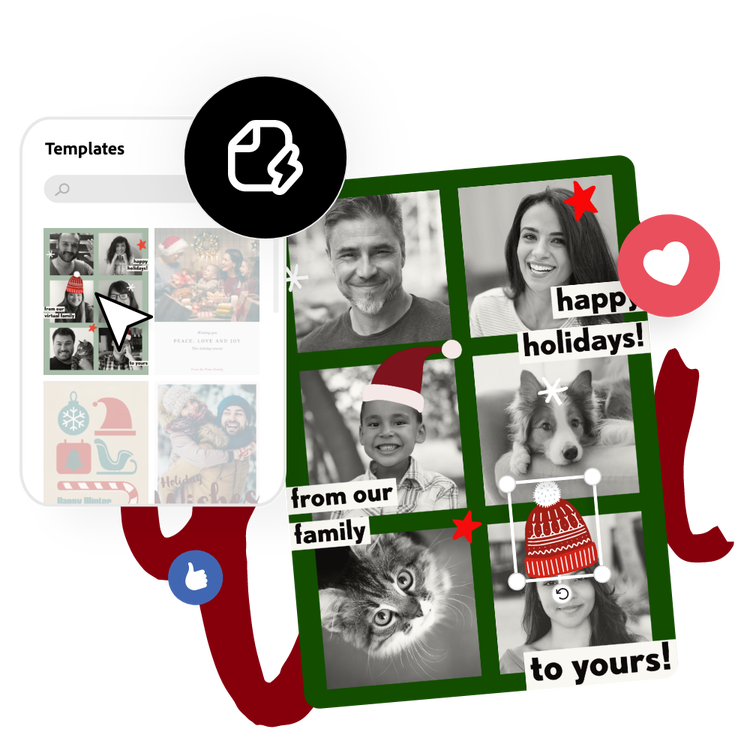
Send your love, no matter the occasion.
Giving a personalized card beats a store-bought card any day. Let your recipient know you’re thinking of them with a one-of-a-kind card made with Adobe Express. Start with a professionally designed template. There are thousands to filter through from Mother’s and Father's Day to New Year and Diwali. After selecting your template, customize in the holiday card maker with your own text and images.
Go from design to print-ready.
The Adobe Express holiday card maker takes you through every step of the process, making it simple to design the card you imagined in your head. After your design is set, you can either Download to print from your computer or mobile device, or order your printed holiday cards directly from Adobe Express and get them delivered to you. Impress your clients with a custom holiday card that expresses your appreciation for them throughout the year.
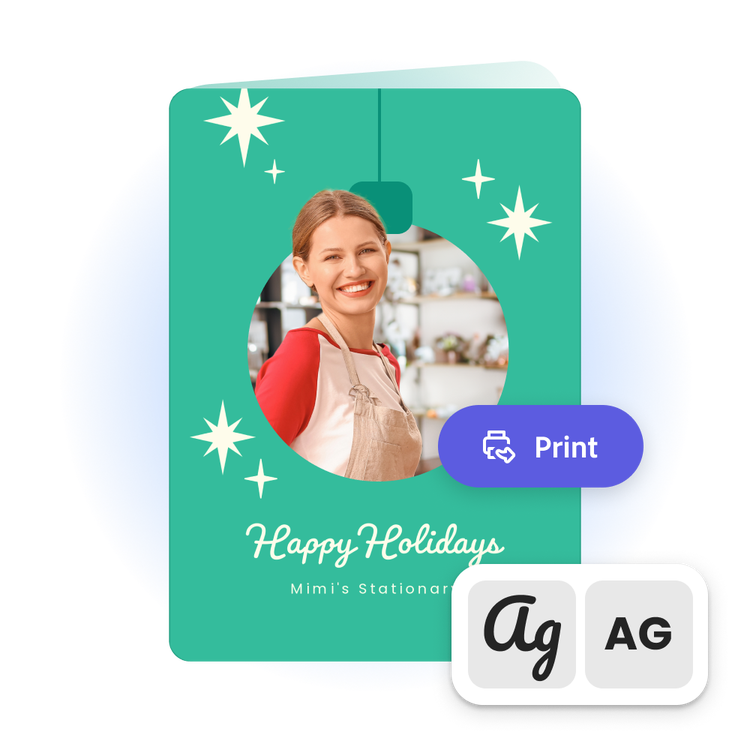
Discover stunning holiday card templates.
Create a customized holiday card for free with Adobe Express. Adobe Express offers a wide array of designs and templates so you can make your gorgeous holiday cards. Simply select your template, add your text or even swap the image with one of your own, and there you have it: your own beautiful, customized holiday card. There are templates for every mood, holiday, and occasion.
Frequently asked questions.
Can I make more than one holiday card?
Make as many holiday cards as you’d like. Start customizing one card, then duplicate it to make different variations. Update your card for specific recipients, future holidays, or new announcements. There are endless creative opportunities.
How do I design multiple sides for my holiday card?
Design one side of your holiday card, then duplicate your project and use your first page as a template to create the second side. Add as many sides to your card as you’d like.
Where can I find unique design ideas to make my holiday card?
Explore the Adobe Express template library to discover an ever-growing collection of unique designs. Search by style, color, aesthetic, or holiday to find the latest trending templates. Choose any template to customize for your own holiday card.
How do I share my holiday card as an e-card?
Once your holiday card design is complete click Download in the holiday card maker to open the full Adobe Express editor. From there you can download the card to email the digital file or share directly to your social channels. While in the full editor consider adding other fun e-card elements like animation or music that can’t be done with a printed holiday card.
Can I get Adobe Express for free? If so, what’s included?
Yes, Adobe Express has a free plan that includes core features like photo editing tools and effects and thousands of free templates. Learn more about our plans and pricing.
illustrator

