Create Valentine’s Day cards for free in minutes.
Express your adoration with beautiful Valentine’s Day cards made in Adobe Express. Quickly and easily get started with professionally designed templates you can customize for your sweetheart in no time.
* Available for print in US, UK, Australia, and Canada
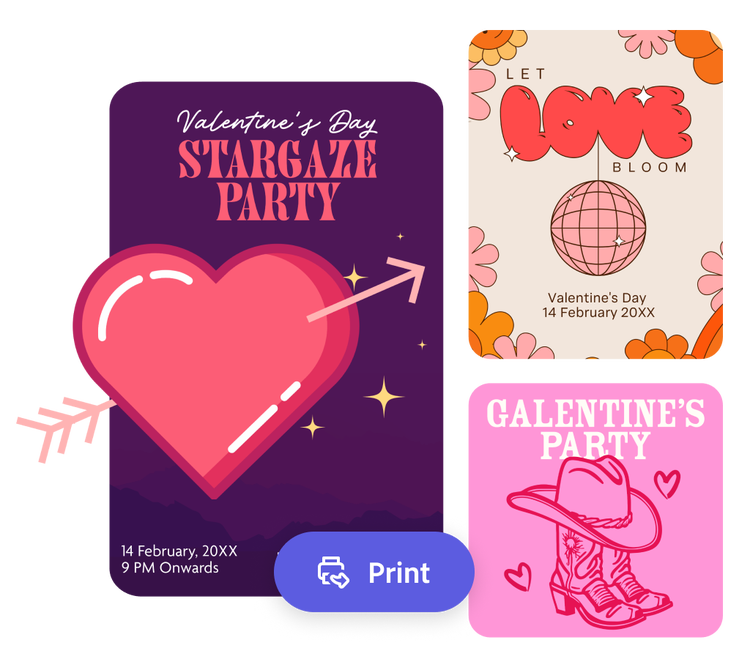
Or start with these popular templates
How to make a Valentine’s Day card.
1. Pick a template.
Launch the Valentine’s Day card maker, then use the filters and search bar to narrow down your template search. Find designs ranging from vintage and cute to modern and romantic.
2. Customize it.
Click any text box to replace it with your heartfelt message. Customize the fonts, color schemes, and upload any photos you want. Easily edit your card for a unique, personalized design.
3. Save or print your card.
Download your new Valentine’s Day card as a PDF, JPG, or PNG file to share anywhere. If you’re creating your card using the US, UK, Australia, or Canada desktop or mobile version of Adobe Express, you can order high-quality prints in the full online editor to pass out at school or to coworkers.
Make your own personalized Valentine’s Day cards.
Express your love in creative new ways with Valentine’s Day cards and templates from Adobe Express. Write personalized messages with handpicked fonts and unique touches. Create breathtaking Valentine’s Day cards that you can resize to share anywhere. You’ll find endless possibilities to make your celebration unforgettable for that special someone.
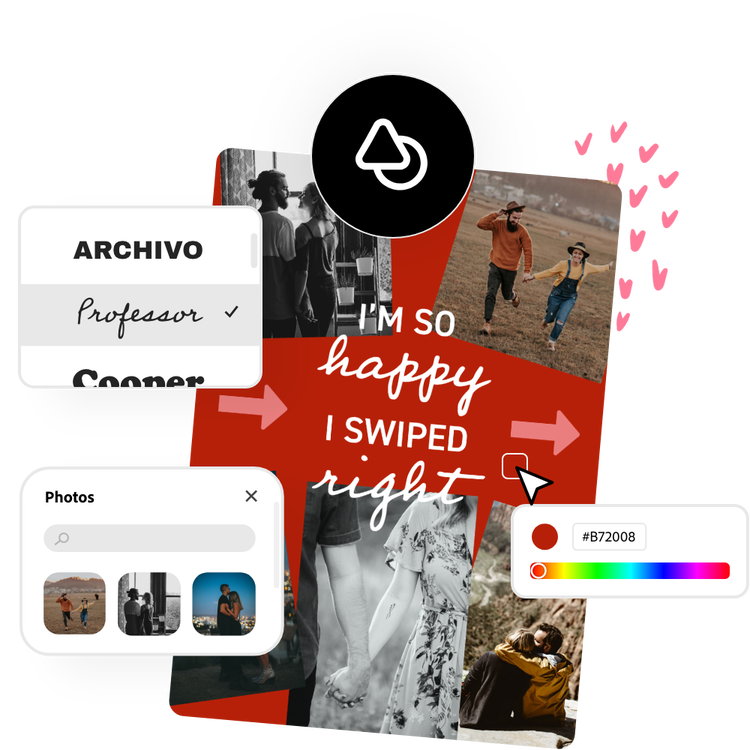

Let Adobe Express be your Valentine’s Day card design expert.
Explore professionally designed templates to get your wheels spinning or create your Valentine’s Day card from scratch. Establish a theme for your designs using photos, icons, logos, personalized fonts, and other customizable elements to make them feel entirely authentic. With Adobe Express, it’s free and easy to make, save, and share your designs within minutes.
Printed Valentine’s Day cards ready in no time.
Create a card your sweetheart will proudly prop up on their desk or pin to the fridge. It’s easy to turn smile-worthy Valentine’s Day card designs into prints without leaving Adobe Express. If you’re a US, UK, Australia or Canada Adobe Express user, you can order high quality professional prints and have them delivered to you. Print one for your spouse or 30 for your kid’s classroom. There is no limit.
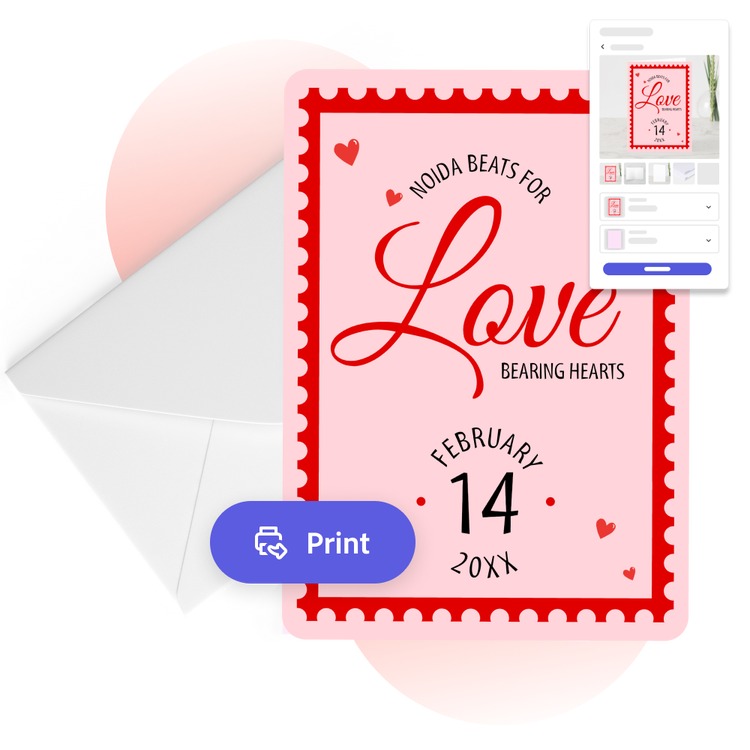
Discover stunning Valentine’s Day card templates from Adobe Express.
Whether you’re designing something corporate for your customers or something heartfelt for your soulmate, Adobe Express can help you strike the right tone in your Valentine’s Day card. It’s as simple as choosing a template below, typing in your message, and uploading any photos or brand elements. No experience is needed to use the Valentine’s Day card creator from Adobe Express.

Collection ID
(To pull in manually curated templates if needed)
Orientation
(Horizontal/Vertical)
Width
(Full, Std, sixcols)
Limit
(number of templates to load each pagination. Min. 5)
Sort
Most Viewed
Rare & Original
Newest to Oldest
Oldest to Newest
Premium
(true, false, all) true or false will limit to premium only or free only.