



Design book covers for free in minutes.
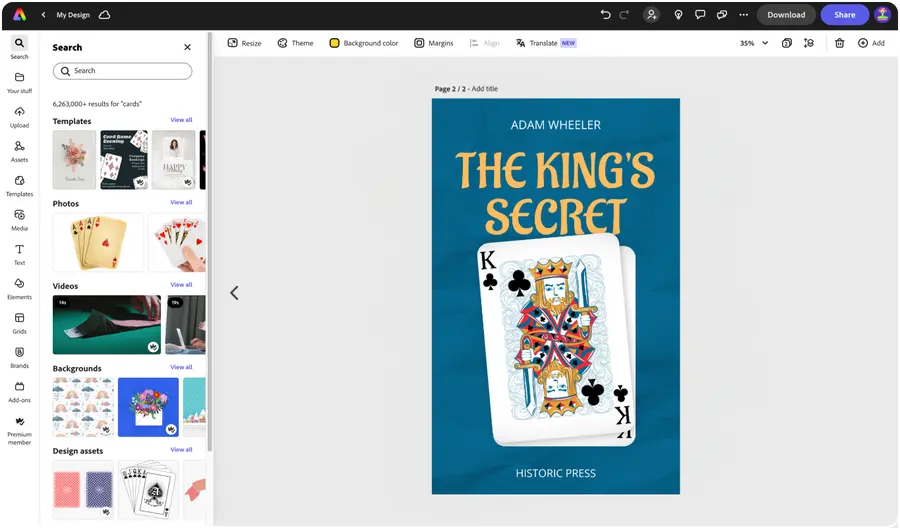
Adobe Express makes it easy to create a book cover. Start with a free book cover template or create your own custom cover.


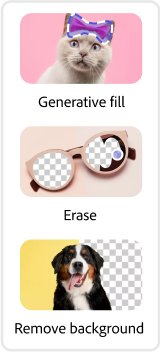


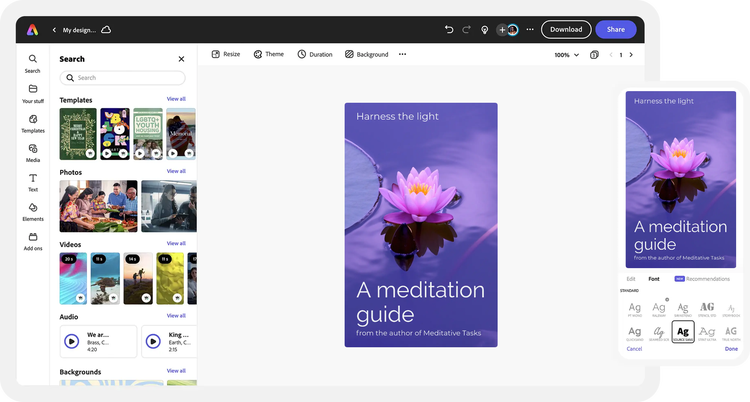
Easy all-in-one editor

One-click edits from any device

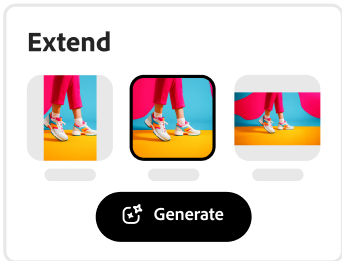
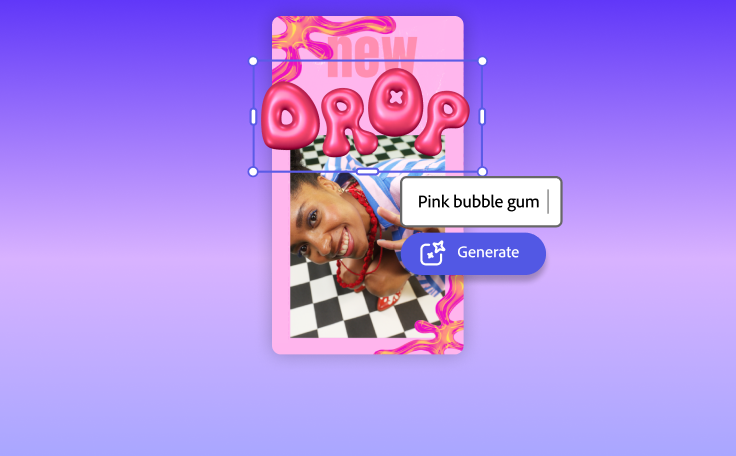
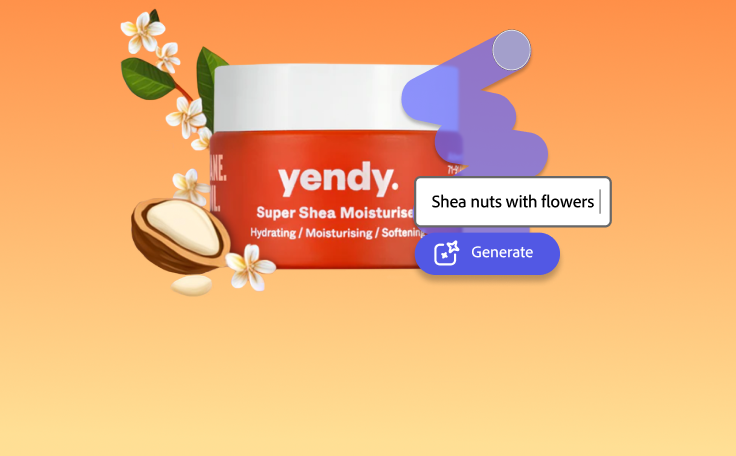
Fast creation with generative AI

Thousands of professionally-designed templates
Easily get started in Adobe Express.
Save time with stunning free book cover templates.
If you’re self-publishing a book, you’ll know that writing it is only part of the process. You also need to market it, and that requires a descriptive and eye-catching book cover. You may need the expertise of a designer or artist, too – and that’s not cheap. But with Adobe Express, you can create slick, professional book covers from the comfort of your own home.
 New templates
- Popular
- New templates






Get started for free.
Open Adobe Express for free on your desktop or mobile device to create a book cover.Explore professionally designed templates.
Browse through thousands of standout book cover design templates or create from a blank canvas.Feature eye-catching imagery.
Upload your own photos or add stock images and designs from our libraries.Brand your cover art.
Make your book cover on-brand by uploading your logo and using fonts and colors that match your aesthetic. With a premium plan, you can even auto-apply your branded elements to save time and create more.Share your book cover.
Hit that publish button and instantly download your book cover right to your device. Print it out, send it to your publisher, or share it online.
See what people are saying about Adobe Express.

Abs Ahlijah
Marketing & Content Coordinator @ Soul Session
"As a marketer who is always on the move. Adobe Express helps me to create fast, high quality content. Absolute endless features to enhance my creativity!"

Liz Mosley
Owner, Liz Mosley Design
"I use Adobe Express to create and schedule a lot of my own content, and by creating templates for my own brand I have saved my self hours marketing my business!”

Penuel Stanley-Zebulon
Student @ Pennsylvania State University
"The remove background image tool in Adobe Express saved me hours of tedious editing, effortlessly removing backgrounds and refining my images with just a few clicks."

Attabeira German de Turowski
Owner, Attabeira Oneline
"I use Express Premium for my social media efforts and Content Scheduler has helped me grow my following through consistent posting."

Mike Nappi
Owner, NappiMusic
"I'm all in on Adobe Express. Premium makes it easy for me to maintain a cohesive look and feel for my brand."
Discover even more features for easy content creation.
Design a custom book cover that tells a story.

Every book has an identity of its own, so it’s only right that it has a unique and distinctive cover. You don’t have to worry about making your work stand out from the competition when you have Adobe Express at your disposal. Several customization options allow you to inject your creativity and originality into your book cover. Think about what story you want your book cover to tell. Remember that this is the first impression the reader will have of your book.

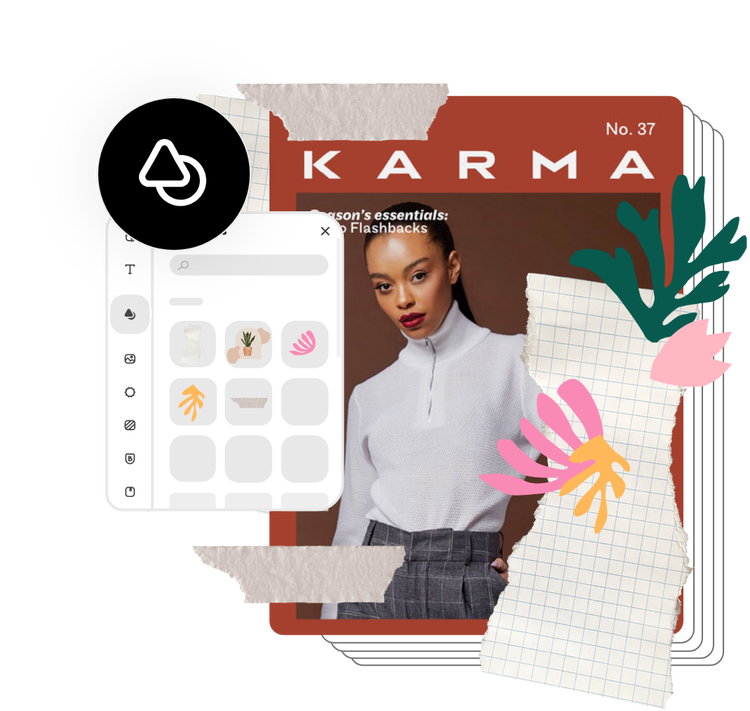
Let Adobe Express be your go-to book cover designer.
Your book is a work of time, effort, and passion. You want to see it impact as many people as possible. The Adobe Express book cover maker helps you design a book cover that captures the essence of your words and displays them to your audience. Best of all, Adobe Express is completely free to use and easy to learn. Unleash the potential of your written word with a book cover that exudes creativity.
The world's leading businesses use Adobe Express.





Discover even more.

More reasons why Adobe Express is the right tool for your next project.
Make a standout book cover in just a few taps.

If you’ve got a story to tell, write a book. And if you want that story to grab the attention of your audience, seal it with a captivating book cover. Making a stunning book cover design with Adobe Express is a great way to easily make book covers, regardless of your design experience. Adobe Express comes with dozens of easy-to-use tools and a user-friendly interface that enable you to make a unique book cover in a matter of minutes.
Explore the free Adobe Express online book cover maker.

Promote your new book cover effortlessly.
Make a standout book cover in just a few taps. opened

Frequently asked questions.
What are standard book cover sizes?
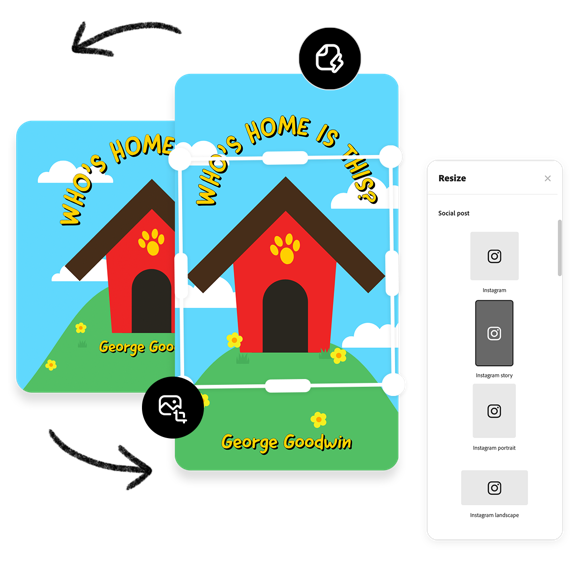
Popular book sizes start at 4.25” by 6.87” and range up to 6” by 9” in size. However, you can create a custom size for your book based on your needs. Consider the cover type (paperback or hardcover), number of pages, and genre when making a decision about what size your book should be.
What makes a good book cover?
What kind of images should I use on my book cover?
Can I create my own book cover template?
Can I get Adobe Express for free? If so, what’s included?
What are standard book cover sizes? opened
illustrator

