



Make an eBook online for free.
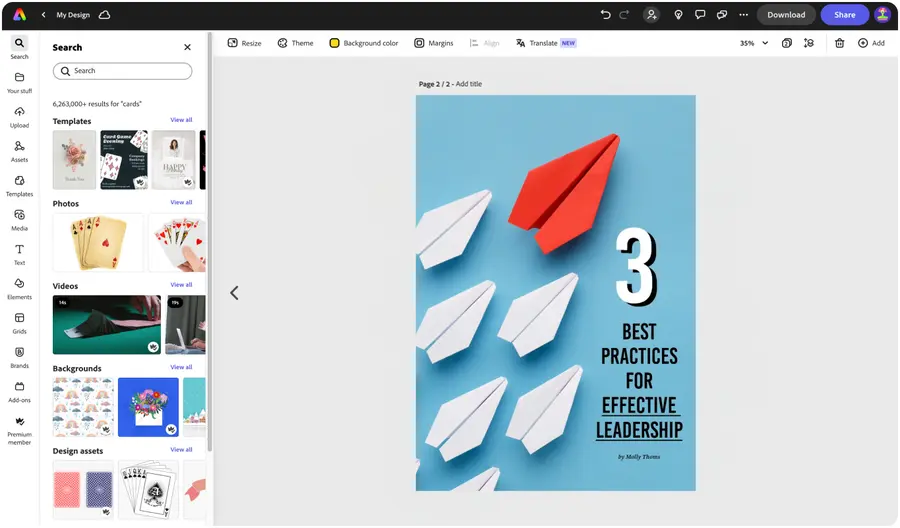
Create your own professional-quality eBook with Adobe Express, the quick and easy create-anything app. Get started with tons of customizable templates and effortless layout and formatting control. No design experience needed.


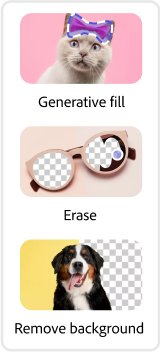


Easy all-in-one editor

One-click edits from any device

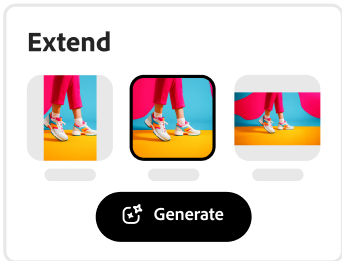
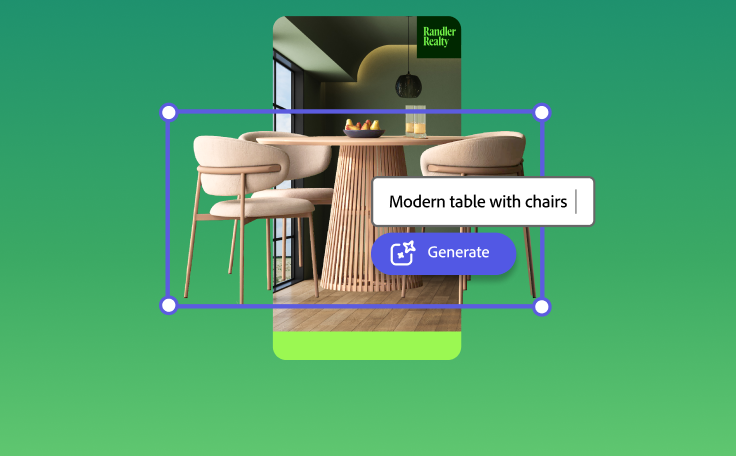
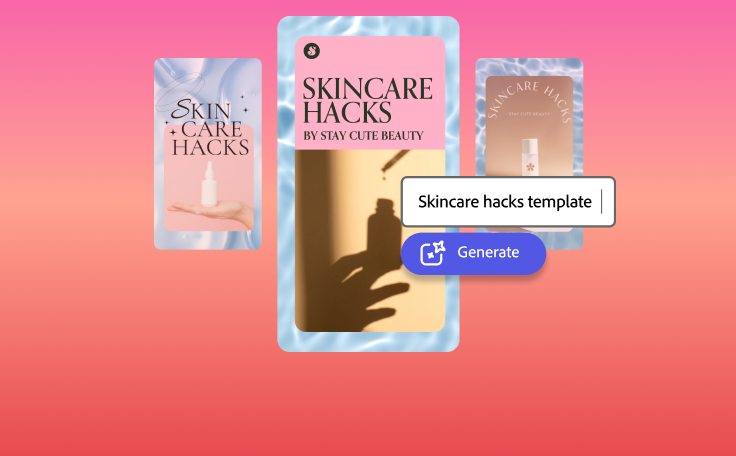
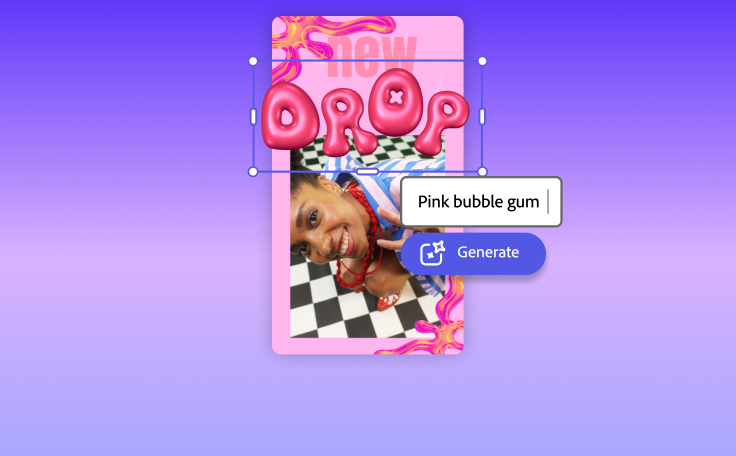
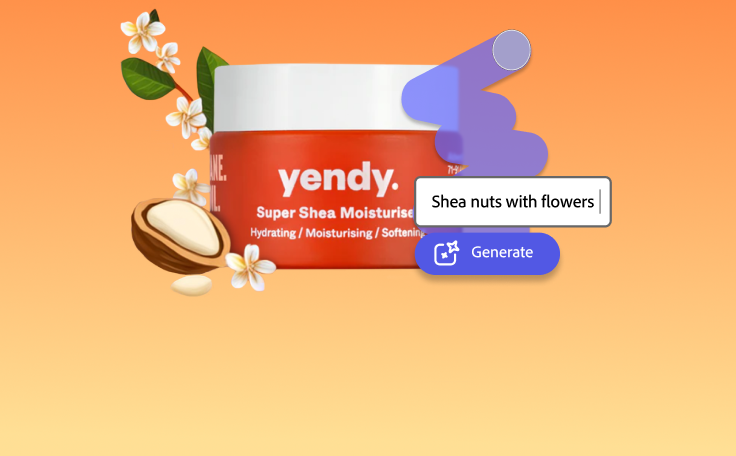
Fast creation with generative AI

Thousands of professionally-designed templates
Easily get started in Adobe Express.
Discover our eBook creator.
Eye-catching eBook designs are essential to entice online readers to download your fantasy epic, graphic novel, or biography. From a gripping cover to pages that leave a lasting impression, to one that conveys the value of your business, you can design an eBook quickly and easily at any skill level with Adobe Express. Get started with a customizable template, include your graphics, text, and any brand assets like logos, color schemes, and fonts to tie it all together.
 New templates
- Popular
- New templates




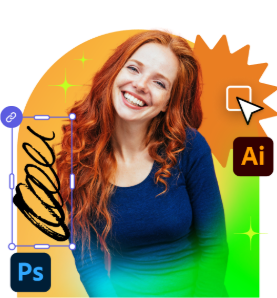

Get started.
Open Adobe Express on web or mobile to begin creating for free.Browse eBook templates.
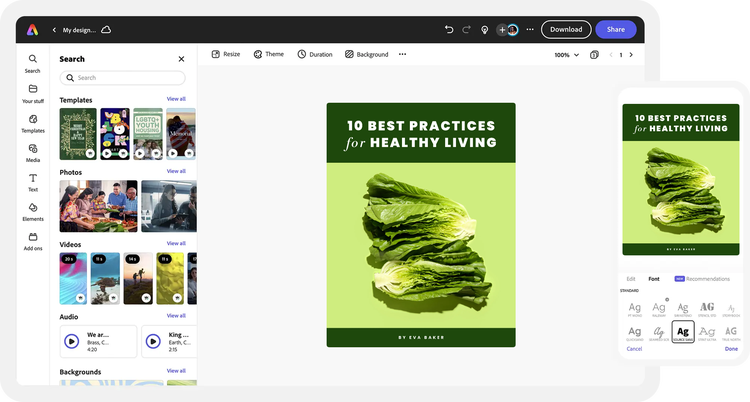
Explore tons of eBook templates to customize. Search by aesthetic, industry, or color. You can also import your own PDF to start editing in Adobe Express.Include text, images, and charts.
Upload photos from your device or explore our Adobe Stock collection of free backgrounds, icons, and design assets to take your eBook to the next level. Add your text and easily rearrange it anywhere on your pages. Include a chart to showcase your findings or any relevant statistics in a visual way.Brand your eBook.
Make your eBook stand out by adding brand assets like logos, graphics, icons, color schemes, and fonts. For a coherent look and feel, try to keep color schemes and font styles consistent across each page.Collaborate or publish and share.
Invite collaborators to your eBook design via share link for feedback. When you’re done, download your finished eBook to your device as a PDF to share online with your readers or print it out.
See what people are saying about Adobe Express.

Abs Ahlijah
Marketing & Content Coordinator @ Soul Session
"As a marketer who is always on the move. Adobe Express helps me to create fast, high quality content. Absolute endless features to enhance my creativity!"

Liz Mosley
Owner, Liz Mosley Design
"I use Adobe Express to create and schedule a lot of my own content, and by creating templates for my own brand I have saved my self hours marketing my business!”

Penuel Stanley-Zebulon
Student @ Pennsylvania State University
"The remove background image tool in Adobe Express saved me hours of tedious editing, effortlessly removing backgrounds and refining my images with just a few clicks."

Attabeira German de Turowski
Owner, Attabeira Oneline
"I use Express Premium for my social media efforts and Content Scheduler has helped me grow my following through consistent posting."

Mike Nappi
Owner, NappiMusic
"I'm all in on Adobe Express. Premium makes it easy for me to maintain a cohesive look and feel for my brand."
Discover even more features for easy content creation.

Effortless page layout formatting.

Add and rearrange text across each page of your eBook quickly and easily, no additional tweaking or page reformatting needed. Turn large sections of text for a sales eBook or a tips and tricks guide into beautiful, easy-to-read pages with Text flow. Adjust the size of one text box and have text automatically flow into the next box, no additional tweaking or formatting required. Split lengthy paragraphs into multiple columns. Or use images and graphics to divide each paragraph.

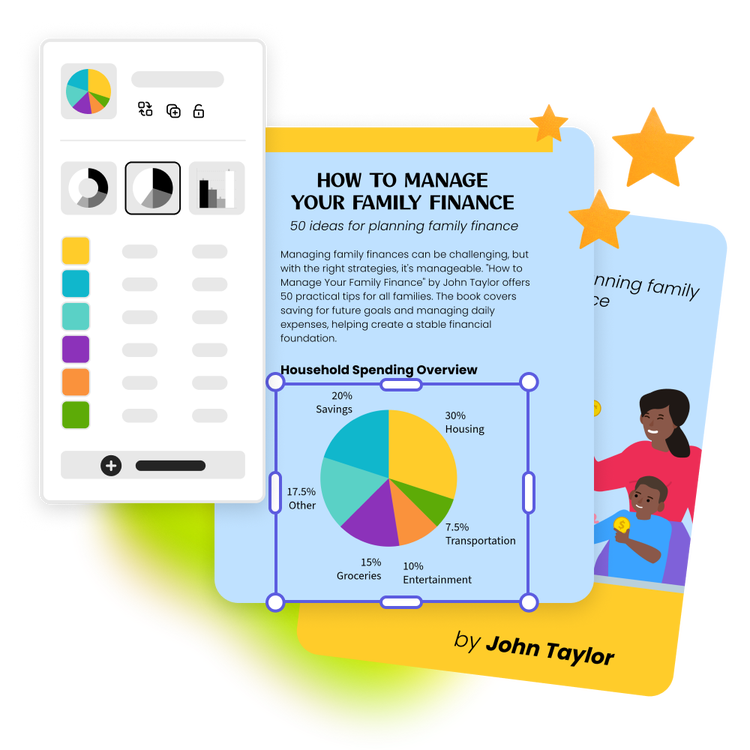
Add on-brand charts and graphs to your eBook design.
Feature a blend of stunning charts and infographics to add more visual appeal to your eBook. Make your very own pie charts, progress charts, and timelines in the same project to further convey your message. You can even add your brand colors, logos, and font styles to your charts for a professional look and feel.
The world's leading businesses use Adobe Express.





Discover even more.

More reasons why Adobe Express is the right tool for your next project.
Excite your readers with creativity on your side.

Adobe Express is here to inspire you to use creativity with every new project. With Adobe Express, you can design countless aspects of your eBook, using professionally designed templates for the cover, the pages, the table of contents, and social posts to market your book. There are endless creative opportunities to market your eBook like never before.
Let Adobe Express be your eBook design expert.

Excite your readers with creativity on your side. opened

Frequently asked questions.
How long should my eBook be?
When you make your own eBook, it can be as long or short as you want. The average short book is about 25,000 words – around 100 pages on average – while the average Kindle book is 75,000 words (circa 300 pages). However, it varies by genre and style.
What file format can I download for my eBook?
Where can I publish my eBook?
Can I create my own eBook template?
Can I get Adobe Express for free? If so, what’s included?
How long should my eBook be? opened
illustrator

