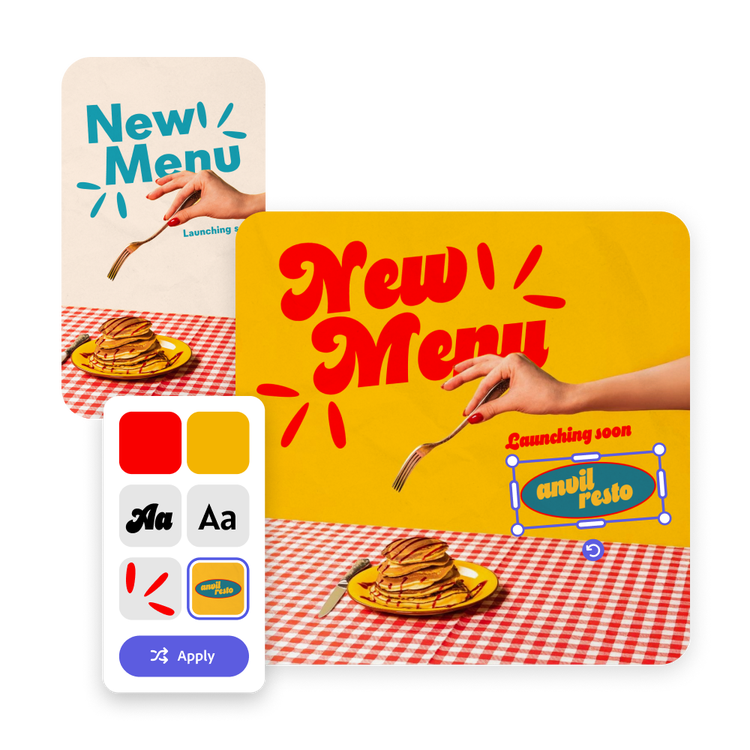
How to resize images with the AI image resizer.
Easily resize your image by expanding your image dimensions and using Generative AI to automatically fill in the missing details of your image.

Easily create alternative versions of your images, designs, or social posts in different dimensions using the AI resize image tool. Upload your image, choose the desired size, and watch as AI fills in the missing edges of your image, making it easy to resize your image to suit any layout.
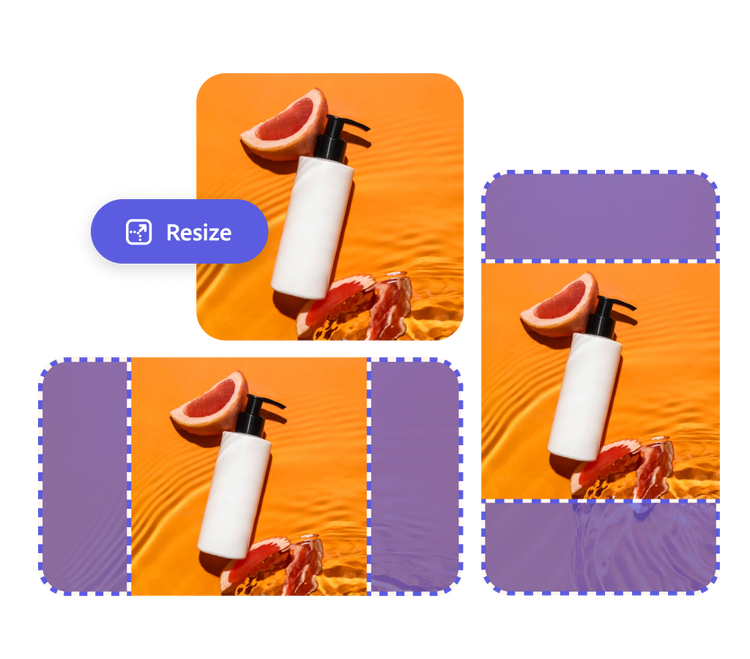
Easily resize your image by expanding your image dimensions and using Generative AI to automatically fill in the missing details of your image.
Sign in to your Adobe Express account. If you don’t have one yet, you can create a free account. Then start your free Adobe Express trial to get access to this time saving premium feature.
Upload your social post, image, or file of choice. Ensure the image spans the page’s width or height. Select Resize at the top of the editor to choose the desired size for your image. Make sure the Expand option is check-marked. Click Try Premium if you don’t have a premium account.
Click Resize and watch as three variations of your updated image that fit your new dimensions are generated. For more results, select Generate more. Choose to Keep or Discard your new image.
Your newly resized image is ready to be shared across your social channels, marketing collateral, or anywhere you wish. You can also keep customizing in Adobe Express.





Resizing your image for new contexts is simple thanks to generative AI. No need to redesign your social media posts, flyers, and banners. With a Premium plan, size up as many designs as you desire and allow the tool to fill in any missing details without stretching or cropping the design. If your newly expanded image isn’t quite right, simply select Generate more to see additional variations.
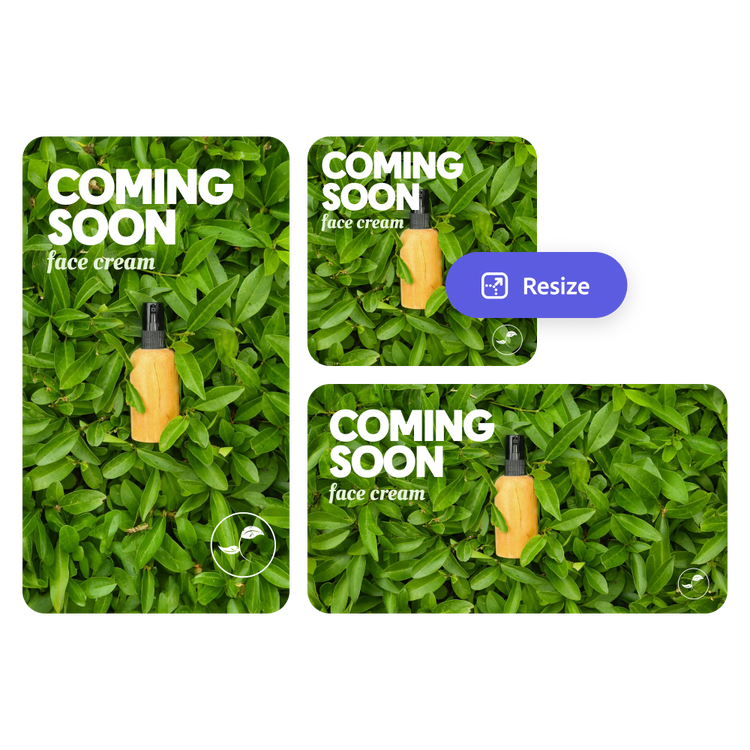
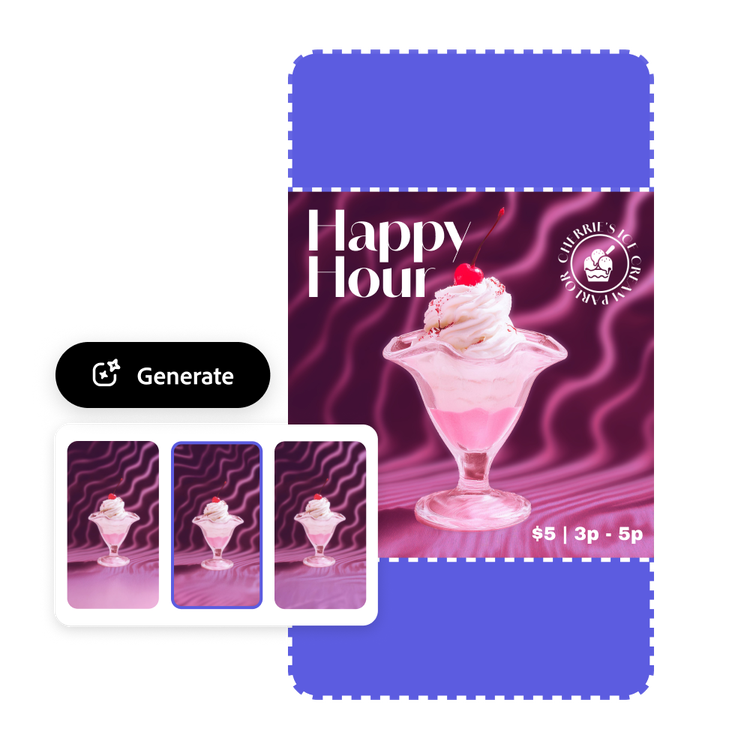
Your images deserve to shine without awkward cropping, stretching, or losing detail. With Adobe Express AI image resizer, you don't have to sacrifice quality. Our AI analyzes your design and extends it in a natural way to fit in with the rest of the scene. Every image extension is designed to integrate with the original so no one can tell where your design ends and the AI steps in.
Resizing your image or design is just the start. Take your Facebook ads, email designs, flyers and more to the next level with the Adobe Express editor. Apply your brand’s colors, fonts, and logos instantly with easy-to-use brand kits, and add animated effects to ensure your designs stand out. With Adobe Express, every resized creation maintains a polished, consistent look and feel, ready to make an impact across any platform. No design experience needed.