



Resize your GIF for free in minutes.
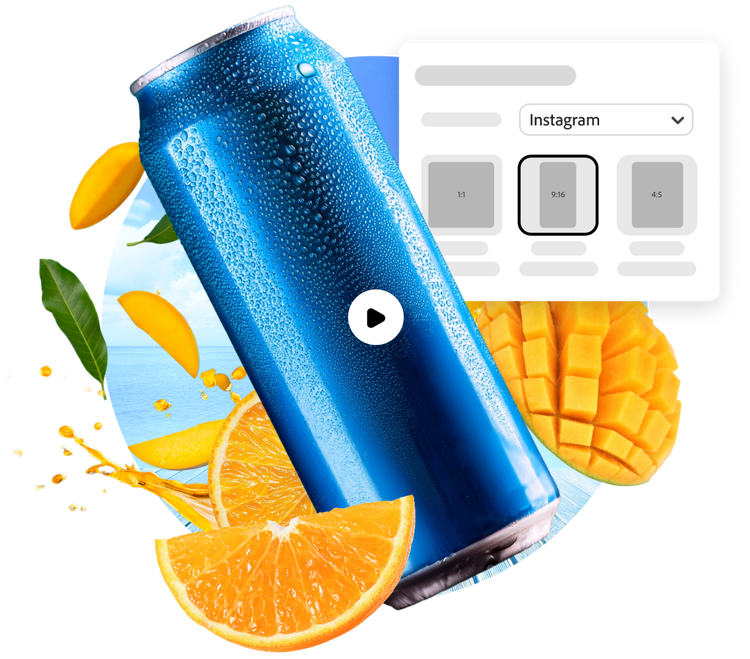
Sharing your favorite GIFs on any platform is easy thanks to the Resize GIF tool in Adobe Express. Choose from preset sizes perfect for Instagram, TikTok, or X, or set the size you’d like. Resizing animations only takes a moment.
1. Upload your GIF.
Upload a GIF from your device or access one created using the Adobe Express GIF maker.
2. Resize.
Click Resize, then type in the GIF dimensions you’d like. Or browse through preset sizes for a variety of social media, marketing, or webpage scenarios.

3. Continue editing.
Keep editing or instantly download your resized GIF to share across any digital platforms.
Showcase your GIF on any platform.
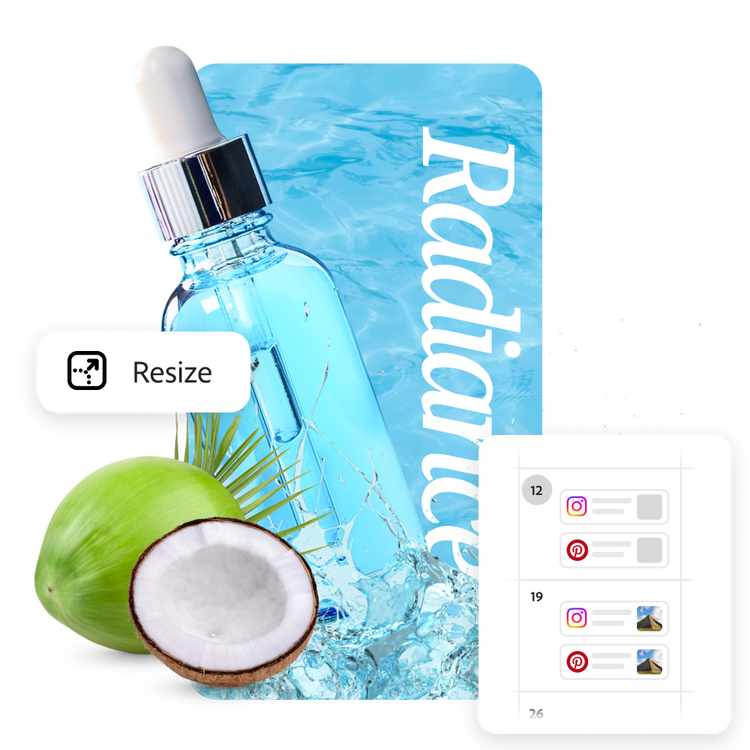
So, you’ve made a stunning GIF? Now you can share your work on Instagram, Facebook, and TikTok or in an email newsletter or online in seconds. The Resize GIF tool is easy and fast. When you’re finished, use the built-in Content Scheduler to plan and publish your social posts to your favorite channels.
Do more with your images.
Animated GIFs draw attention and excitement wherever they are posted. Whether you’re sharing precious memories or special business promotions, your images are elevated when you edit your GIF in Adobe Express. Enhance your GIFs with filters, Text Effects, and so much more.

Customize dimensions and more.
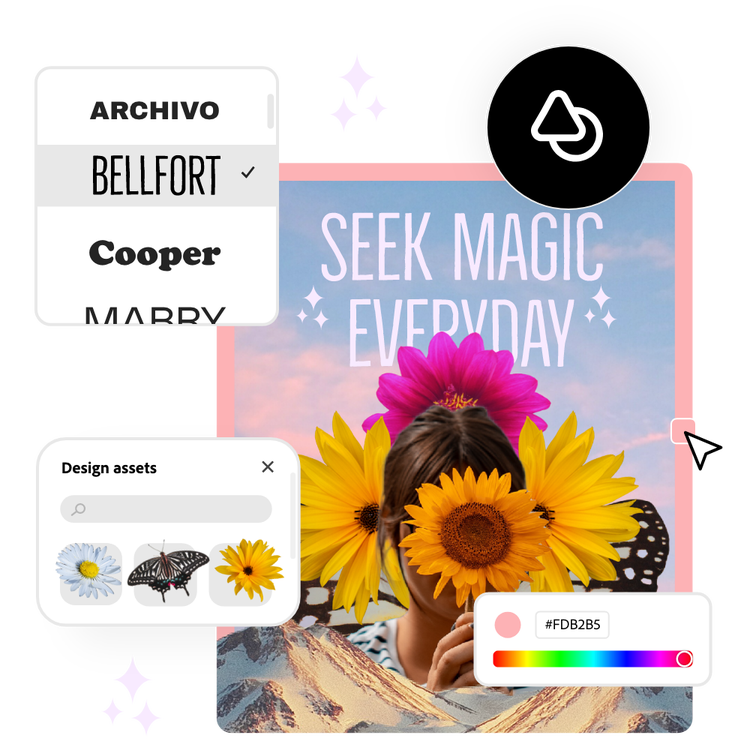
Special projects call for precise design. For digital greeting cards, presentations, or digital articles, you might need your GIF to fit unique dimensions. Just type in the exact dimensions you need using the Adobe Express Resize GIF tool. Then take advantage of the rest of the creative tools at your fingertips.
Tons of free templates, video, and audio assets to get you started.
Turn your newly edited GIF into a stunning web banner, social post, digital album cover, profile photo, and unlimited other designs. Explore our template library to get started. Then, add other pre-loaded design assets, fonts, icons, or images to personalize your GIF. There are endless creative opportunities to elevate your designs.
Frequently asked questions.
Can I resize a GIF on my phone?
Yes. Quickly and easily resize GIFs on your mobile device by downloading the Adobe Express app. Then you can open your GIF in the app and resize it to your specifications on the go.
How can I resize a GIF for social media?
After selecting the Resize tool you can easily select the pre-set social media dimensions you are looking for. Not only can you resize a GIF for different platforms, but also different scenarios within a certain platform such as an Instagram post versus an Instagram reel.
Does the quality change after resizing my GIF?
No, Adobe Express is designed to maintain the high quality of images within your GIF even when adjusting the size. Your GIFs will retain clarity and detail, ensuring they look professional and captivating.
What file formats are supported?
To Resize an existing GIF, you’ll want to upload it in the GIF file format. You can also create GIFs from scratch in Adobe Express using JPEG or PNG images.
Can I get Adobe Express for free? If so, what’s included?
Yes, Adobe Express has a free plan that includes core features like photo editing tools and effects and thousands of free templates. Learn more about our plans and pricing.

