


Social Media
How to use Instagram broadcast channels

Adobe Express
10/22/2026
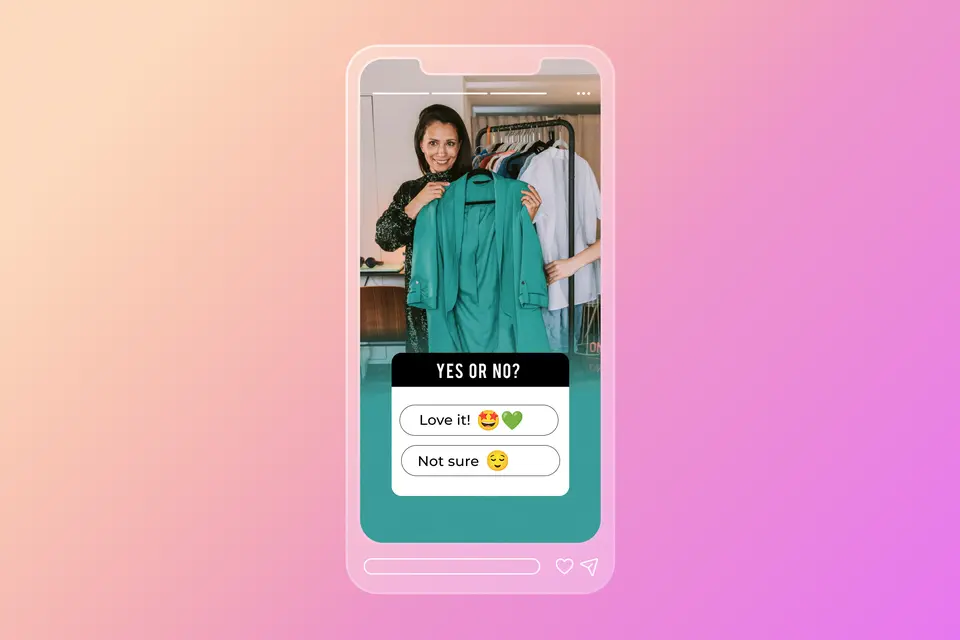
Instagram broadcast channels offer creators and businesses a direct line of communication with their most loyal followers. By sending messages straight to member inbox folders, broadcast channels allow brands to bypass feed algorithms and deliver exclusive updates, behind the scenes clips, and real-time announcements.
Key takeaways
- Broadcast channels are one-to-many messaging feeds accessible to Creator and Business accounts.
- Members receive direct inbox notifications whenever new content is published to the channel.
- Interactive elements like polls, question cards, voice notes, and Spotlights boost community engagement.
- Off-channel marketing tactics expand subscriber bases beyond existing Instagram followers.
- Only channel creators and invited collaborators can post messages, keeping feeds clean and organized.
Benefits of Instagram broadcast channels
Broadcast channels provide a dedicated space for high-intent communications without relying on algorithm visibility.
Key advantages include:
- Direct inbox delivery: Reach followers where they check messages daily.
- Push notifications: Instant alerts remind members when fresh content drops.
- High conversion rates: Dedicated members are more likely to tap links, buy products, and engage with content.
- Unfiltered connection: Share candid audio clips, daily thoughts, and behind the scenes footage without aesthetic pressure.
- Audience segmentation: Create separate channels for different niches, products, or membership tiers.
Eligibility and troubleshooting
Before creating a channel, accounts must meet specific platform requirements and understand common technical issues.
Eligibility guidelines:
- Professional account requirement: Broadcast channel creation is available exclusively to Creator and Business account types. Personal accounts cannot launch channels.
- Regional availability: Features roll out gradually across global markets. Ensure the Instagram application is updated to the latest version.
- Community guidelines compliance: Accounts with active policy strikes or monetization violations may lose broadcast channel access.
Troubleshooting common issues:
- Missing create option: Switch to a Creator account in account settings if the broadcast channel creation button is unavailable in direct messages.
- Followers not receiving notifications: Remind members to adjust channel settings and enable inbox alerts manually.
- Links not tapable: Verify that web addresses are formatted correctly and that account restrictions aren’t limiting external outbound links.
How to create a broadcast channel on Instagram
Launching a channel takes only a few simple taps inside the mobile app.
Step-by-step setup process:
- Open the Instagram application and tap the direct message icon in the top right corner.
- Tap the compose icon at the top right of the screen.
- Select the option to create a broadcast channel.
- Enter a clear channel name, select the target audience, set an end date if temporary, and decide whether to display the channel link on your profile.
- Tap the create button in the top right corner to publish your channel. Once published, try a post with the free Adobe Express Instagram Post Maker.
How to promote an Instagram broadcast channel
Growing a broadcast channel requires actively inviting your audience through both native and external touchpoints.
In-app promotion methods:
- Send an initial message to trigger an automated invitation notification to all existing followers.
- Add the channel join link directly to your Instagram bio.
- Share channel updates and interactive preview stickers directly to your Instagram Stories.
- Reshare specific channel messages directly into Stories to encourage non-members to tap through and join.
- Generate a channel QR code from settings and display it on social media graphics.
- Schedule your content with the Adobe Express Instagram Content Scheduler.
Off-channel promotion strategies
Promoting a channel outside of Instagram attracts dedicated supporters across multiple digital and physical brand assets.
Effective off-channel tactics:
- Email newsletters: Include direct join links and highlight exclusive perks in weekly subscriber emails.
- Website banners: Feature call to action buttons and embedded QR codes across high-traffic website pages.
- Other social platforms: Share preview snippets and join links across YouTube, TikTok, LinkedIn, and podcasts.
- Physical collateral: Print channel QR codes on product packaging, event signage, receipts, and promotional cards.
How to use an Instagram broadcast channel
Consistently delivering value keeps channel members engaged and eager to receive notifications.
Recommended content formats:
- Subscriber exclusives: Provide early access product links, private discount codes, and special event announcements.
- Content previews: Notify members when new YouTube videos, blog posts, or main feed Reels drop.
- Personal snippets: Share real-time thoughts, quick event updates, and daily behind the scenes photos.
- Niche topics: Launch separate channels tailored to specific sub-topics, locations, or special interests.
Interactive feature mechanics
Interactive tools allow members to participate actively without cluttering the channel feed with text replies.
Mechanics and usage tips:
- Polls and question cards: Gather real-time audience feedback, run product market research, and let members vote on future content topics.
- Voice notes: Record quick audio updates to deliver a personal and conversational tone directly to member inboxes.
- Spotlights: Post visual prompts inviting members to submit photos, creating fun community challenges with optional prizes.
- Exclusive live streams: Broadcast live video exclusively to channel members for Q&A sessions and intimate fireside chats.
- Collaborator access: Invite guest creators or partner brands as channel co-hosts to co-create content and cross-pollinate audiences.
- Member interaction rules: Members can react with emojis and participate in polls, but they cannot send text messages, keeping discussions clutter free.
Interested in creating the next viral broadcast? Try Adobe Express for free to help you with your content today.


