



Free photo card maker.
All it takes to make an impression is a personal touch. With the Adobe Express photo card maker, you can customize a pre-made card template and have a print-ready, memorable photo card in just a few easy steps. Print available for US, UK, Australia, and Canada desktop and mobile users.

Start making a card by searching for an event
Create custom cards fast with Adobe Express. Easy to use, endlessly customizable, and perfect for any occasion.


 Free to use
Or start with these popular templates


1. Pick a photo card template.
Browse through a variety of photo card templates in our library, featuring designs that range from sleek and modern to timeless and corporate. Find the perfect card for your loved ones, customers, or coworkers.
2. Customize it.
Tap on any text box to customize it with your own message or change the fonts. Upload your own photos or explore free Adobe Stock images in the full Adobe Express editor to create a personalized card.
3. Order your printed cards.
Save your card as a PDF, JPG, or PNG file to share it anywhere digitally. If you’re creating your card using the US, UK, Australia or Canada desktop or mobile version of Adobe Express, you can order high-quality prints in the full online editor and get it delivered to your door.
Create a custom photo card for work or family.
Photo cards are ideal for numerous scenarios. Create an elegant mailer featuring a photo of your boutique’s newest jewelry collection or send your bestie a birthday card plastered with your favorite shared memories. Whatever it is you wish you create, you can do so and ensure it’s on brand with your own logos, color schemes, and font styles.
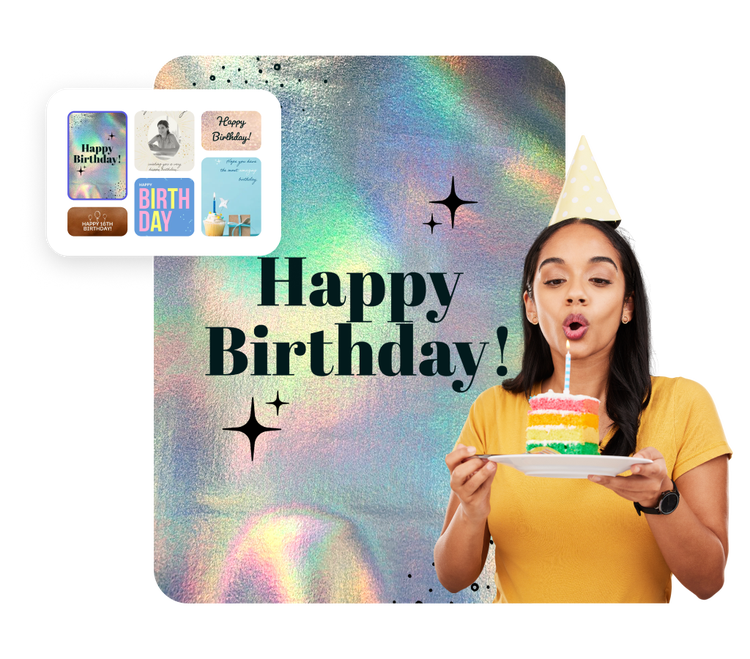
Go the extra mile with your design, without the extra work.
Creating a personalized photo card for your recipient beats a store-bought card any day. Go beyond the ordinary when you access the full Adobe Express editor. Send e-cards with a video message, add whimsical creatures to your photos with our generative AI, and easily animate the words on the page. In fact, there’s so much more you can do in Adobe Express to create a photo card that shines a light on the intended audience.
Turn photo cards into a forever keepsake.
Print quality matters when you’re displaying photos. Do your photo card the justice it deserves by having high-quality prints made without ever leaving the Adobe Express app. As easy as it is to design, it’s even easier to have those cards delivered to you. Just click Print from the photo card maker and follow the prompts to select your print settings (available to desktop and mobile users in the US, UK, Australia, and Canada).
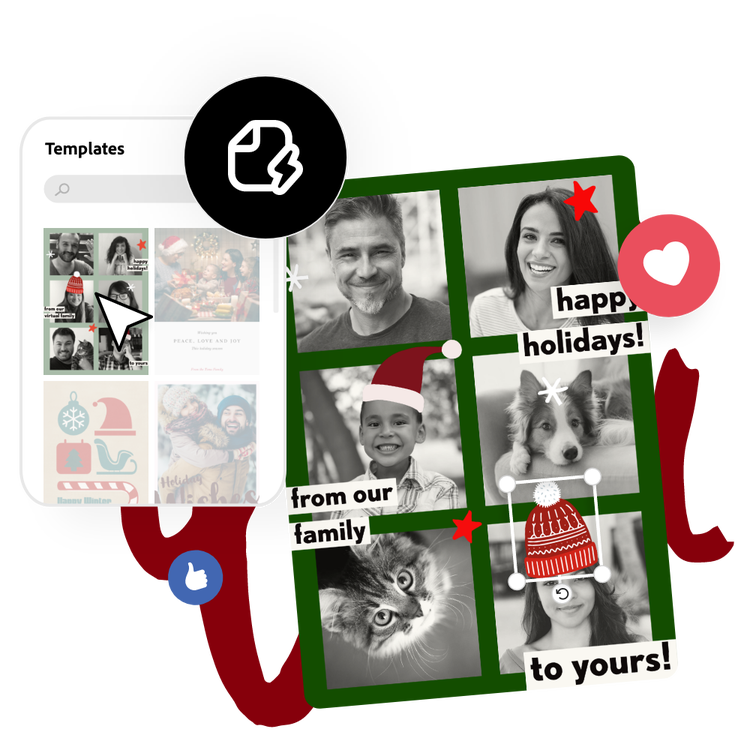
Start with customizable photo card templates from Adobe Express.
Any type of card (thank you cards, retirement cards, baby announcements, etc.) can be turned into a photo card. The Adobe Express photo card maker has a simple design process that allows you to create a card from a professionally designed template with endless customization options. Whether you’re a skilled designer or brand new, our tools are easy to use and deliver stunning final products you’ll be proud to share.
Frequently asked questions.
What is the standard photo card size?
Most cards are 5 x 7 inches but you can make your photo card any size you’d like.
How do I design multiple sides to a photo card?
Some of our card templates are two sided already, so feel free to pick one and begin customizing with ease. You can also add additional sides or pages to your photo card by opening your design in the full Adobe Express editor, then selecting the + icon in the top navigation bar to add another page.
How can I print my photo card with colors all the way to the edge of the paper?
To add a bleed to your photo card, open in the Adobe Express full editor and use the Resize tool to increase your card by the bleed size (a 5” x 7” card would be 5.25” x 7.25” with the bleed).
How do I share my new photo card as an e-card?
Photo cards are very versatile and work well as either a digital or printed card. With Adobe Express, it's fast and simple to share your new design as an e-card. Once you've finished your design, download the photo card and send it via email or post it on your go-to social networks.
Can I get Adobe Express for free? If so, what’s included?
Yes, Adobe Express has a free plan that includes core features like photo editing tools and effects and thousands of free templates. Learn more about our plans and pricing.
illustrator

