



Free invitation maker.
Creating invitations is easier than ever now with Adobe Express. Get started fast with fully customizable, high-quality templates for any occasion, then swap out text, images, and color schemes in just a few clicks.
* Available for print in US, UK, Australia, and Canada
Start making an invitation by searching for an event
Create custom invitations fast with Adobe Express. Easy to use, endlessly customizable, and perfect for any occasion.


 Free to use
Or start with these popular templates


1. Pick an invitation template.
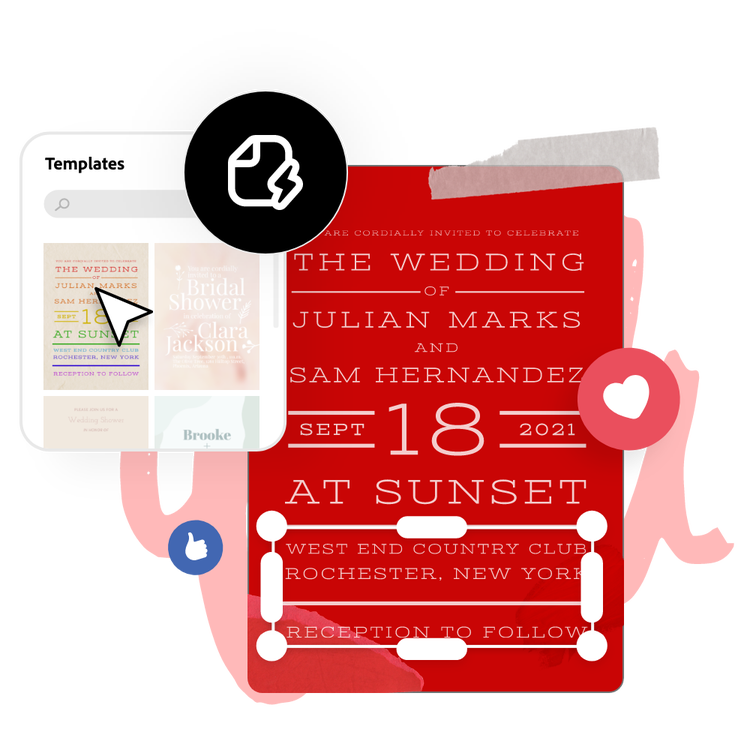
Browse templates in a range of styles, including bold, minimal, vintage and corporate, to find one that suits your (or the recipient’s) aesthetic. You can also use the search bar to narrow down your results.
2. Customize it.
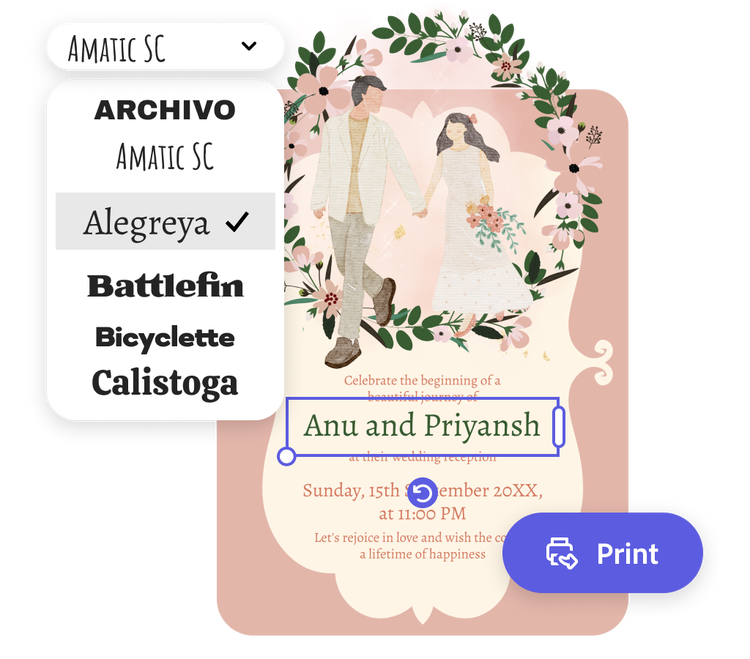
Select any text box to switch font styles and add in your invitation's details such as invitees' names, dates, and locations. Upload photos for a personal touch or choose from free Adobe Stock images in the full Adobe Express editor.
3. Order your printed invitations.
Download your new invitation as a PDF, JPG, or PNG file to share anywhere. If you’re creating your invitation using the US, UK, Australia, or Canada desktop or mobile version of Adobe Express, you can order high-quality prints in the full online editor and get them delivered to your door.
Adobe Express makes invitation design easy.
With Adobe Express, there’s no learning curve when it comes to designing a shareable, eye-catching invitation. Whether it's to celebrate a company milestone or the wedding of the century, a tailored, custom-made invitation is the perfect way to pique your guest's interest. And, it’s fast and easy with ready-made templates to kickstart your design process.
Let Adobe Express be your go-to free invitation maker app.
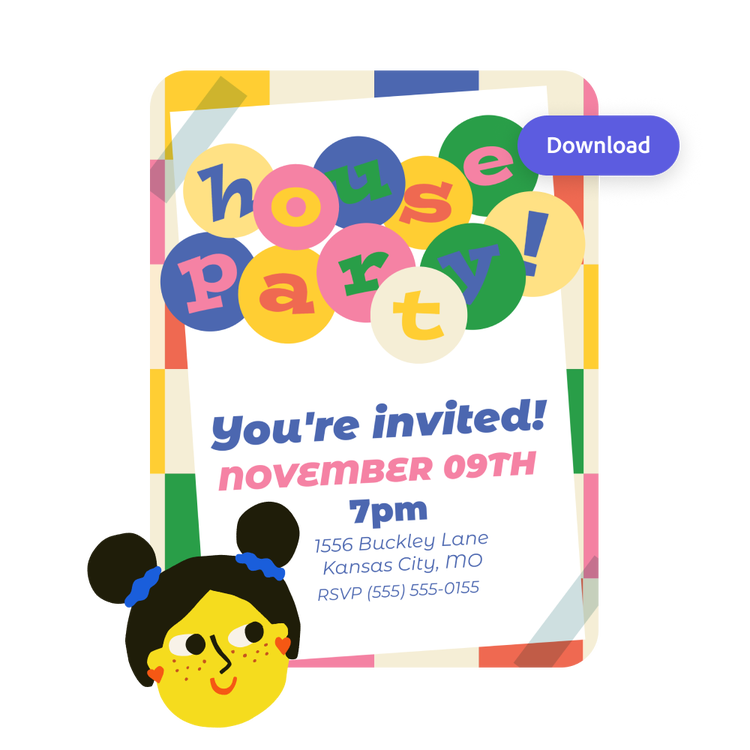
Explore professionally designed templates to help you easily make stunning invitations from scratch. To make your recipient feel extra special, personalize your card with a message and upload your own photos or videos. Download and share it via email, social channels, or save it as a PDF to print. With the Adobe Express invitation maker it’s free and easy to make, save, and share your invitation designs within minutes.
Personalize invitation designs with ease.
Discover a vast array of event-ready invitation templates you can easily customize, no design skills needed. To make things extra special, include a personalized message and swap out visuals with your own images.
The fast, easy, and free invitation maker for everyone.
Whether you're planning a business event or a family party, the invitations you send must strike a chord with invitees. With Adobe Express on your side, invitation-making is a breeze. It’s as easy as selecting an invitation template below, filling in your event’s details, and swapping out imagery all in a few clicks. No experience is needed to create an invite that’ll pique your recipient’s interest and let them know a fun-filled event is around the corner.
Frequently asked questions.
What is the standard size of an invitation?
A standard invitation size is 5 x 7 inches. Adobe Express offers your standard invitation size, as well as A5, 7 x 5 inches, 3.5 x 5 inches, and 5 x 3.5 inches. Open the full Adobe Express editor to see all the invitation sizes we have to offer.
What should I include on my invitation?
Feature the usual who, what, where, when, and why, along with a dress code, RSVP contact details, or a website or registry if applicable.
When should I send out my invitation?
6 to 8 weeks in advance is normally a good time to send out invitations for formal events. For more casual events, 2 weeks is an ample amount of notice. If you don’t have your invitations ready in time, you can always send out a Save the Date card, followed by your invitation once it’s ready.
How do I share my invitation as an e-card?
Sharing your new invitation as an e-card is quick and easy with Adobe Express. Just download your finished invitation when you’re done, then share it via email or on your favorite social channels.
Can I get Adobe Express for free? If so, what’s included?
Yes, Adobe Express has a free plan that includes core features like photo editing tools and effects and thousands of free templates. Learn more about our plans and pricing.
Explore Related Posts


illustrator

