



Free baby shower invitation maker.
Adobe Express makes it easy to create the perfect baby shower invitation. Begin with free, professionally designed templates you can personalize with your own images and color schemes.
* Available for print in US, UK, Australia, and Canada
Start making an invitation by searching for an event
Create custom invitations fast with Adobe Express. Easy to use, endlessly customizable, and perfect for any occasion.


 Free to use
Or start with these popular templates


1. Pick a baby shower invitation template.
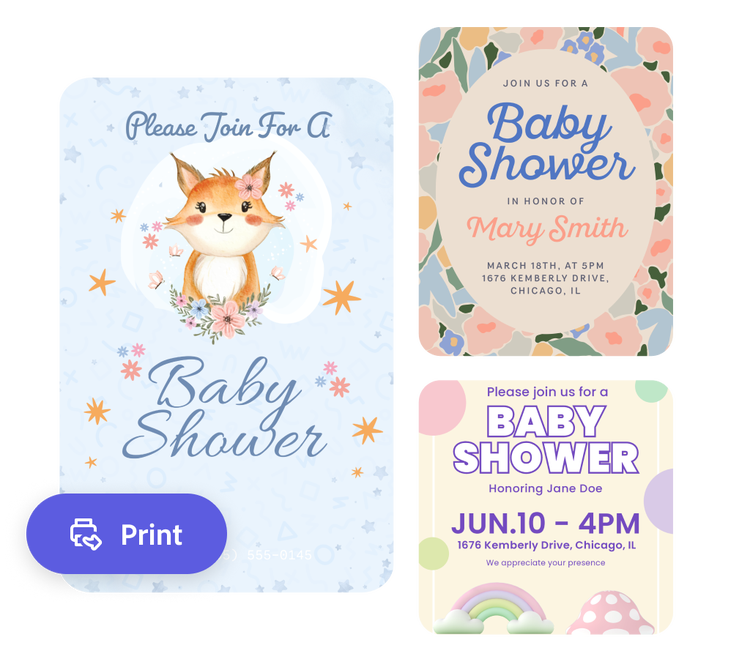
Start by searching for a specific baby shower invitation theme. Browse templates in a range of styles from fun and floral to understated and classic.
2. Customize it.
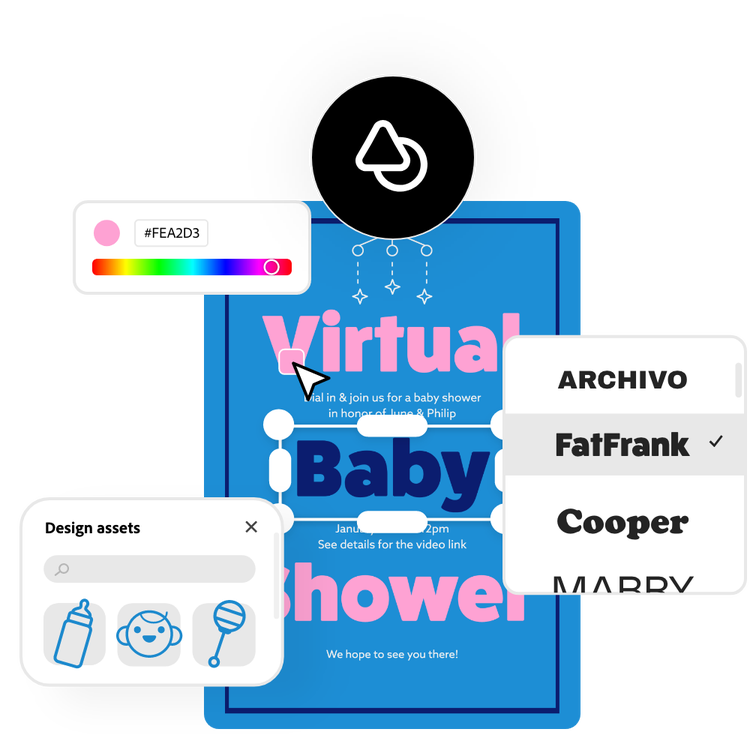
Select any text box to switch font styles and add in your invitation's details such as invitees' names, the party date, location, and registry details. Upload photos for a personal touch and swap out colors to match your desired aesthetic.
3. Save or print.
Download your new baby shower invitation as a PDF, JPG, or PNG file to share online or print at home. If you’re using the US, UK, Australia, or Canada desktop or mobile version of Adobe Express, you can order high-quality prints in the full online editor and get them delivered to your door.
Make adorable baby shower invitations in a snap.
Go beyond the generic for this special day starting with a baby shower invitation that reflects the parents’ hopes for the little one entering the world. No design skills are needed to make your design pop when using the Adobe Express baby shower invitation maker. After selecting a template, you can easily edit the text, upload your photos, and change the color schemes. Open the full Adobe Express editor to dig even deeper into the design possibilities.
Do more with your baby shower invitation.
Want even more creative freedom? Access the full Adobe Express editor to unleash all the app has to offer. Drag and drop icons (like woodland creatures or baby bottles), snazzy borders, and Adobe Stock photos. For digital invitations you can also include video, audio (like a short clip of the heartbeat), and even animation. The possibilities are truly endless.
Mark your place on the fridge with a printed invitation.
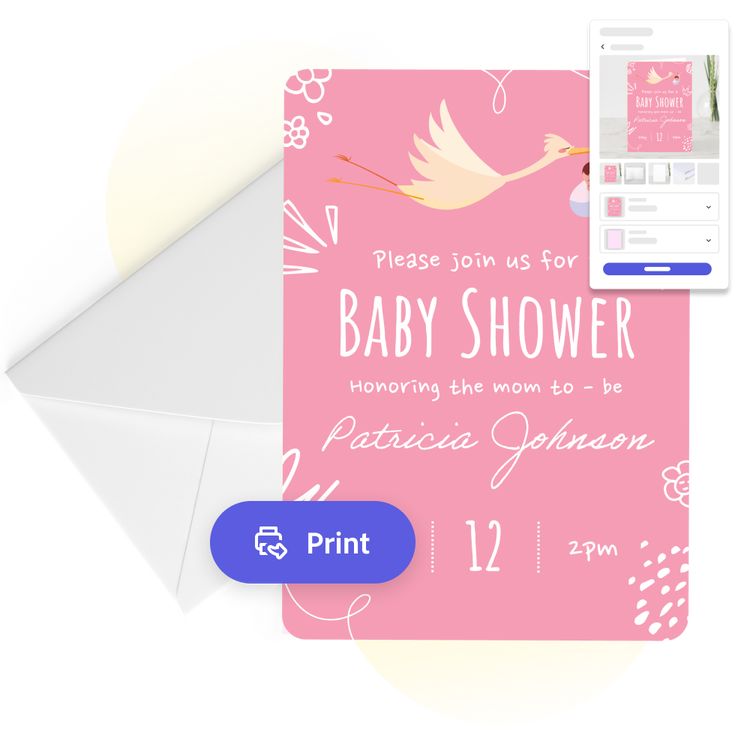
The Adobe Express baby shower invitation maker walks you through every step of the process from design to print. Whether you’re an experienced party planner designing an invitation for a client or a grandma-to-be planning for your daughter, you want a final product that catches the eye. Download to print from your computer or mobile device, or order prints directly from Adobe Express and get them delivered to you if you’re a US, UK, Australia, or Canada user.
The fast and easy baby shower invitation maker for everyone.
Create a customized baby shower invitation for free with Adobe Express. Simply choose your template, type in your party details, and add any images you want to include. There you have it: a personalized baby shower invitation ready to be sent into the world. No experience is needed to create an invite that will draw well-wishers into your happy occasion.
Frequently asked questions.
What is the standard size of a baby shower invitation?
A standard invitation size is 5 x 7 inches. Adobe Express offers you a standard invitation size, as well as A5, 7 x 5 inches, 3.5 x 5 inches, and 5 x 3.5 inches. Open the full Adobe Express editor to see all the sizes we have to offer for your baby shower invitation.
What should I include on my baby shower invitation?
Feature the usual who, what, where, when, and why, RSVP contact details, and where the family is registered.
When should I send out my baby shower invitation?
Give your baby shower attendees about one month’s notice. This will give them plenty of time to clear their schedule and shop for the baby. If you’re running out of time to get your cards printed and mailed, an e-card is sufficient and faster in getting the word out.
How do I share my baby shower invitation as an e-card?
Sharing your new invitation as an e-card is quick and easy with Adobe Express. Just download your finished baby shower invitation when you’re done, then share it via email or on your favorite social channels.
Can I get Adobe Express for free? If so, what’s included?
Yes, Adobe Express has a free plan that includes core features like photo editing tools and effects and thousands of free templates. Learn more about our plans and pricing.
illustrator

