



Free Instagram Story collage maker.
Easily create a standout Instagram collage to showcase your latest products or highlights from a recent event. Upload a series of product pictures in a single go and watch as the Adobe Express Instagram Story collage maker merges them into an attention-grabbing collage that’ll captivate your followers and increase your online engagement.
1. Upload.
Start by selecting images from your camera roll or desktop.
2. Customize your collage.
Pick a grid layout that suits your style and easily tweak your collage. Adjust the border spacing, swap images around, or crop them how you like.
3. Continue editing.
Download your new Instagram Story collage or keep editing in Adobe Express. Add animations, filter effects, or an audiotrack if sharing as a post or Story.
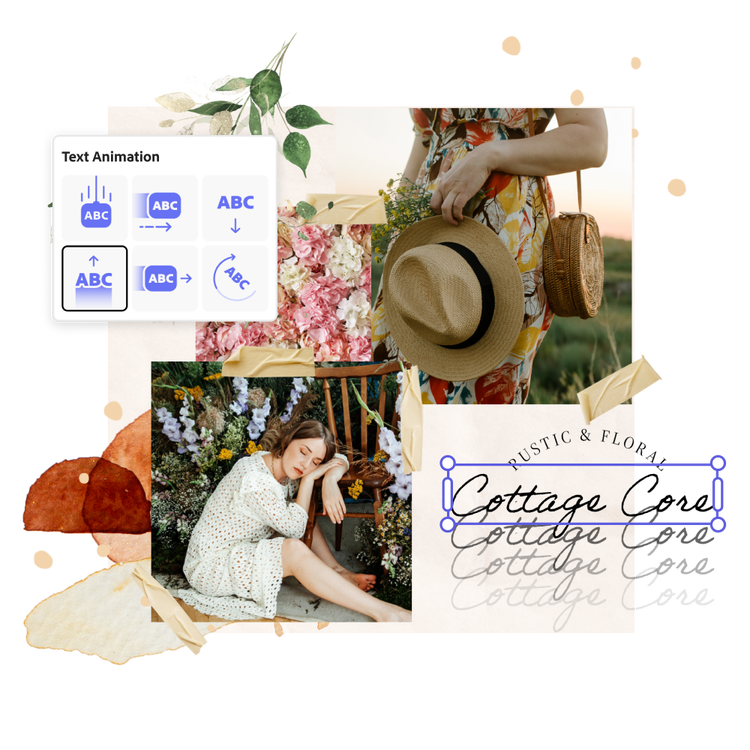
Customize with photo editing tools and design assets.
Take your Instagram collage even further within the Adobe Express editor. Get the exact look you want for each image using easy built-in photo editing tools. Bring dark photos back into focus by increasing brightness. Add one-click animated effects to text, icons, or images. Whether you're highlighting property listings in the real estate market or adding visual appeal to your soft opening announcement, Adobe Express has everything you need to bring your vision to life.
Capture your audience’s attention with Generate Text Effect.
Running an online sale or looking to attract new followers to your website? Open the full Adobe Express editor to play around with Generate Text Effect and add textured font styles to your CTA. Make your letters out of daises or cactus plants by typing in a simple prompt. It’s easy to craft engaging Instagram Story collages that’ll get your followers to like, comment, or share your posts with Adobe Express on your side.


Schedule and share your Instagram Story collage.
Get the engagement your new collage deserves by scheduling your Story to post anytime you wish. Open the full Adobe Express editor, connect your account, and publish as many Instagram Stories as you’d like for free with the built-in Content Scheduler. You can even preview how your posts will look before publishing in case you need to make any final edits.
Create stunning collages for Instagram with Adobe Express templates.
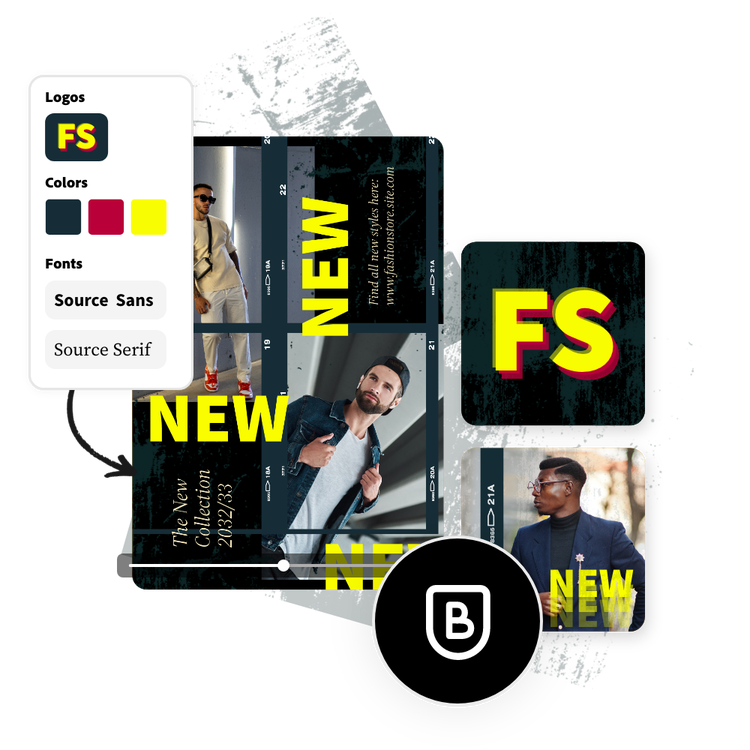
If you don’t know where to begin, upload your favorite photos to the Instagram collage maker and watch as they’re stitched together into one stunning design. Or, choose from one of the customizable Instagram collage templates below to personalize even further in the full Adobe Express editor to get started. Add your text, icons, logo, and brand colors. Create a simple collage or one rich with details for your brand or business, depending on the look you’re going for.


Frequently asked questions.
Is it difficult to make a collage for Instagram?
Adobe Express is simple and easy to use and welcomes all skill levels to create an Instagram Story collage. All you have to do is upload your favorite photos and watch as the collage maker combines them into one stunning collage. Then use the drag-and-drop editor to add icons, text, graphics, and so much more to your design.
Can I create more than one Instagram collage?
Yes, you can make as many Instagram collages as you’d like with Adobe Express, so have fun with all the customization options at your fingertips. Your work is automatically saved, so you can go back and edit your projects anytime.
Does Adobe Express have a photo editor?
You can edit your photos directly in your project. Just select the photo of your choice, then play around with different photo effects such as Duotone filters, contrast, brightness, cropping images, and so much more. You can even remove the background from your image subjects and swapping out a new background if you’d like.
Can I get Adobe Express for free? If so, what’s included?
Yes, our free plan offers many core features including thousands of templates, photo editing and effects, animation, and 2GB of storage. See our pricing page for details and to compare plans.
Does this work for Instagram Posts or Stories or both?
You can create collages for any kind of Instagram post with Adobe Express.
illustrator


