

Free online presentation maker.
Start in Adobe Express for free and build a polished presentation in minutes. Import your existing slides or PowerPoint files, or browse hundreds of professionally designed templates. Customize layouts, add images, and download as a Microsoft PowerPoint or PDF when you're done.




Easy all-in-one editor

One-click edits from any device

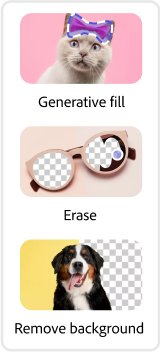
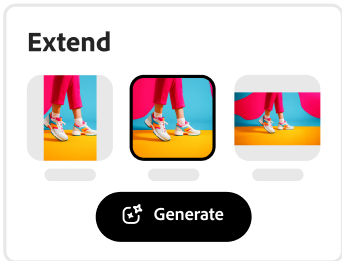
Fast creation with generative AI

Thousands of professionally-designed templates
Easily get started in Adobe Express.
Make captivating presentations with Adobe Express.
Whether you're pitching to investors, presenting at a conference, or teaching a class, Adobe Express helps you create stunning presentations that look polished even on a tight timeline. Design and personalize slides using thousands of professional templates, then download as a Microsoft PowerPoint (.pptx) or PDF, or present directly from Adobe Express.
 New templates
- Popular
- New templates







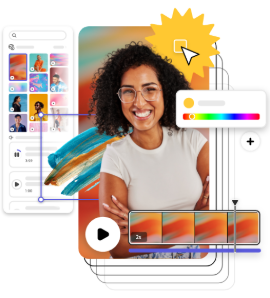
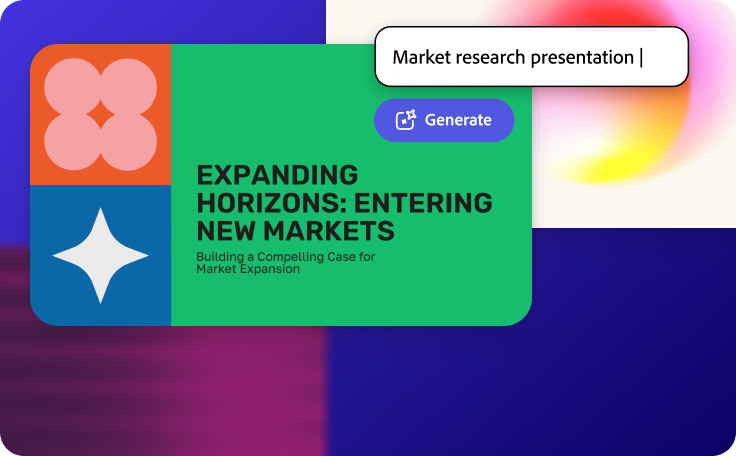
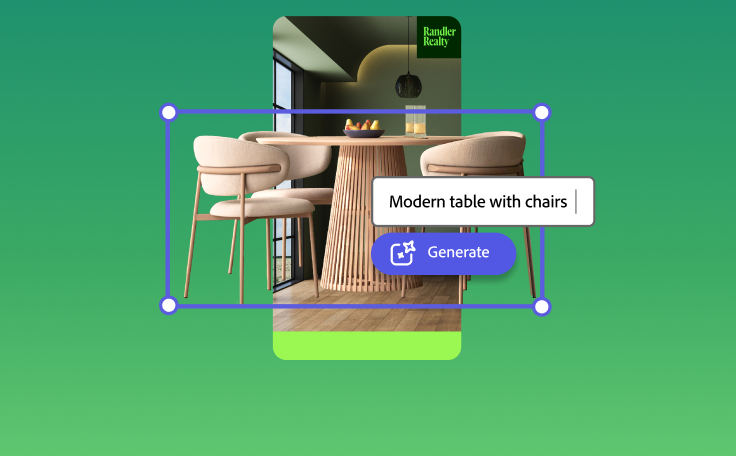



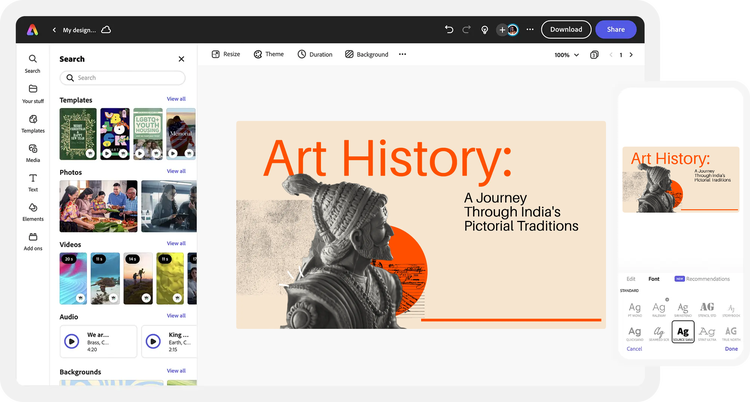
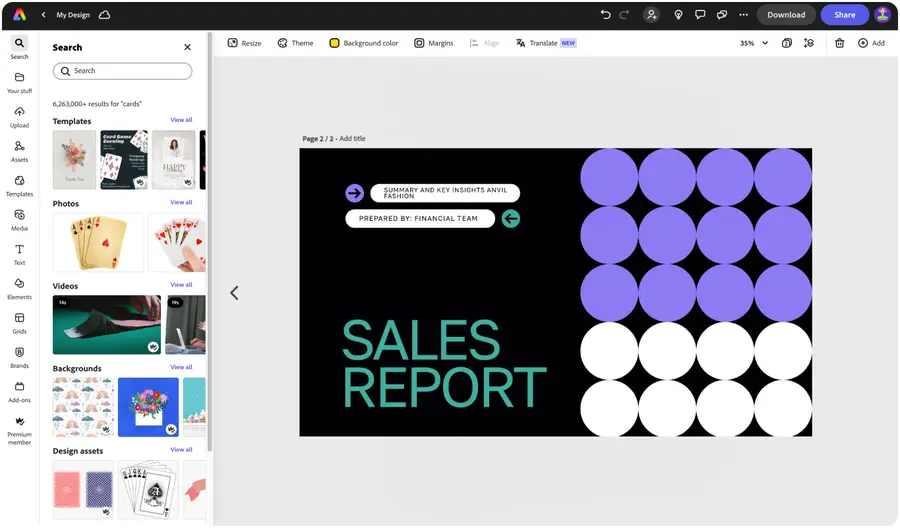
Open Adobe Express.
Launch Adobe Express for free on your desktop or mobile device. Drag and drop your existing Microsoft PowerPoint file into the presentation maker, or start fresh from a template.Explore presentation templates.
If you don’t have slides to import, browse through our library of standout presentation templates. Search by presentation type, niche, hobby, or aesthetic as your starting point. Or, start your project from scratch.Customize with icons, graphics, and more.
Drag and drop tons of Adobe Stock images, graphics, icons, and so much more to your presentation. Add in your favorite color schemes or use the Color Theme tool to experiment with curated color combinations in your presentation design.Stand out with easy-to-use generative AI design tools.
Make your slides stand out with generative AI tools built into Adobe Express. Use Generate Text Effect to give your titles a unique, hand-crafted look, or generate professional-quality images from a text prompt with the Generate Image tool. Simply describe what you want and watch it come to life.Download and share your presentation.
Before wrapping up, invite others to view, edit, and leave comments on your presentation. When you're finished, download as a Microsoft PowerPoint or PDF and share it anywhere, or present directly from Adobe Express.
See what people are saying about Adobe Express.

Abs Ahlijah
Marketing & Content Coordinator @ Soul Session
"As a marketer who is always on the move. Adobe Express helps me to create fast, high quality content. Absolute endless features to enhance my creativity!"

Liz Mosley
Owner, Liz Mosley Design
"I use Adobe Express to create and schedule a lot of my own content, and by creating templates for my own brand I have saved my self hours marketing my business!”

Penuel Stanley-Zebulon
Student @ Pennsylvania State University
"The remove background image tool in Adobe Express saved me hours of tedious editing, effortlessly removing backgrounds and refining my images with just a few clicks."

Attabeira German de Turowski
Owner, Attabeira Oneline
"I use Express Premium for my social media efforts and Content Scheduler has helped me grow my following through consistent posting."

Mike Nappi
Owner, NappiMusic
"I'm all in on Adobe Express. Premium makes it easy for me to maintain a cohesive look and feel for my brand."
Discover even more features for easy content creation.
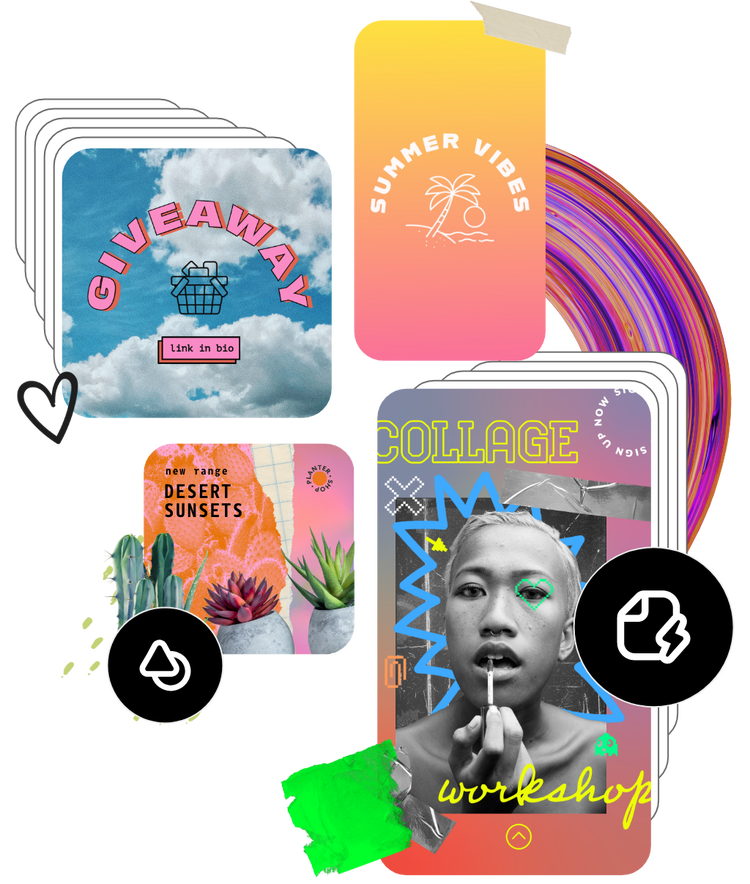
Create a custom presentation in minutes.

Adobe Express helps you bring ideas to life effortlessly. Explore thousands of presentation templates to get inspired, then make them your own with brand colors, fonts, logos, and layouts. Add charts, icons, and infographics to present information clearly and impress your audience every time.

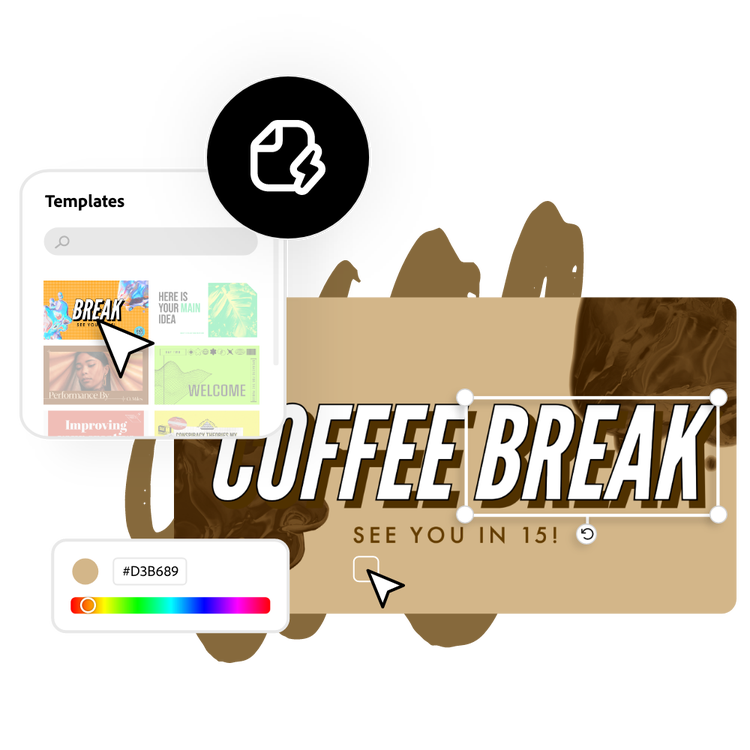
Add visuals that capture attention.
Make your slides stand out with visuals that match your message. Upload your own photos or browse Adobe Stock’s library of high-quality images, icons, and graphics. Customize effects, backgrounds, and filters to design slides that look professional and stay memorable.

Work together seamlessly.
Invite teammates, classmates, or collaborators to edit and refine your presentation in real time. Share feedback, adjust layouts, and finalize slides together all within Adobe Express. Collaborating on visual storytelling has never been faster or easier.
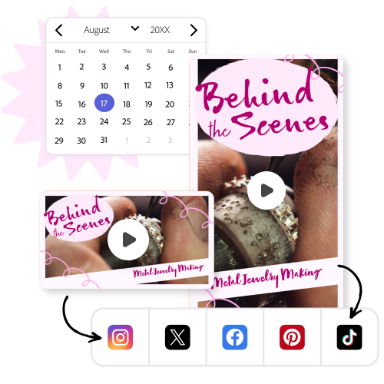
Share or present anywhere.
Download your finished presentation as a PDF, JPG, or PowerPoint (.pptx) file, or present directly from Adobe Express. You can also open your downloaded .pptx file in Google Slides for further editing or sharing within Google Workspace. Wherever your audience is, your presentation will look professional on every screen.
The world's leading businesses use Adobe Express.





Discover even more.

Frequently asked questions.
Can I download my presentation as a Microsoft PowerPoint file?

Yes. Any presentation created in Adobe Express can be downloaded as a Microsoft PowerPoint (.pptx) file. This makes it easy to share with colleagues, continue editing in PowerPoint, or open in Google Slides.
Can I use Adobe Express instead of Microsoft PowerPoint or Google Slides?

Does Adobe Express have AI tools for making presentations?
Can I create my own presentation template?
Can I get Adobe Express for free? If so, what’s included?
Can I download my presentation as a Microsoft PowerPoint file? opened
Explore Related Posts


illustrator