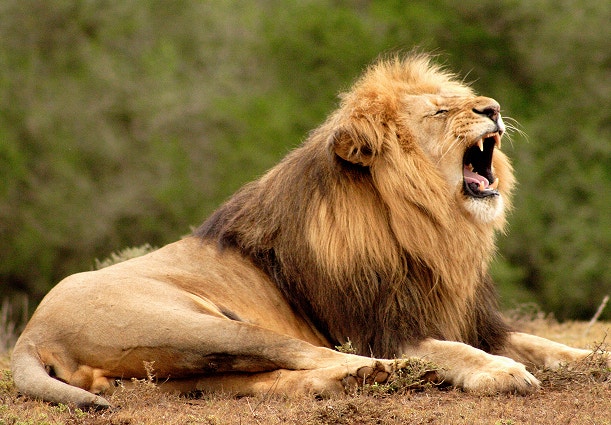
Nature sound effects add realism, atmosphere, and emotional depth to films, documentaries, games, podcasts, audiobooks, and meditation tracks. They help immerse audiences and shape the mood, whether they sit quietly in the background or take center stage as primary audio.
Adobe Firefly can generate everything from lifelike wind, rain, and wildlife to imaginative, stylized soundscapes for animation and creative projects. Simply enter a text prompt or provide an audio reference, and Firefly will create custom sounds you can preview, refine, and download.
Yes, you can generate nature sound effects for free with Adobe Firefly using a free Adobe account. If you have a free account, you’ll get free daily generations to try the nature sound effect generator, including sounds like rain, wind, and ambient environments. Learn more about
using Adobe Firefly for free. For higher-volume use, paid Adobe Firefly plans are available.
To make realistic ambient nature sounds, include context like mood, location, and time of day in your prompts. Then refine your results by adjusting distance and rhythm, and layer multiple effects — like wind, rain, and wildlife — to create an immersive soundscape.
Combining multiple nature sound effects creates a richer, more immersive audio experience. Use Firefly’s layering and mixing tools to blend wind, rain, wildlife, and other sounds into a cohesive soundscape. Adjust timing, volume, and spatial placement to achieve the desired effect.
You can upload your own recordings as audio references in Adobe Firefly to help guide the generated sound. This makes it easy to match tone, texture, or environment and build a soundscape that feels consistent with your original audio.
You can download nature sound effects in popular formats, such as MP3 and WAV, making it easy to use them in any audio or video project.
Yes, nature sounds generated with the Adobe Firefly model are safe to use commercially. Adobe Firefly models are trained on licensed content, such as Adobe Stock, and public domain material where copyright has expired. That means you can use your generated nature sounds in client work, films, games, or any other commercial project without worrying about copyright claims.
The most popular nature sound effects include wind, rain, thunder, wildlife, water, and other ambient nature sounds. These effects help build atmosphere, shape emotion, and make environments feel realistic and immersive across film, audio, and interactive projects.