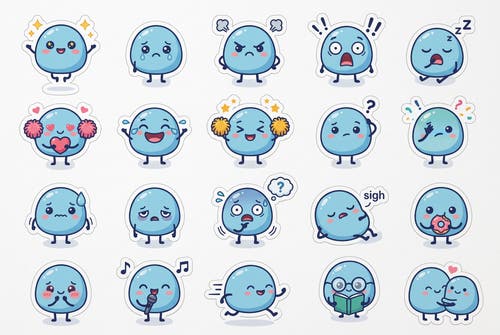
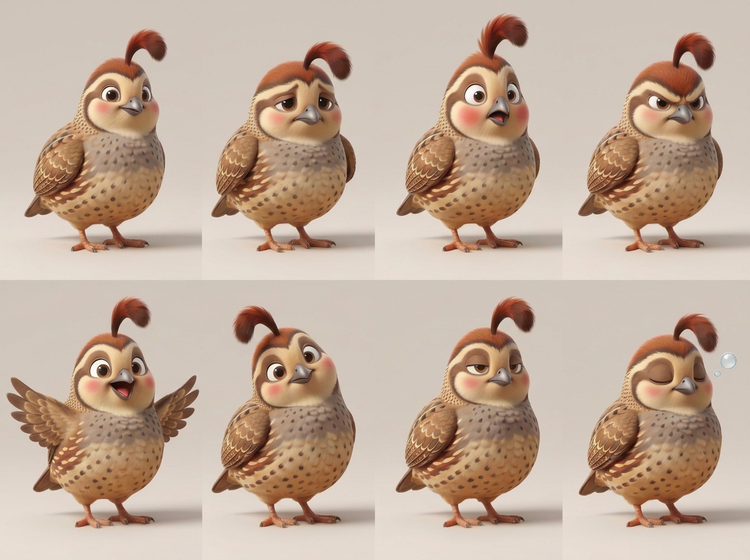
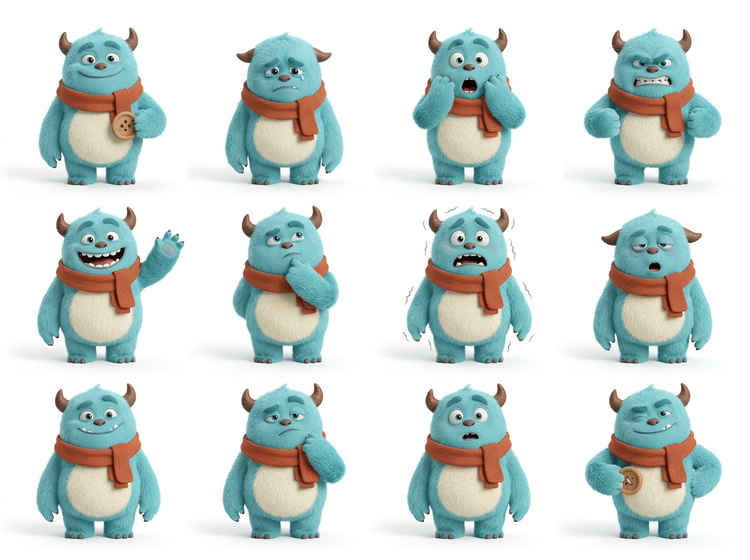
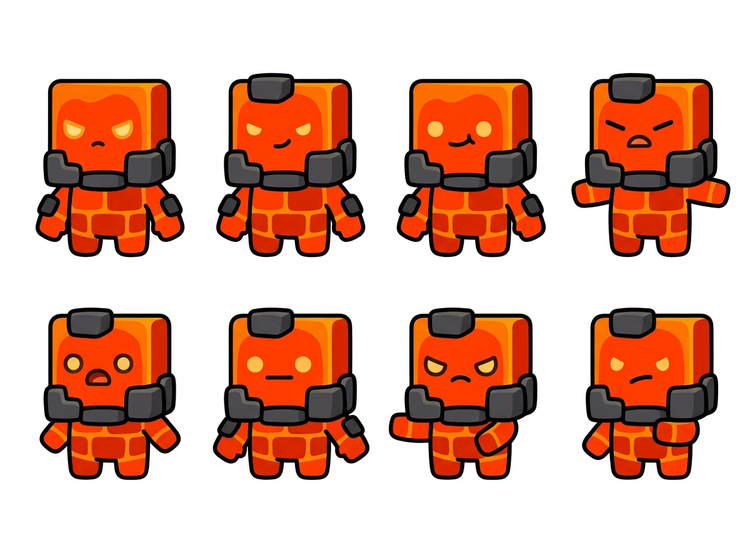
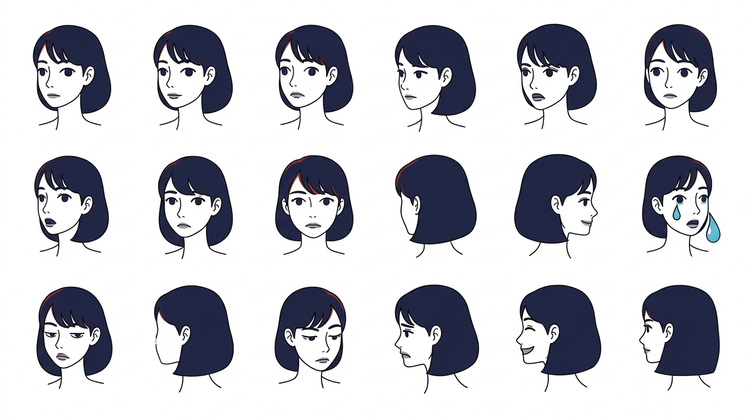
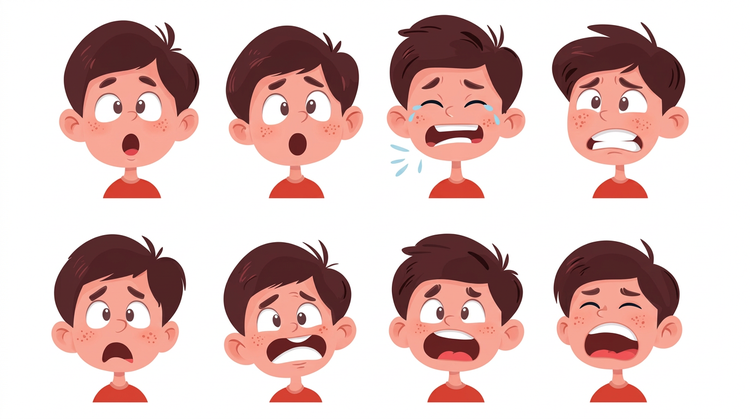
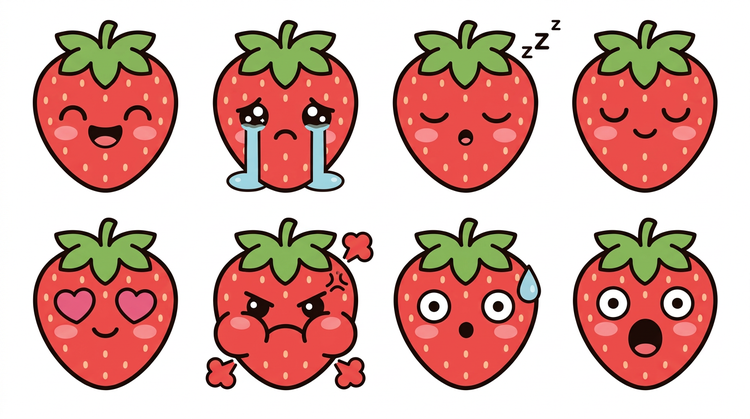
A character expression sheet is a single image that shows the same character in a grid of different emotions, like happy, sad, angry, and surprised. Animators, comic artists, and game designers use it as a reference to keep a character consistent across a project.
Open Adobe Firefly, go to Edit Image, and upload the character you want to work from. Add a prompt that lists the expressions you want and ask Firefly to keep the same face, outfit, and art style, then generate and download the result.
Yes, this process begins with a character you upload, so Adobe Firefly can keep it on-model across every expression. If you do not have a character yet, create one first with the
AI character generator and then upload it.
Name any expression you need to appear in your grid, such as happy, sad, angry, surprised, confused, or determined and Adobe Firefly will include them your sheet. Describe the emotions you need and Adobe Firefly will lay them out together.
Adobe Firefly works to keep the same face, hairstyle, outfit, and art style while it changes the expression. Review each result and regenerate or refine a single panel in the Edit workspace if one expression drifts off-model.
Animators, comic and manga artists, game designers, illustrators, and content creators use expression sheets to plan a character and share a reference with their team before production.
A good character expression chart tool lets you start from your own character, describe the expressions you want, and keep the look consistent. The Adobe image model does all of this and brings together its own models and top partner models from Google, OpenAI, and Black Forest Labs in one studio. You can switch models from the model dropdown menu to compare results.
Your character expression sheet downloads from Adobe Firefly as a PNG file, ready to use for your animation, comic, or game reference.
Yes. Adobe Firefly lets you choose an aspect ratio before you generate, so you can make a wide grid for a reference board or a layout that fits your project.
Yes. Open your result in the Edit workspace to adjust one expression, or update your prompt and generate again to change the whole grid.
Adobe Firefly gives you a selection of top partner models alongside its own, from companies including Google, OpenAI, and Black Forest Labs. Explore your options in the model dropdown menu, create variations of your prompt with different models, and choose the one you like best.
Yes, you can make a character expression sheet in Adobe Firefly for free with an Adobe account. A free account gives you access to free daily generations, so you can try Adobe Firefly without a paid plan.
Learn more about using Adobe Firefly for free. Paid plans add generative credits for higher-volume generation.