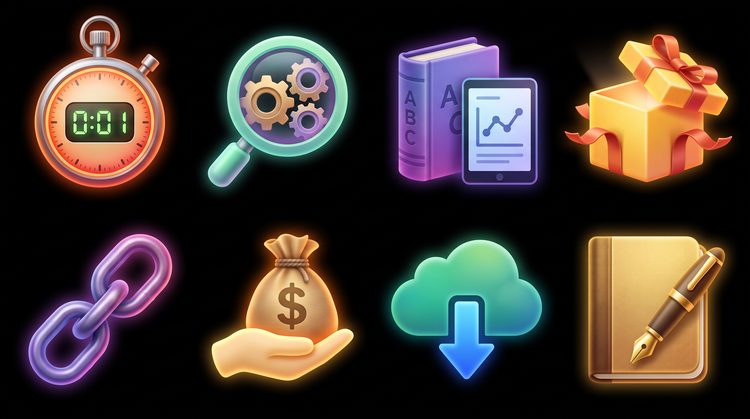
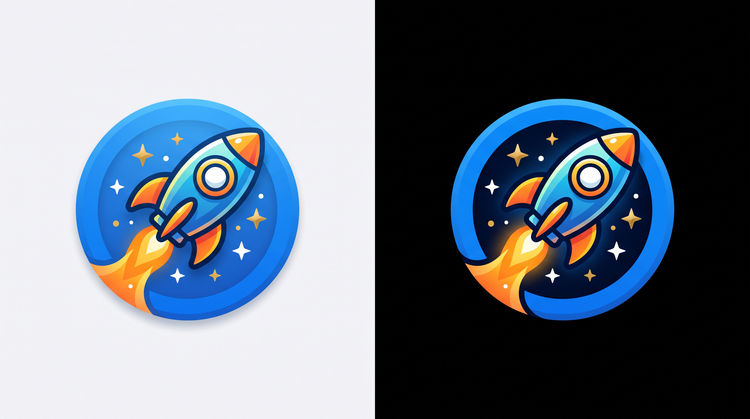
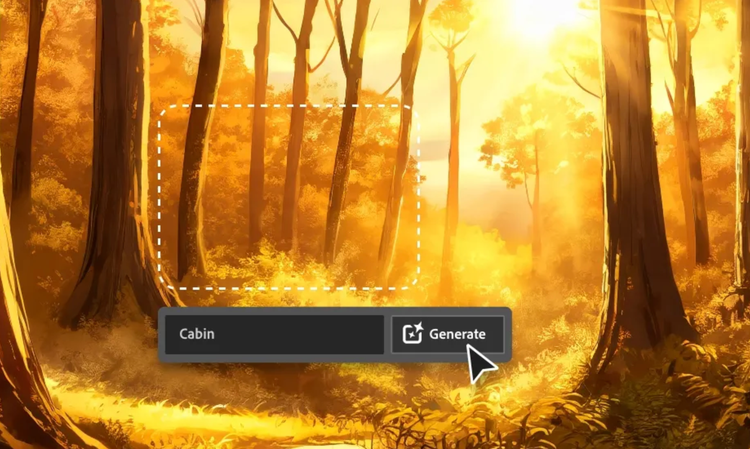
An AI custom app icon generator uses artificial intelligence to turn a text prompt into an app icon design. Adobe Firefly interprets your app's name, purpose, or style description and generates rounded squares, circular badges, or simple glyphs you can use as a starting point for your app's icon.
Describe your app, its purpose, or the style you want in Adobe Firefly, including any color or shape preferences. Adobe Firefly will generate a custom app icon based on your prompt, which you can then refine or regenerate.
Yes. You can specify a style directly in your prompt, such as flat, gradient, glassy, or line-based, and Adobe Firefly will apply it to the result. You can regenerate or adjust your prompt until the look feels right for your app.
Start with your app's name, purpose, or a word describing your brand's personality, and Adobe Firefly will turn it into a specific icon concept. Simple glyphs, rounded squares, and circular badges are good starting points whenever you're stuck.
App developers, indie founders, designers, and product teams use Adobe Firefly to explore app icon directions before committing to a final design. It also works well for anyone who wants quick concepts to share with a client or design team.
A custom app icon generated with Adobe Firefly can be a helpful starting point for your app's visual identity. While images you generate with Firefly models are safe for commercial use, if you use a partner model, check that model's terms first. It's also a good idea to have your icon reviewed by a designer and confirm it meets the store's icon guidelines.
The best generator for app icons gives you a steady stream of fresh concepts, control over shape and color, and a direct path to a refined design. Adobe Firefly does this and also brings together top AI models in one studio, so you can compare results and refine your favorite with precision tools.
Adobe Firefly brings together its own models and top partner models from Google, OpenAI, FLUX, and more in a single creative space. You can switch between models in the Model dropdown and compare results side by side, then refine your favorite with precision editing tools.
The
Generate Image feature in Adobe Firefly downloads your result as a PNG file, ready to resize and export for your app's store listing.
No. You describe what you want in plain language, and Adobe Firefly will turn your prompt into an icon concept. You can use Adobe Firefly directly in your browser.
Yes, you can generate custom app icons for free with an Adobe account. A free account gives you access to free daily generations, so you can try Adobe Firefly without a paid plan.
Learn more about using Adobe Firefly for free. Paid plans are available for higher-volume generation.