Open Adobe Firefly and use the
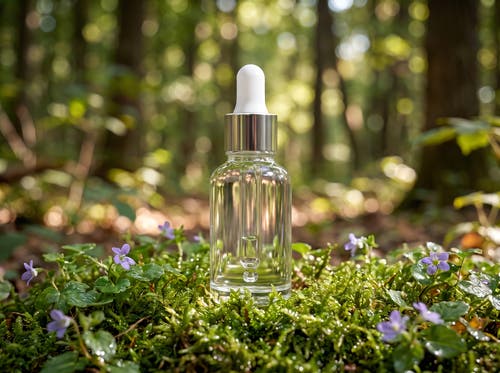
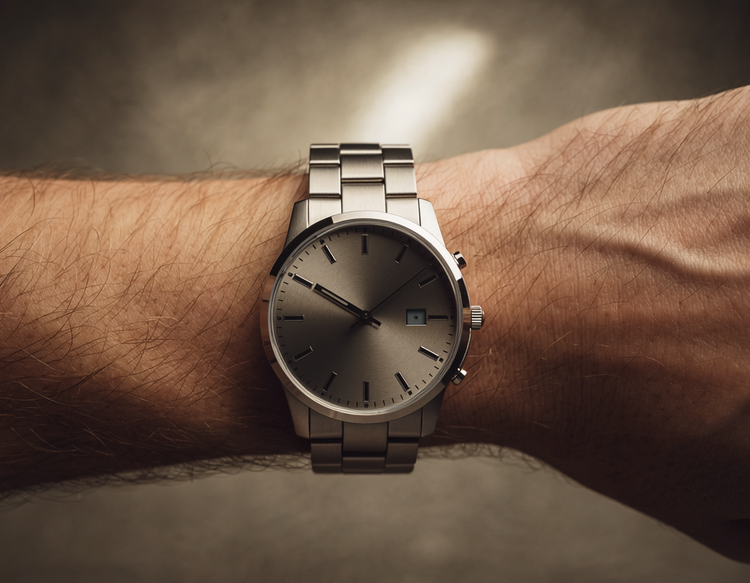
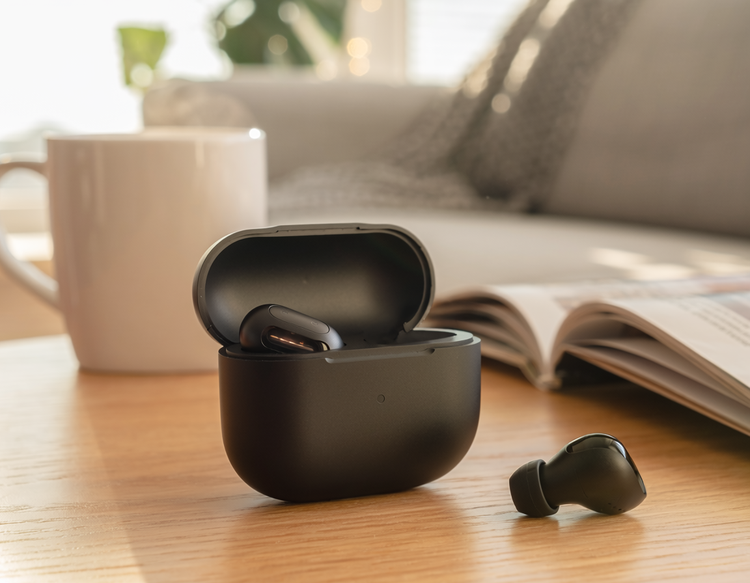
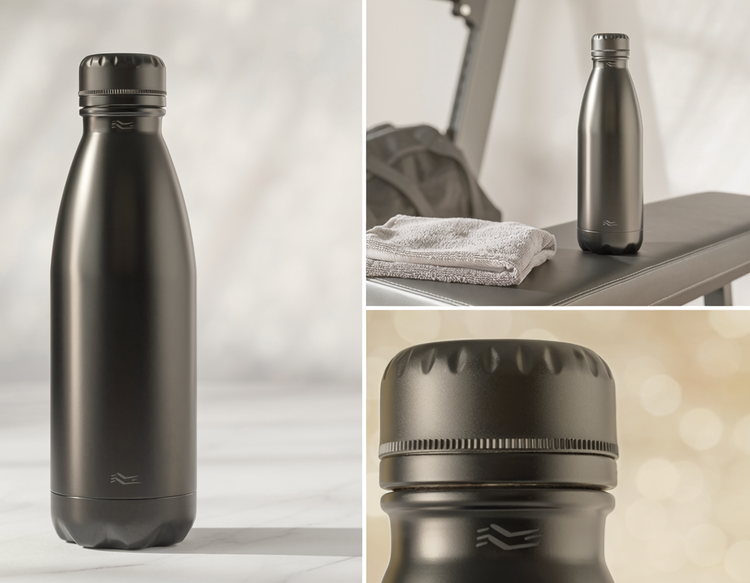
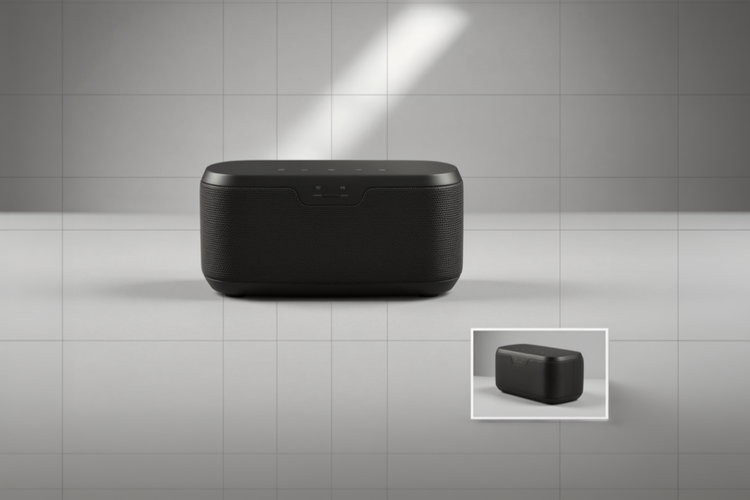
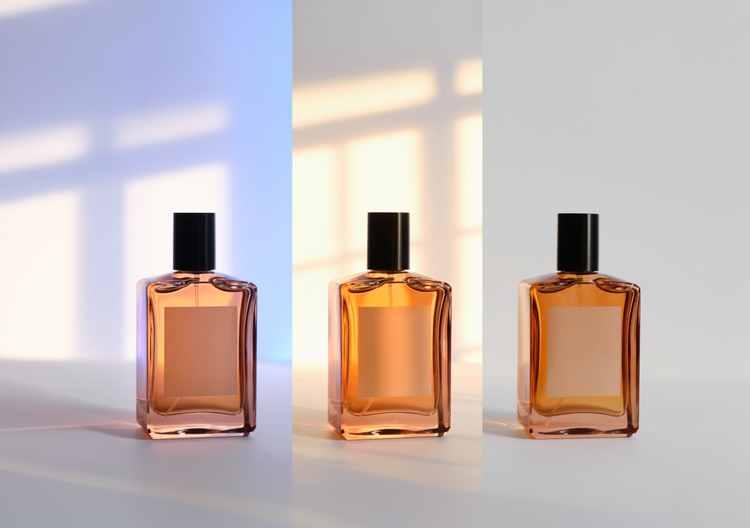
Generate Image feature. Type a prompt that describes the product, angle, lighting, and background you want. Include details like "studio lighting," "white background," or "lifestyle setting" to guide the result. The more specific your description, the more accurate your product shot will be.
Include the product type, the angle you want (straight-on, 45-degree, overhead), lighting conditions (studio, natural daylight, warm glow), and background style (white, lifestyle, minimalist). Adding specific details pushes the result toward a more precise product shot.
Yes. Adobe Firefly responds to compositional language, so you can specify different vantage points. Try prompts like "product shot from above," "45-degree angle showing the product details," or "straight-down flat lay" to explore different perspectives of the same product.
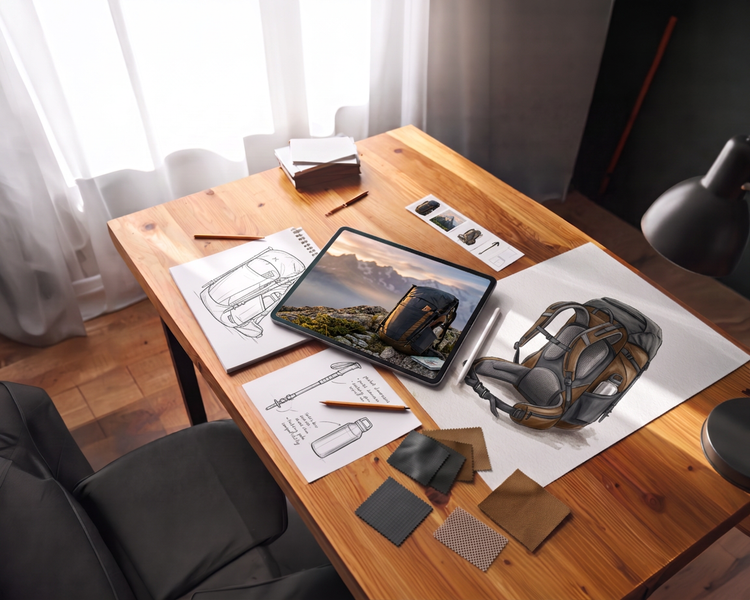
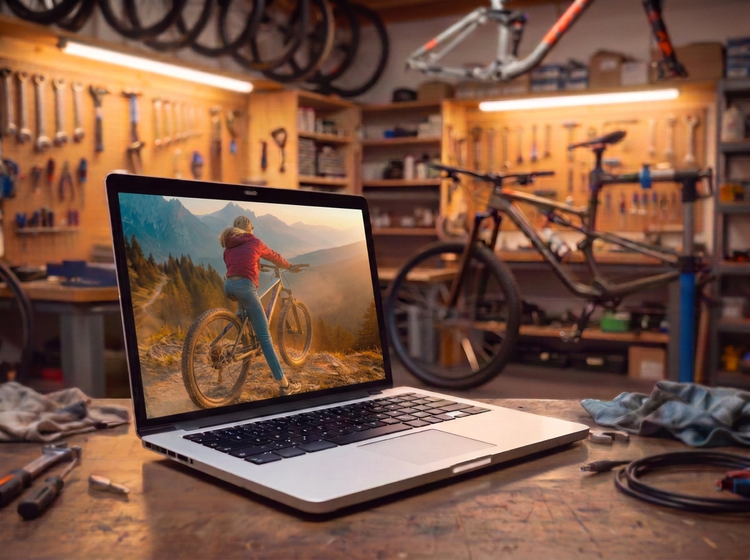
AI-generated product shots work well for e-commerce listings, social media marketing, email campaigns, advertising, packaging mockups, presentations, and client pitches. Designers and marketers use them when quick variations or multiple angles are needed on a tighter timeline.
Yes. Product shots generated with Adobe Firefly models are commercially safe and can be used in e-commerce listings, marketplace storefronts, and marketing materials. You're responsible for determining whether content generated with partner models is appropriate for use in your projects.
Yes. Product shots generated using Adobe Firefly models are commercially safe, as the models are trained on licensed and public-domain content. This means you can use your generated product shots in client campaigns, ads, packaging mockups, and other professional work. You're responsible for determining whether content generated with partner models is appropriate for use in your projects.
The best AI product shot tool gives you real creative control over angle, lighting, and background, along with results ready for professional work. Adobe Firefly does this and brings together top AI models in one studio, with tools that take you from first generation to finished result.
Adobe Firefly exports generated product shots as PNG files. PNG supports high-resolution output suitable for print, digital, and web use.
Yes. Include the background color or style in your prompt. Use descriptions like "white background," "soft gray background," "warm wood surface," or "minimalist environment" to guide the result. Adobe Firefly will respond to background details in your prompt.
Yes, you can use Generate Image for free with an Adobe account. A free account gives you access to free daily generations, so you can try Adobe Firefly without a paid plan.
Learn more about using Adobe Firefly for free. Paid plans are available for higher-volume generation.