



Free magazine maker.
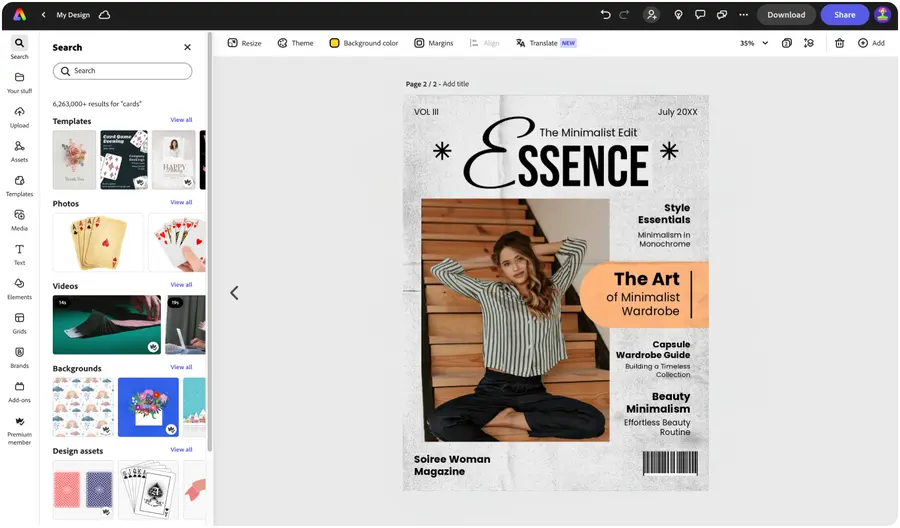
Create stunning digital or printed magazines with Adobe Express, the quick and easy create-anything app. Easily design high-quality magazines that’ll stop your viewers in their tracks with easy-to-use layout and formatting control.



Easy all-in-one editor

One-click edits from any device

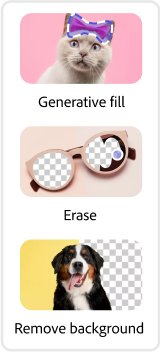
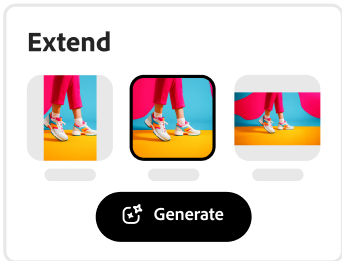
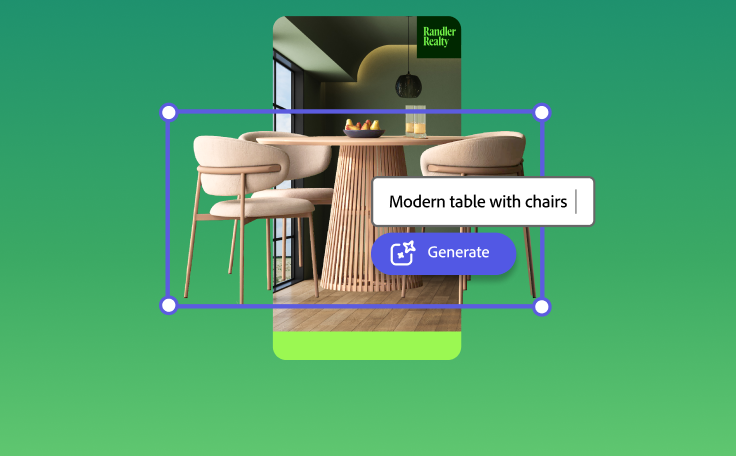
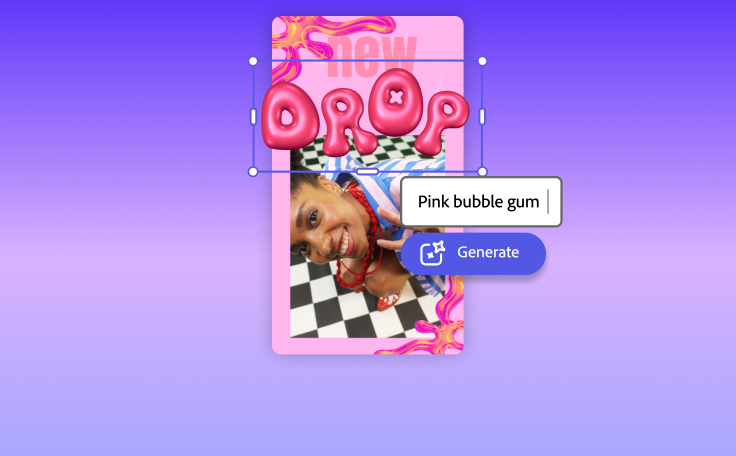
Fast creation with generative AI

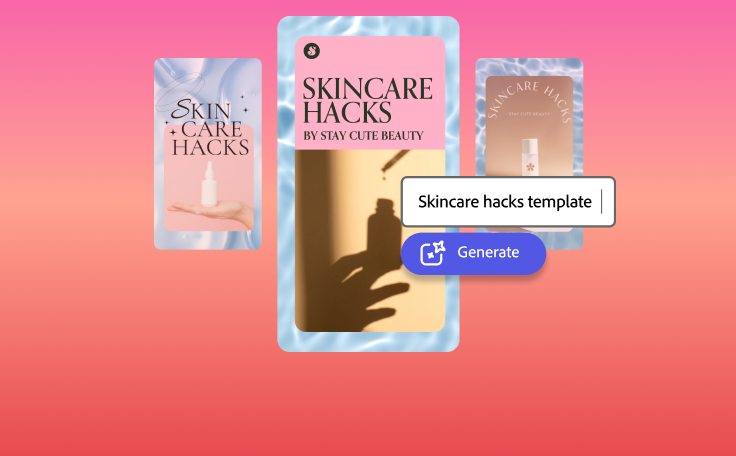
Thousands of professionally-designed templates
Easily get started in Adobe Express.
Create one-of-a-kind magazines with Adobe Express.
A fresh, one-of-a-kind magazine design can help you draw in more subscribers and boost your brand – and you can achieve all this easily with the help of Adobe Express templates below to help you get started. Personalize your magazine template with fonts, color schemes, brand logos, and images. With the wide variety of customization options, you can make on-brand magazine pages that’ll inspire viewers to turn the page.
 New templates
- Popular
- New templates






Launch Adobe Express.
Launch Adobe Express on web or mobile to get started on your magazine design.Kickstart your magazine design process with templates.
Browse our wide collection of standout magazine design templates and choose one to customize. To narrow down your results, search by style, industry, or aesthetic. If you already have a magazine design on hand and want to make a few tweaks, import your PDF to start editing in Adobe Express.Add images, text, charts, and more.
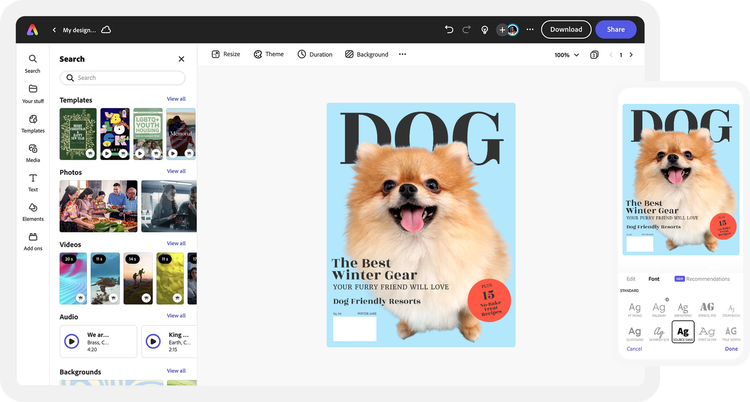
Upload photos to your magazine design. Top it off with royalty-free Adobe Stock icons, backgrounds, or graphics. Add your text and experiment with curated font recommendations. If your magazine requires sharing insights, you can easily create a chart or graph within the same project. Don’t forget to include page numbers, the issue name, and a credits section to acknowledge each editorial contributor.Brand your magazine design.
Stay #onbrand when you include your brand logo, color schemes, colors on your design. With a Premium plan, you can apply your branding all in one tap.Collaborate with others or download.
Invite team members to view, edit, or leave comments on your magazine design. When you’re done, save it as a PDF to share it your way. Revisit your project anytime to make updates in the future.
See what people are saying about Adobe Express.

Abs Ahlijah
Marketing & Content Coordinator @ Soul Session
"As a marketer who is always on the move. Adobe Express helps me to create fast, high quality content. Absolute endless features to enhance my creativity!"

Liz Mosley
Owner, Liz Mosley Design
"I use Adobe Express to create and schedule a lot of my own content, and by creating templates for my own brand I have saved my self hours marketing my business!”

Penuel Stanley-Zebulon
Student @ Pennsylvania State University
"The remove background image tool in Adobe Express saved me hours of tedious editing, effortlessly removing backgrounds and refining my images with just a few clicks."

Attabeira German de Turowski
Owner, Attabeira Oneline
"I use Express Premium for my social media efforts and Content Scheduler has helped me grow my following through consistent posting."

Mike Nappi
Owner, NappiMusic
"I'm all in on Adobe Express. Premium makes it easy for me to maintain a cohesive look and feel for my brand."
Discover even more features for easy content creation.
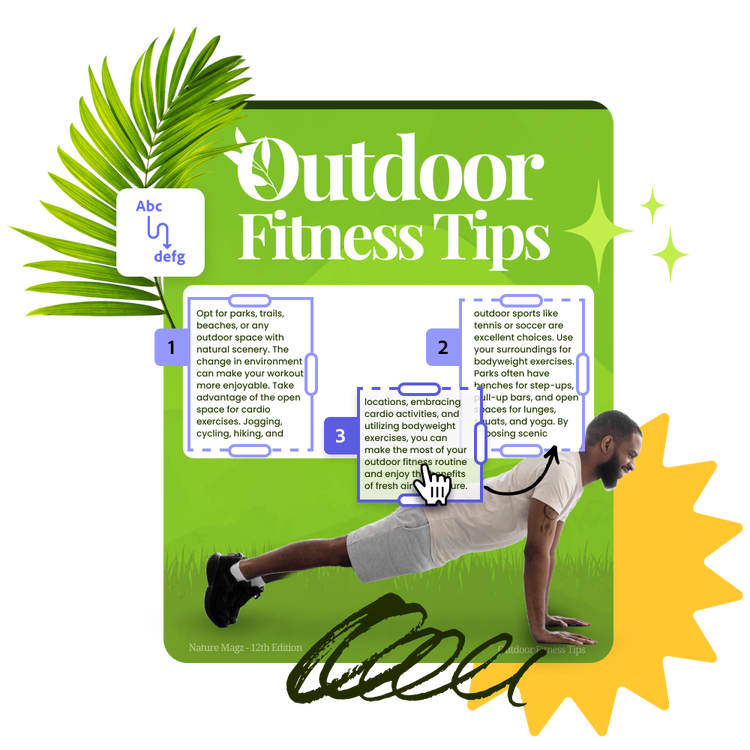
Rearrange text on each magazine page with ease.

Feature articles, ads, a centerfold, or table of contents without the hassle of complicated text formatting. With the Text flow tool, it’s as easy as adjusting the size of one text box. Watch as the rest of your text flows seamlessly into the next box, no extra formatting needed. Divide large amounts of text into bite-sized bits or split them into several columns. Drag and drop them anywhere on each magazine page.

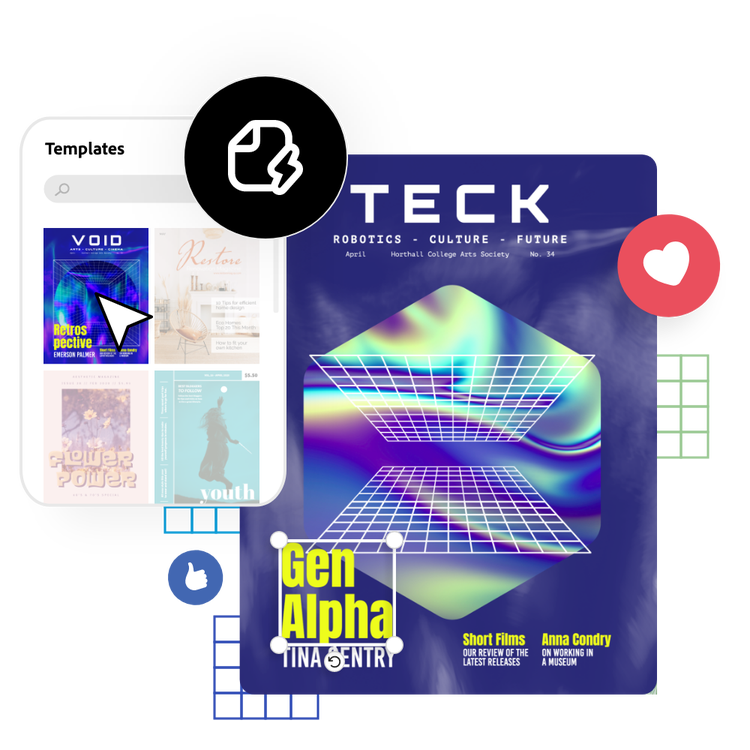
Level up your magazine pages with charts and graphs.
Along with formatted text, including visuals in each magazine page is crucial for providing readers further context. Create a cohesive visual theme by using photos, icons, logos, fonts, and other customizable elements to achieve an authentic feel. Add, edit, and place charts or graphs anywhere in your design to share unique insights in your newest magazine edition.
The world's leading businesses use Adobe Express.





Discover even more.

Frequently asked questions.
What is a standard magazine cover size?

Magazine covers vary in size but are generally around 8.5” by 11” give or take. Variations might be shorter, wider, or even half the size. Consider how you want your magazine to sit on a bookshelf, a coffee table, or in the hands of your readers. Also, confirm with your printer about what sizes they are able to print.
What should I include on my magazine cover?

How do I place my subject in front of the title?
Can I create my own magazine cover template?
Can I get Adobe Express for free? If so, what’s included?
What is a standard magazine cover size? opened
illustrator

