Make an eBook online for free.
Create your own professional-quality eBook with Adobe Express, the quick and easy create-anything app. Get started with tons of customizable templates and effortless layout and formatting control. No design experience needed.


Easy all-in-one editor

One-click edits from any device

Fast creation with generative AI

Thousands of professionally-designed templates
Easily get started in Adobe Express.
- Templates
- Upload Content
- Stock Content
- AI
Upload or import your content.
Add your own photos or videos and start your creation from there. You can also import your PSD or Ai files and Adobe Express will recognize all of your layers.


Upload your photos or videos
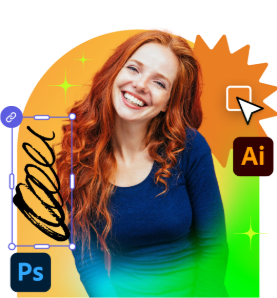
Upload your PSD or Ai files
Upload or import your content.
Add your own photos or videos and start your creation from there.
Upload your photos or videos
Start from our amazing collection of stock content.
You can start your project from the Adobe Stock royalty-free photo, video, or audio collection.

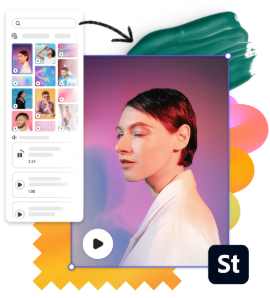
Start with video

Start with photo
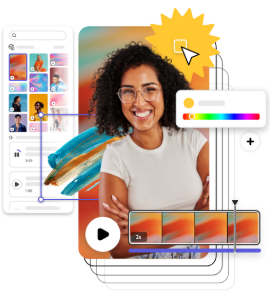
Start with audio
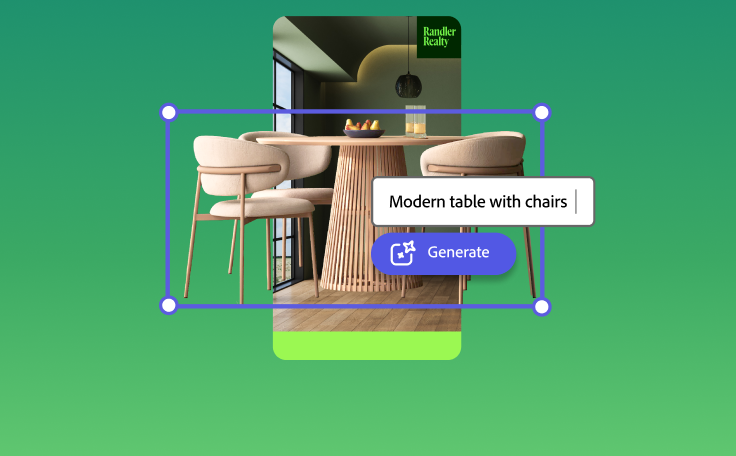
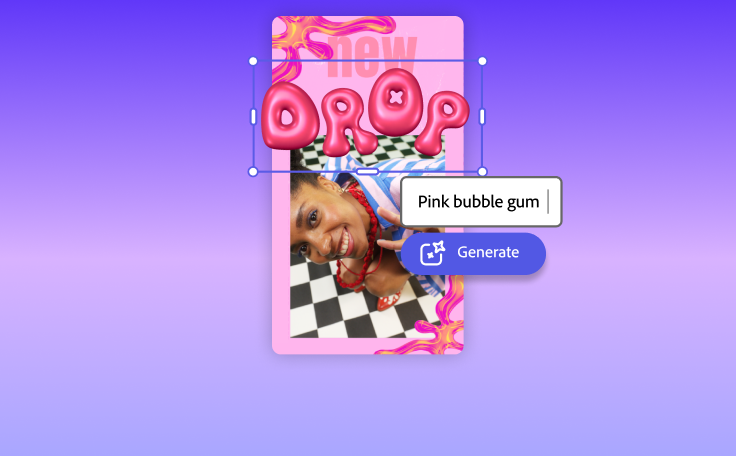
Imagine and create from a text prompt.
Your imagination is your only limitation. You type it. Adobe Express generates it.


How to create an eBook.
See what people are saying about Adobe Express.

Abs Ahlijah
Marketing & Content Coordinator @ Soul Session

Liz Mosley
Owner, Liz Mosley Design

Penuel Stanley-Zebulon
Student @ Pennsylvania State University

Attabeira German de Turowski
Owner, Attabeira Oneline

Mike Nappi
Owner, NappiMusic
Discover even more features for easy content creation.
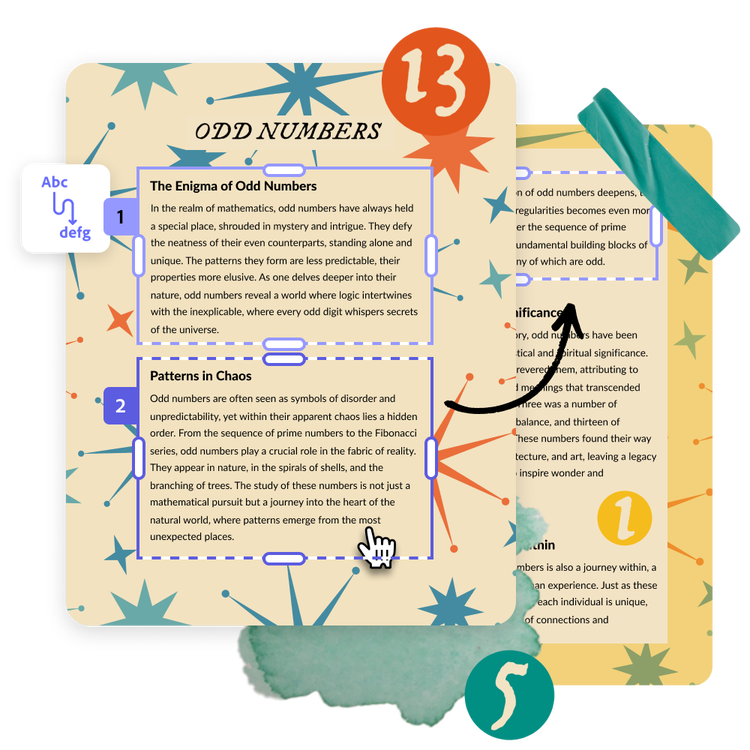
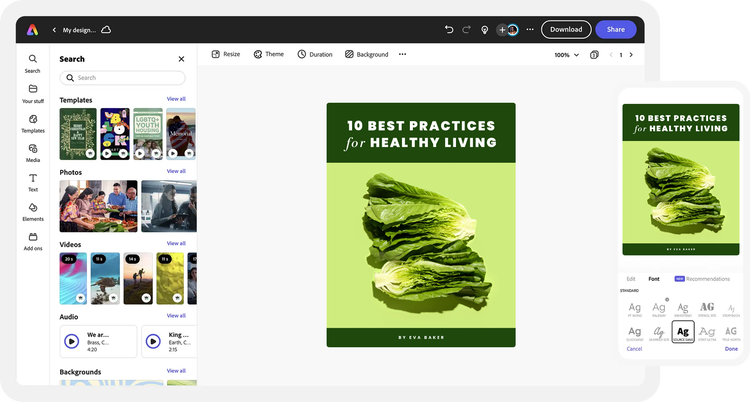
Effortless page layout formatting.
Add and rearrange text across each page of your eBook quickly and easily, no additional tweaking or page reformatting needed. Turn large sections of text for a sales eBook or a tips and tricks guide into beautiful, easy-to-read pages with Text flow. Adjust the size of one text box and have text automatically flow into the next box, no additional tweaking or formatting required. Split lengthy paragraphs into multiple columns. Or use images and graphics to divide each paragraph.
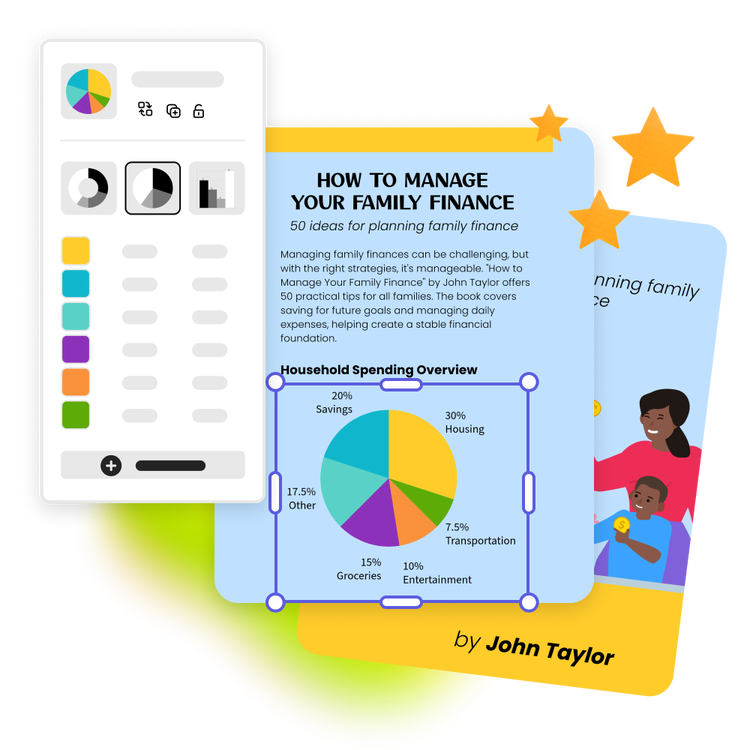
Add on-brand charts and graphs to your eBook design.
Feature a blend of stunning charts and infographics to add more visual appeal to your eBook. Make your very own pie charts, progress charts, and timelines in the same project to further convey your message. You can even add your brand colors, logos, and font styles to your charts for a professional look and feel.