



Create a free celebration GIF.
Sometimes, sharing a GIF conveys your enthusiasm better than words can. Transform videos and photos into over-the-top celebration GIFs effortlessly with Adobe Express then share them on social media, in emails, or through text messages.
1. Upload.
Upload your video or photo to the celebration GIF maker. Or, choose a royalty-free Adobe Stock video to begin editing if you don’t have your own.

2. Customize.
Fine-tune the length of your clip using the slider option. Select the desired file size (large, medium, or small) and your preferred layout (square, landscape or portrait).
3. Share.
Download your new celebration GIF and share via texts, social media, email newsletters, and more.
Turn any celebration into a GIF.
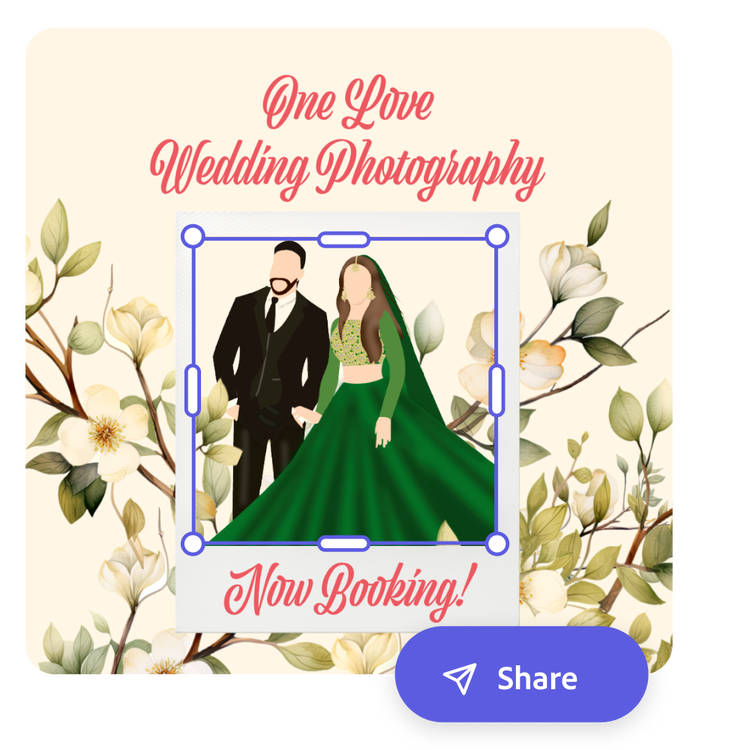
Whether you're a social media manager for a college or an independent wedding planner, quickly create captivating GIFs that let your audience know you’re celebrating them. Create stunning GIFs to reveal big news in a social story, make a meme to show before-and-after transformations, or create a short highlight reel of a recent party.
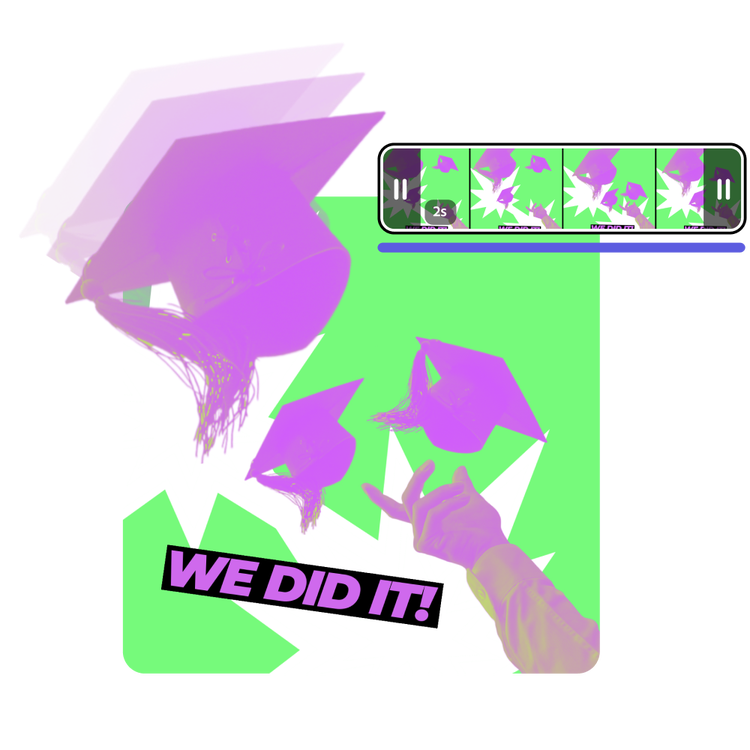
Make perfectly timed animated celebration GIFs.
Create charming GIFs that loop at the right speed to deliver your visual message. Play around with the easy-to-use video slider to trim and select the perfect clip. Adobe Express makes it simple to create and customize GIFs to celebrate holidays, special business milestones, and more.
It's easy to turn videos into celebration GIFs.
Elevate your business promotions when you edit your celebration GIF in Adobe Express. Enhance your videos with filters, Text Effects, and celebratory graphic elements like confetti and balloons. Once perfected, effortlessly transform your videos into eye-catching, memorable GIFs that draw attention and generate excitement.

Get started with Adobe Stock videos.
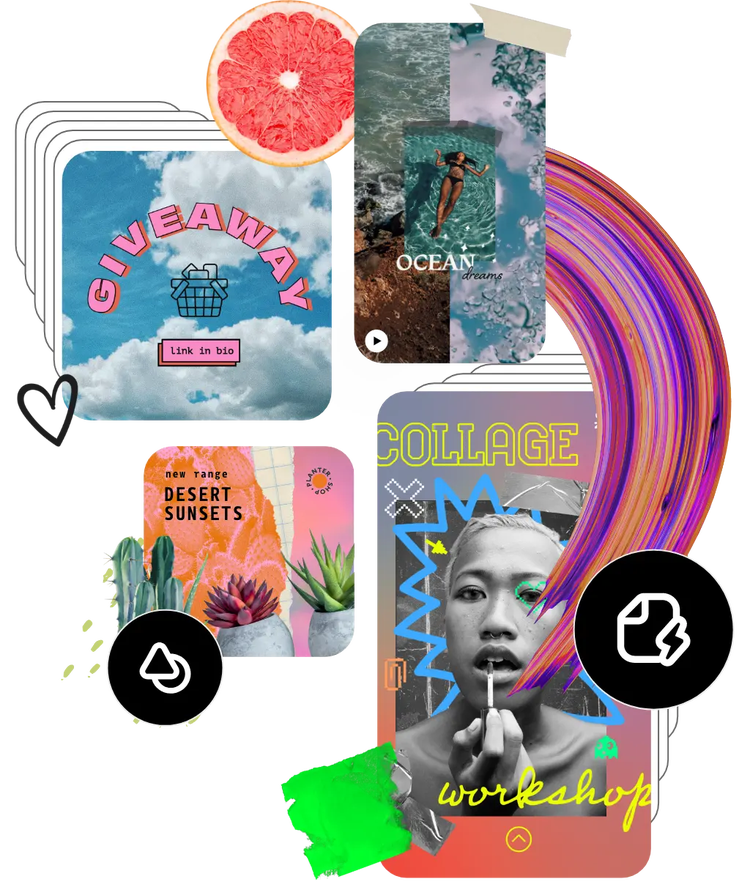
Get inspired and save time with expertly designed templates to get you started. Adobe Express also has an extensive library of Stock videos you can tailor to your vision. Find what you’re looking for in Adobe Express to create a celebration GIF worth sharing.
Frequently asked questions.
Should I edit my celebration videos and photos before converting them into a GIF?
Yes, it’s best to edit them before you do any GIF converting. Adobe Express offers a range of editing tools, including filters, text overlays, and cropping options, allowing you to edit your videos exactly how you like before turning them into a celebration GIF.
What file formats are supported for creating GIFs?
You can use photos or video to create your GIF. Adobe Express supports MP4, MOV, M4V, JPEG, and PNG. You can upload media in these formats to create your celebration GIFs seamlessly.
Will the quality of my videos and photos be preserved in the final celebration GIF?
Yes, Adobe Express ensures your media maintains their quality during conversion. Your celebration GIFs will remain crisp and professional.
How easy is it to create a celebration GIF using Adobe Express?
Creating a celebration GIF is incredibly fast and easy. Once you've uploaded your videos and customized your settings, your GIF can be created in just a few seconds, making it a time-efficient tool for busy business owners and content creators.
Can I get Adobe Express for free? If so, what’s included?
Yes, we have a free plan available for anyone. Enjoy everything you need to stand out, including thousands of templates, hundreds of Adobe Stock images, photo editing and effects, and much more. Visit our plans and pricing for details.
illustrator

