



Design a personalized graduation banner with Adobe Express.
Graduation day is such a massive milestone in a person's life—what better way to celebrate than creating a customized graduation banner for that person's big day. Adobe Express has graduation banner templates that are easy to personalize with the graduate's name, date, and school. Create your graduation banner for digital or print use, depending on the event and celebration. Adobe Express makes it easy to use the same design for a social media graduation banner or, resize it for a large, printed banner.


How to make a graduation banner.
Publish and share.
Download your finished graduation banner to your device to print out or post online. Or, share your project with your team by adding others via email.
Resize in seconds.
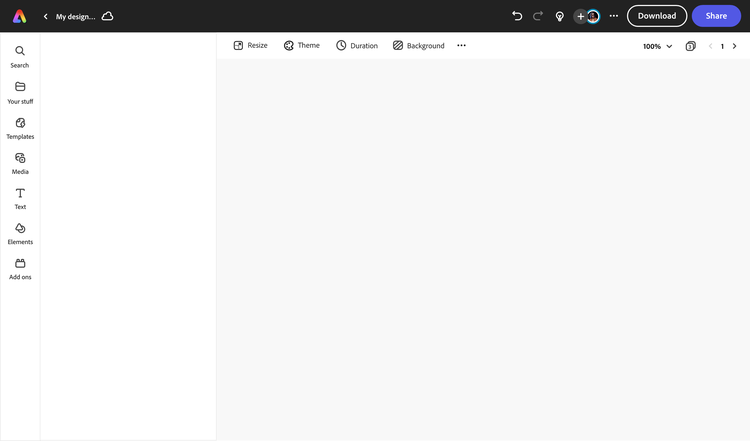
Instantly crop or resize your graduation banner. Use the resize tool to choose new dimensions, then watch as your content instantly adjusts using our intuitive tools.
Make your graduation banner standout.
Upload photos from your device or explore libraries of free images, icons, and design assets. Incorporate GIFs and animation for digital graduation banners.
Browse graduation banner templates.
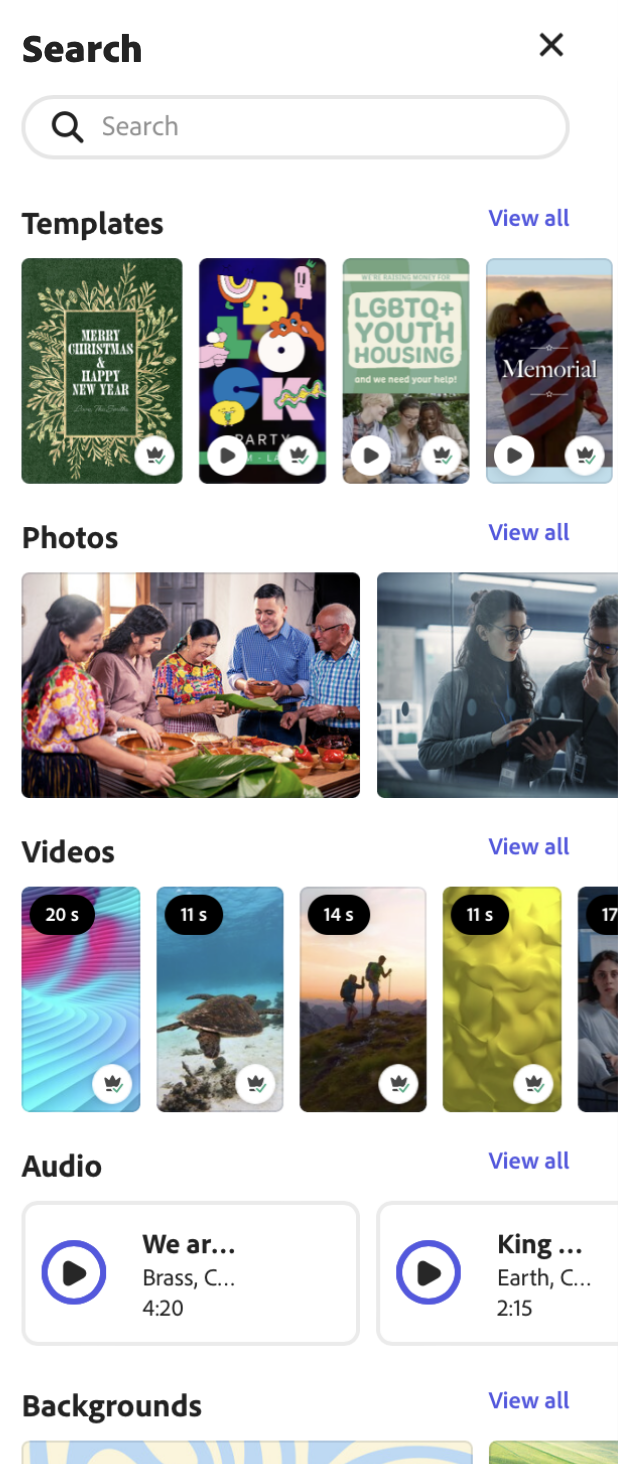
Explore thousands of trending graduation banner templates for any occasion. Search by aesthetic, color, platform, or keyword.
Get started on your graduation banner.
Open Adobe Express on web or mobile to begin creating for free.
Celebrate the grad with graduation banner templates from Adobe Express.
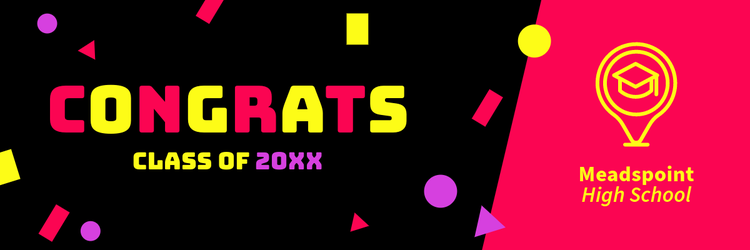
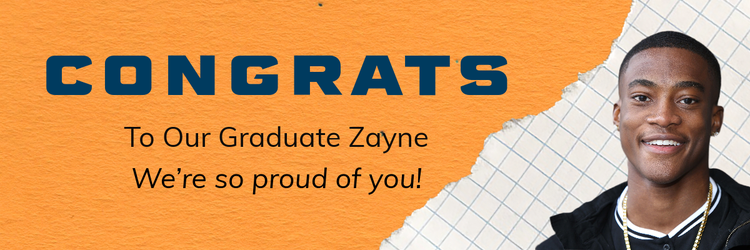
Let's celebrate the recent graduate and all of their success with a custom-made graduation banner. Choose your design from the templates in Adobe Express gallery and personalize it for the guest of honor. Take any template and make it your own by changing the text, adding in the school colors, editing styles, and updating photos for the graduate. Make a professional quality graduation banner that you can print out or share digitally.
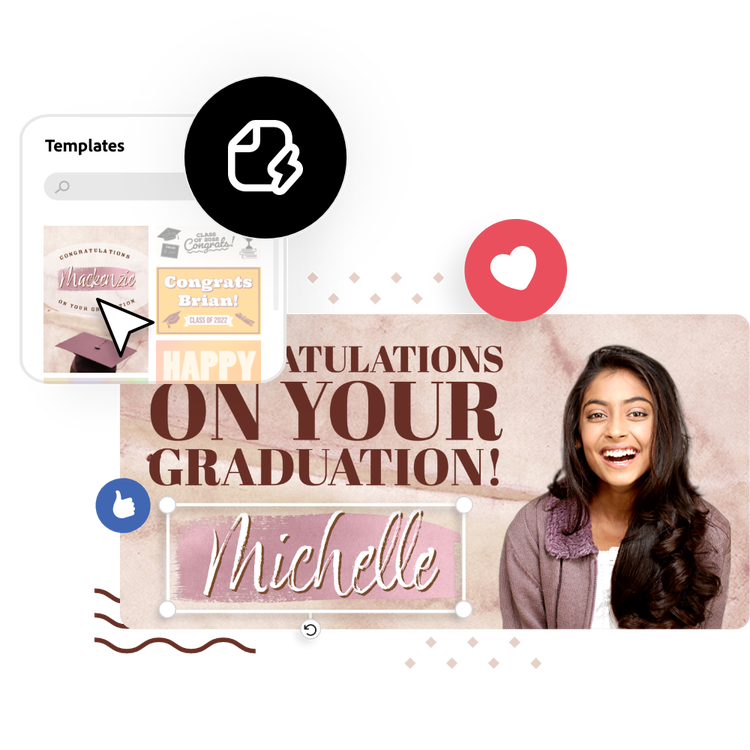
Let Adobe Express be your graduation banner design expert.
Hone your creativity with the power of Adobe Express. Explore professionally designed templates to get your wheels spinning or create your graduation banner from scratch. Establish a theme for your designs using photos, icons, logos, personalized fonts, and other customizable elements to make them feel entirely authentic. Duplicate designs and resize them to create consistency across multiple types of assets. With Adobe Express, it's free and easy to make, save, and share your designs within minutes.
What is the standard size for a graduation banner template?
Most Adobe Express graduation banner templates come in a long, horizontal 3:1 aspect ratio size. You can personalize your graduation banner to fit any printed or digital format using the Resize option – find dozens of preset, popular sizes to choose from, or enter in your own custom dimensions.
What makes a graduation banner stand out?
Use school colors, high quality images, fun graphics, and bold, easy-to-read messaging. Customizing a banner to suit the person graduating is a great way to make it memorable. For digital banners, you can add text or image animations in one-click to create something truly eye-catching.
Can I edit my graduation banner after I've downloaded it?
Absolutely. Access your graduation banner project anytime by opening Adobe Express on web or mobile. Update your banner or duplicate it to create a remixed design for future occasions.
Can I create my own graduation banner template?
Any new or existing project can be turned into a shareable template. To turn your graduation banner into a template, click on the three-dot menu at the left of the Download button and follow the steps to turn your design into a template.
Can I get Adobe Express for free? If so, what’s included?
Yes, Adobe Express has a free plan that includes core features like photo editing tools and effects and thousands of free templates. Learn more about our plans and pricing.
illustrator

