



Create charts for free.
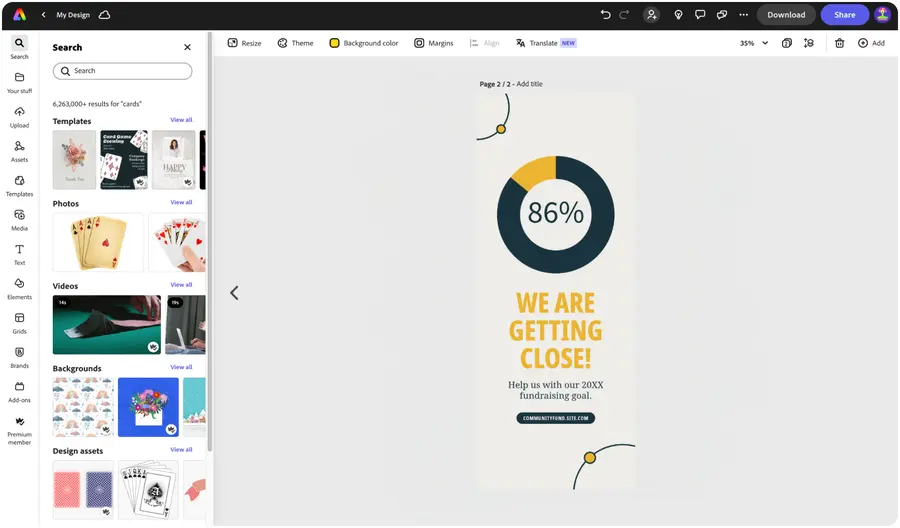
Easily tell your data's story visually with on-brand, impactful charts for presentations, documents, infographics, and more. Our chart creator lets you make pie, donut and progress charts in minutes.




Easy all-in-one editor

One-click edits from any device

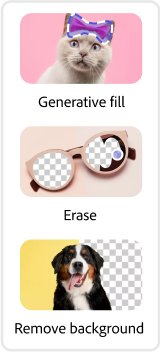
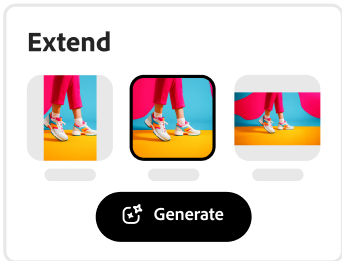
Fast creation with generative AI

Thousands of professionally-designed templates
Easily get started in Adobe Express.
Set your project apart with our chart templates.
Creating a chart for your business to showcase last year’s sales forecast or sharing an infographic on your social channels can be frustrating and time-consuming. With the Adobe Express chart maker, delivering your data in a visually engaging way is a breeze. Kickstart your chart-making process with one of the professionally-designed chart templates below to quickly get started. Pick from a variety of chart types, then add your color schemes and brand logo to make it yours. Data visualization is easy with Adobe Express on your side.
 New templates
- Popular
- New templates


Create from anywhere.
Open Adobe Express on web or mobile and start creating for free.Explore professionally designed templates.
Search for template types by your project needs such as presentation, infographic, topic, or color to get started. You can also begin your project from a blank canvas.Choose a chart type to customize.
Select Elements at the left of the menu in editor and choose from the wide collection bar, pie, and progress charts. Swap out the color schemes, fonts, and add your logo to make a design exactly as you envision it.Add labels to your chart.
Fill out the details of your chart. Add a legend, enter your numerical data, and watch as each section of your chart adjusts its proportions. Adjust the opacity of your chart design. Lock your chart to keep it in place as you continue editing the details in your project.Save and share your chart anywhere.
Download your new chart design and share anywhere. Before wrapping things up, invite collaborators to co-edit your work. Go back anytime to make edits or add your chart to documents and presentations made in Adobe Express.
See what people are saying about Adobe Express.

Abs Ahlijah
Marketing & Content Coordinator @ Soul Session
"As a marketer who is always on the move. Adobe Express helps me to create fast, high quality content. Absolute endless features to enhance my creativity!"

Liz Mosley
Owner, Liz Mosley Design
"I use Adobe Express to create and schedule a lot of my own content, and by creating templates for my own brand I have saved my self hours marketing my business!”

Penuel Stanley-Zebulon
Student @ Pennsylvania State University
"The remove background image tool in Adobe Express saved me hours of tedious editing, effortlessly removing backgrounds and refining my images with just a few clicks."

Attabeira German de Turowski
Owner, Attabeira Oneline
"I use Express Premium for my social media efforts and Content Scheduler has helped me grow my following through consistent posting."

Mike Nappi
Owner, NappiMusic
"I'm all in on Adobe Express. Premium makes it easy for me to maintain a cohesive look and feel for my brand."
Discover even more features for easy content creation.
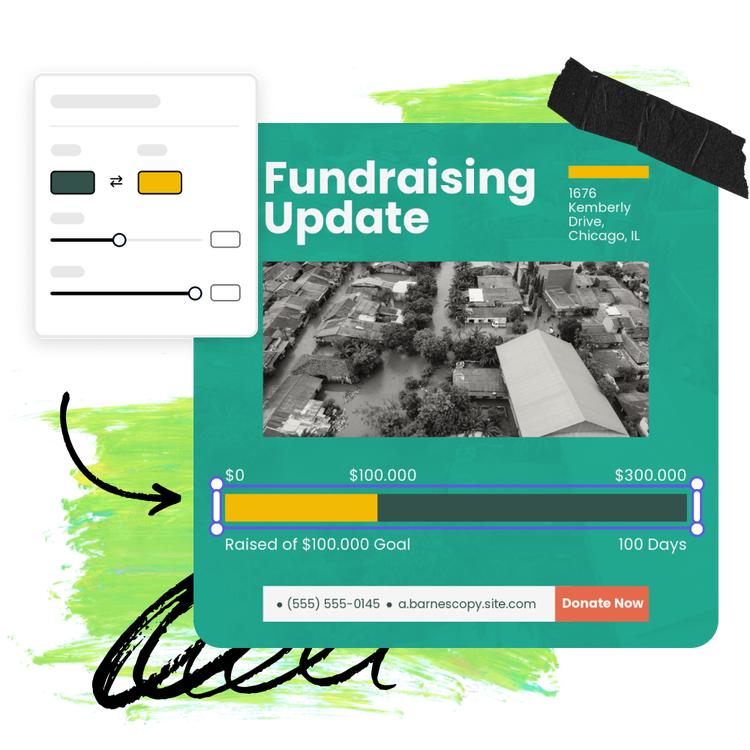
Brand your chart and graph designs.

With brand kits in your back pocket, making on-brand charts is easy. With a Premium plan, you can apply your brand color schemes, logo, and font styles across any chart project in one click for charts that match your brand and design style. Share your next business report or school science project in style.


Create charts fast with a variety of design assets at your side.
Compliment your graphs and charts with high-quality images, videos, and fonts from Adobe Stock and Adobe Fonts as well as one-click animations, icons, and shapes. If you don’t know what looks best, Adobe Express gives you tons of curated font recommendations and color schemes to mix and match on your chart design project.
The world's leading businesses use Adobe Express.





Discover even more.

Frequently asked questions.
What types of charts can I make?

Pie charts, donut charts, bar charts and progress charts are just a few of the many kinds of charts you can make quickly and easily with Adobe Express. Start from a template or build your own.
Should I include a legend?

How do I add arrows, symbols, or labels?
Can I create my own chart template?
Can I get Adobe Express for free? If so, what’s included?
What types of charts can I make? opened
Explore Related Posts


illustrator

