Thank you for your business card maker.
Express gratitude to your clients with custom thank you cards that reflect your branding. With the thank you for your business card maker, you can customize a professionally designed template and have it print-ready in minutes.
* Available for print in US, UK, Australia, and Canada
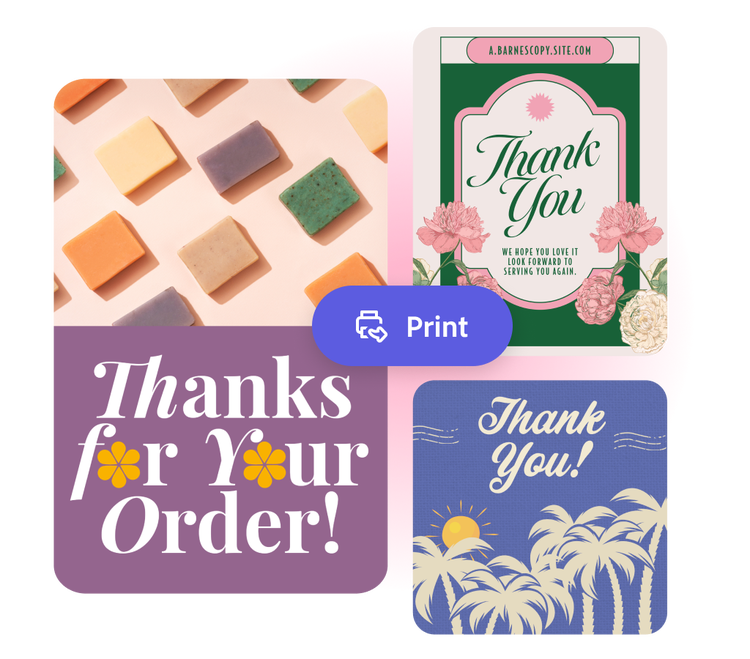
Or start with these popular templates
How to make a thank you for your business card.
1. Pick a template.
Search for a thank you for your business card that best reflects your business’s style (like simple and clean or bright and bold). Find the perfect starting point for your card design.
2. Customize it.
Click any text box to replace it with your message of gratitude. Keep it generic if you plan to send the card to multiple recipients or write a specific message for a specific client. Customize fonts, color schemes, and photos. Access the full Adobe Express editor to apply your branding in one click using Brand kit.
3. Order your printed cards.
Thank you for your business cards can be shared via email, social media, or printed. Start by downloading as a PDF, JPG, or PNG to share digitally or print from your desk. If you’re creating your card using the US, UK, Australia, or Canada desktop or mobile version of Adobe Express, you can order high-quality prints in the full online editor and get them delivered to you.
Custom thank you cards for your business.
Thank you for your business cards are ideal for any business, whether you are brand new, established, or looking to expand. You can add your company logo onto any of our thank you card templates or choose a color scheme and font that complements your brand. In this way, the cards double as marketing, especially if your customers love them so much that they share them with friends and family. With Adobe Express, it’s never been easier to help your customers feel appreciated.
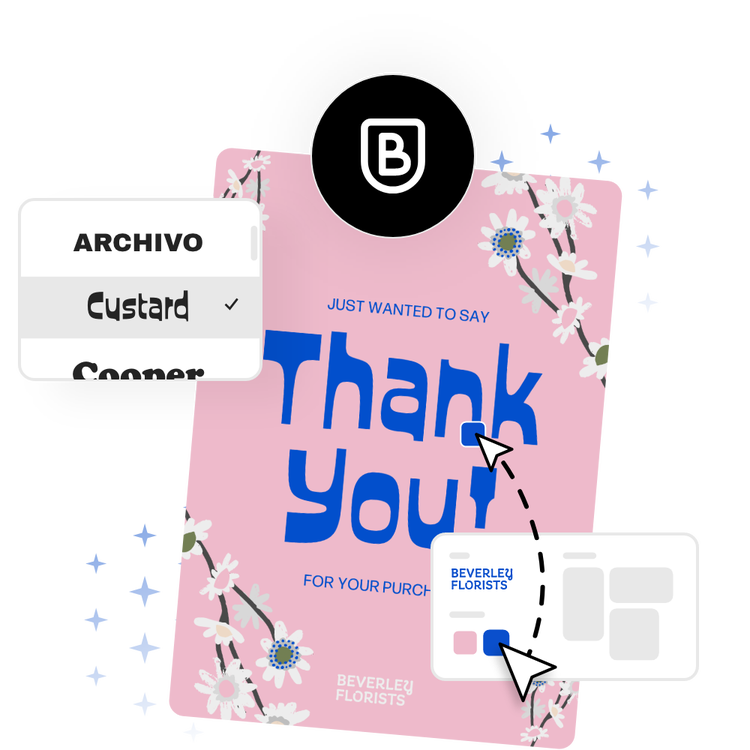
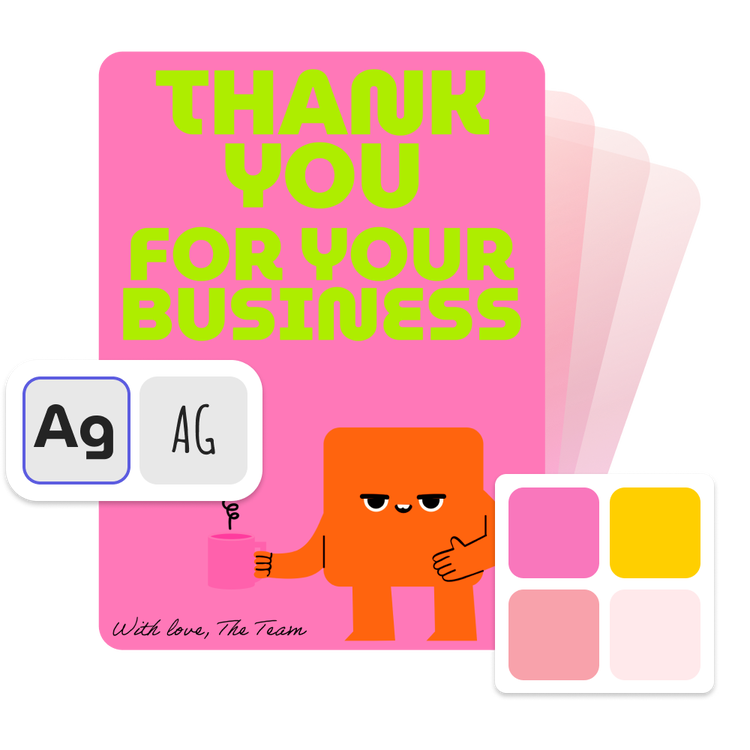
Go the extra mile with a branded thank you card.
The big client you landed or the customer who bought your handmade soap online will feel extra valued when a printed ‘thank you for your business’ card arrives in their mailbox. Easily turn a template into a card design that aligns with your brand by changing the color scheme, fonts, and uploading your logo. With a Premium plan, you can apply it all in one click with brand kits.
Let Adobe Express be your thank you for your business card design expert.
Explore professionally designed templates to get your wheels spinning or create your thank you for your business card from scratch. Establish a theme for your designs using photos, icons, logos, personalized fonts, and other customizable elements to make them feel entirely authentic. With Adobe Express, it’s free and easy to make, save, and share your designs within minutes.
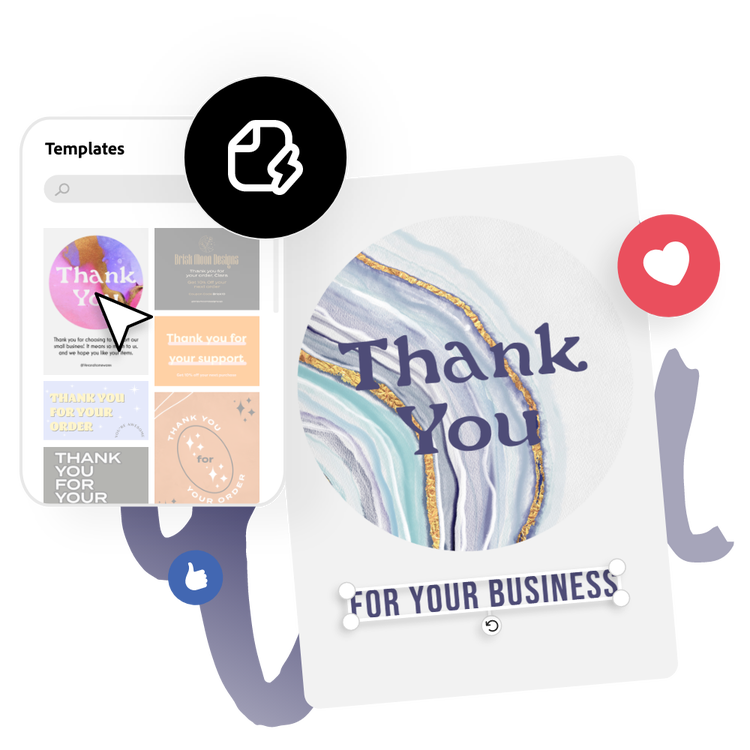
Make thank you for your business cards quick with Adobe Express templates.
Give your ‘thank you for your business’ cards a personal touch in minutes with Adobe Express. A simple design process allows you to create a card with endless customization options. Make a card fit for your company with your color schemes, fonts, and logo. Whether you’re new to design or an industry professional, all you need is the simple card creator from Adobe Express to make an impression with your clients in minutes.

Collection ID
(To pull in manually curated templates if needed)
Orientation
(Horizontal/Vertical)
Width
(Full, Std, sixcols)
Limit
(number of templates to load each pagination. Min. 5)
Sort
Most Viewed
Rare & Original
Newest to Oldest
Oldest to Newest
Behaviors
(still/multiple-pages/video/animated)
Premium
(true, false, all) true or false will limit to premium only or free only.