



Free WhatsApp sticker maker.
Choose from our WhatsApp sticker templates to design your own in minutes.
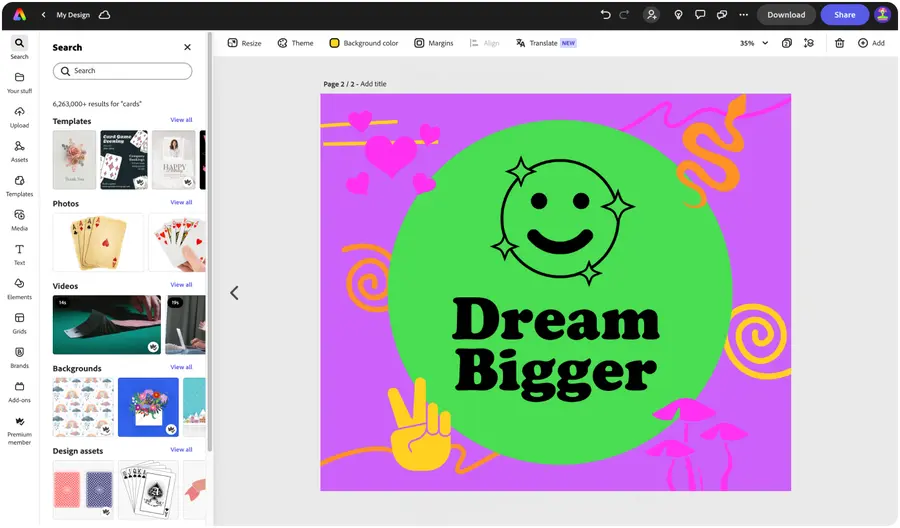



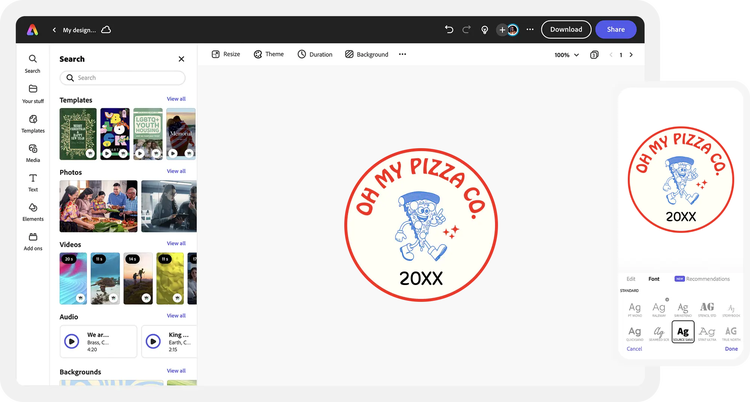
Easy all-in-one editor

One-click edits from any device

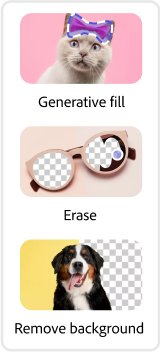
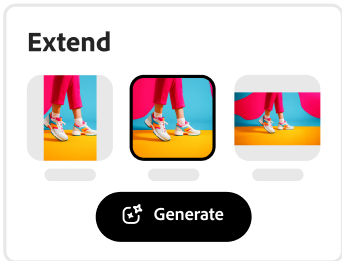
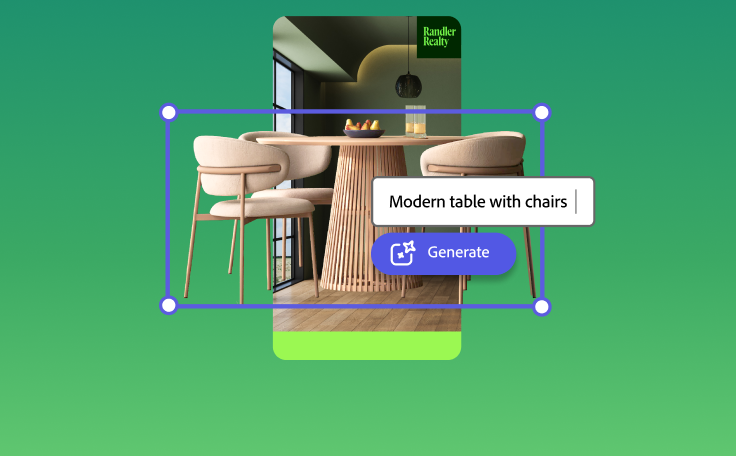
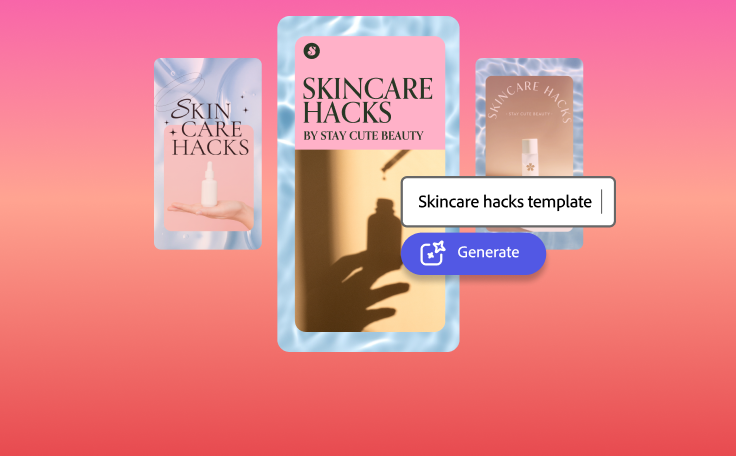
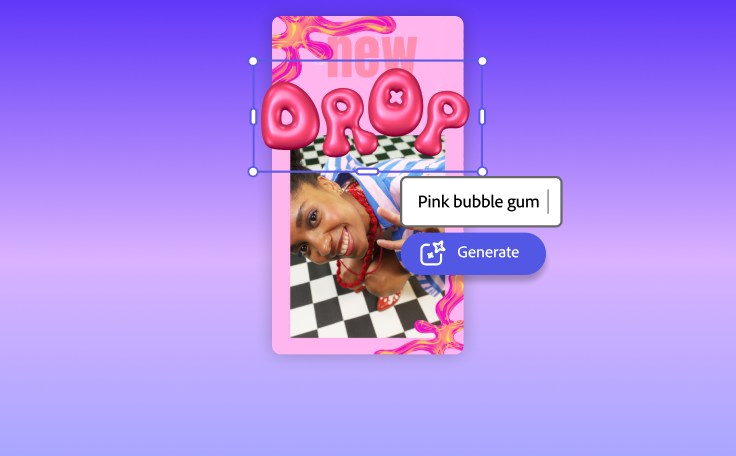
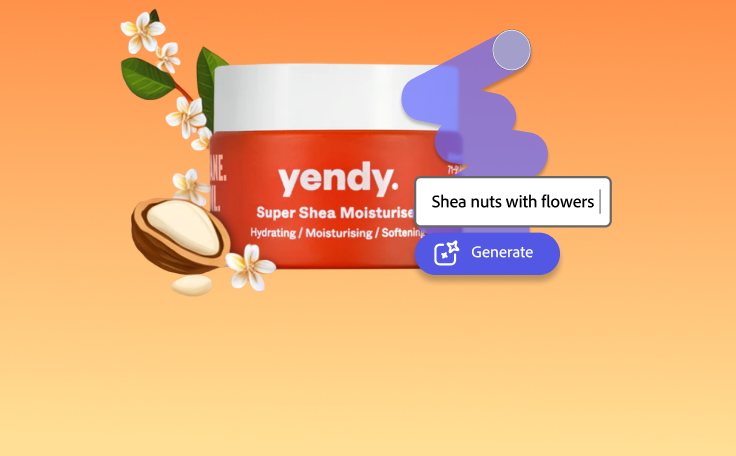
Fast creation with generative AI

Thousands of professionally-designed templates
Easily get started in Adobe Express.
Upload or import your content.
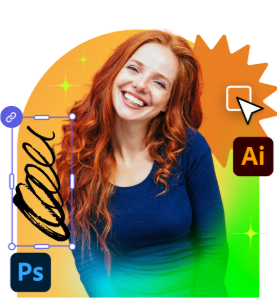
Add your own photos or videos and start your creation from there. You can also import your PSD or Ai files and Adobe Express will recognize all of your layers.
Start with inspiration.
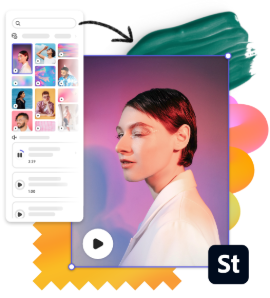
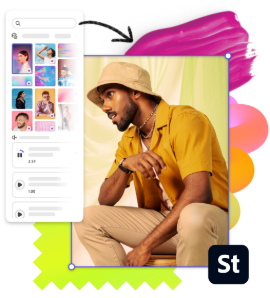
We hook you up with thousands of professionally designed templates, so you’re never starting from a blank canvas. Search by platform, task, aesthetic, mood, or color to have fresh inspiration at your fingertips; once you find a graphic to start from, tap or click to open the document in the editor.Use your own images.
Make a specific sticker or an entire sticker set using your own images. To turn your image into a sticker, upload a photo from your library to your canvas and use the Remove Background tool to isolate the subject. Then, customize with filters, text, icons, and more.Remix it to make it your own.
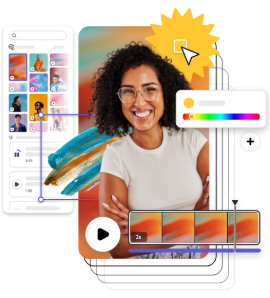
There are lots of ways to personalize your WhatsApp sticker templates. Change up the copy and font. Add colorful graphic assets to communicate a specific mood or emotion. Spend as little or as much time as you want to make the graphic your own. With a premium plan, you can even auto-apply your brand logo, colors, and fonts, so you’re always #onbrand.Resize to make your content go further.
WhatsApp stickers must be exactly 512px by 512px, so when you create your design, make sure it meets those measurements. However, you can always duplicate your design and resize it to share it elsewhere with the auto-resize feature from Adobe Express. Boom. Content for all your channels in a fraction of the time.Save and share your custom WhatsApp sticker.
Once your design is complete, hit that publish button and share your idea with others. Make sure to export your sticker design with a transparent background. Adobe Express saves your work, so you can always revisit your project if you need to update it in the future.
See what people are saying about Adobe Express.

Abs Ahlijah
Marketing & Content Coordinator @ Soul Session
"As a marketer who is always on the move. Adobe Express helps me to create fast, high quality content. Absolute endless features to enhance my creativity!"

Liz Mosley
Owner, Liz Mosley Design
"I use Adobe Express to create and schedule a lot of my own content, and by creating templates for my own brand I have saved my self hours marketing my business!”

Penuel Stanley-Zebulon
Student @ Pennsylvania State University
"The remove background image tool in Adobe Express saved me hours of tedious editing, effortlessly removing backgrounds and refining my images with just a few clicks."

Attabeira German de Turowski
Owner, Attabeira Oneline
"I use Express Premium for my social media efforts and Content Scheduler has helped me grow my following through consistent posting."

Mike Nappi
Owner, NappiMusic
"I'm all in on Adobe Express. Premium makes it easy for me to maintain a cohesive look and feel for my brand."
Discover even more features for easy content creation.
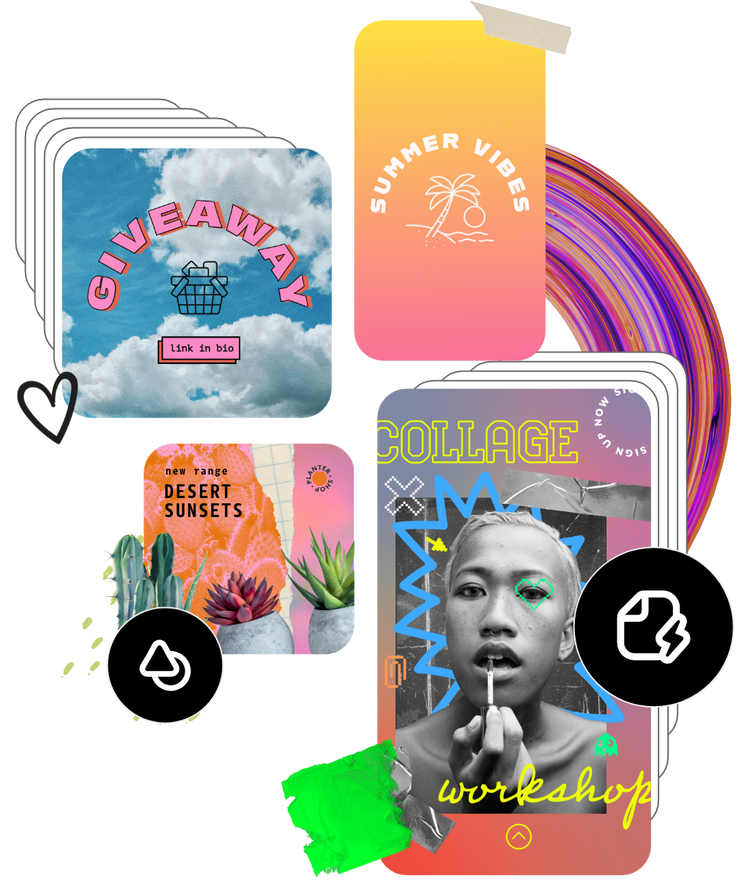
Create transparent WhatsApp stickers from your photos.

Use the Remove Background tool to create a transparent background and highlight the subject of your photo. Add a frame or place it on a colored backdrop to personalize the vibe of your sticker.

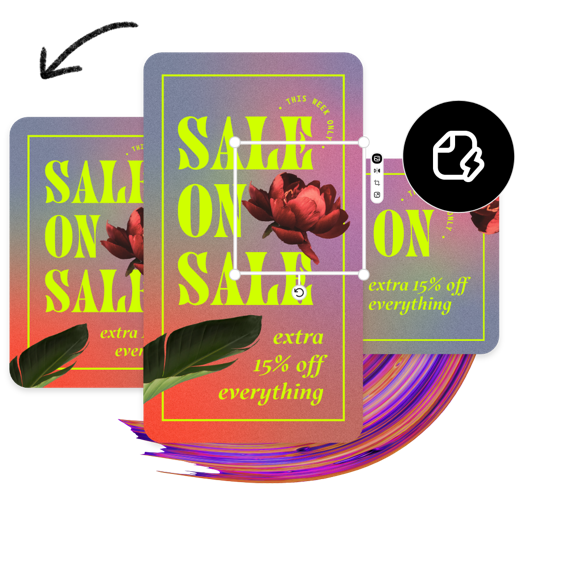
Personalize your WhatsApp sticker with text and icons.
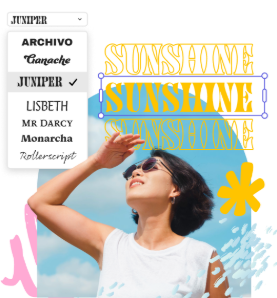
Amplify the emotion of your sticker by adding custom text or icons. Handpick the font to match the mood, and choose a color for your graphics to complement your sticker.
The world's leading businesses use Adobe Express.





Discover even more.
More reasons why Adobe Express is the right tool for your next project.
Create new WhatsApp stickers to share with friends online.

Bring your personality into the conversation with customized WhatsApp stickers made using Adobe Express. Explore premade sticker templates, or create your own from scratch. Use your own photos, images of your favorite characters, or make something one-of-a-kind. Adobe Express makes editing quick and easy so you can create personalized stickers to share instantly without missing a beat in the conversation.
Design custom WhatsApp stickers in minutes.

Let Adobe Express be your WhatsApp sticker design expert.
Create new WhatsApp stickers to share with friends online. opened
illustrator

