



Compress a JPEG for free online.
Compress JPEG images online for free. Reduce your JPG file size with Adobe Express.
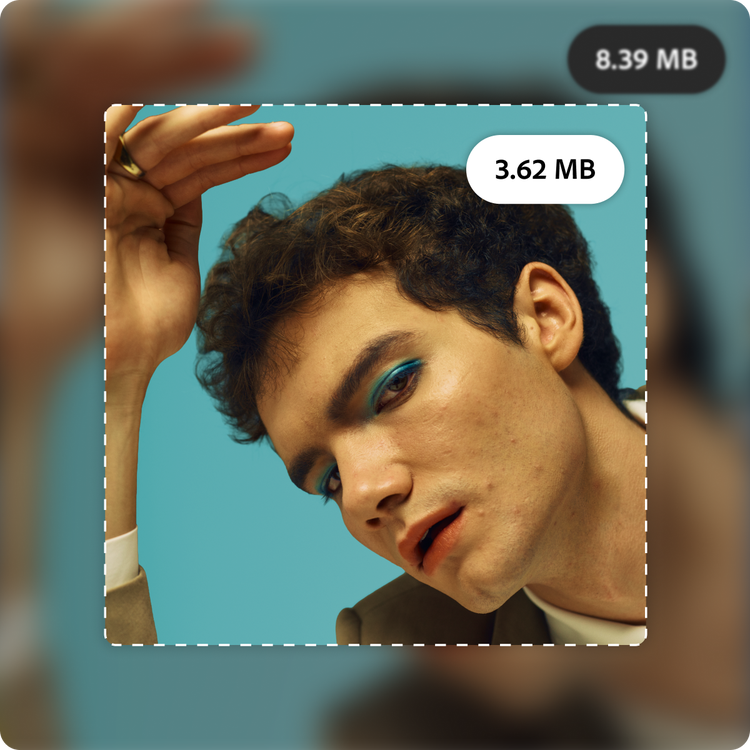
Drag and drop an image
or browse to upload.
File must be JPEG, JPG or PNG and up to 40MB
 Free to useNo credit card required
By uploading your image you are agreeing to the Adobe Terms of Use and acknowledging the Privacy Policy
1. Upload.
Drag and drop your JPEG images to the image compressor. Or upload files from your device.

2. Compress.
Select the file format you’d like for the image output. Drag the slider to shrink your file size. The compressor updates in real time so you can find the perfect balance between size and quality.

3. Continue editing.
Continue editing in Adobe Express by applying filters, cropping, and more. Or download your image to share anywhere.
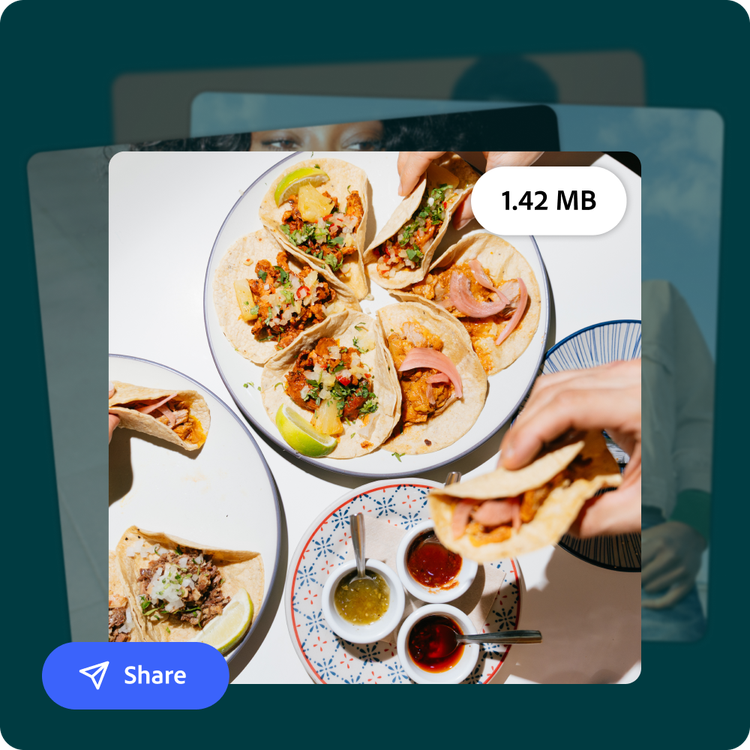
Quickly compress any JPEG.
Whether you're compressing a JPEG for your blog's homepage or shrinking vacation photos to text a group chat, you want your images ready to use right away. Upload your JPEG to the compressor, then drag the slider to pick your ideal file size.
Strike the ideal balance.
Customize the level of compression you need for your JPEG with the precise and easy-to-use slider. Compress a JPEG file to your liking to maintain the highest image quality and to save space wherever you store your files.
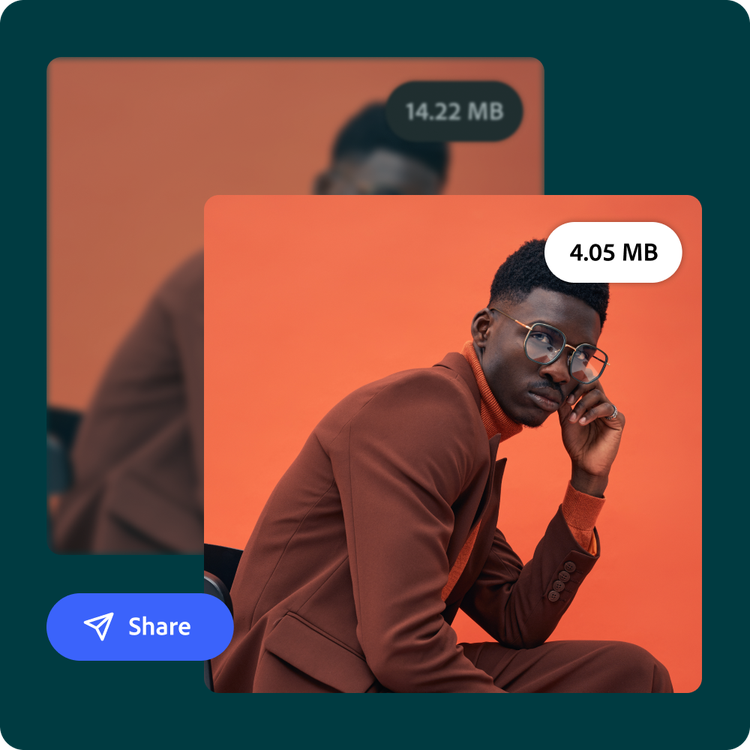
Streamline your workflow.
Streamline your workflow by compressing your JPEGs right in Adobe Express—no need to jump to another tool and back. If you're already working on an image in the Adobe Express editor, you can compress it without downloading and re-uploading first. Once it's compressed, click Open in Adobe Express to keep editing, or download the new JPEG.
Customize your photos online with the image compressor, templates, and more.
Adobe Express makes it easy to edit logos, images and more. Explore templates, filters, and editing tools to match your style. Everything you need is in one app, so you can create designs that stand out.
Frequently asked questions.
What is an image compressor?
An image compressor is a feature that reduces the file size of an image while trying to keep its visual appearance as close to the original as possible. This is done by removing unnecessary data or optimizing how the image is stored, which makes the file smaller and faster to load or share.
When should I use an image compressor?
An image compressor is useful whenever you need faster website load times, more storage space, or easier uploading, downloading, and sharing capabilities. Adobe Express can make it simple to find the right balance between file size and image quality.
What files are supported by the image compressor?
You can compress JPEG, JPG, and PNG files and choose which file output you prefer.
Will compressing an image reduce its quality?
Compression may reduce quality, especially at higher compression levels. Use the slider to adjust the compression and find a good balance between file size and visual quality.
Can I get Adobe Express for free? If so, what’s included?
Yes, Adobe Express has a free plan that includes core features like photo editing tools and effects, as well as thousands of free templates. Learn more about our plans and pricing.

