Free image uploader.
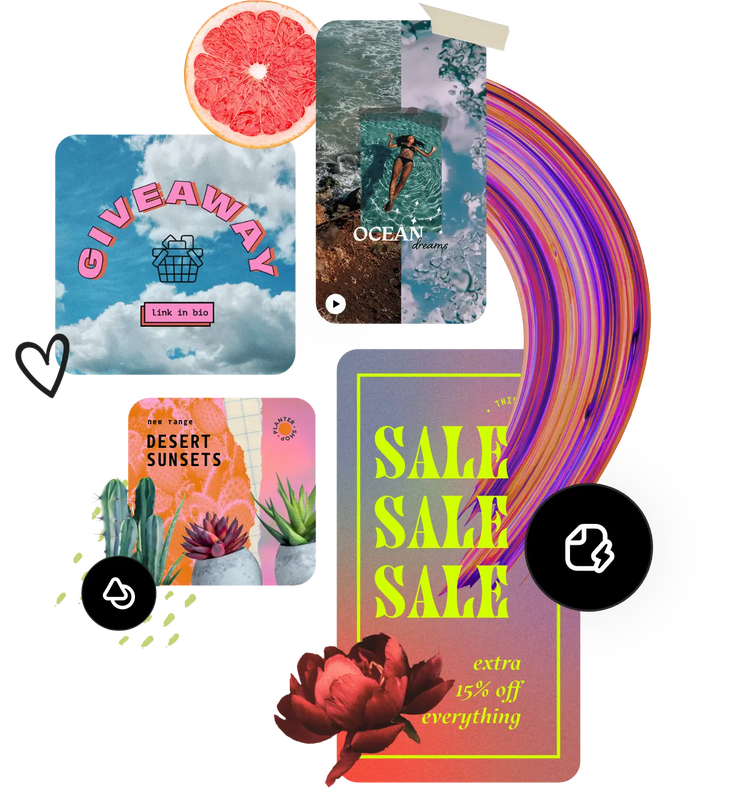
Infuse your design with eye-catching images using the Adobe Express image uploader. Just drag and drop and your photo will be uploaded and ready-to-use.
How to upload an image.

1. Select.
Upload your image to our image editing tool.

2. Edit your image.
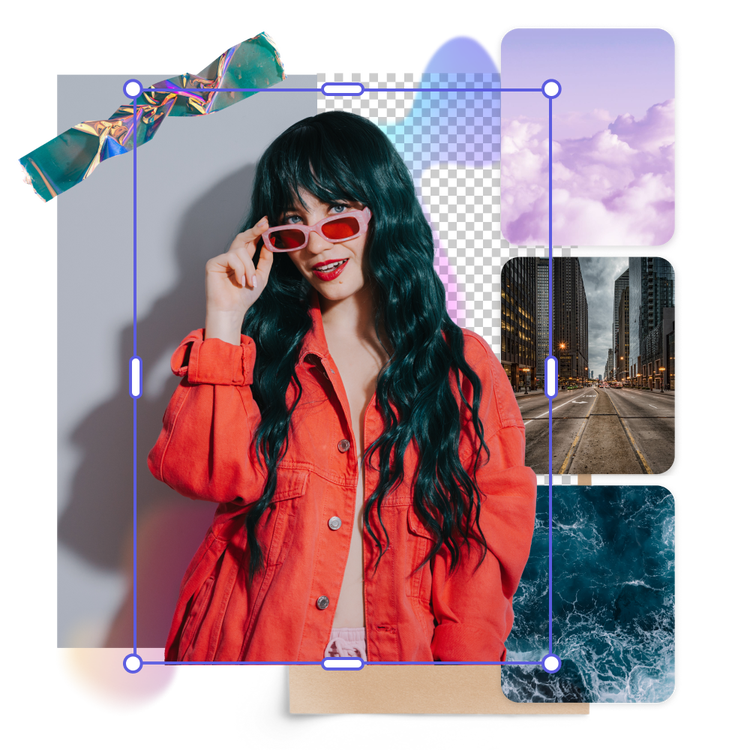
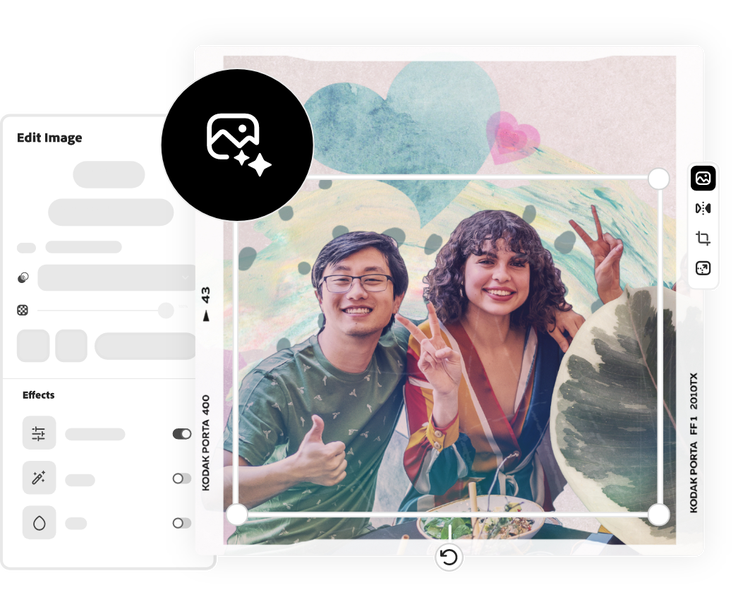
Apply filters, shadows, and animations to your photo. Allow AI tools to transform your image by removing backgrounds, inserting objects, or generating similar images.

3. Continue editing.
Instantly download your updated image or keep editing.
Enhance images online for free.
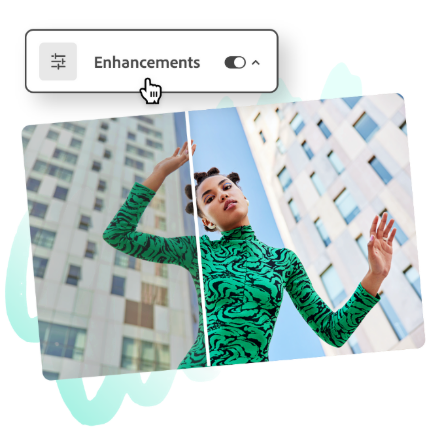
Once your photo is uploaded you can use the wide range of editing tools available in Adobe Express. Apply a black and white filter for an artistic touch or a pink tone to match a cheery mood. Then make your photos really stand out with easy-to-use animations. Now you have more control over the quality of images you use in your social media posts, family photo albums, travel slideshows, and more.
Use your uploaded photo anywhere.
Uploaded photos can be added to any Adobe Express project. Add shots of signature dishes to a menu, a welcoming group shot to an event flyer, or a snap of your favorite vacation spot to a mood board. The possibilities are truly endless. To start, just drag and drop your photo into the image uploader.

Stand out with Adobe Express.
Adobe Express, the quick and easy create-anything app is your go-to for designing social posts, images, flyers, presentations, videos, and more. With powerful generative AI tools, Adobe Stock design assets, and tons of customizable templates in your back pocket, you can bring any idea to life quickly and easily. No experience needed.
Start customizing with thousands of templates and assets today.
Get inspired and save time with professionally designed templates. Adobe Express has a growing collection of templates to help you create standout designs on any channel, any device.