https://main--da-cc--adobecom.aem.page/cc-shared/assets/img/firefly.svg Adobe Firefly

Design a room with Adobe Firefly for free.
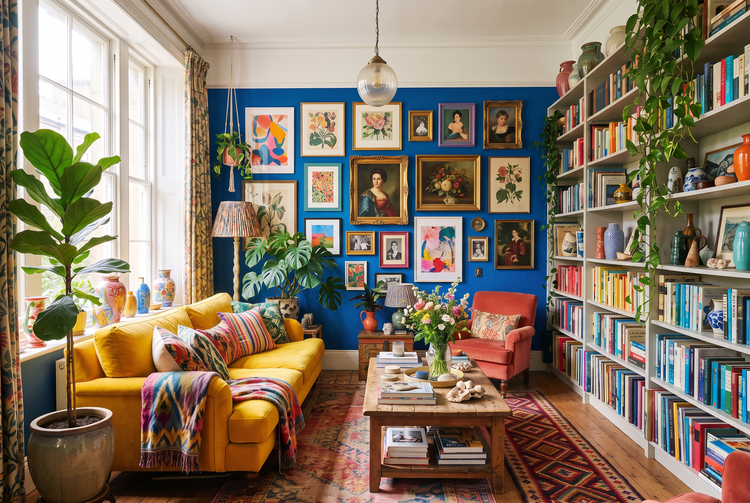
Describe your dream room, and Adobe Firefly will generate a room design you can refine and share. Home design artificial intelligence turns a few words into a visual plan for any room in your home.
- image
- Describe a subject, an action, a place, a mood, or a style.
- Adobe Generative AI Terms
- https://main--cc--adobecom.aem.live/creativecloud/animation/testdoc/unity/generate.svg Generate
- Describe the room you want to design
- Prompt
- Tip
- Unable to process the request
- Please describe what you want to generate.
- Prompt exceeds the max length of 750 characters
- aiDesignMyRoom


{{nbsp}}
Explore room designs that fit your style.
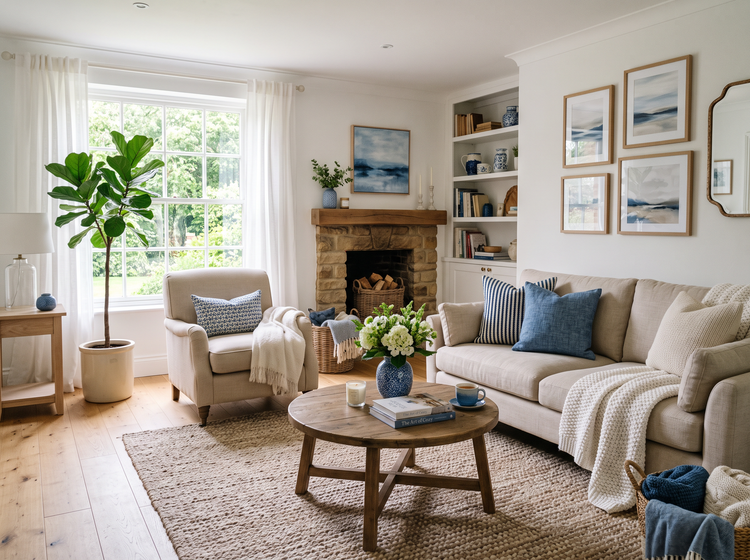
Adobe Firefly works as an AI room generator, turning a written description into a room design for free. Adjust the style, furniture, and colors until the design matches your space and style.
Bring your room design to life.
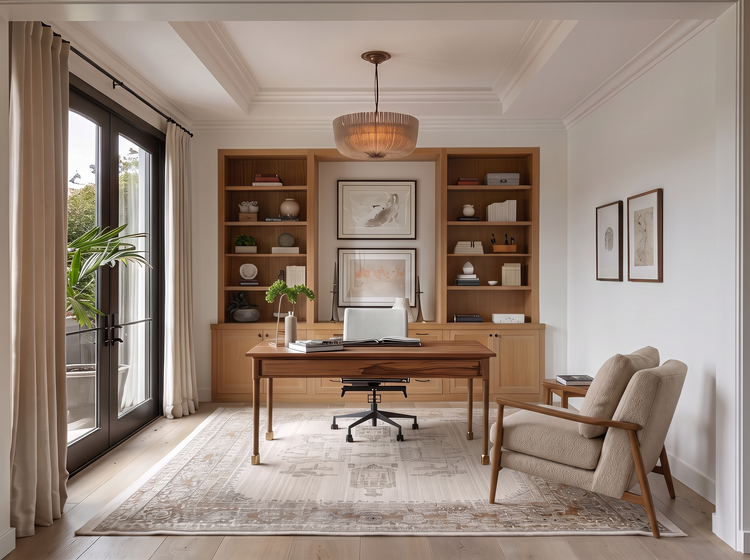
Describe the room type, furniture, color palette, and mood. Whether you’re picturing a cozy bedroom, a bright home office, or an open kitchen, Firefly will translate your words into a unique room design.
Compare room designs.
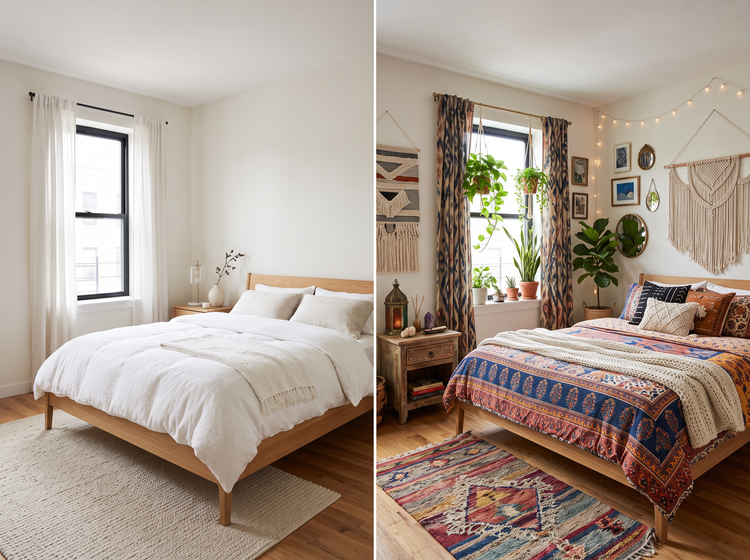
Generate several concepts from one prompt and weigh your options. Set a minimalist layout beside a warm bohemian design, or test different color palettes and furniture arrangements, then choose the look that suits your home.
Perfect the design details.
Found a direction you like? Open your image in the Edit studio in Firefly to adjust color, refine details, and sharpen the look so your room design is ready to show off.
How to design your room with AI in Adobe Firefly.
Step 1
Open the Generate Image studio in Adobe Firefly.
Step 2
Describe the room you want to design.
Step 3
Choose your AI model in the model dropdown menu.
Step 4
Generate and compare your room designs.
Step 5
Refine and finalize your room design.
- How to design your room with AI in Adobe Firefly.
- Steps to design a room using Adobe Firefly.
- PT4M
- firefly
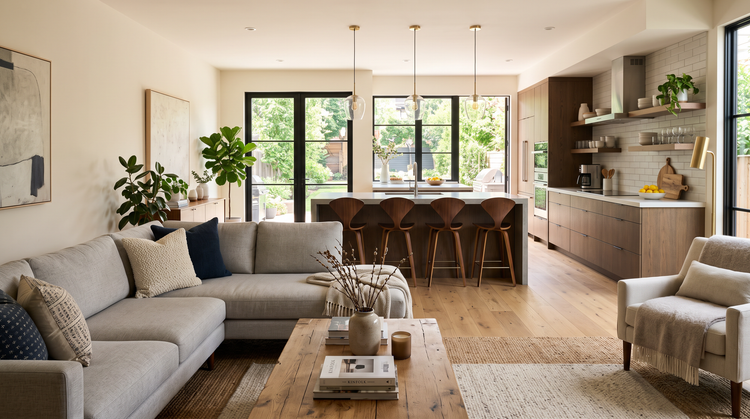
Precise creative control
Specify the layout, furniture, palette, and lighting you have in mind, then revise your prompt and generate again as your plan takes shape.
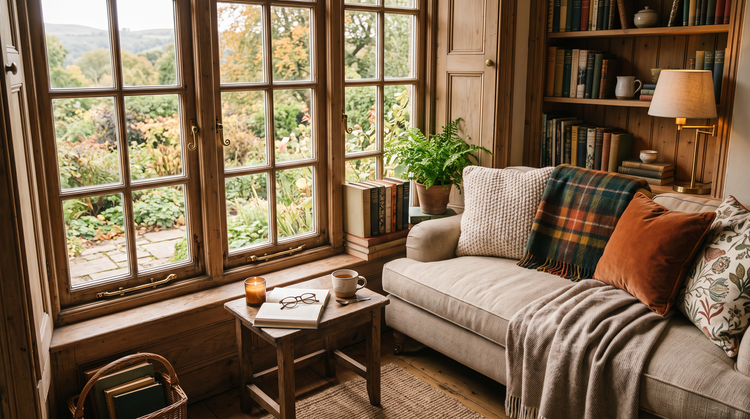
Top AI models, all in one place
Firefly brings together its own models and top partner models like Gemini (with Nano Banana), GPT Image, and FLUX in a single creative studio. Compare how each one renders furniture, textures, and light, then keep the room design that suits your home.
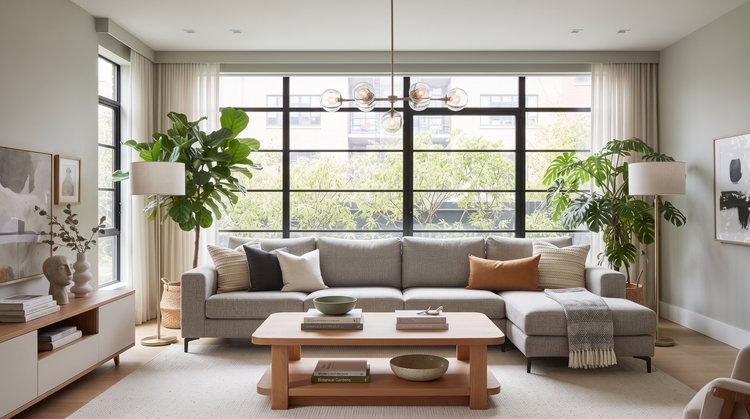
Your complete creative studio
One studio takes you from a first prompt to a finished room design. Generate concepts, refine them with precision tools, and explore new directions all in Firefly.

Built for creators
Plan at your own speed. Try a new wall color, swap a rug for a different texture, or adjust the mood, and stay focused on the room you picture.