Start in Adobe Express for free and build a polished presentation in minutes. Import your existing slides or PowerPoint files, or browse hundreds of professionally designed templates. Customize layouts, add images, and download as a Microsoft PowerPoint or PDF when you're done.
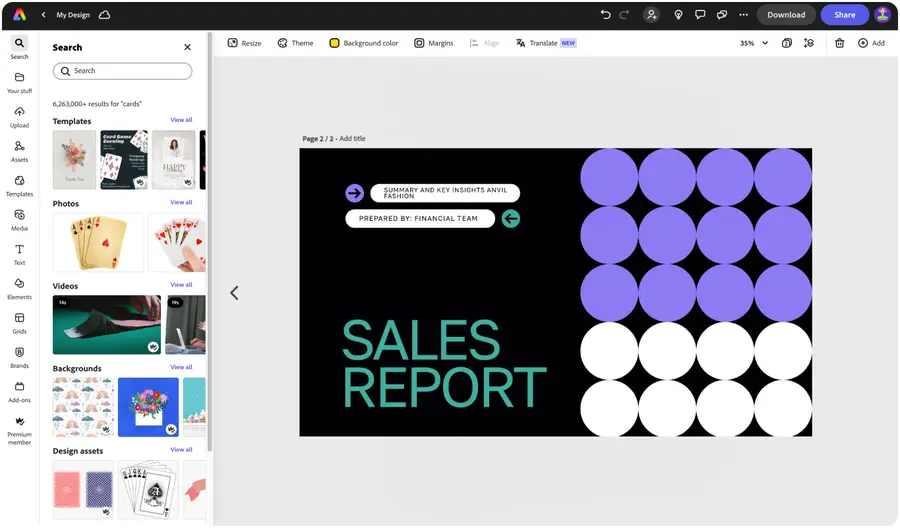
Make captivating presentations with Adobe Express.
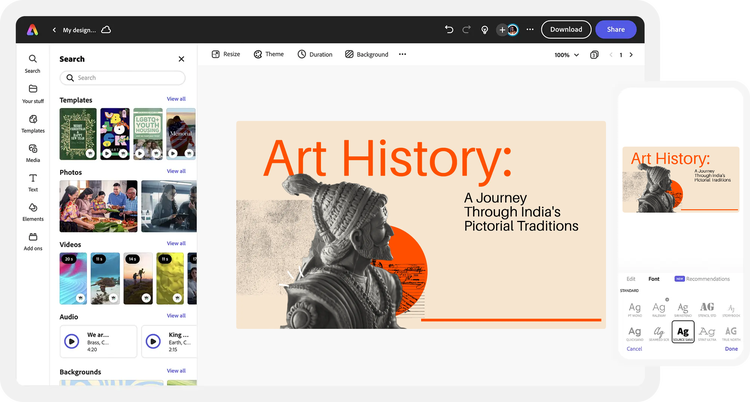
Whether you're pitching to investors, presenting at a conference, or teaching a class, Adobe Express helps you create stunning presentations that look polished even on a tight timeline. Design and personalize slides using thousands of professional templates, then download as a Microsoft PowerPoint (.pptx) or PDF, or present directly from Adobe Express.
Add your own photos, videos, or existing Microsoft PowerPoint (.pptx) files and start your presentation from there. You can also import PSD or Ai files and Adobe Express will recognize all of your layers.
Launch Adobe Express for free on your desktop or mobile device. Drag and drop your existing Microsoft PowerPoint file into the presentation maker, or start fresh from a template.
Explore presentation templates.
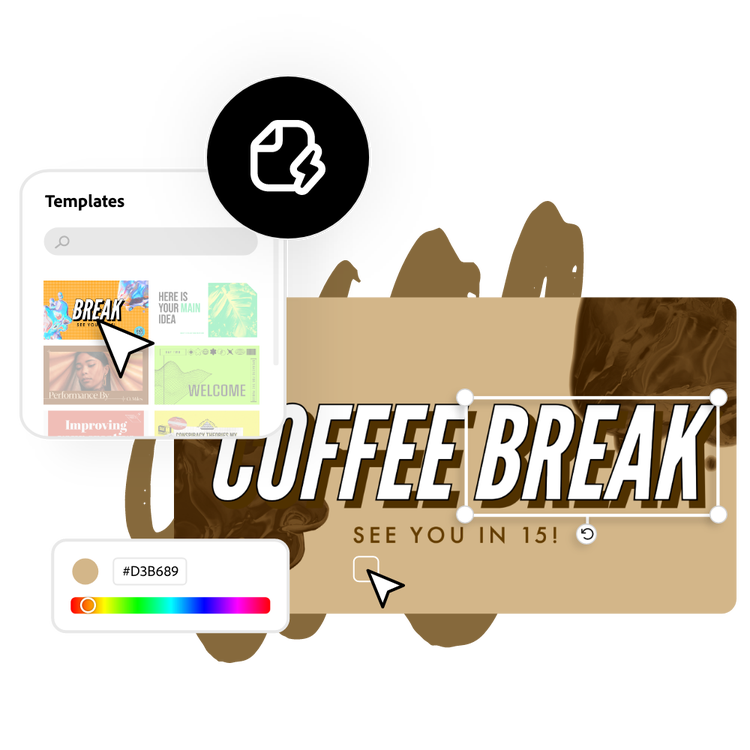
If you don’t have slides to import, browse through our library of standout presentation templates. Search by presentation type, niche, hobby, or aesthetic as your starting point. Or, start your project from scratch.
Customize with icons, graphics, and more.
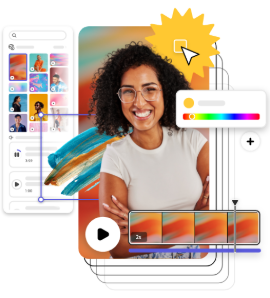
Drag and drop tons of Adobe Stock images, graphics, icons, and so much more to your presentation. Add in your favorite color schemes or use the Color Theme tool to experiment with curated color combinations in your presentation design.
Stand out with easy-to-use generative AI design tools.
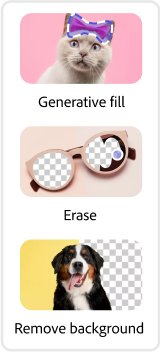
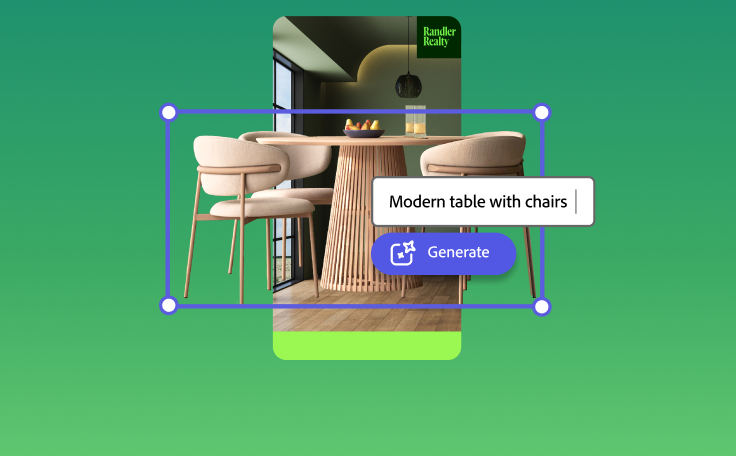
Make your slides stand out with generative AI tools built into Adobe Express. Use Generate Text Effect to give your titles a unique, hand-crafted look, or generate professional-quality images from a text prompt with the Generate Image tool. Simply describe what you want and watch it come to life.
Download and share your presentation.
Before wrapping up, invite others to view, edit, and leave comments on your presentation. When you're finished, download as a Microsoft PowerPoint or PDF and share it anywhere, or present directly from Adobe Express.
See what people are saying about Adobe Express.

Abs Ahlijah
Marketing & Content Coordinator @ Soul Session
"As a marketer who is always on the move. Adobe Express helps me to create fast, high quality content. Absolute endless features to enhance my creativity!"

Liz Mosley
Owner, Liz Mosley Design
"I use Adobe Express to create and schedule a lot of my own content, and by creating templates for my own brand I have saved my self hours marketing my business!”

Penuel Stanley-Zebulon
Student @ Pennsylvania State University
"The remove background image tool in Adobe Express saved me hours of tedious editing, effortlessly removing backgrounds and refining my images with just a few clicks."

Attabeira German de Turowski
Owner, Attabeira Oneline
"I use Express Premium for my social media efforts and Content Scheduler has helped me grow my following through consistent posting."
Mike Nappi
Owner, NappiMusic
"I'm all in on Adobe Express. Premium makes it easy for me to maintain a cohesive look and feel for my brand."
Discover even more features for easy content creation.

Create a custom presentation in minutes.
Adobe Express helps you bring ideas to life effortlessly. Explore thousands of presentation templates to get inspired, then make them your own with brand colors, fonts, logos, and layouts. Add charts, icons, and infographics to present information clearly and impress your audience every time.
Add visuals that capture attention.
Make your slides stand out with visuals that match your message. Upload your own photos or browse Adobe Stock’s library of high-quality images, icons, and graphics. Customize effects, backgrounds, and filters to design slides that look professional and stay memorable.

Work together seamlessly.
Invite teammates, classmates, or collaborators to edit and refine your presentation in real time. Share feedback, adjust layouts, and finalize slides together all within Adobe Express. Collaborating on visual storytelling has never been faster or easier.

Share or present anywhere.
Download your finished presentation as a PDF, JPG, or PowerPoint (.pptx) file, or present directly from Adobe Express. You can also open your downloaded .pptx file in Google Slides for further editing or sharing within Google Workspace. Wherever your audience is, your presentation will look professional on every screen.
Can I download my presentation as a Microsoft PowerPoint file?
Yes. Any presentation created in Adobe Express can be downloaded as a Microsoft PowerPoint (.pptx) file. This makes it easy to share with colleagues, continue editing in PowerPoint, or open in Google Slides.
Can I use Adobe Express instead of Microsoft PowerPoint or Google Slides?
Yes. Adobe Express is a free alternative to Microsoft PowerPoint and Google Slides for creating visually polished presentations. You can design your slides in Adobe Express, then export as a Microsoft PowerPoint file to open in either PowerPoint or Google Slides — giving you the flexibility to work wherever you need to.
Does Adobe Express have AI tools for making presentations?
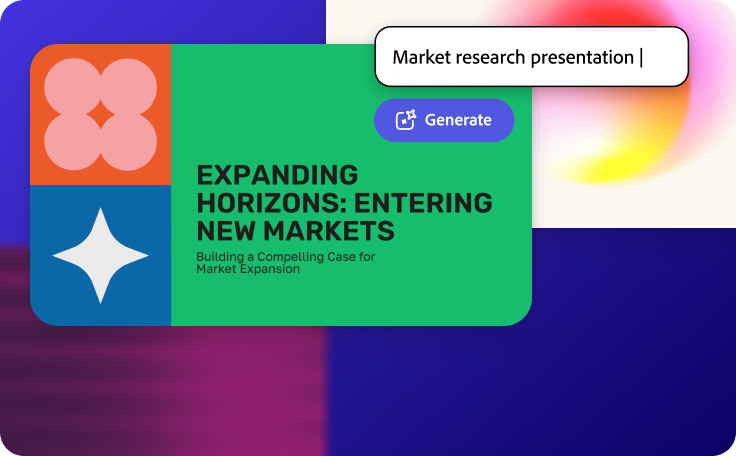
Yes. Adobe Express includes an AI presentation generator that creates a complete slide deck from a text prompt or uploaded file. You can access it directly from the presentation maker. The page also includes other AI tools like Generate Image and Generate Text Effects to enhance individual slides.
Can I create my own presentation template?
Any new or existing project can be turned into a shareable template. To turn your presentation into a template, click on the three-dot menu at the left of the Download button and follow the steps to turn your design into a template.
Can I get Adobe Express for free? If so, what’s included?
Yes, Adobe Express has a free plan that includes core features like photo editing tools and effects and thousands of free templates. Learn more about our plans and pricing.
Can I download my presentation as a Microsoft PowerPoint file? opened
You can control how Adobe websites use cookies and similar technologies by making choices below. But note that if you disable cookies and similar technologies entirely, Adobe websites may not function properly.
Cookies are small text files stored by your web browser when you use websites. There are also other technologies that can be used for similar purposes like HTML5 Local Storage and local shared objects, web beacons, and embedded scripts. These technologies help us do things like remembering you and your preferences when you return to our sites, measure how you use the website, conduct market research, and gather information about the ads you see and interact with.
You can make choices in the menu below about what cookies and other technologies you want us to use on Adobe sites when you visit them from this browser. You can always change those choices later by clicking on the Cookie Preferences link at the bottom of the page.
If enabled:
We can improve your experience by tailoring the site and the content to things we think might be of interest
We can better keep track of your preferences — like what language you prefer to use
We will better understand your likely interests so we can provide you more relevant Adobe ads and content on non-Adobe websites and in non-Adobe apps
It will help us improve the performance of our website and those of our partners who use the Adobe Experience Cloud
If disabled:
We won’t be able to remember you from session to session so the experience may not be tailored to your interests
You’ll still have access to the content of the site but certain features that depend on cookies may not function
You’ll still see ads, they just may not be as relevant to you
General information
You can control how Adobe websites use cookies and similar technologies by making choices below. But note that if you disable cookies and similar technologies entirely, Adobe websites may not function properly.
Cookies are small text files stored by your web browser when you use websites. There are also other technologies that can be used for similar purposes like HTML5 Local Storage, web beacons, and embedded scripts. These technologies help us do things like remembering you and your preferences when you return to our sites, measure how you use the website, conduct market research, and gather information about the ads you see and interact with.
You can make choices in the menu below about what cookies and other technologies you want us to use on Adobe sites when you visit them from this browser. You can always change those choices later by clicking on the Cookie Preferences link at the bottom of the page.
If enabled:
We can improve your experience by tailoring the site and the content to things we think might be of interest
We can better keep track of your preferences — like what language you prefer to use
We will better understand your likely interests so we can provide you more relevant Adobe ads and content on non-Adobe websites and in non-Adobe apps
It will help us improve the performance of our website and those of our partners who use the Adobe Experience Cloud
If disabled:
We won’t be able to remember you from session to session so the experience may not be tailored to your interests
We’ll still count your use of our site and services
You’ll still have access to the content of the site but certain features that depend on cookies may not function
You’ll still see ads, they just may not be as relevant to you
Operate the site and core servicesOperate site and measure engagement
Always active
These cookies are required, and they are used to enable the site and related services core functionality. Without them the site could not operate, so they cannot be disabled.
These cookies enable the site and related services’ core functionality and collect statistics about user engagement, such as counting active use to help us understand trends. These cookies cannot be disabled.
Measure performance
These cookies are used to analyze site usage to measure and improve performance. Without them Adobe cannot know what content is most valued and how often unique visitors return to the site, making it hard to improve information we offer to you.
These cookies are used to analyze site usage to measure and improve performance. Without them Adobe cannot know what content is most valued, making it hard to improve information we offer to you.
Extend functionality
These cookies are used to enhance the functionality of Adobe sites such as remembering your settings and preferences to deliver a personalized experience; for example, your username, your repeated visits, preferred language, your country, or any other saved preference.
Personalize advertising
These cookies are used to enable Adobe and our partners to serve ads more relevant to your interests. Without them you will still see ads, but they might not be as relevant to you.