
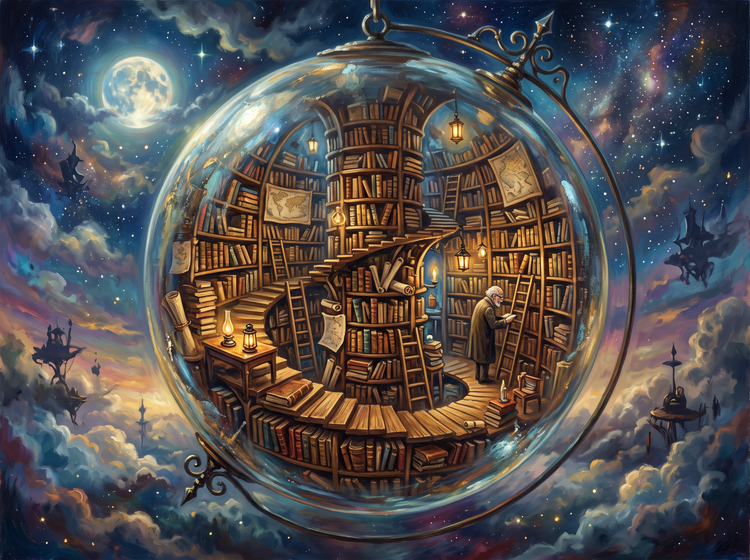
Explore Christmas collage wallpaper styles.
Use Firefly and partner models to generate a few Christmas collages to choose from. Then, pick the one you like best, refine it with precision edits, and apply it straight to your desktop.



Adobe Firefly makes it easy to create a free Christmas collage wallpaper that mixes ornaments, string lights, and festive photos into one holiday scene.
Alert Text

Whether you want a cozy patchwork of ornaments and pine branches for a single monitor or a festive collage of favorite photos from holidays past that stretches across two screens, just describe the scene, and Adobe Firefly will generate a free, ready-to-use Christmas collage wallpaper.
Use Firefly and partner models to generate a few Christmas collages to choose from. Then, pick the one you like best, refine it with precision edits, and apply it straight to your desktop.


Use the image upscaler and AI image expander to extend your Christmas collage wallpaper across any device. Pick a new aspect ratio, such as a standard widescreen display or a vertical phone display, so your collage stays sharp at the size you need.
Describe the ornaments, colors, textures, or lighting that make up your ideal holiday collage, then use precision tools to adjust.

To get started, log in to Adobe Firefly with your Adobe ID or create a free account, then select Generate Image from the home screen.
Type a detailed prompt naming the holiday elements, palette, and style you want. Try something like "a cozy collage of ornaments, plaid ribbon, and pine branches in red and green" or "a patchwork of twinkling string lights and snowflakes, warm gold tones, festive mood."
Select an aspect ratio for your monitor and apply style options to refine the color balance and texture. Upload a reference image to anchor the look if you already have one in mind. Style settings are available on Firefly Image 3 and Firefly Image 4.
Review your results and refine them if needed by adjusting your prompt to shift the scene or palette.
Download your wallpaper as a high-resolution PNG. Click the Share button to copy your image.
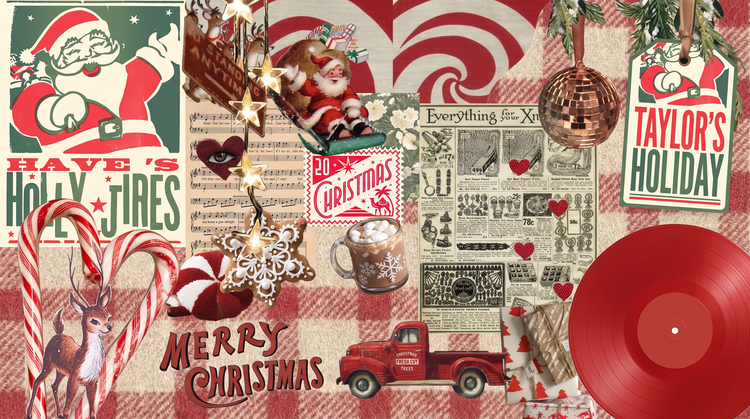
Every Christmas collage wallpaper starts with a look you choose. Describe the ornaments, ribbons, lights, or patterns that make up your ideal holiday scene, then use precision tools to adjust.

Adobe Firefly brings together its own models and top partner models from Google, OpenAI, FLUX, and more, all inside one creative studio. Switch between models in the model dropdown menu to compare results, then refine your favorite with precision tools.

One studio carries you from a first prompt to a finished Christmas collage. Generate, refine with precision tools, and iterate, all in Adobe Firefly.

Move quickly with tools built for real workflows. Adjust colors, crop and resize, and fine-tune small details without slowing down. Adobe Firefly adapts based on how you like to work, from quick one-click fixes to precisely dialing in the smallest holiday detail.
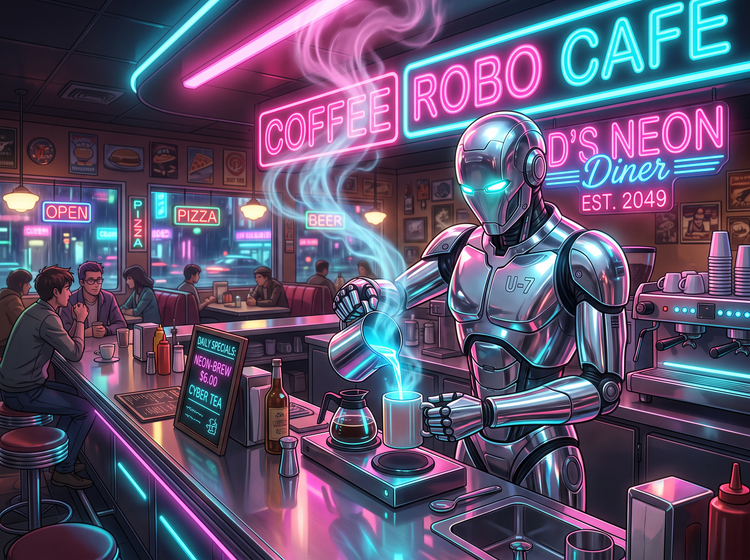
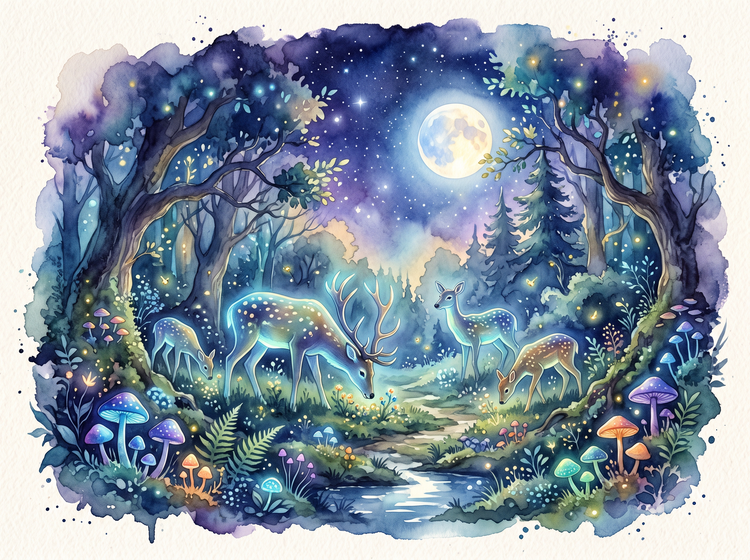
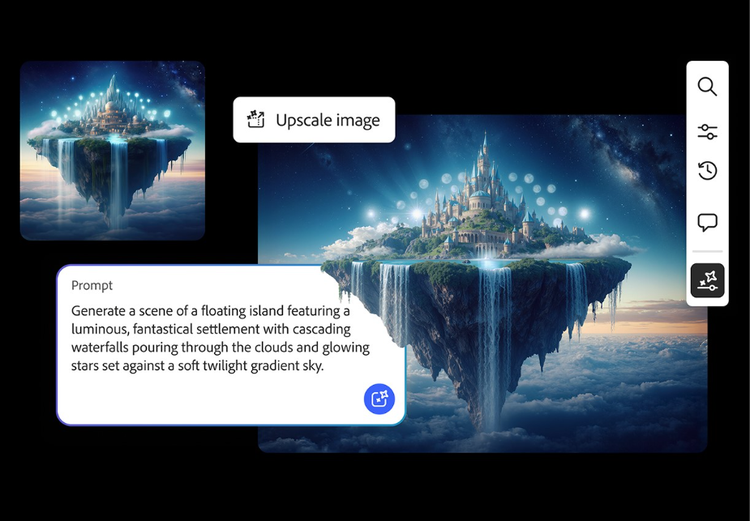
From realistic product photos for e-commerce to abstract art shared on social media, generative AI is transforming the way images are imagined, created, and customized. See what's possible with the Adobe Firefly AI image generator examples below.

There's an art to crafting the perfect image prompt. Browse AI image prompt examples alongside their AI-generated results to see how specific language shapes visuals with Adobe Firefly.
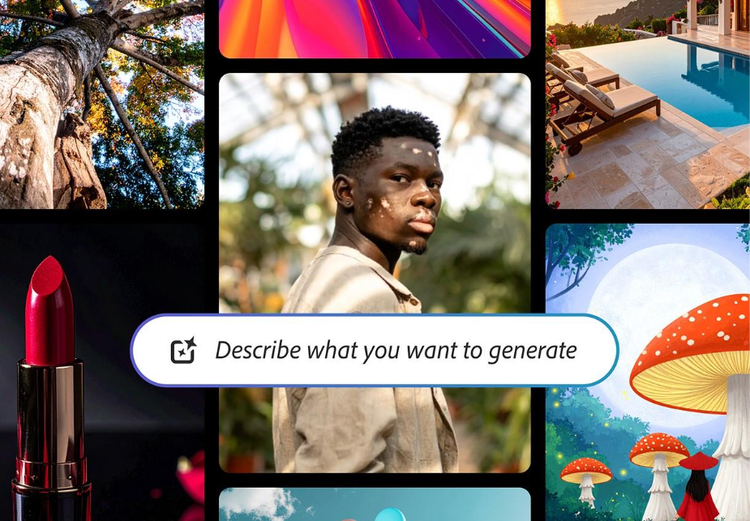
From the way we explore ideas to the way we bring concepts to life, generative AI is transforming creative work. Explore generative AI examples of visuals, video, and sound created with Adobe Firefly.
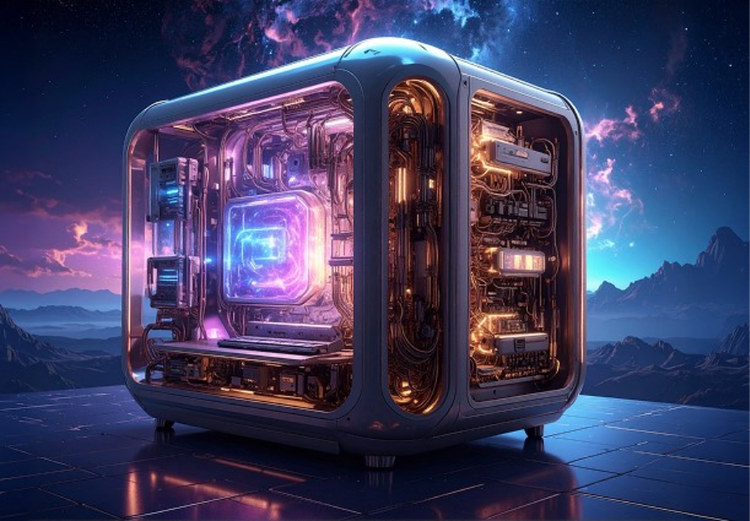
Generative AI is all over the headlines, and that's not empty hype. This new technology is likely to be part of your life soon. Learn how generative AI works and start streamlining your workflow.


