Using a limited color palette, ideally around three to five colors, helps make your card design look more cohesive. When picking colors, make sure they resonate with the card’s theme. For example, when making sympathy cards, stick to dark or muted colors to create a formal look.
Your border design will depend on the type of card you’ll be making. For example, simple cards can benefit from simple edges, while playful cards work well with patterned or colorful borders.
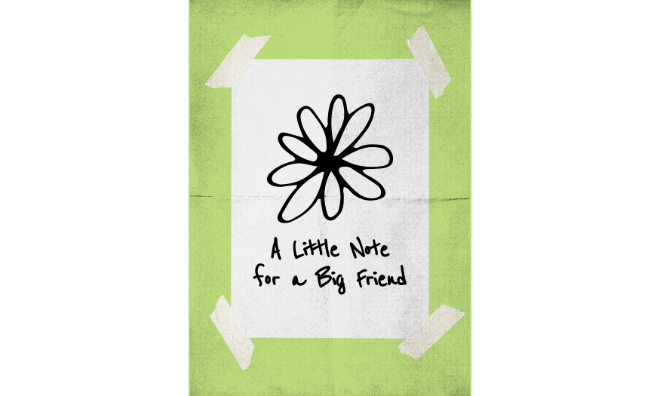
Make a statement with your card by featuring a small yet impactful graphic.
Say you want to use a single image or detailed pattern for your card’s front page. How can you design it so that your text overlay is easily visible? One way to go about this is to apply contrast. Create a shape like a rectangle, for example, that goes over your image. Make sure that the shape’s color is darker than the background image. Adjust the transparency so that it doesn’t fully cover the image. For example, if you use black for the shape, then your text overlay should be in white for maximum visibility.
As one of the basic design principles, white space allows your audience to process information more effectively. When applied to cards, it helps make your visual elements (text and images) more readable while allowing you to put the focus on your card’s key elements. For example, if you have several design elements on your card, applying white space lets you separate these elements and gives you a cleaner design. When done right, a simple card, whether it’s a physical or digital one, with ample white space can easily stand out and convey any message more effectively.